manuals.online logo
Brands
  1. Home
  2. •
  3. Brands
  4. •
  5. Sony
  6. •
  7. Receiver
  8. •
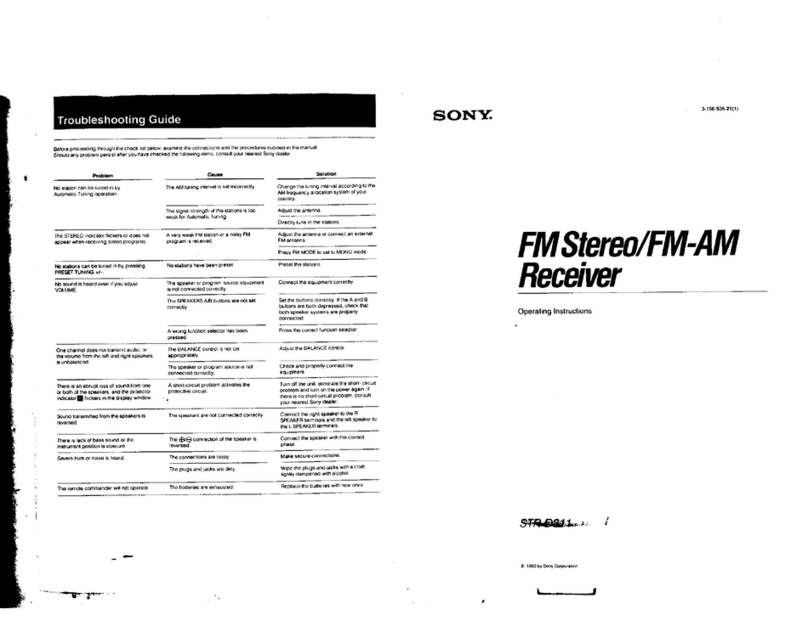
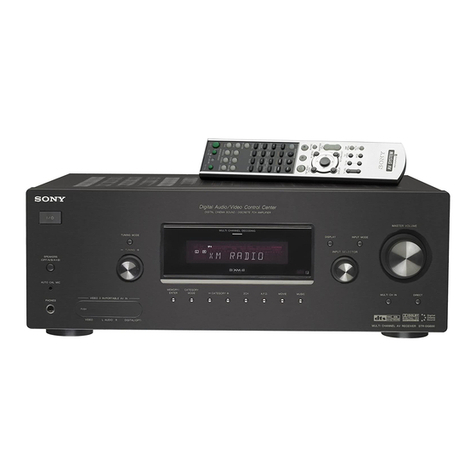
  9. Sony HT-DDW840 - Fm Stereo / Fm-am Receiver User manual

Sony HT-DDW840 - Fm Stereo / Fm-am Receiver User manual

Other manuals for HT-DDW840 - Fm Stereo / Fm-am Receiver

2

This manual suits for next models

1

Other Sony Receiver manuals

Sony STR-DA5300ES - Multi Channel Av Receiver User manual

Sony

Sony STR-DA5300ES - Multi Channel Av Receiver User manual

Sony XLR-1 User manual

Sony

Sony XLR-1 User manual

Sony STR-AV1000 User manual

Sony

Sony STR-AV1000 User manual

Sony STR-DE495 User manual

Sony

Sony STR-DE495 User manual

Sony PSP-N440 User manual

Sony

Sony PSP-N440 User manual

Sony STR-DA3500ES User manual

Sony

Sony STR-DA3500ES User manual

Sony AC-U50AG User manual

Sony

Sony AC-U50AG User manual

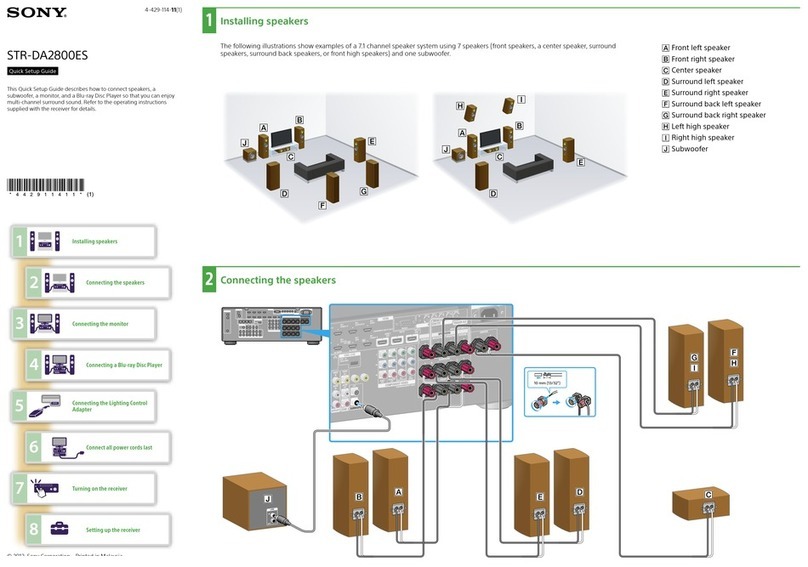
Sony STR-DA2800ES User manual

Sony

Sony STR-DA2800ES User manual

Sony DMX-NV1  (For DMX-NV1 model bundled with KDLxxWL140... User manual

Sony

Sony DMX-NV1 (For DMX-NV1 model bundled with KDLxxWL140... User manual

Sony STR-DA5500ES User manual

Sony

Sony STR-DA5500ES User manual

Sony HCD-EC70  (MHC-EC70 Mini Hi-Fi System) User manual

Sony

Sony HCD-EC70 (MHC-EC70 Mini Hi-Fi System) User manual

Sony MSAC-SR1 User manual

Sony

Sony MSAC-SR1 User manual

Sony SZ05A User manual

Sony

Sony SZ05A User manual

Sony STR-DA3400ES User manual

Sony

Sony STR-DA3400ES User manual

Sony HBD-TZ140 User manual

Sony

Sony HBD-TZ140 User manual

Sony STR-DH540 User manual

Sony

Sony STR-DH540 User manual

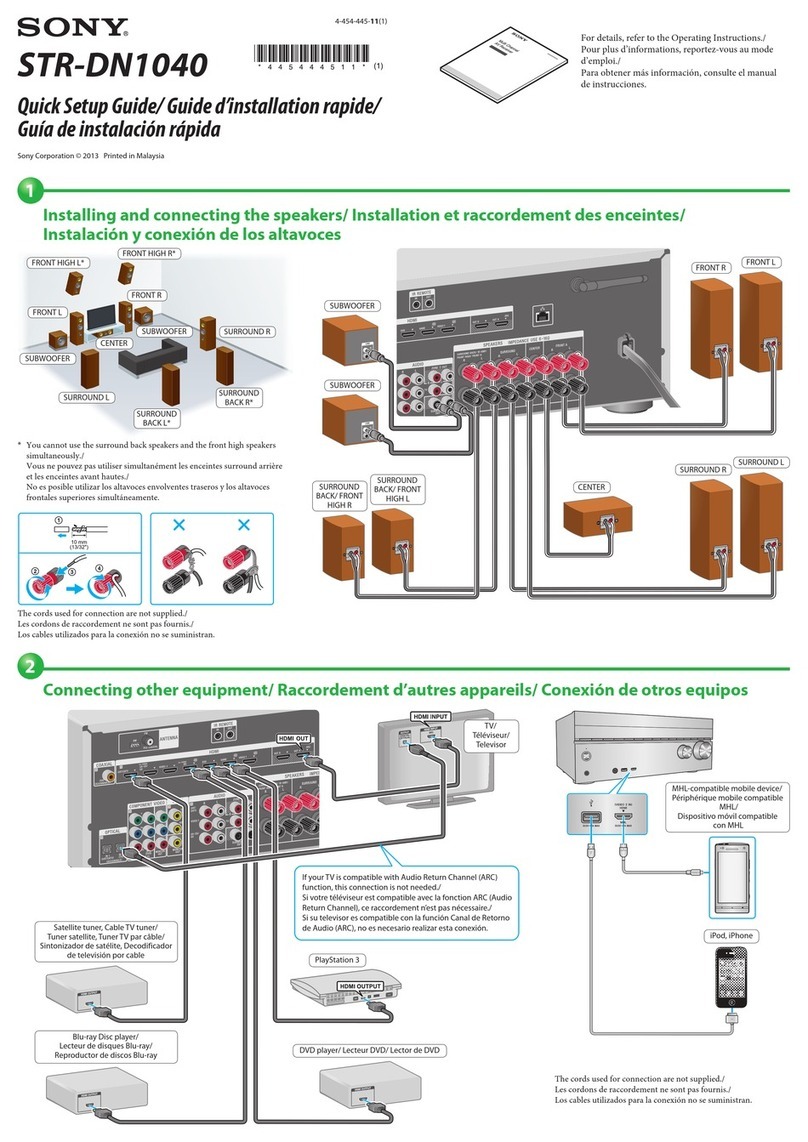
Sony STR-DN1040  Guide User manual

Sony

Sony STR-DN1040 Guide User manual

Sony STR-DN1050 User manual

Sony

Sony STR-DN1050 User manual

Sony HCD-HPX7 User manual

Sony

Sony HCD-HPX7 User manual

Sony BKM-256DD User manual

Sony

Sony BKM-256DD User manual

Sony STR-DN1040  Guide User manual

Sony

Sony STR-DN1040 Guide User manual

Sony STR-DE695 - Fm Stereo/fm-am Receiver User manual

Sony

Sony STR-DE695 - Fm Stereo/fm-am Receiver User manual

Sony FA-WRR1 User manual

Sony

Sony FA-WRR1 User manual

Sony STR-DE197 User manual

Sony

Sony STR-DE197 User manual

Popular Receiver manuals by other brands

Televes ZAS HD SAT user manual

Televes

Televes ZAS HD SAT user manual

Realistic DX-75 Operating and service instructions

Realistic

Realistic DX-75 Operating and service instructions

Saris 4620 Assembly instructions

Saris

Saris 4620 Assembly instructions

Mini DTR 206C PVR user manual

Mini

Mini DTR 206C PVR user manual

RF Elements TwistPort manual

RF Elements

RF Elements TwistPort manual

Denon DN-200WS user guide

Denon

Denon DN-200WS user guide

Yamaha RX-V467 owner's manual

Yamaha

Yamaha RX-V467 owner's manual

Russound SaphIR 858 instruction manual

Russound

Russound SaphIR 858 instruction manual

Quasonix RDMS Firmware update procedure

Quasonix

Quasonix RDMS Firmware update procedure

Pioneer XV-HTD1 Service manual

Pioneer

Pioneer XV-HTD1 Service manual

ATZ HDMI-V2-44HE150 manual

ATZ

ATZ HDMI-V2-44HE150 manual

Grundig STR 7122 TWIN Service manual

Grundig

Grundig STR 7122 TWIN Service manual

Creative Blaster Modem user guide

Creative

Creative Blaster Modem user guide

Panduit ATLONA AT-OME-RX11 installation guide

Panduit

Panduit ATLONA AT-OME-RX11 installation guide

VOLTCRAFT UTPS-40 operating instructions

VOLTCRAFT

VOLTCRAFT UTPS-40 operating instructions

JVC KW-ADV794 instructions

JVC

JVC KW-ADV794 instructions

Litelink VT-1001 operating instructions

Litelink

Litelink VT-1001 operating instructions

Sangean WR-11 Service manual

Sangean

Sangean WR-11 Service manual

manuals.online logo
manuals.online logoBrands
  • About & Mission
  • Contact us
  • Privacy Policy
  • Terms and Conditions

Copyright 2025 Manuals.Online. All Rights Reserved.

SONY, 4-2,,-377-,2/21
FM Stereo
FM.AM Receiver
Operating Instructions
Owner's Record
The mode) and serial numbers are located on tile vzar panel. Record the Selia) number
il! lbe space provided below. Refer lo them whenever you call upon your Sony dealer
regarding this product.
Model No. HT-DDW840/DDW740 Serial No.
HT-DDW840
HT-DDW740
© 2002 Sony Corporation
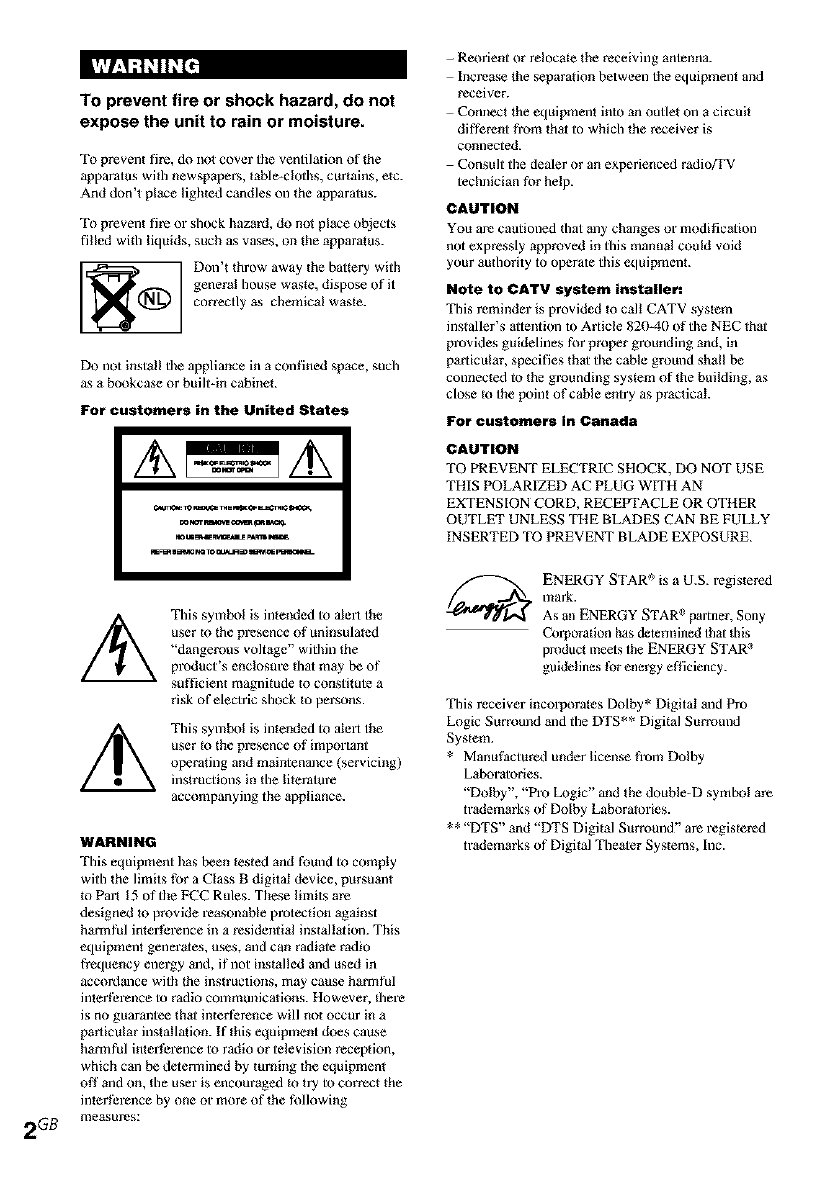
To prevent fire or shock hazard, do not
expose the unit to rain or moisture.
To prevent fire, do nol cover the ventilation of the
apparatus with newspepers, table-cloths, curtains, etc.
And don't place lighted candles on the apparatus.
To prevent fin or shock hazard, do not place objects
filled wi_h liquids, such as vases, on the apparatus.
Don't throw away the battery with
general house waste, dispose of it
correctly as chemical waste.
Do not install tile appliance in a confined space, such
as a bookcase or built-in cabinet.
For customers in the United States
This symbol is inteeded to alert the
user to the presence of uninsulated
"dangerous voltage" within the
product's enclosure that may be of
sufficient magnitude to constitute a
risk of electric shock Io persons.
This symbol is intended to alelt the
user _othe presence of important
operating and maintenance (servicfilg)
instructions in the lilerature
accompanying tile appliance.
WARNING
This equipment has been tested and found to comply
with the limits for a Class B digital device, pursuant
_oPart 15 of the FCC Rules. These limits are
designed to provide reasonable protection against
harmful interference in a residential installation. This
equipment generates, uses, and can radiate radio
frequency energy and, if not installed and used in
accordance with _he instructions, may cause harmful
interthrence to radio communications. However, lhere
is no guarantee that interference will not occur in a
particular installation. If this equipment does cause
harmful interference to radio or television reception,
which can be determined by turning the equipment
Off and on, the user is encouraged to try to correct _he
interthl_nce by one or more of the following
2GB measures:
- Reorient or relocate the receiving antenna.
Increase lhe separation between the equipment and
receiver.
Conner the equipment into an outlet on a circuit
different from that to which the receiver is
connected.
Consult the dealer or an experienced radioffV
technician for help.
CAUTION
You are cautioned that ally changes or modification
not expressly approved in this manual could void
your authority to operate this equipmenk
Note to CATV system installer:
This reminder is provided _o call CATV syslem
installer's attention to Article 820-40 of the NEC that
provides guidelines for proper grounding and, in
particular, specifies that tile cable ground shall be
connected to the grounding system of the building, as
close _o the point of cable entry as practical.
For customers in Canada
CAUTION
TO PREVENT ELECTRIC SHOCK, DO NOT USE
THIS POLARIZED AC PLUG WITH AN
EXTENSION CORD, RECEPTACLE OR OTHER
OUTLET UNLESS THE BLADES CAN BE FULLY
INSERTED TO PREVENT BLADE EXPOSURE.
ENERGY STAR _'°is a U.S. registered
mark.
As an ENERGY STAR epartner, Sony
Corporation has determined that lhis
product meets Ihe ENERGY STAR :'
guidelines for energy efficiency.
This receiver incorporales Dolby* Digital and Pro
Logic Surround and the DTS** Digital Surround
System.
* Manuthctured under license B'om Dolby
Laboratories.
"Dolby', "Pro Logic" and the double-D symbol are
tr',_lemarks of Dolby Laboratories.
** "DTS" and "DTS Digital Surround?' are registered
trademarks of Digital Theater Systems, Inc.

Main unit ............................................... 5

Hooking Up the Components
Required cords ....................................... 6
Antenna hookups ................................... 7
Audio component hookups .................... 8
Video component hookups .................... 9
Digital component hookups ................. 10
Multi channel input hookups _ ............. 11
Other hookups ..................................... 12
Hooking Up and Setting Up
the Speaker System
Speaker system hookups ..................... 13
Performing initial setup operations ..... 15
Multi channel surround setup .............. 15
Checking the connections .................... 21
Basic Operations
Selecting the component .......................
Changing the display ........................... 23
Enjoying Surround Sound
Automatically decoding the input
audio signal ................................... 24
Selecting a sound field ........................ 24
Using only the front speakers
(2 Channel Stereo) ......................... 26
Enjoying slereo sound in multi channel
(Dolby Pro Logic ll) k/................... 26
Understanding the multi channel
surround displays .......................... 27
Customizing sound fields ......................
Receiving Broadcasts
Storing FM stolons automatically
(AUTOBETICAL) _>...................... 31
Direct tuning ........................................ 31
Automatic tuning ................................. 32
Preset tuning ........................................ 32
Using the Radio Data Syslem (RDS) 2_...... 34
Other Operations
Naming preset stations and program
sources ........................................... 36
Recording ............................................ 36
Using the Sleep Timer ......................... 37
Adjustments using the SET UP
button ............................................ 37
Operations Using the Remote
RM-PP4111}
Before you use your remole ................ 39
Remote button description ................... 39
Selecting the mode of the remote ........ 42
Programming the remote ..................... 43
Operations Using the Remote
RM.U3063}
Before you use your remole ................ 46
Remote butlon description ................... 46
Changing the factory setting of a function
button ............................................ 49
Additional Information
Precautions .......................................... 50
"I_oubleshooting ................................... 50
Specifications ...................................... 53
Tables of settings using SURR,
LEVEL, SET UP, BASS and
TREBLE buttons ........................... 57
Adjustable parameters for each
sound field ..................................... 58
Li HT-DDW840 only.
21 Models of area code CEL, CEK onty.
31 HT-DDW740 only.
3CB
About This Manual
The instrucbons in this manual al_ for models
HT-DDW840 and HT-DDW74Ik Check your model
number by looking at the lower right comer of tl_e
front panel. In dfis manual, the HT-DDW840 is used
for illustration purpose mdess stated otherwise. Any
dit_rence in operation is clearly indicated in the texL
for example, "HT-DDW840 only".
The HT-DDW840 consists of:
- Receiver STR-K840P
Speaker system
• FmnI/surround speakers SS-MSP2
• Center speaker SS-CNP2
• Sub woot_r SA-WMSP4
The HT-DDW740 consists of:
- Receiver STR-K740P
Speaker system
• From/surround speakers SS-MSP2
• Center speaker SS-CNP2
• Sub woot_r SA-WMSP2
About area codes
The al_a code of lhe receiver you pUl_hased is
shown on Ihe lower portion of the rear panel (see
tl_e illustration below).
Any differences in operation, according to the
area code, ale clearly indiczted in tile text, for
example, "Models of area code AA only".
Till
The ins{ructions in this manual describe die controls
On the receiver. You can also use the conIrols on the
supplied remote if they have the same or similar
names as those on _he receiver, For details on the use
of your remote, see pages 39 -45 for RM-PP41 !
(HT-DDW840 only) and pages 46 49 for RM-U306
(HT-DDW740 only).
Note for the supplied remote
For RM-PP411 (HT-DDW840 only)
The VIDEO 3, TV/SAT, PHONO, AUX,
SOURCE, MPX/DUAL, ANALOG DIRECT,
12 and ON SCREEN buttons on the remote _we
not available.
For RM-U306 (HT-DDW740 only)
The MULTI CH button on the remote is not
available.
Demonstration Mode
The demonstration will activ3te _he filet time you
turn on lhe power. When lhe demonstration sta_s,
the following message appears in lhe display:
"NOW DEMONSTRATION MODE IF
YOU FINISH DEMONSTRATION
PLEASE PRESS POWER KEY WHILE
THIS MESSAGE APPEARS IN THE
DISPLAY THANK YOU"
TO cancel the demonstration
Press I/(_ to turn the receiver off while the above
message is being displayed. The next time you
mm the receiver on, the demonstration will not
appear.
TO view the demonstration
Hold down SET LIP and pl_sS I/_ to turn on tl_e
towel\
Notes
Running the demonstration will clear lhe
receiver's memory. For details on what will be
cleal_d, see "Clearing the receiver's memol2€"
on page 15.
There will be no sound when tl_e demonstration
mode is activaled.
YOUcannot cancel demonslration if you did not
press I/(D while the above message is being
displayed. To cancel demonstration after tl;e
above message appears, press I/(_) twice to
activate the demonstration again. Then, press
I/(D while the aNwe message is being
displzyed.
4GB
Illustration number
How to use this page
Use this page to find the location of buttons tbat NAME [] (36)
are mentioned in the text. "r '_
Name of button/part Reference page
I ALPHABETICAL ORDER
2 CIt _] (26)
A.DEC [_1 (24, 265
AM (Except for models of area
code CEL, CEK 5 [_7_](31, 32)
BASS+/ {{_ (19, 30, 57)
CD [!_ 1225
CINEMA STUDIO EX A, B, C
[_] (25)
Digital Cinema Sound (indicator)
[]2_](24)
DIMMER _.] (23)
DISPLAY [i_] (23, 34, 52)
Display EI_](235
DVD/LD I_J](22)
ENTER _2_(36)
FM (Except for models of al_a
code CEL, CEK) 1_] 131, 32)
FM/AM (Models of area code
CEL, CEK only) [_I_(31,32)
FM MODE (Models of al_a code
CEL, CEK only) _, (Except for
models of area code CEL, CEK)
[_;] (325
INPUT MODE [Ji_](22)
IR (receptor) [_1 09, 46, 52)
LEVEL [_ (!6, 20, 28, 575
MASTER VOLUME [2_ (20, 511)
MD]TAPE [!17](22)
MEMORY ]_ (31,33)
PRESET TUNING +/- (Except
for models of area code CEL,
CEK) [_] (33, 54)
PTY (models of area code CEL,
CEK only) [_] (34)
SET UP [_114, 16,37,575
StIIFr_1 035
SLEEP (HT_DDW740 only) [1.1_]
075
SURR1!_](28,57)
MENU +/- [3_ (16, 28, 36, 37, 575 TREBLE +/_ [_1 (30, 57 )
MENU </> [_.] (16, 28, 36, 37, 57) TUNER _ (22, 32, 33, 36)
MODE [_71(25, 30, 51) TUNING +/- [_I (32)
MULTI CHANNEL DECODING
(indicator) (HT-DDW840 only)
{225
MULTI CH IN (HT-DDWg40
only) {_._(225
MUTING [_ (22, 50)
VIDEO 1 I_i_ (225
VIDEO 2 [{7_(225
I BUTTON DESCRIPTIONS I
I/_) (power) _i] (4, 15, 20, 21,
30, 3 l, 54)
NAME [_I 06)
PHONES (jack) [_ (22, 51)
PRESET/PTY SELECT +/-
(Models of area code CEL, CEK
only) [_] (33, 34)
[] Audio cord (not supplied)
White (L) White(L)
Red(R) _ _ Red (R)
[] Audio/video cord (not supplied)
Yel!ow (video) _[lc_ /,Fc_Z_ Yellow (video)
White (Uaedio) _ White (Uaudlo)Red (R/audio) Red (R/audlo)
[] Video cord (not supplied)
Yeitow (video) Yellow (video)
[] Optical digital cord (not supplied)
Black @ Black
r=lCoaxial digital cord (supplied)
Orange Orange
r'JMonaural audio cord (not supplied)
Black @ Black
Before you get started
•Turn off the power to all componems before making any connections.
• Do not connect the AC power cord until all of the com_ections are completed.
• Be sure to make connections firmly to avoid hum and noise.
• When connecting an audio]video cord, be sure to match the color-coded pins to the appropriate jacks on
d_e components: yellow (video) to yellow; white (lel_, audio) to white; and red (right, audio) to red.
• When you connect optical digital cords, insert the cord plugs straight in until they click into place.
• Do not bend or tie the optical digital cord.
6GB
AM loop antenna
(supplied)
FM wire antenna*
(supplied)
F_K¢I_
m
.p
0
0
€
0
3
I=
0
=1
0
t_
The shape of tile connector varies depending on the area code.
Notes on antenna hookups
•To prevent noise pickup, keep the AM loop
antenna away from the receiver and other
components.
• Be sm'e to fully extend the FM wire antenna.
• After connecting the FM wire antenna, keep it
as horizontal as possible.
7GB
MD or Tape deck
[]
CD player
85B
DVD or LD player
Z
o
o
€
o
3
I=
o
=1
o
tIN fT t
[] []
TV tuner,
satellite ":."
tuner or _
VCR TV monitor
Note on video component
hookups
You can connect your TV's audio output j*_cks
to the VIDEO 2 AUDIO IN jacks on the
receiver and apply sound effects to the audio
from the TV. In this case, do not connect the
TV's video output jack to the VIDEO 2
VIDEO IN jack on the receiver. If you *we
connecting a sep*_rate TV tuner (or satellite
tuner), connect both the audio and video output
jacks to the receiver *_sshown *_bove.
9GB
Connect the digital output jacks of your DVD player and satellite tuner (etc.) to the receiver's digitM
input jacks to bring the multi channel surround sound of a movie theater into your home. To fully
enjoy multi channel surround sound, five speakers (two front speakers, two surround speakers, and a
center spet_ker) and a sub woot_r are required. You can also connect tin LD player with an RF OUT
jack via tin RF demodulator, like the Sony MOD-RFI (not supplied).
Notes
•You cannot connect an LD player's DOLBY DIGITAL RF OUT jack directly to this unit's digital input jacks.
You must first convert the RF signal lo either an optical or coaxial digital signal. For details, see
"Troubleshooting" on page 50.
• All the OPTICAL and COAXIAL jacks are compatible with 96 kHz, 48 kHz, 44.1 kHz and 32 kHz sampling
frequencies.
TV tuner,
satellite tuner or
DVD player*
[]
[]
DVD or LD player
(etc.)*
Make either coaxial or optical connections. We recommend making coaxial connections instead of optical
col_n]ections.
10c8