7
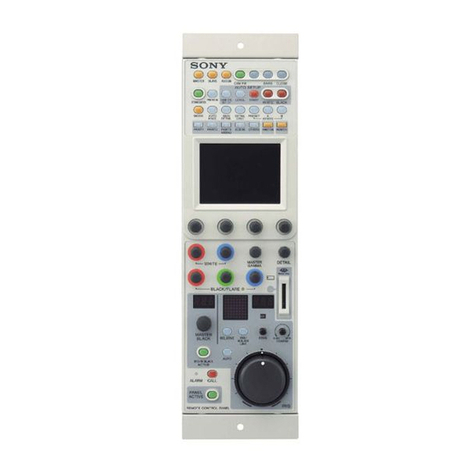
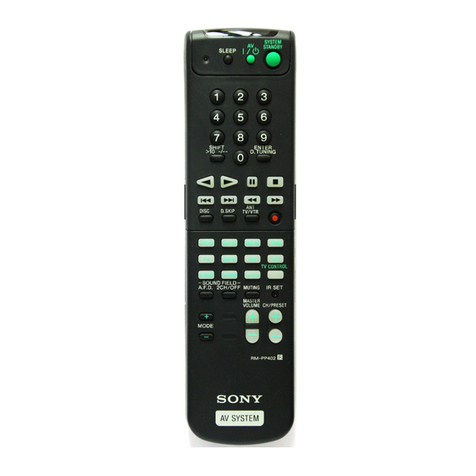
RM-AX1400
How to Enter theTest Mode
Install the battery while holding the VOL+ and the CH+ buttons
to enter the test mode.
When the unitenters the test mode, thefollowingscreen is displayed
showing the Boot block version No., the FRM block version No.,
country code and the Build date.
Press the OK button to proceed to the Flash Write Test.
Flow: The test mode is performed in the following order.
Flash Write Test
rOK button
OLED Contrast Test
rOK button
OLED Display Test (Pattern 1)
rOK button
OLED Display Test (Pattern 2)
rOK button
OLED Display Test (Pattern 3)
rOK button
OLED Display Test (Pattern 4)
rOK button
Key Light Test
rOK button
Key Press Test
rOK button
Learn Test
OK button after the test is complete.
1. FlashWriteTest
Data is written in the BANK3 and is then erased.
When the test has ended with success, “OK” is display.
Press the OK button to proceed to the OLED Contrast Test.
2. OLED ContrastTest
1. Press the CH+ and the CH– buttons and confirm that the
contrast level changes.
2. Press the OK button to proceed to the OLED Display Test
(Pattern 1).
3. OLED DisplayTest (four patterns)
Pattern 1
The OLED is displayed in checkered pattern.
Press the OK button to proceed to the OLED Display Test (Pattern
2).
Pattern 2
All segments of the OLED are displayed in the checkered pattern.
Press the OK button to proceed to the OLED Display Test (Pattern
3).
Pattern 3
Frame of the OLED is displayed.
Press the OK button to proceed to the OLED Display Test (Pattern
4).
Pattern 4
All segments of the OLED are turned off.
Press the OK button to proceed to the Key Light Test.
4. Key LightTest
CH+ button : Turns on the backlight at LEVEL 15.
CH– button : Turns on the backlight at LEVEL 1.
MUTING button: Turns off the backlight.
OK button : Proceed to the Key Press Test.
5. Key PressTest
52 characters are displayed.
52 characters
1. Pressing a hard key, the “*” character at the corresponding
position disappears.
Note: This operation is invalid when more than one button is pressed at
the same time.
2. After all the buttons are checked. “OK” appears on the third
line.
3. Press the OK button to proceed to the Learn Test.
6. LearnTest
1. Press the CH+ button to activate the learning circuit, and
learning starts.
When learning has ended with success, “OK” appears on the
third line.
When learning has ended with failure, “NG” appears on the
third line, and NG-BEEP (2) is activated.
(The data is stored in the RAM and is not written in a flash
memory.)
2. Press the CH+ button to send IR signal and confirm IR signal
is corrected.
3. Press the OK button to quit the test mode.
It can be confirmed that TV and TV remote commander are
used.
SECTION 3
TEST MODE
Test Mode
B-V:X X (US) F-V:X X
Build : Feb X X 2006
************
********************
********************