4GB
Table of Contents
Getting Started
Installing the Batteries .................................................................................6
When to replace the batteries ............................................................................ 6
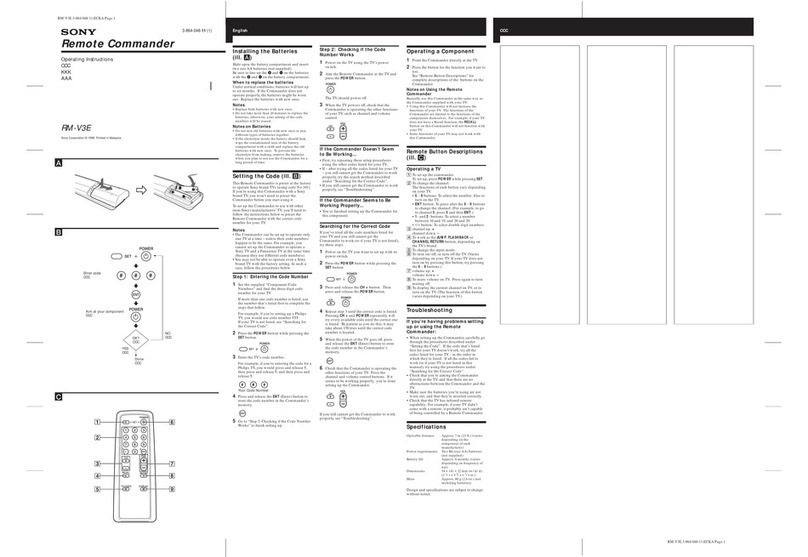
Location of Controls .....................................................................................7
Basic Operations
Setting the Code for PresetAudio andVisual Components .........................8
Setting a component code .................................................................................. 8
Checking if the code number works .............................................................. 10
Setting a component code by the Search function ....................................... 11
OperatingYour Components with the Remote Commander ......................12
To control the volume ....................................................................................... 13
Notes on operating your components ........................................................... 14
Using Unpreset Remote Control Operations — Learning Function ............15
For accurate Learning....................................................................................... 18
Changing or erasing the function of a “learned” button ............................ 19
Advanced Features
Controlling theVolume of Visual Components Connected to anAudio
System......................................................................................................21
Executing a Series of Commands — System Control Function ..................23
Programming a series of commands to the SYSTEM CONTROL
buttons ............................................................................................................. 24
Notes on System Control Operation .............................................................. 27
Programming a series of commands to the Component Select buttons ... 27
Changing the interval between operation steps ........................................... 29
Adding an Extra Function to the Component Select Buttons.....................30
Programming the Power-On Command of the Selected Component
(for Sony Components only) ........................................................................ 30
Assigning Other Components to the Component Select Buttons ..............32
Copying the settings of a Component Select button to another button.... 34
Programming a Frequently Used Key Operation for SYSTEM CONTROL
Buttons.....................................................................................................35
Notes on the “learned” signals of an air-conditioner .................................. 37
Transferring Data between Remote Commanders......................................38
Transferring the data ........................................................................................ 38
Receiving the data ............................................................................................. 40