5XGS 116(w)/126(w)/136(w)
Operating Instructions
Other Ports Type Comment
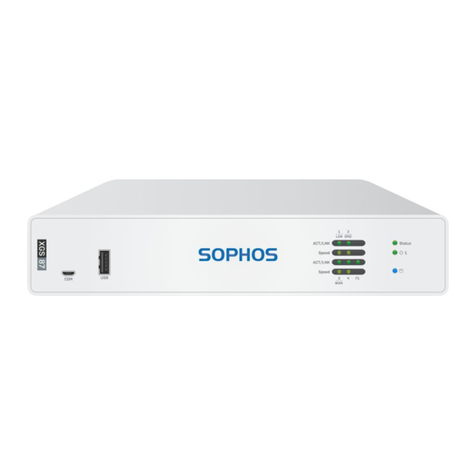
COM Micro USB [front]
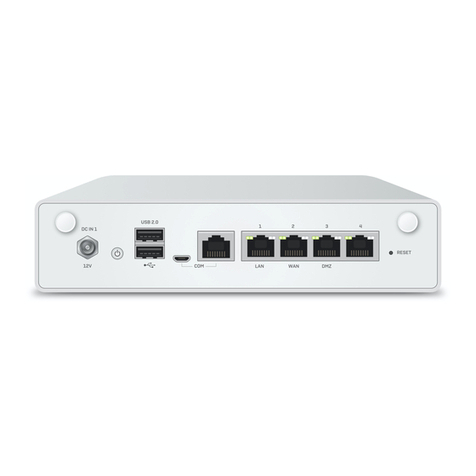
RJ45 [back]
You can connect a serial console to the
Micro USB or RJ45 COM port to access
the CLI. Only one port can be used at any
time. If both ports are connected, then the
Micro USB port will take precedence.
The required connection settings are:
ÌBits per second: 38,400
ÌData bits: 8
ÌParity: N (none)
ÌStop bits: 1
USB USB 2.0 [Type A] [front]
USB 3.0 (Type A) [back]
You can connect a USB 2.0 and/or 3.0
compatible device to these ports (e.g. USB
thumb drive, UPS, 3G/4G dongles).
Expansion Bay Comment
3G/4G Module Can be used for Sophos XGS 3G/4G Module, which is
optionally available from your Sophos partner.
WiFi Module Can be used for Sophos XGS WiFi Module, which is
optionally available from your Sophos partner.
LED Status
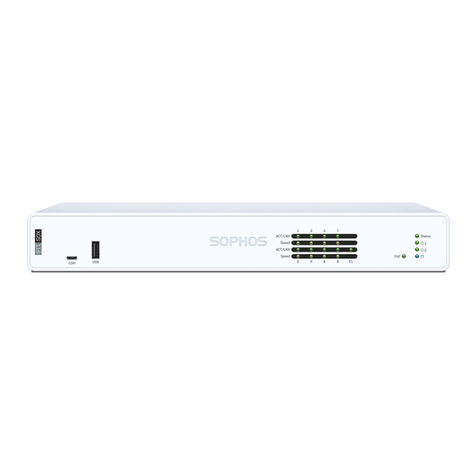
LEDs on each RJ45 Ethernet Connector
ACT/LNK
(Left LED)
Green Solid 1. The Ethernet port has established link.
2. Good connection between the
Ethernet port and hub.
Flashing The adapter is sending or receiving network data.
Off 1. The adapter and switch are not receiving power.
2. No connection between both ends of network.
3. Network drivers have not been loaded
or do not function correctly.
Speed
(Right LED)
Amber On If Ethernet port is operating at 1000 Mbps.
Green On If Ethernet port is operating at 100 Mbps.
Off If Ethernet port is operating at 10 Mbps.
LEDs on each SFP Connector
ACT/LNK Green Solid 1. The SFP connector is receiving power.
2. Good connection between
the SFP port and hub.
Flashing The adapter is sending or receiving network data.
Off 1. The adapter and switch are not receiving power.
2. No connection between both ends of network.
3. Network drivers have not been loaded
or do not function correctly.
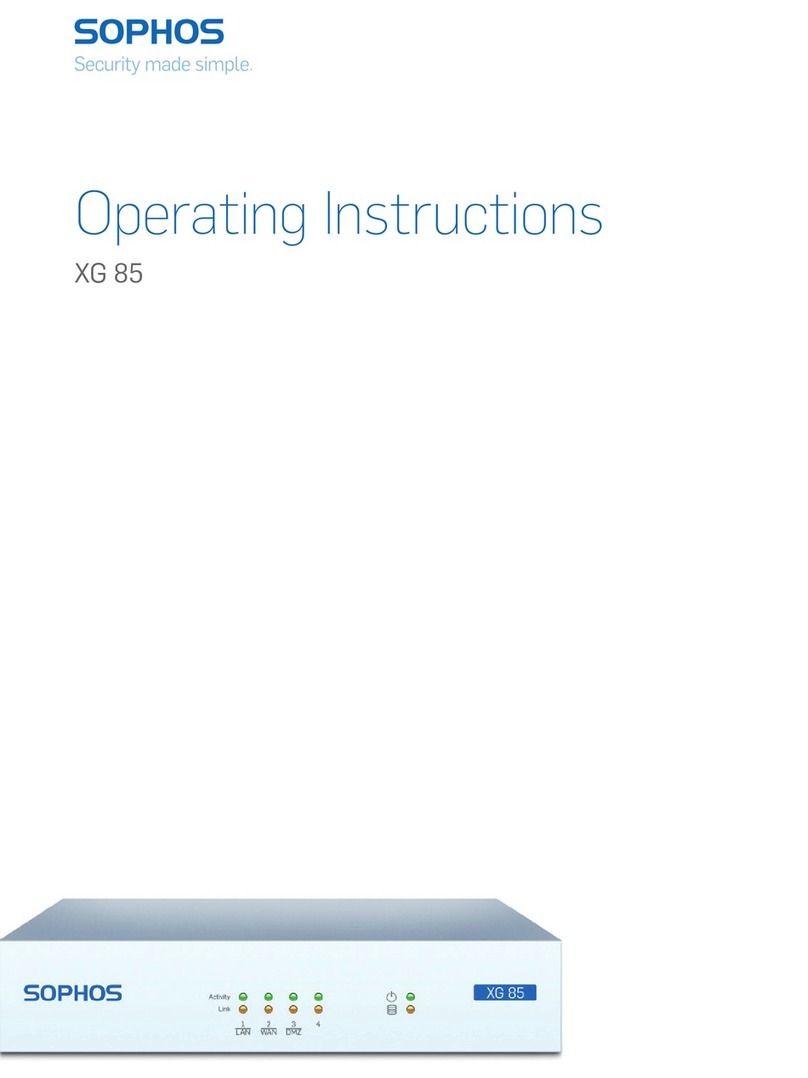
LEDs (Front)
Storage Blue Flashing SSD is being accessed.
Status Green Solid Normal operation.
Flashing Device is booting up or shutting down.
Red Solid SSD or boot failure.
Flashing General error (please contact support).
WiFi Green On WiFi is active.
Off WiFi is inactive.
Power 1 Green Solid Power adapter 1 in normal operation.
Red Solid Power adapter 1 failed or disconnected.
Power 2 Green Solid Power adapter 2 in normal operation.
Red Solid Power adapter 2 failed or disconnected.