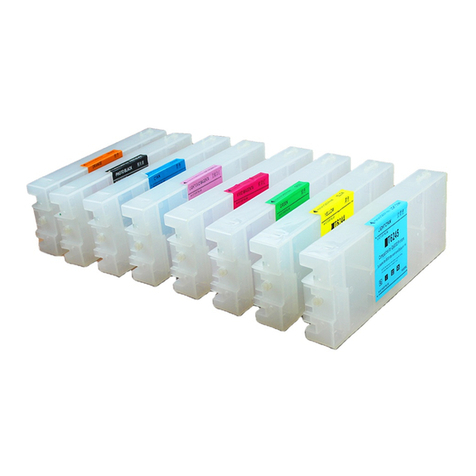
CISforEPSONStylusC88Instruction
Thankyou forpurchasingSTContinuousInkSupplySystem.Weappreciate
yoursupportandwilltryourbesttomakeyourexperiencewithourproductsa
pleasantone.Printinghasbeen adifferentexperienceeversinceyou installed
STContinuousInkSupplysystemon yourownprinter.Justimagining being
abletoprint withoutregardtothe inklevelinthoseexpensivelittlecartridges.
Pleasetakeyourtimeinstalling STContinuousInkSupplysystem.Donot
removeyouroldcartridgeuntilyouhavethe STCISsystemprimed and readyto
install(topreventthedryingofheads).Inaddition,makesureyouaregetting
perfectnozzlechecks beforeinstallingthe STCISsystem.The STCISsystem
won t be abletoworkproperlyif thenozzlesarepreviouslyclogged.
Mostpeoplegetaperfectnozzlecheck thefirsttimeafterinstalling the ST
ContinuousInkSupplysystem;othersmayneed toruntwoorthree cleaning
cyclesorlet theprintersit forawhilebeforetheyget theperfect results.
1General Guide:
1)Components
ACISsystem1setB Airfilters4pcs C SupportArm1set
DRefill Kit4pcs E Instruction CD 1pc
2)Openingboxinspection
aCheck whetherall the accessoriesareready.
bCheck whetherthere'sthe leakageofthe CISS,whethersometubeshavebeen
separated fromthe CISS,whetherthereareairbubblesinthe tube(Ifthereexistsmore
than 20CMairspace, pleasekindlytocontactwiththe localdealer)
2Printertesting:
1)Check whetherthe printerisinnormalcondition,likemechanicalstatus,lubrication
statusetc.
2)Print testinglinestoensuretheprintinghead isgood condition.
3)Print picturestosee whethertheprintingimageisok.