INSSTCP5MA0116
10
for the rst time instead, the backlight will be activated. To
quickly scroll through the set point values, press and hold down
the button. From mode, the set points can range between 3
and 35°C and can only be adjusted by increments of 1°C (from
37 to 95°F; by increments of 1°F from the Fahrenheit mode).
From mode, the set points can range between 3 and 28°C
(from 37 to 82°F). The thermostat will turn off if the set point is
lowered below 3°C (37°F), and the set point value displayed
will be --. The standard factory set point adjustment is 21°C
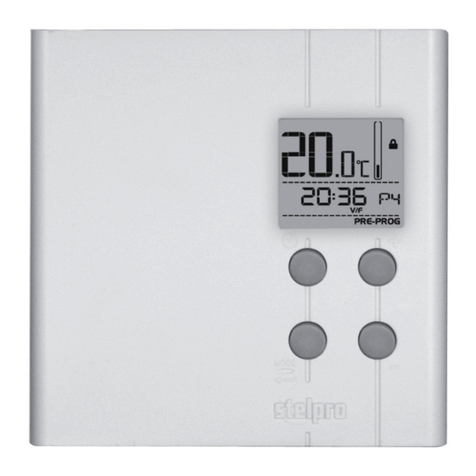
(mode). From this mode, the screen displays the /
mode temperature, the /mode set point, the hour and
the day of the week.
This mode is initially activated when the power is turned on for
the rst time. You must adjust the hour (as described in the
section “Adjustment of the hour and the day of the week”)
before switching to other modes by pressing down the Mode
or Pre Prog button.
Automatic Mode (Auto)
To switch from the Manual mode to the Automatic mode, and
conversely, press down the Mode button. The Man or Auto icon
is displayed at the bottom of the screen as applicable.
From the Automatic mode, the thermostat adjusts the set points
according to the programmed periods. If no data is entered,
the thermostat acts as in Manual mode and the standard
factory set point adjustment is 21°C ( mode). It is always
possible to manually adjust the set point using the + or - button.
The selected set point will be effective until one period is
programmed, which represents an hour and a day of the week.
Note that, if the set point is lowered to off (--), the programming
will not be effective. It is possible to program 4 periods a day,
meaning that the set point can change automatically up to 4
times a day. The period order is not important.
From this mode, the screen displays the temperature, the set
point, the hour, the day of the week and the current programmed
period number (1 to 4; as applicable).