Page 9
4.1 Connecting to Wifi
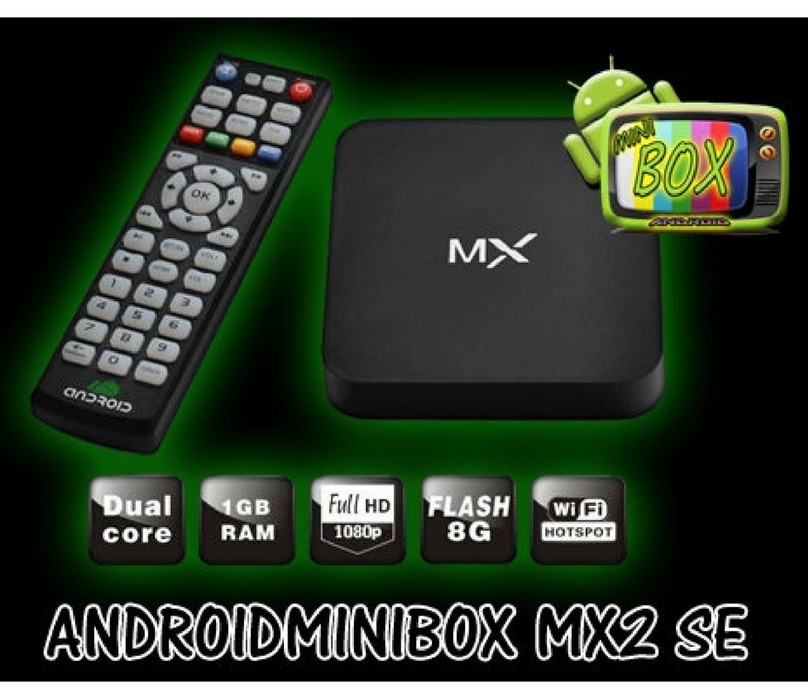
Now that the TV Box is up and running, your first
task should be to connect the TV Box to your Wifi
Internet connection. Many TV Box features require
an Internet connection.
Press the Page Down button on the remote until
you reach Main Menu screen 5. Use the bottom of
the Navigation Control on the remote to move to
the Settings Menu option. Now press the OK
Button on the remote. The Settings Menu will
display.
Use the Page Down and Navigation Buttons on the
remote to find the Wifi option, then press the OK
Button on the remote. The Wifi Menu will display.
Select the Wifi (show Wifi list) option then pick your
Wifi connection from the list.
If a password is required for the selected Wifi
connection, Synapptic will prompt you for it. This
password will be remembered and the connection
automatically made when in range.
If a Wifi password is not asked for, we recommend
immediately opening up your Home Page in the
Web Browser. Some Wifi connections will force you