manuals.online logo
Brands
  1. Home
  2. •
  3. Brands
  4. •
  5. Taski
  6. •
  7. Scrubber
  8. •
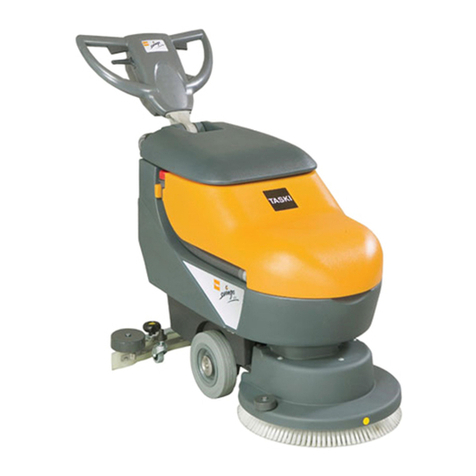
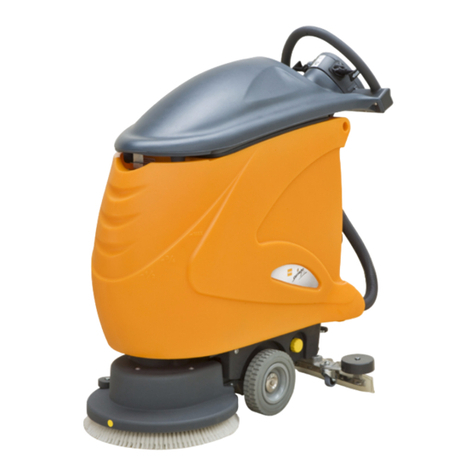
  9. Taski swingo 1650 Manual

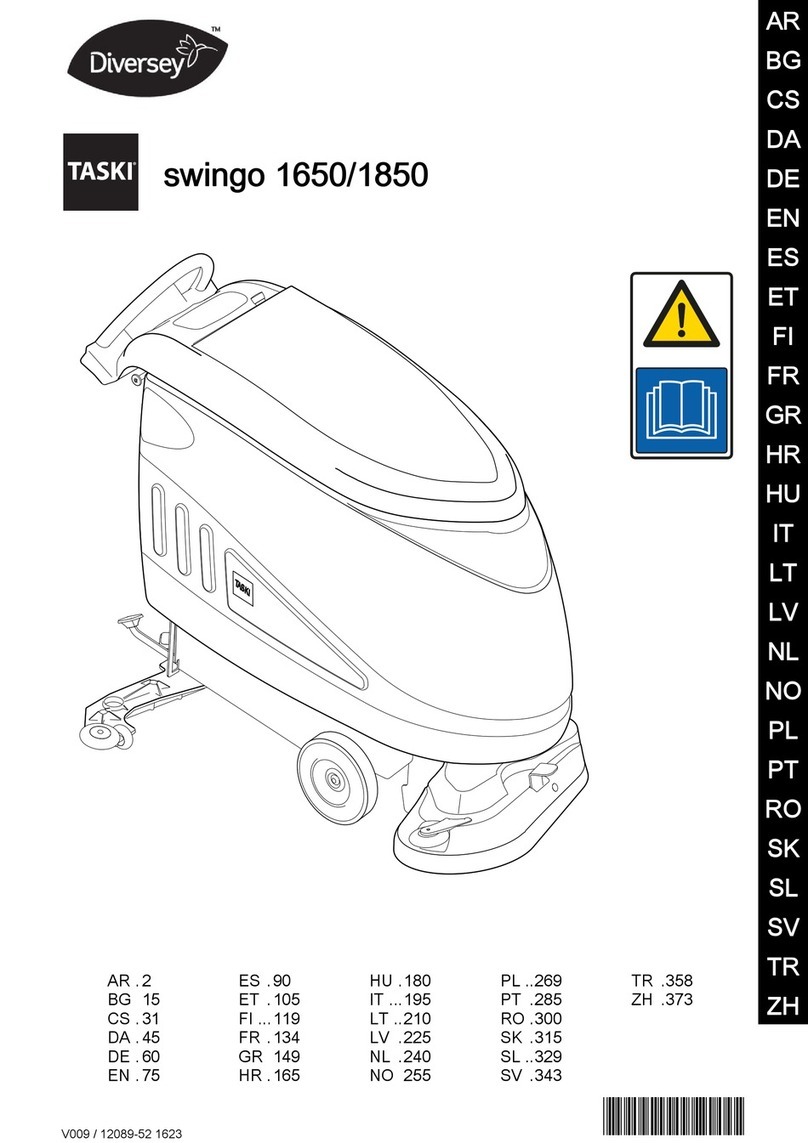
Taski swingo 1650 Manual

Other manuals for swingo 1650

1

This manual suits for next models

1

Other Taski Scrubber manuals

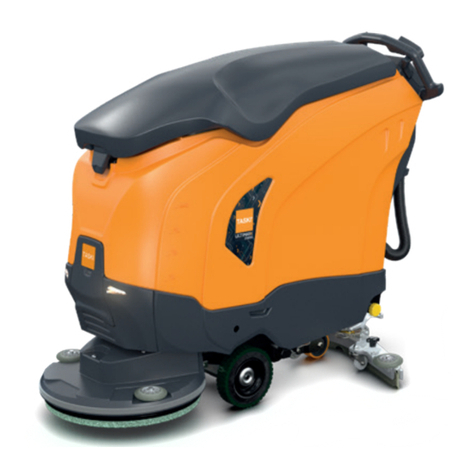
Taski swingo 855B power Instruction Manual

Taski

Taski swingo 855B power Instruction Manual

Taski swingo 855B power User manual

Taski

Taski swingo 855B power User manual

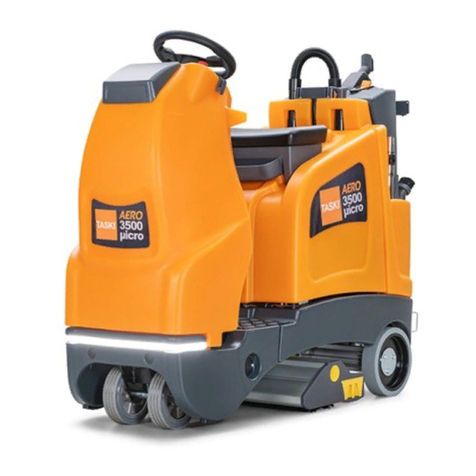
Taski AERO 3500 micro User manual

Taski

Taski AERO 3500 micro User manual

Taski swingo XP-M Instruction Manual

Taski

Taski swingo XP-M Instruction Manual

Taski swingo 250micro User manual

Taski

Taski swingo 250micro User manual

Taski swingo 755 Instruction Manual

Taski

Taski swingo 755 Instruction Manual

Taski swingo 450E Instruction Manual

Taski

Taski swingo 450E Instruction Manual
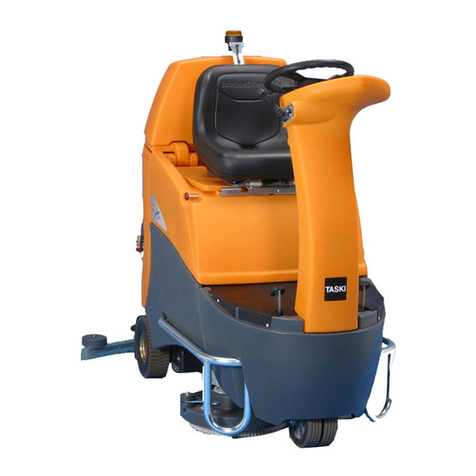
Taski Diersey ULTIMAXX 2900 User manual

Taski

Taski Diersey ULTIMAXX 2900 User manual

Taski swingo 1650 Operating and installation instructions

Taski

Taski swingo 1650 Operating and installation instructions

Taski Diversey Swingo 1650 User manual

Taski

Taski Diversey Swingo 1650 User manual

Taski Diversey ULTIMAXX 1900 User manual
Taski

Taski Diversey ULTIMAXX 1900 User manual

Taski swingo 350B User manual

Taski

Taski swingo 350B User manual

Taski ergodisc 165 User manual

Taski

Taski ergodisc 165 User manual

Taski Combimat swingo 3500 User manual

Taski

Taski Combimat swingo 3500 User manual

Taski combimat 1400 Instruction Manual

Taski

Taski combimat 1400 Instruction Manual

Taski swingo 455B User manual

Taski

Taski swingo 455B User manual

Taski swingo 455E User manual

Taski

Taski swingo 455E User manual

Taski swingo 2500 User manual

Taski

Taski swingo 2500 User manual

Taski CO150.5 Operating and installation instructions
Taski

Taski CO150.5 Operating and installation instructions

Taski swingo 455B User manual

Taski

Taski swingo 455B User manual
Taski swingo 4000 User manual

Taski

Taski swingo 4000 User manual
Taski swingo 455B User manual

Taski

Taski swingo 455B User manual
Popular Scrubber manuals by other brands
Windsor Saber Cutter SC326 10052220 operating instructions

Windsor

Windsor Saber Cutter SC326 10052220 operating instructions

Powr-Flite PFX1380 SERIES Operators manual and parts lists

Powr-Flite

Powr-Flite PFX1380 SERIES Operators manual and parts lists

Olympus M200H operating manual

Olympus

Olympus M200H operating manual

Clarke BEXT 100H Operation?and safety

Clarke

Clarke BEXT 100H Operation?and safety

JOHNY VAC JVC70BCT user guide

JOHNY VAC

JOHNY VAC JVC70BCT user guide

RCm Elan Series Instruction and maintenance handbook

RCm

RCm Elan Series Instruction and maintenance handbook

Floorpul ruby 48 blt Use and maintenance

Floorpul

Floorpul ruby 48 blt Use and maintenance

Kärcher B 120 W quick start

Kärcher

Kärcher B 120 W quick start

Truvox Orbis MotorScrubber 20 user manual

Truvox

Truvox Orbis MotorScrubber 20 user manual

Numatic TTB 4045/100 Original instructions

Numatic

Numatic TTB 4045/100 Original instructions

U.S. Products PEX 500-C-TICK Information & operating instructions

U.S. Products

U.S. Products PEX 500-C-TICK Information & operating instructions

Mclennan C510 Operator's manual

Mclennan

Mclennan C510 Operator's manual

Columbus ARA 66 BM 100 operating manual

Columbus

Columbus ARA 66 BM 100 operating manual

Numatic TTV 678G / 300T Owner's instructions

Numatic

Numatic TTV 678G / 300T Owner's instructions
Onyx RX-34 Operator's manual

Onyx

Onyx RX-34 Operator's manual

REMS Twist instruction manual

REMS

REMS Twist instruction manual

Tennant 7200 Service manual

Tennant

Tennant 7200 Service manual

Clarke CA30 20B Service manual

Clarke

Clarke CA30 20B Service manual

manuals.online logo
manuals.online logoBrands
  • About & Mission
  • Contact us
  • Privacy Policy
  • Terms and Conditions

Copyright 2025 Manuals.Online. All Rights Reserved.

swingo 1650/1850 Wet Cell Conversion
Log in to USAfix™at www.usaclean.com 1-800-USA-CLEAN (800-872-2532)
1. Remove existing AGM
batteries
7. Using a T25 screwdriver
remove the control panel cover.
2. Remove charger and then
disconnect the connected wires.
8. Unplug the 6 pin connector
with the old wiring harness and
replace with the new switch
wiring harness.
3. Remove charger bracket.
4. Remove rear gray panel with
a T30 screwdriver
5. Cords should now be
exposed.
6. Using a T15 screwdriver
remove the cord and metal
bracket.
Parts Needed:
- (4) 6V wet batteries - 192-9009
- (1) Battery charger - 292-5276
- (1) Wet battery kit - 292-5257
- (1) Prop - 292-5258
- (3) Screws - 192-0509
- (3) Nuts - 192-6346
- (1) Lock assembly - 292-5259
- (1) Battery tray - 192-9382
- (1) Charger plug and wire kit - 292-5260
- (36”) 6 gauge wire (red) - 998-0055
- (36”) 6 gauge wire (black) - 998-0056
- (2) Screw - 192-0549
- (2) 6 gauge Nylon ring 5/16” stud - 998-0065
- (1) 50amp charger plug (red) - 991-2103
- (1) Charger switch with wiring harness - 192-9941
- (1) Switch lever - 192-8784
- Misc. - Zip Ties and Electrical Tape
Tools Needed:
- T30 torx screwdriver
- T25 torx screwdriver
- T15 torx screwdriver
- 10mm wrench
- 13mm wrench
- Small Phillips screwdriver
- Laptop (Windows XP/7)
- USB Cable
- Service Tool / Firmware
(download at www.usaclean.com)
New
Old
Tip: Using electrical tape, attach
the old wiring harness to the
new wiring harness to help fish
it up to the control panel.
swingo 1650/1850 Wet Cell Conversion
Log in to USAfix™at www.usaclean.com1-800-USA-CLEAN (800-872-2532)
9. Add the switch lever to the
end of the new switch harness.
This switch is the kill switch
that prevents the machine from
turning on while it is charging.
10. Using a small Phillips
screwdriver, attach the new plug
to the back panel
11. Using zip ties, group
the wires together and then
reattach back panel
12. Lift up the tank and pull
the wires through from the
back panel into the battery
compartment.
13. Connect the red cable from
the charger plug to the solenoid
with a 13mm wrench.
19. Using a T30 torx, remove
bracket on tank lid from top set
of holes. The bracket can be
discarded but keep the screws.
14. Feed the black cable from
the charger plug to connect to
the battery cable.
20. Attach prop kit lock
assembly to the bottom set of
holes on tank lid with screws
from the bracket removed in
step 19.
15. Insert the battery tray 22. Plug in USB cable and
update firmware with laptop to
wet battery configuration.
16. Install wet batteries.
17. Please note that the battery
cables have a positive and
negative icon on the specified
sides.
18. Hook up the battery
cables and tighten terminals
with 10mm wrench. The main
terminal uses a 13mm wrench.
For service tool and firmware updates please login to www.usaclean.com and go to the documents drop down menu to download materials.
21. Using a 13mm wrench,
install prop to frame so the prop
is at a 90 degree angle to the
frame.
Note: If the lid does not close all
the way, the lock assembly may
need to be adjusted.