TABLE OF CONTENTS
Introducing Your Cycle Trainer 2.0 ........................................................................................4
Features ....................................................................................................................................4
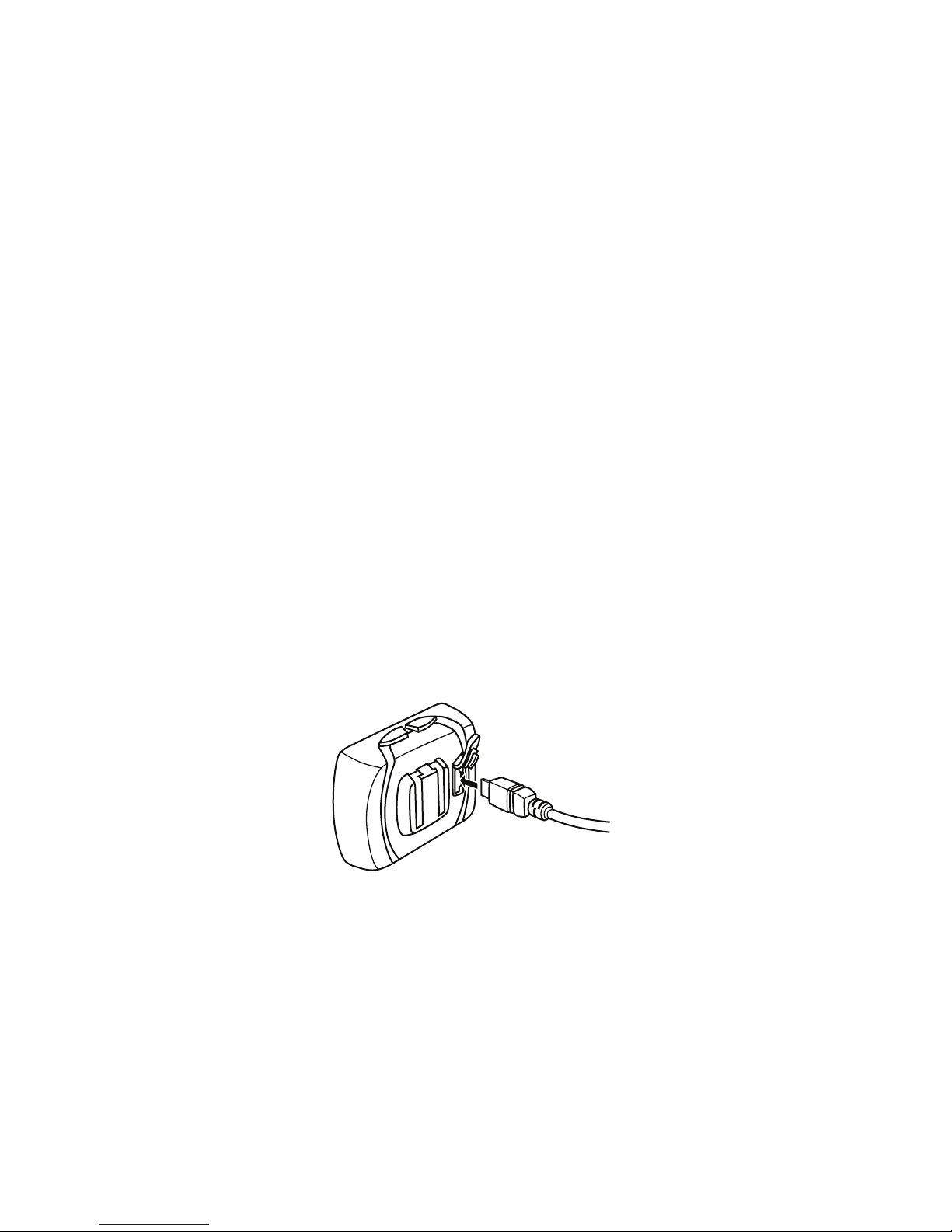
Charging the Cycle Trainer........................................................................................................4
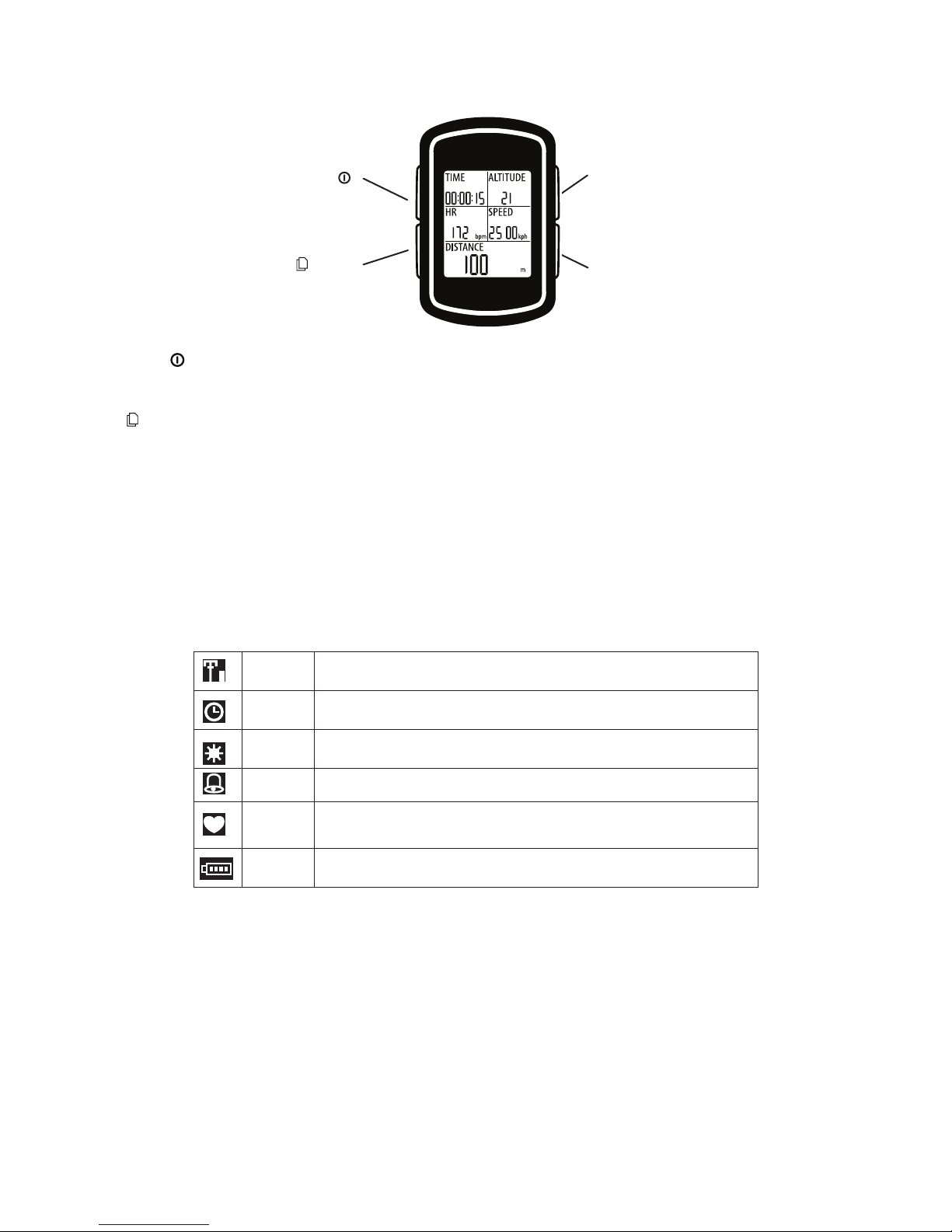
Basic Operation.........................................................................................................................5
Icon Descriptions.......................................................................................................................5
Getting Started.........................................................................................................................6
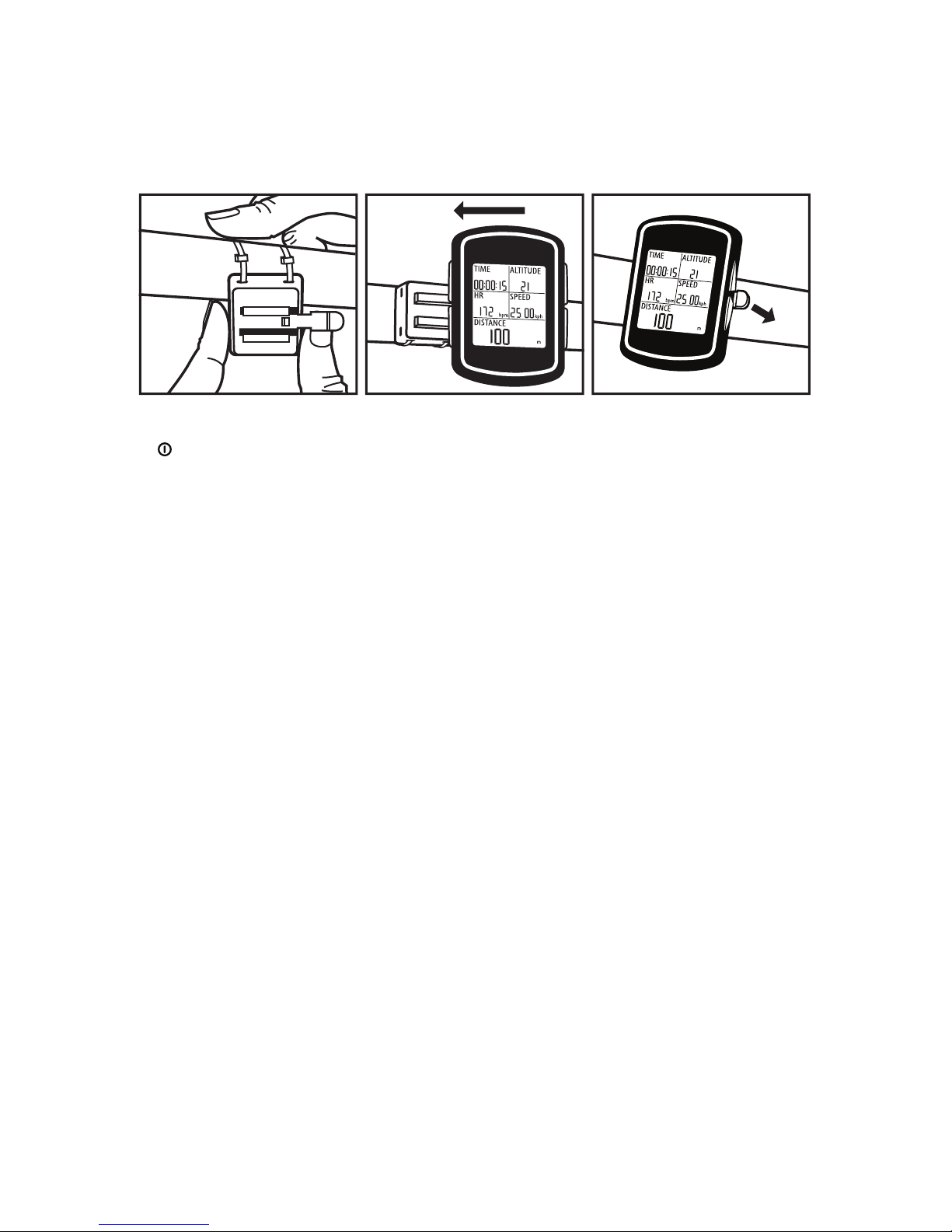
Installing the Cycle Trainer ........................................................................................................6
Turning the Cycle Trainer On and Off........................................................................................6
Setting the Time.........................................................................................................................6
Setting Display Units .................................................................................................................6
Setting Up the User Prole........................................................................................................6
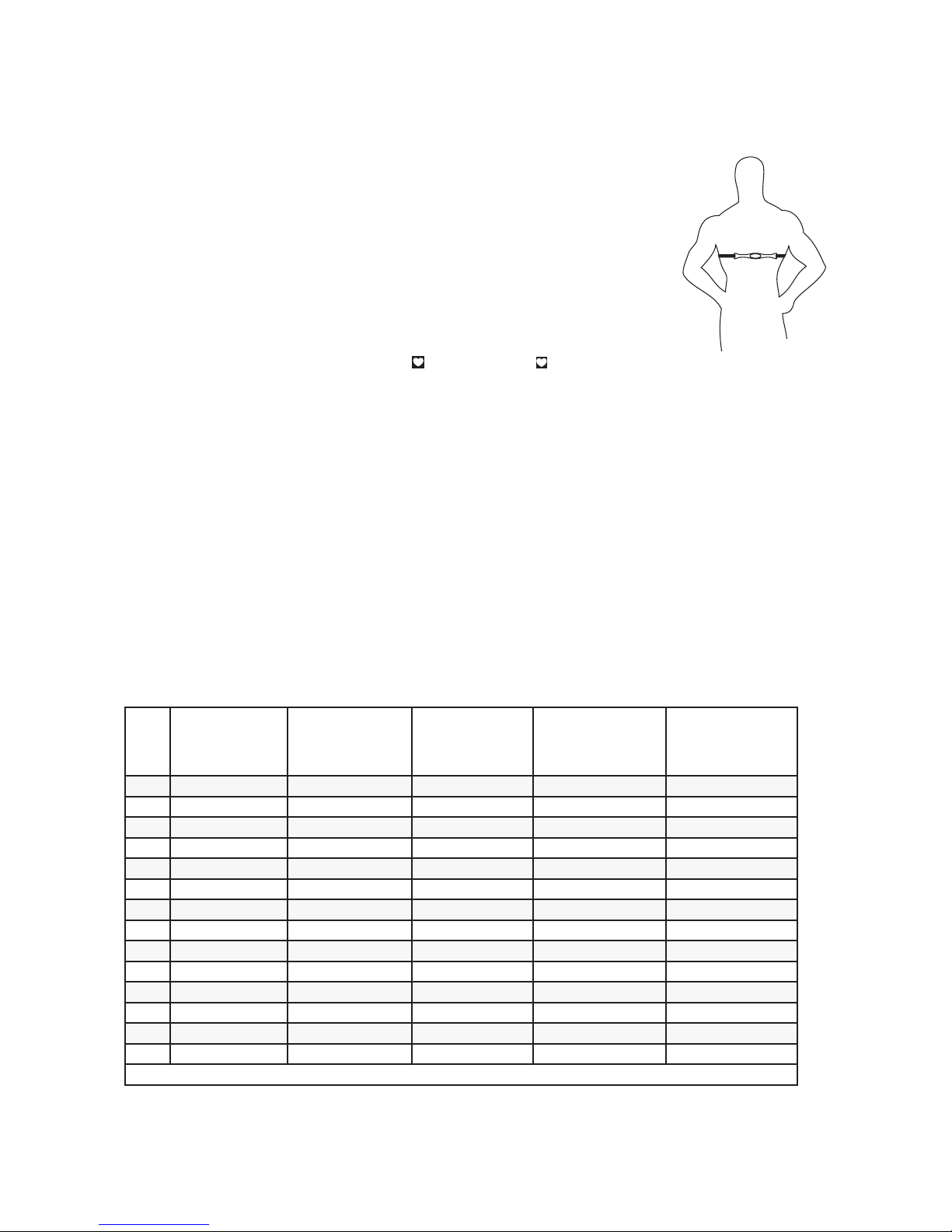
Setting Up the Heart Rate Sensor.............................................................................................7
Conguring Bike Settings ..........................................................................................................9
Conguring Calorie Settings......................................................................................................9
Calibrating the Compass .........................................................................................................10
Using the Speedometer ........................................................................................................10
Starting, Stopping, and Saving a Ride..................................................................................... 11
Taking Splits ............................................................................................................................ 11
Viewing Data During a Ride ................................................................................................... 11
Using the Trainer ...................................................................................................................12
Starting the Trainer..................................................................................................................12
Responding to Trainer Alerts ...................................................................................................12
Stopping the Trainer ................................................................................................................13
Reviewing Rides....................................................................................................................13
Checking Memory Capacity.....................................................................................................13
Choosing Rides and Viewing Data..........................................................................................13
Using the Details Screen.........................................................................................................14
Deleting All Rides from Memory ..............................................................................................14
Navigating with the Cycle Trainer........................................................................................14
Navigating with the Map ..........................................................................................................14
Navigating with the Compass..................................................................................................16
Setting the Alarm...................................................................................................................17
Conguring Settings.............................................................................................................17
Conguring Hands-Free Features...........................................................................................17
Conguring Alerts ....................................................................................................................18
Conguring Data Recording Options.......................................................................................20
Conguring Custom Pages......................................................................................................20
Setting System Preferences....................................................................................................22
Conguring Sensors................................................................................................................23
Conguring the GPS................................................................................................................24
Conguring the Map ................................................................................................................25
Resetting the Cycle Trainer .....................................................................................................25