98
Color Cover:
CMYK + COOL GREY 9 +
PMS 293; full bleed one side
Flat size:
10 x 5 in.
Fold 1:
saddle-stitched
booklet;
Color Inside pages:
CMYK + COOL GREY 9 +PMS 293
Finished size:
5 x 5 in.
DISPL AYING THE WATCH STATUS
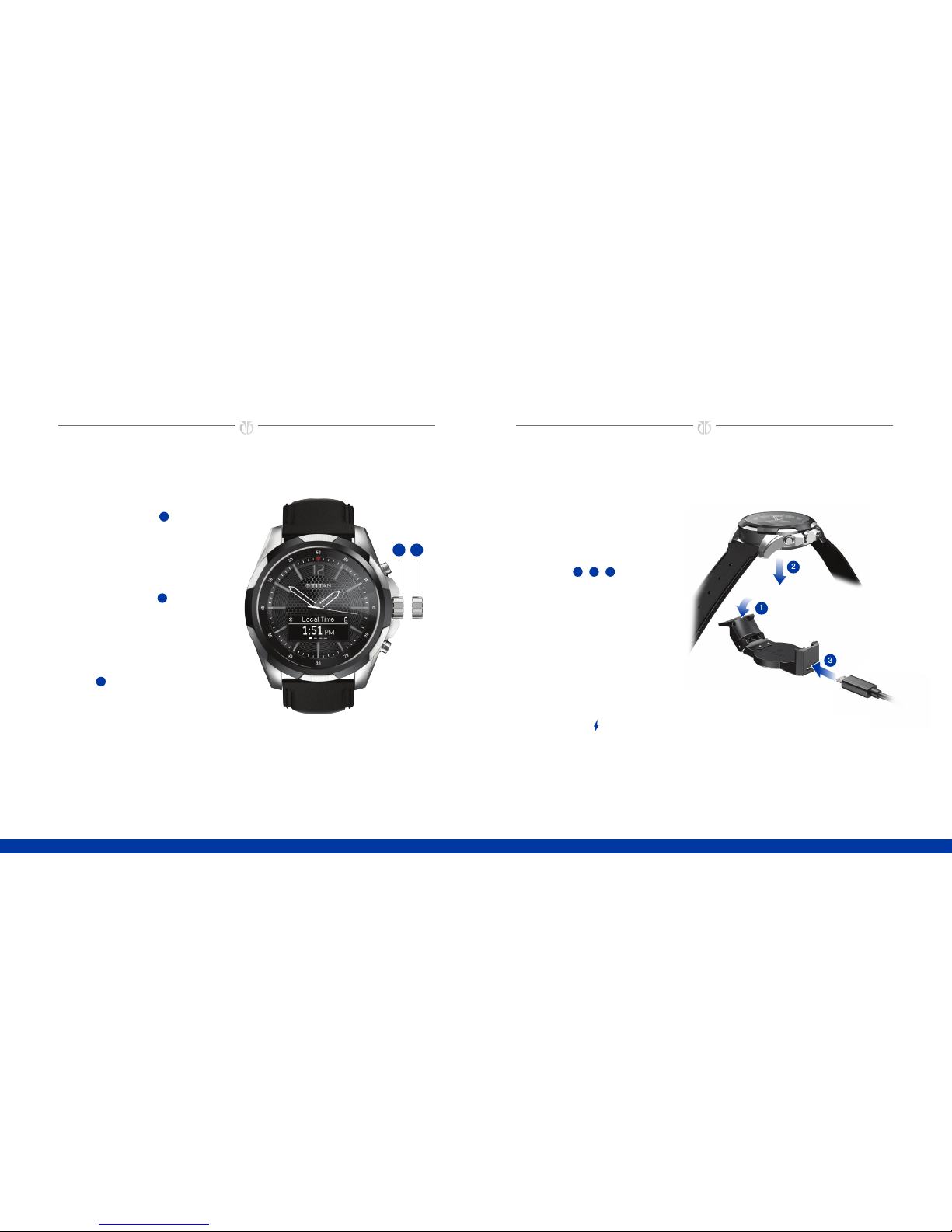
To display the watch status,
press and hold button 2for three
seconds. The status dismisses
automatically after five seconds.
Bluetooth status icon:
Appears when Bluetooth is
disconnected.
Charging status icon:
Appears when the watch is
connected to power.
Battery status icon: Displays
remaining battery charge.
RESTARTING THE WATCH
To restart the watch, press
and hold both buttons for three
seconds. Press button 2
to confirm.
1
2
NAVIGATING THE WATCH
TURNING BLUETOOTH ON OR OFF
To turn Bluetooth on or off, press and hold button 2for three seconds.
NAVIGATING BETWEEN APPS
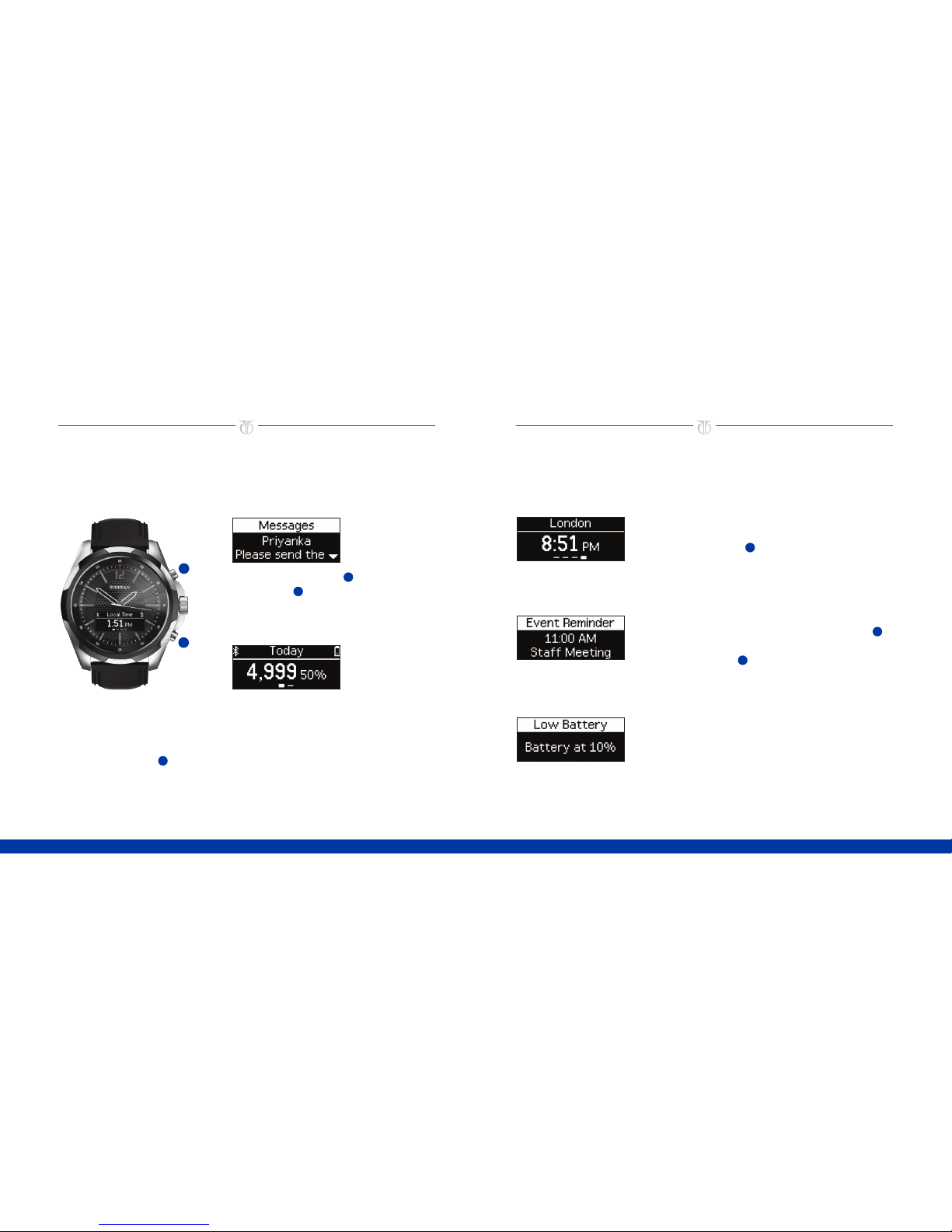
To navigate between apps (such as World Clock and Activity Tracker), press button
1. To scroll the screen to read a text message or view the next page of an app (such
as yesterday’s steps in the Activity Tracker app), press button 2.
DISMISSING NOTIFICATIONS
To dismiss notifications or to decline a call, press button 1. Press and hold button 1
to dismiss all notifications.
TURNING AIRPLANE MODE ON OR OFF
To turn airplane mode on or off, press both buttons.
RESETTING TO FACTORY SETTINGS
To reset to factory settings, press and hold button 2while pressing button 1three
times. Press button 2to confirm.