manuals.online logo
Brands
  1. Home
  2. •
  3. Brands
  4. •
  5. Toshiba
  6. •
  7. Security Camera
  8. •
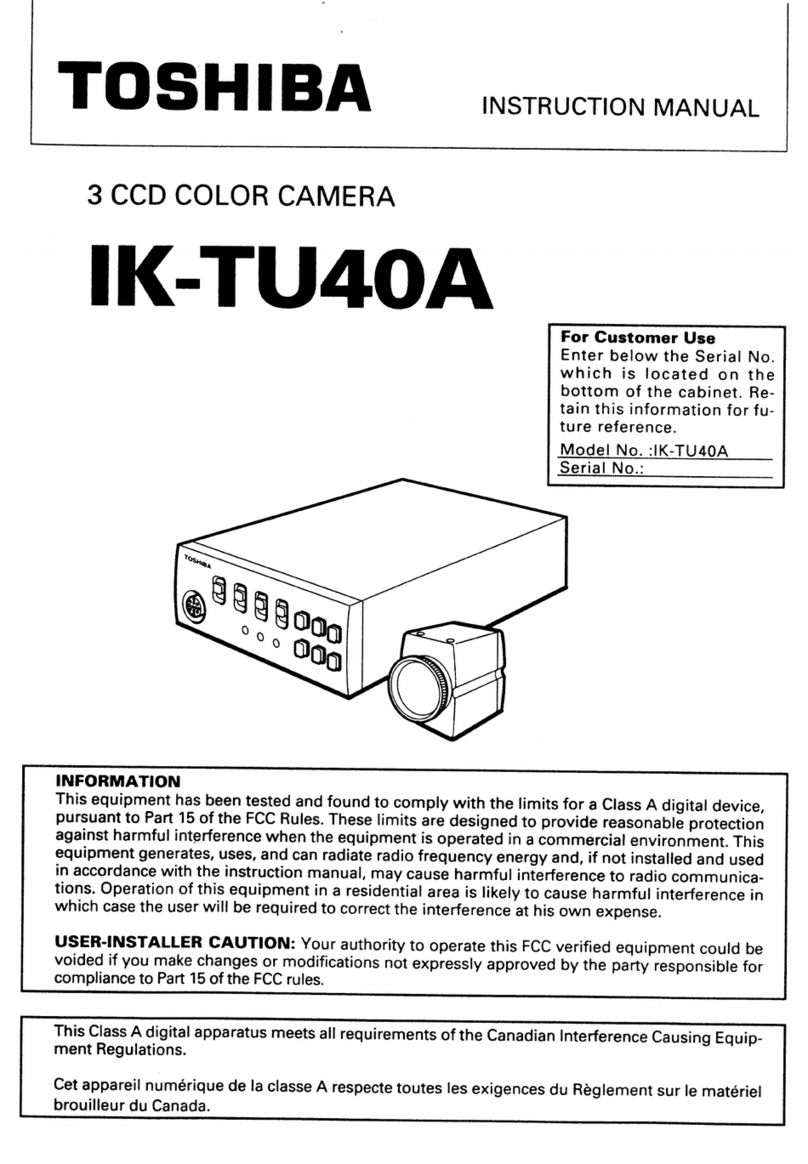
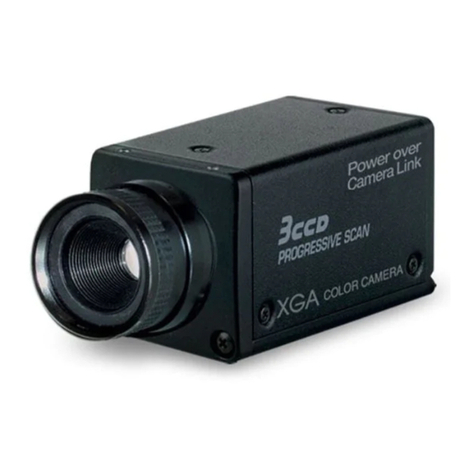
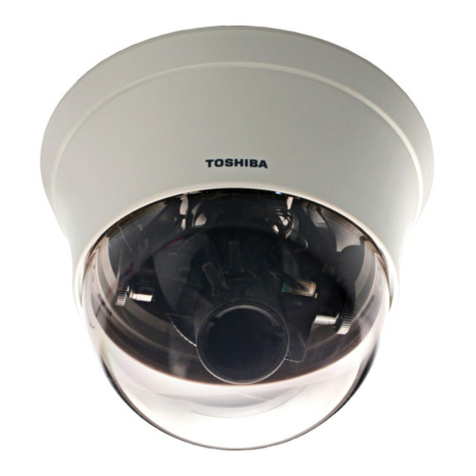
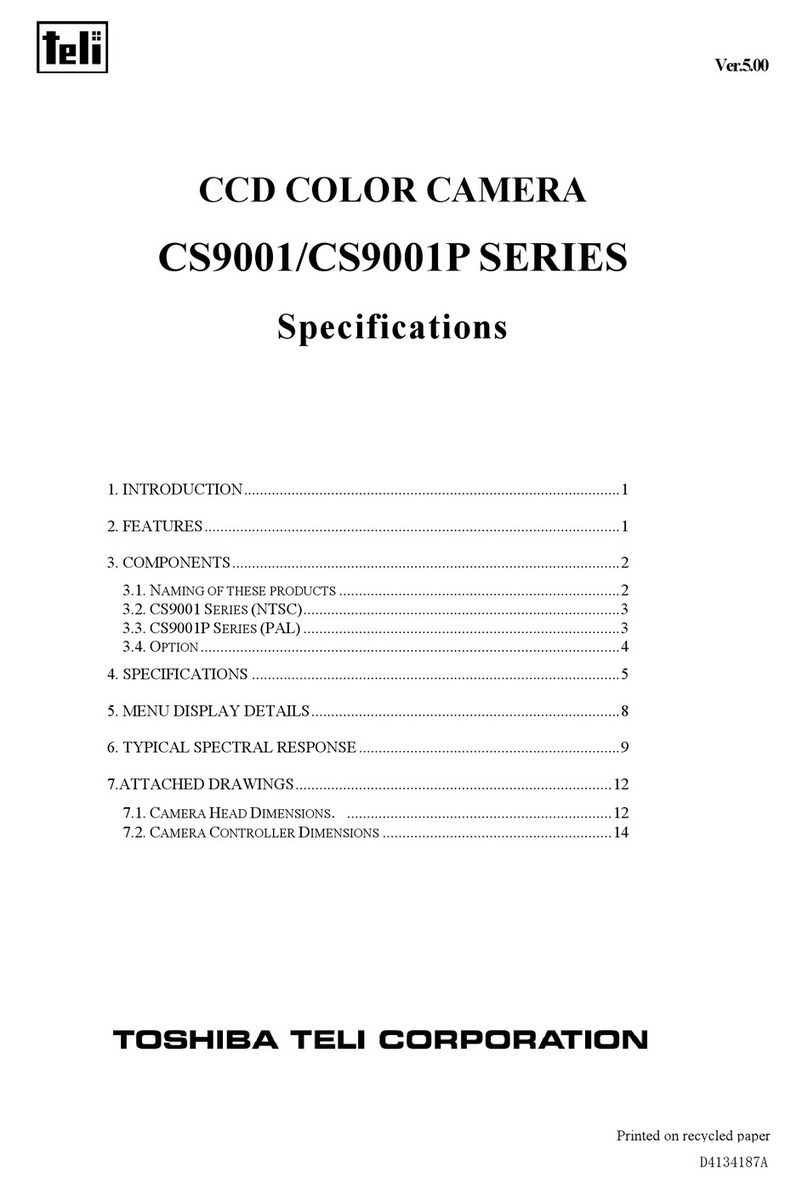
  9. Toshiba IK-64DNA User manual

Toshiba IK-64DNA User manual

Other manuals for IK-64DNA

2

Other Toshiba Security Camera manuals

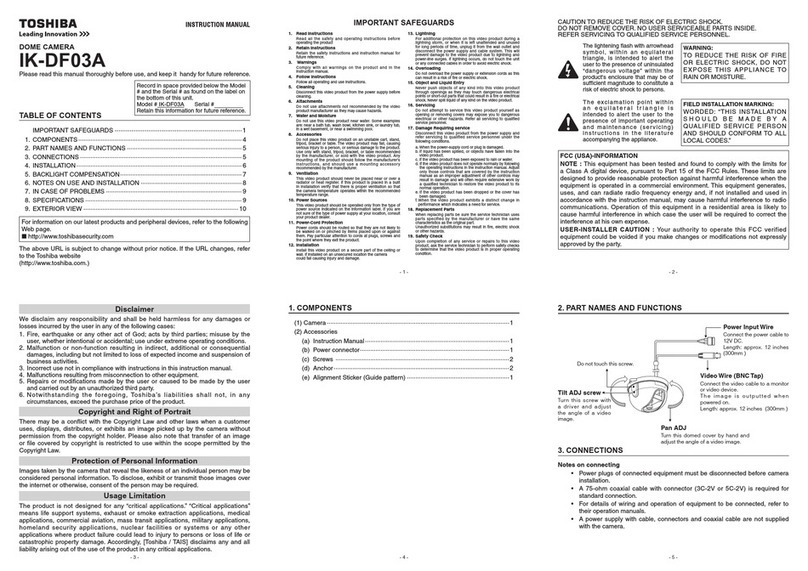
Toshiba IK-7100A User manual

Toshiba

Toshiba IK-7100A User manual

Toshiba IK-WD31A User manual

Toshiba

Toshiba IK-WD31A User manual

Toshiba IK-540A User manual

Toshiba

Toshiba IK-540A User manual

Toshiba IK-DP20A User manual

Toshiba

Toshiba IK-DP20A User manual

Toshiba IK-WB70A - IP/Network Camera, PoE User manual

Toshiba

Toshiba IK-WB70A - IP/Network Camera, PoE User manual

Toshiba 625012200G User manual

Toshiba

Toshiba 625012200G User manual

Toshiba IK-DF02ADAY User manual

Toshiba

Toshiba IK-DF02ADAY User manual

Toshiba IK-52V User manual

Toshiba

Toshiba IK-52V User manual

Toshiba IK-WD12A User manual

Toshiba

Toshiba IK-WD12A User manual

Toshiba IK-WD05A User manual

Toshiba

Toshiba IK-WD05A User manual

Toshiba 27A43 User manual

Toshiba

Toshiba 27A43 User manual

Toshiba TQUICK START User manual

Toshiba

Toshiba TQUICK START User manual

Toshiba IK-628A User manual

Toshiba

Toshiba IK-628A User manual

Toshiba IK-TF9C User manual

Toshiba

Toshiba IK-TF9C User manual

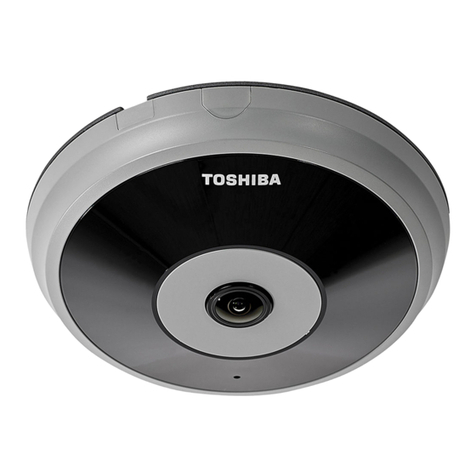
Toshiba DF03A - IK CCTV Camera User manual

Toshiba

Toshiba DF03A - IK CCTV Camera User manual

Toshiba IK-WR01A User manual

Toshiba

Toshiba IK-WR01A User manual

Toshiba DF02A - Day/Night Mini-Dome Color Camera... User manual

Toshiba

Toshiba DF02A - Day/Night Mini-Dome Color Camera... User manual

Toshiba CCD Color Camera IK-645A User manual

Toshiba

Toshiba CCD Color Camera IK-645A User manual

Toshiba IK-WB16A User manual

Toshiba

Toshiba IK-WB16A User manual

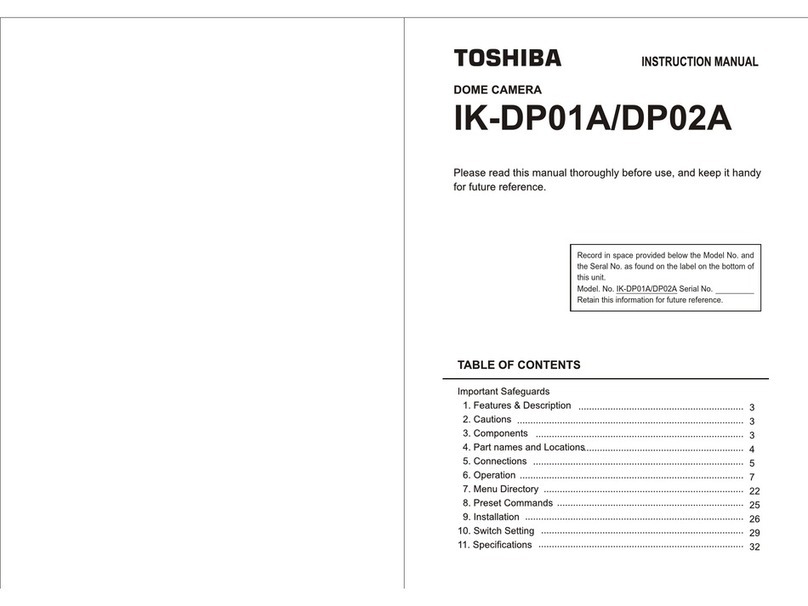
Toshiba IK-DF01A User manual

Toshiba

Toshiba IK-DF01A User manual

Toshiba IK-64WDA User manual

Toshiba

Toshiba IK-64WDA User manual

Toshiba IK-WB21A - IP Network PTZ Camera Assembly instructions

Toshiba

Toshiba IK-WB21A - IP Network PTZ Camera Assembly instructions

Toshiba IK-WF51R User manual

Toshiba

Toshiba IK-WF51R User manual

Toshiba IK-WB11A Operating and maintenance manual

Toshiba

Toshiba IK-WB11A Operating and maintenance manual

Popular Security Camera manuals by other brands

ADEMCO RapidDome Owners Operating & Installation Guide

ADEMCO

ADEMCO RapidDome Owners Operating & Installation Guide

EverFocus EBA2880 user manual

EverFocus

EverFocus EBA2880 user manual

Honeywell OptiCAM-IR Installation and setup guide

Honeywell

Honeywell OptiCAM-IR Installation and setup guide

Uniq UC-600 user manual

Uniq

Uniq UC-600 user manual

OPTICOM NVD-120-S datasheet

OPTICOM

OPTICOM NVD-120-S datasheet

Steren CCTV-221 instruction manual

Steren

Steren CCTV-221 instruction manual

Arm Electronics C420BCDNVFIR Features

Arm Electronics

Arm Electronics C420BCDNVFIR Features

Eneo PLD-2036PTZ installation guide

Eneo

Eneo PLD-2036PTZ installation guide

Axis AXIS M20 Series installation guide

Axis

Axis AXIS M20 Series installation guide

Panasonic KX-HCM230 operating instructions

Panasonic

Panasonic KX-HCM230 operating instructions

COP-USA CC15NV-SL Specifications

COP-USA

COP-USA CC15NV-SL Specifications

Active Silicon HARRIER H.264 quick start guide

Active Silicon

Active Silicon HARRIER H.264 quick start guide

Motorola Avigilon 1.3C-H5SL-BO1-IR installation guide

Motorola

Motorola Avigilon 1.3C-H5SL-BO1-IR installation guide

INSTEON 2864-232 user manual

INSTEON

INSTEON 2864-232 user manual

Wisenet XNB-6002 quick start guide

Wisenet

Wisenet XNB-6002 quick start guide

Axis M5525-E user manual

Axis

Axis M5525-E user manual

Vitek VTC-IR62NZ922 user guide

Vitek

Vitek VTC-IR62NZ922 user guide

Panasonic WV-SF342 Specifications

Panasonic

Panasonic WV-SF342 Specifications

manuals.online logo
manuals.online logoBrands
  • About & Mission
  • Contact us
  • Privacy Policy
  • Terms and Conditions

Copyright 2025 Manuals.Online. All Rights Reserved.

• 0.003 lux @ 1.2 minimum illumination in
B&W, 0.1 lux @ F1.2 in color
• IR-sensitive CCD with auto-switching
infrared-cut filter for improved low light
and infrared performance
• Intelligent 3-mode switching for Color to
B&W: AUTO, RS422 remote control, and
manual switching
• 570 horizontal TV lines in B&W mode
• 480 horizontal TV lines color
• Simple menu-driven programming
• Remote control from a keyboard or other
devices by RS422
• Up to 1/100,000 shutter speed
• 50dB Signal-to-Noise Ratio
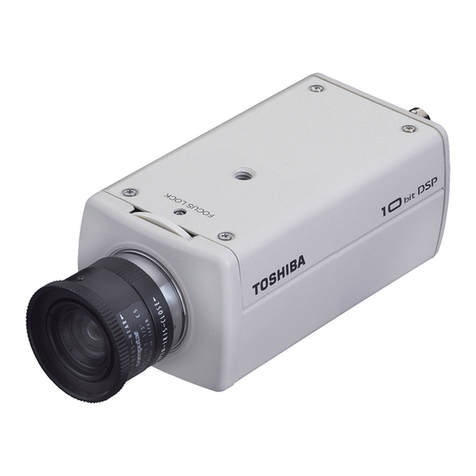
IK-64DNA
IR DAY/NIGHT CCTV CAMERA
lens not included
Pick-Up Element I/3” IR Sensitive CCD
Effective Picture Elements 768 (H) x 494 (V)
Resolution 570 TVL Horizontal in Black and White; 480 TVL Horizontal in Color
Minimum Subject Illumination 0.003 lux @ F1.2 Black and White; 0.1 lux @ F1.2 in Color
AWB Range 2,500°K to 10,000°K, Manual
Lens Mount CS
Communication Port RS422 for remore control
Backlight Compensation Four Mode BLC Function
S/N Ratio 50dB (AGC Off, Weight On)
Video Output VBS 1V P-P (75 Ω)
Video Format NTSC, 2:1 Interlace
Sync System Line-Lock/Internal
Gamma Compensation 0.45 fixed
Auto Electric Shutter ON (1/60 to 1/100,000), OFF (1/60)
Gain Control Average AGC-STD (21dB), HIGH (30dB)
Ambient Temperature 14°F to 122°F, 90% Maximum Relative Humidity
Camera Mounting Method 1/4-inch x 20 Threaded Hole Provided (Top and Bottom)
Power Supply AC 24V ±10%/60Hz ±1Hz, DC 12V±10%
Dimensions 2.48-inch(W) x 1.97-inch(H) x 4.57-inch(D)
Weight 21.2 ounces
Auto-Iris Lens Support DC/Video Type
Day/Night Function
AUTO/Manual Adjustable threshold from B/W to Color (LOW=4.5Lx, HIGH=7.5Lx)
Set Up Menu Day/Night Function, Shutter Speed, Gain, Sync, Backlight Compensation,
Sharpness Control, White Balance, Camera Number
Safety Standard UL2044, CSA
Emission Standard FCC/A, DOC/A
SPECIFICATIONS
CONTROL DAY/NIGHT FUNCTIONS REMOTELY
IK-64DNA
IR Day/Night CCTV Camera
Relative Sensitivity
(Normalized to maximum value)
1.0
0.9
0.8
0.7
0.6
0.5
0.4
0.3
0.2
0.1
0.0 400 500 600 700 800 900 1000
Wavelength
The IK-64DNA’s CCD
has a sensitivity to IR
light in the 900 nm
range, making it ideal for
parking facilities,
warehouses, highways
and other low-light
applications.
Via External Relay
Via Toshiba Surveillix® DVR or Controller
RELAY
MODULE
NOTE: A dry contact
closure input to
camera enables
synchronization of
D/N function to all of
the cameras (all
cameras will convert
from B&W to color
uniformly). This unique
feature prevents the
temporary bright
objects, such as
headlights, from
“tricking” the camera
to switch from B&W to
color mode. This is a
common video
problem with
day/night cameras.
Surveillix® DVR
Dry Contact Closure Input To Camera
NOTE: All camera
program functions can
be accessed remotely
via LAN or Internet
when connected to a
Surveillix® DVR.
Four Zone Backlight
Compensation
BLC1
BLC2
BLC3
BLC4
OFF
1Removable IR cut filter adjusts
either automatically or by dry
contact closure (actual image)
2Camera switches to B&W in low
light environment (actual image)
3Add IR Illuminator to enhance
the image (actual image)
Toshiba America Information Systems, Inc.
Surveillance & IP Video Products, Imaging Systems Division
9740 Irvine Boulevard, Irvine, California 92618
1-877-855-1349 • www.toshibasecurity.com
©2007 Toshiba America Information Systems, Inc. All rights reserved. All
products and names mentioned are the property of their respective owners.
While Toshiba has made every effort at the time of publication to ensure the
accuracy of the information provided herein, product specifications,
configurations, prices, system/component/options availability are all subject
to change without notice.
REV 5