Introduction........................................................................1
Product Overview..................................................................... 1
What can your extender do .................................................. 1
Support for the 802.11n wireless technology....................... 1
Main Features....................................................................... 2
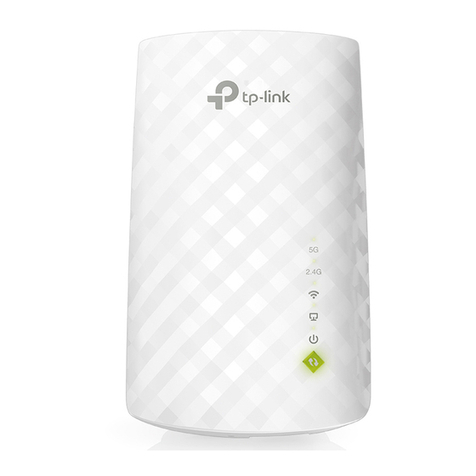
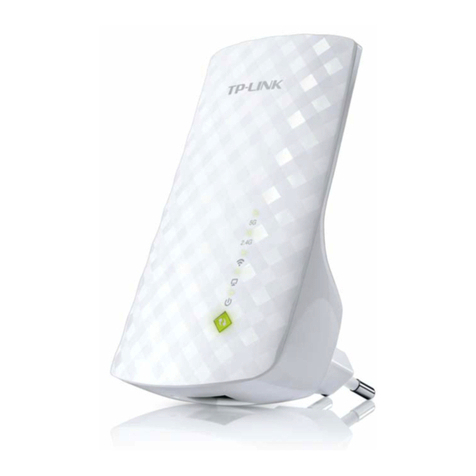
Appearance.............................................................................. 2
Connect the Extender to the Internet.................................4
Before You Begin..................................................................... 4
Basic Requirements................................................................. 5
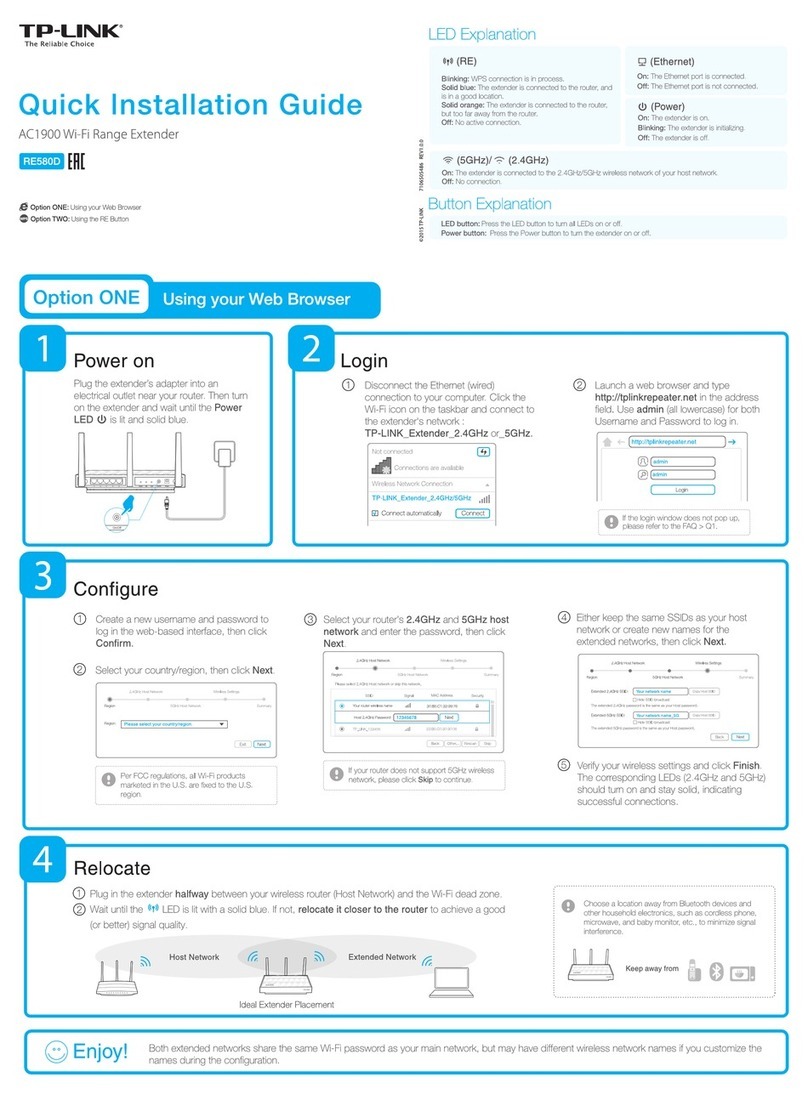
Quick Setup.............................................................................. 5
Using WPS (Wi-Fi Protected Setup) .................................... 5
Using your Web Browser...................................................... 6
View the Information of the Extender ..............................11
View the Extender’s Current Status....................................... 11
View the Information about the Host Network, the Extender and
the Clients .............................................................................. 12
Manage the Extended Network and Security Settings ....13
Extend another Network ........................................................ 13
Extender Settings................................................................... 15
Manage the Extender’s Wi-Fi Security Settings .................... 16
Change your Admin Account ............................................. 16
Control the Wireless Devices Access to the Extender....... 16
Change the Extender’s IP Address ........................................19
DHCP Server ..........................................................................19
Settings ...............................................................................19
View the DHCP Client List ..................................................20
More Functions............................................................... 22
Entertainment Adapter............................................................22
Access Point Mode.................................................................22
Manage the Extender ..................................................... 24
LED Control ............................................................................24
Firmware Upgrade..................................................................25
Backup & Restore...................................................................25
Factory Defaults......................................................................26
System Log .............................................................................26
Reboot ....................................................................................27
Logout .....................................................................................27
Appendix Appendix Appendix AppendixAppendix .......... 28
Factory Defaults......................................................................28
Troubleshooting ......................................................................29
Specifications..........................................................................30
Glossary..................................................................................30
Contents