English
6
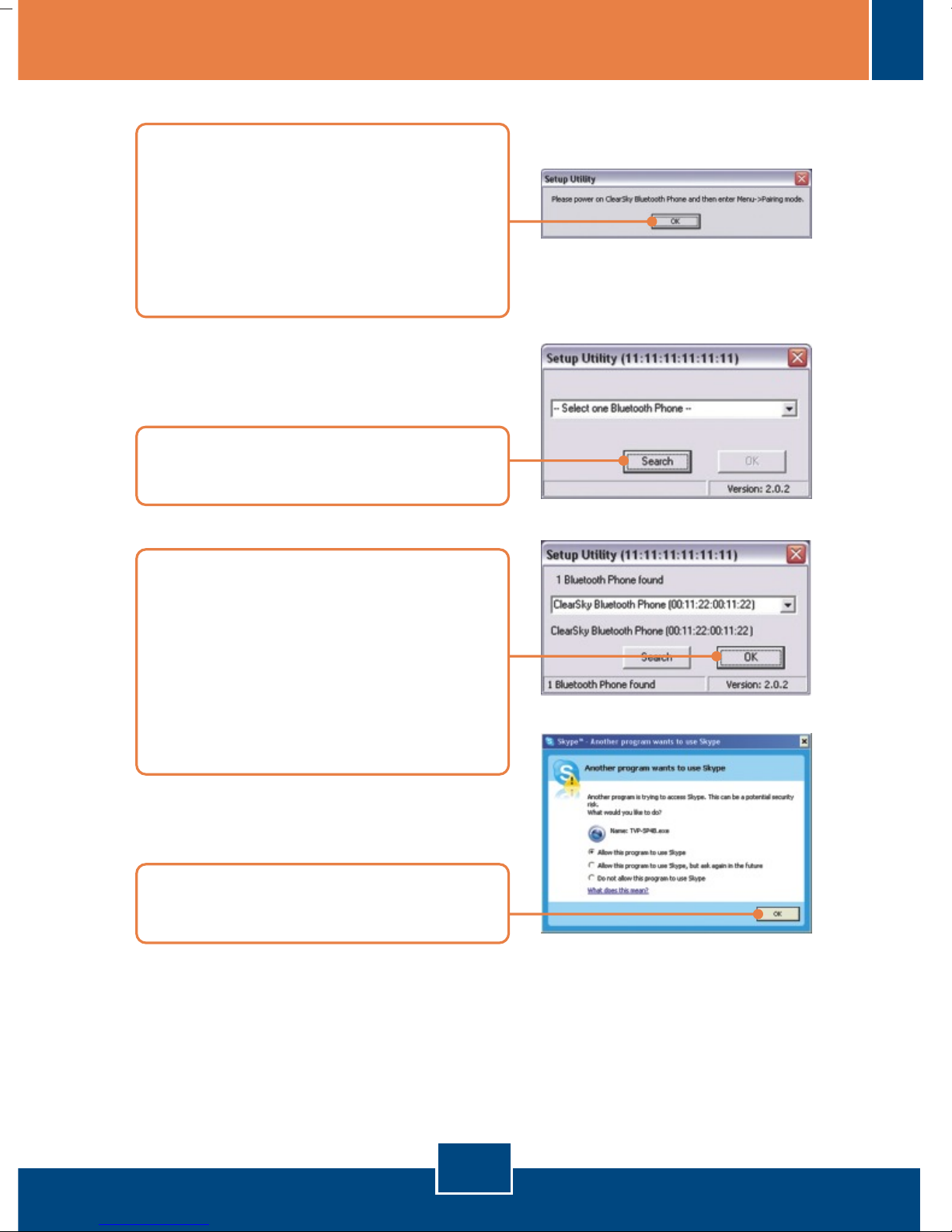
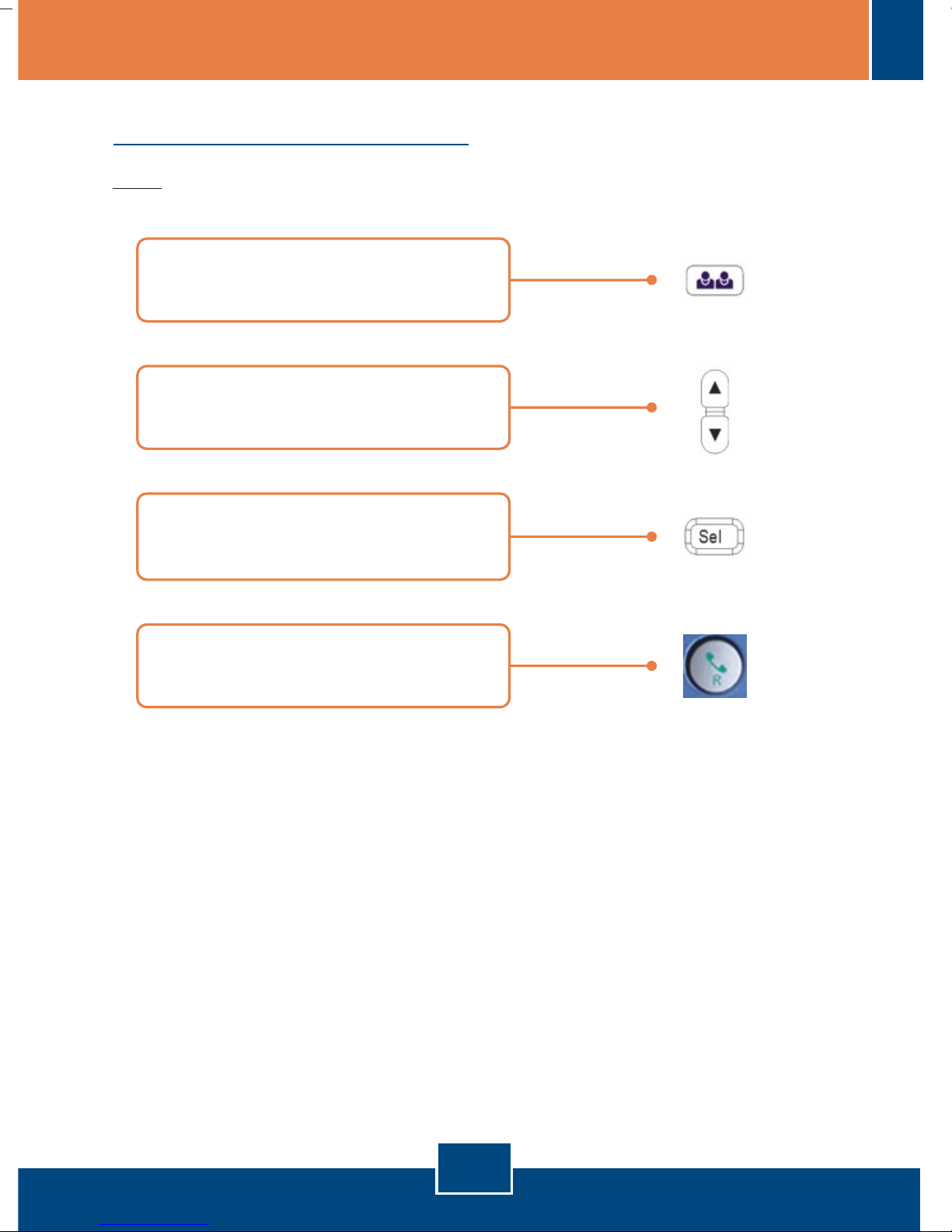
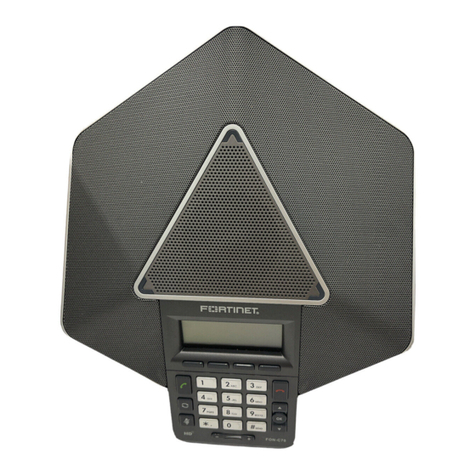
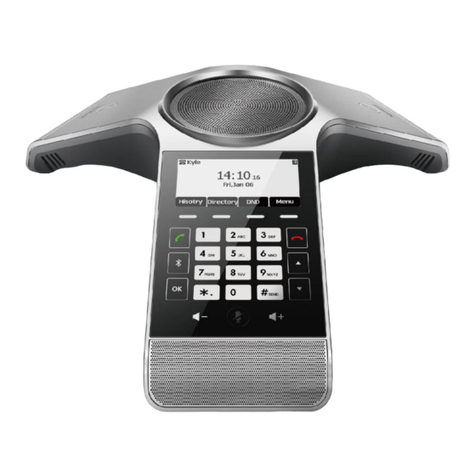
15. Press the Configuration button
located below the LCD screen.
Select Pairing from the menu and
then press the Call (Green
telephone) button to enter Pairing
Mode. Click OK.
17. Select your Bluetooth Phone from
the dropdown list (Please check
the MAC address to select the
right device. The MAC address
will be displayed on the LCD
when you are in paring mode).
Click OK.
16. The Setup Utility should pop-up.
Click Search.
18. Select Allow this program to
use Skype. Click OK.
Your installation is now complete.
For detailed information regarding the TVP-SP4B configuration and advanced
settings, please refer to the User's Guide included on the Utility & Driver CD-
ROM or TRENDnet's website at www.trendnet.com