
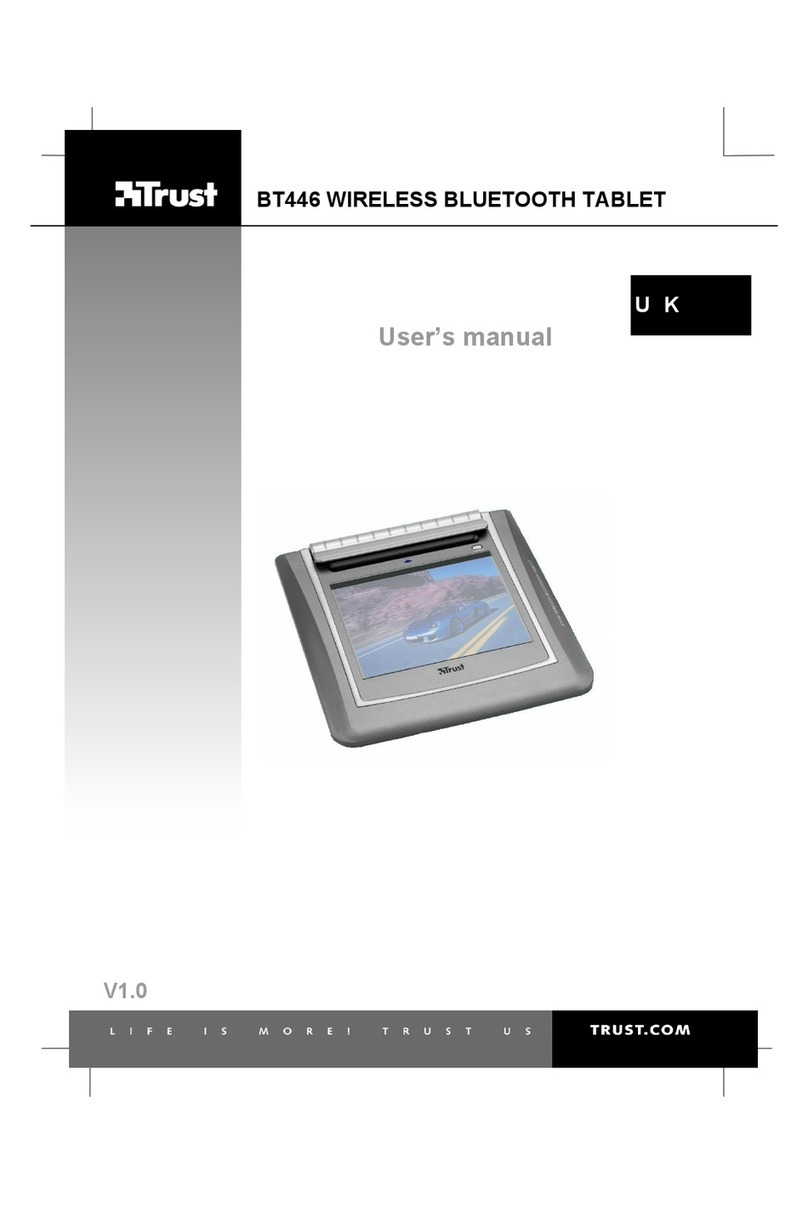
Trust BT446 User manual

1 14117-al-qm
BT446 WIRELESS BLUETOOTH TABLET QUICK INSTALLATION GUIDE
Computer must support Bluetooth with human interface device profile (HID)
1
2
This tablet is designed for Windows 2003 / XP / 2000
3
Power on
PC
4
Max 60 sec.
5
2
1 3
Install driver

2 14117-al-qm
6
Power on
Tablet
7
1 2
8
4
1 3
2 5
9
1
2 Max 90 sec.
10
Connect
tablet via
Bluetooth
11
2X Test
BT446 WIRELESS BLUETOOTH TABLET QUICK INSTALLATION GUIDE

3 14117-al-qm
12
1
2
13
Test
14
Press upper Button (Button 2)
Ok
15 Finish
BT446 WIRELESS BLUETOOTH TABLET QUICK INSTALLATION GUIDE

4 14117-al-qm
Function
Tablet
A Function Indicator
Blue Blinking:
Tablet is connected
Pen is out of range
Blue Continue:
Pen is in range
Red:
Battery low
B Pen Holder
C Work area
D Disconnect Button
E On / Off Switch
F Battery compartment
G USB port
Pen
H Pen point (button)
I Pen button 1
J Pen button 2
B
A D
C
E F G
H I J
Recommended for tablet: 2 x NiMH 1800 mA AA rechargeable batteries
For more information www.trust.com\battery-chargers
Turn off tablet after use: for battery saving
After using pen, place the pen in penholder.
Read manual
Handbuch lessen
Lire le manuel
Leggere il manuale
Leer el manual
Lees handleiding
BT446 WIRELESS BLUETOOTH TABLET QUICK INSTALLATION GUIDE
Other manuals for BT446
1
Other Trust Tablet manuals
Trust
Trust SLIMLINE WIDESCREEN TABLET - Guide
Trust
Trust Flex Design 16937 User manual
Trust
Trust 16938 User manual
Trust
Trust NoviTab 7 User manual
Trust
Trust 18002 User manual
Trust
Trust Wireless Tablet Series User manual
Trust
Trust Flex Design Tablet User manual
Trust
Trust Widescreen Mini Tablet Assembly instructions
Trust
Trust BT446 User manual
Popular Tablet manuals by other brands

Laser
Laser MID-1060 Quick operation guide

MUNBYN
MUNBYN IRT09J Easy setup guide

Motorola
Motorola MC3090R - Win CE 5.0 Professional 520 MHz quick start guide

Dell
Dell Latitude ST Setup and features information

Lenovo
Lenovo IdeaTab S6000L Hardware Maintenance Manual

Venturer
Venturer WT9L11 quick start guide











