Operation
5
E31D4 Turbofan Convection Oven - Service Manual © Copyright Moffat Ltd. 26 April 2016.
Amendment 12
Operation Guide
Turbofan Ovens have been designed to provide simple operation.
This oven is intended for use in a commercial kitchen and must only be put to the use for which it was intended, i.e. cooking food
product. To use this oven correctly please read the following sections carefully:-
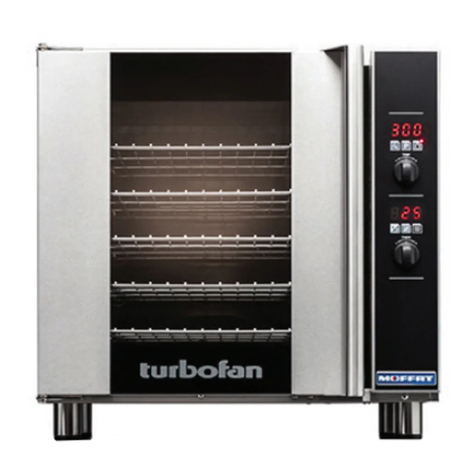
Oven Control Panel
Temperature Display - Shows the preset
chamber temperature.
When used with ‘Temperature’ Button,
shows actual oven temperature for 5
seconds.
Shows Cooking Modes and Error
Codes.
Grill / Broil Button and LED - Switches
between ‘Baking Mode’ and ‘Grill / Broil
Mode’.
Temperature Adjustment Control.
Time Display - Shows cook time in full
minutes only from 180 - 1, and
seconds for final minute only.
On / Off / Stand-By Button and LED -
Press ‘On / Off’ Button once to turn the
oven ‘On’.
Press and hold ‘On / Off’ Button for 2
seconds to turn the oven ‘Off’.
Time Adjustment Control.
Some parts of this oven will become VERY
HOT during use and could cause burns if
touched.
Warning
Take care when opening the oven door
during baking. Let hot air and steam escape
before removing or replacing food as the
steam produced can cause steam burns.
Warning
Programming Button and LED - Used
to enter the ‘Programming’ mode.
Temperature Button and LED - Shows
actual oven temperature for 5 seconds
on the Temperature Display.
LED ‘On’ when heating; LED flashes
when showing actual temperature.
Light On / Off Button and LED - Turns
oven light ‘On / Off’.
Start / Stop Button and LED -
When in the cooking cycle, pressing
the ‘Start / Stop’ Button for 3 seconds
will end the cooking cycle.