UBI EasyCoder 401 Linerless – Installation Instructions
6
PAPER CUTTER KIT, cont'd.
LSS Adjustment
The cutter is activated by CUT or CUT ON statements in the UBI
Fingerprint program, see UBI Fingerprint manual.
The rotating edge will cut through the paper approx. 37 mm (1.5")
in front of the printer’s dot line.
The default start adjust setup value is set to pull back the paper
before printing so the printing can start at the top of the label (i.e.
immediately after the cut).
The default stop adjust setup value makes the printer feed out a
sufficientamountofpaperaftertheprintingsothelabelwebcanbe
cut off without interfering with the print image.
Start adjust - 294
Stop adjust + 250
Note that these values are stored in RAM of the EC 401 LLC (but not in EC 401
LLT)andcouldbelost ate.g.amemoryresetorreplacementoftheCPUboard.
In such a case, the default values stored in EPROM (0/0) will decide the paper
feed.
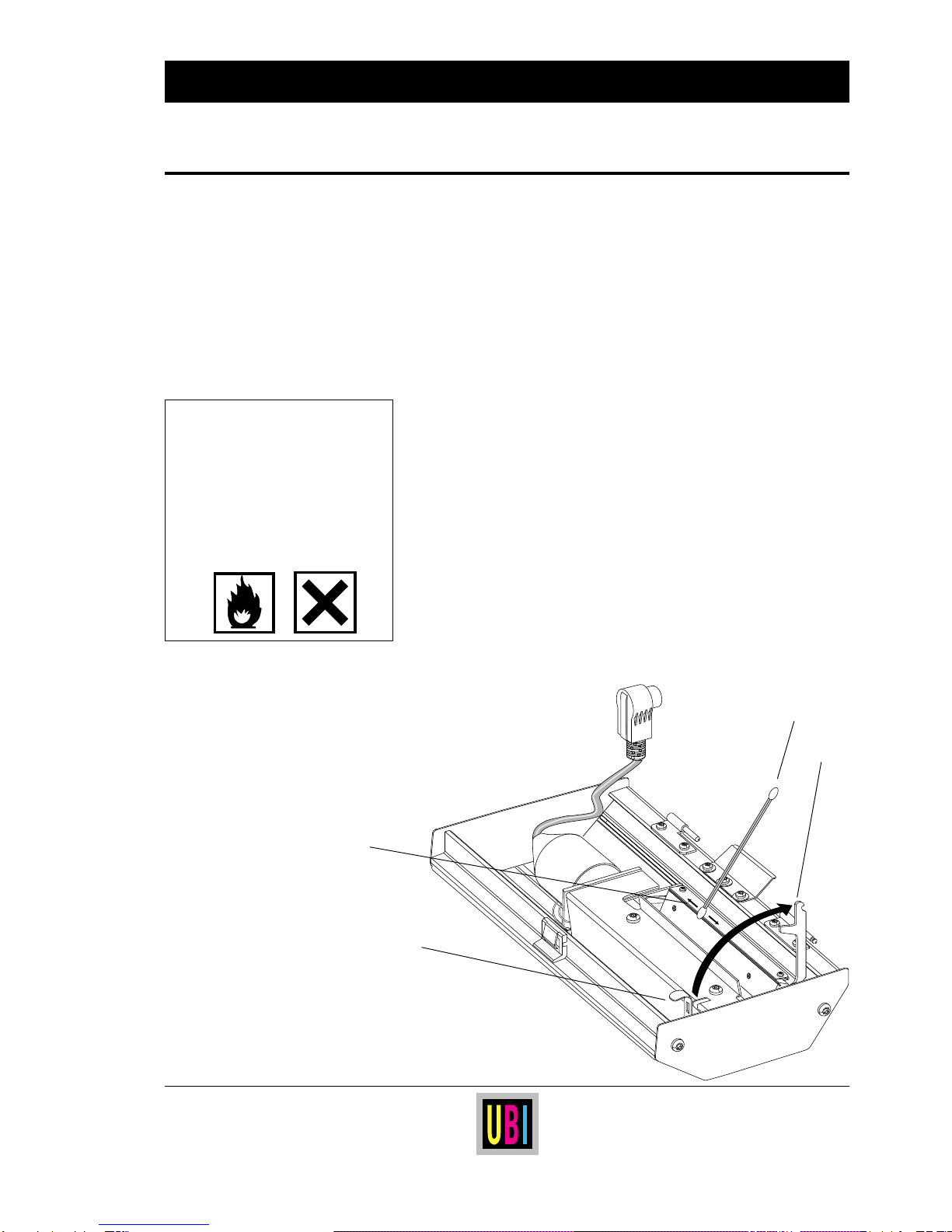
Thecutterisfittedwithabuilt-inlabel-takensensor (LTS) that can
be used for two purposes; to prevent a new label being printed
beforethepreviousonehasbeenremoved,andtodetectpaperjams.
If the label-taken sensor does not operate properly, it may need to
be adjusted:
• MakeasimpleUBIFingerprintprogramthatchecksthestatusof
the LTS, e.g.:
10 BREAK 1,88
20 BREAK 1 ON
30 FORMFEED
40 IF (PRSTAT AND 2) THEN BEEP
50 GOT0 40
60 END
RUN
You can break this program by transmitting the character X
(ASCII 88) decimal on the standard serial interface "uart1:".
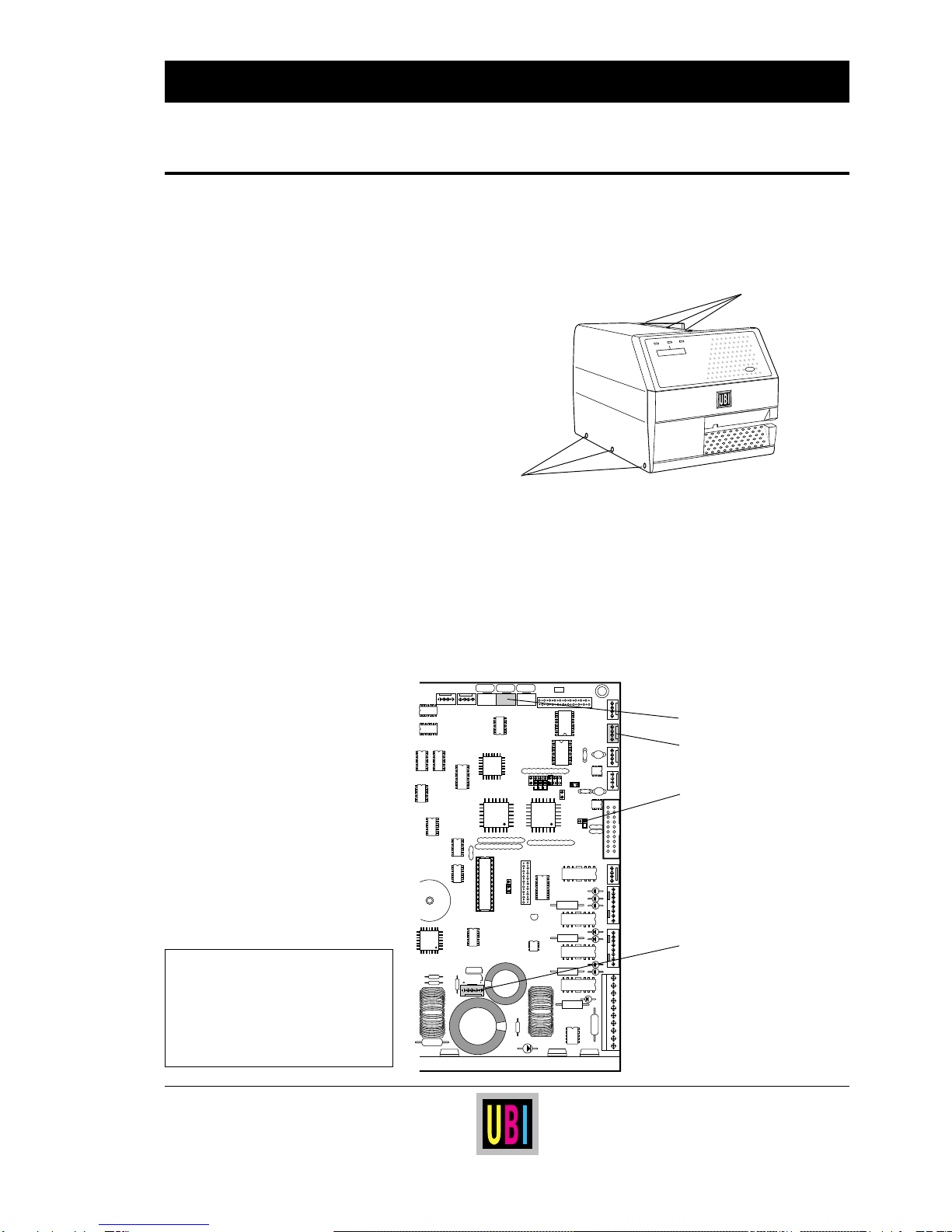
• Remove the left-hand cover.
• Start up UBI Fingerprint and run the program described above.
Leave the label in the cutter's outfeed slot to create a label-not-
taken condition.
• The printer should start to beep continuously. If not, turn the
potentiometerWR-602(seeillustrationonpage5)backandforth
until the beeping starts.
• Adjust the potentiometer so the beeping does not stop when the
screw is turned a quarter of a turn in either direction.
Controlling the Cutter
Continued!
CAUTION!
High Voltage
The LTS must be adjusted with the
poweron.Toavoidtheriskofelectrical
shock or short-circuits, use non-
conductive tools only. Keep your
fingers away from the area behind the
CPU board, where the mains inlet and
switch are situated.