LCD Features
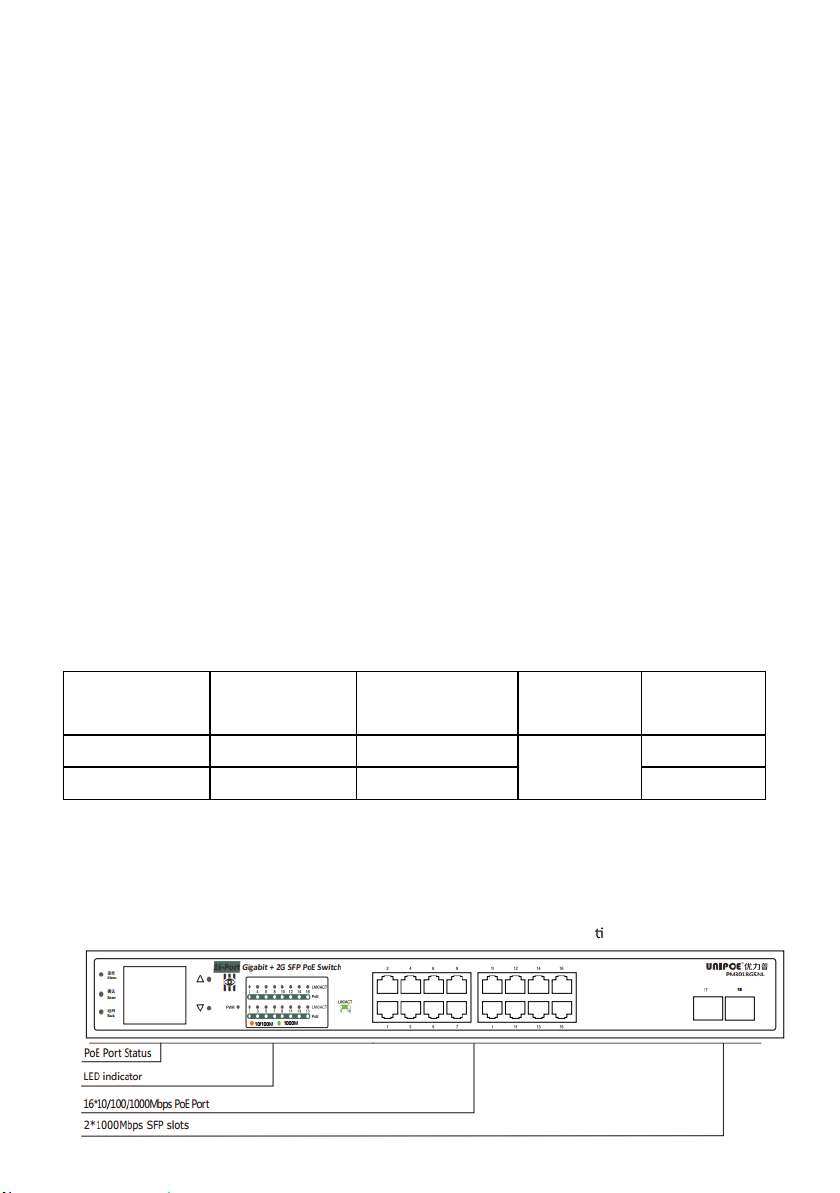
These PoE Switch are with the func on of the LCD display and PoE. The LCD can display the working
cond n of PoE port not only, s ll can accurately show the state of each port, such as: Output power,
Overload, Short circuit, Light load, Low voltage, Over voltage,High temperature, and so on...
Not only such visible on the basis of three generations in the second generation increases the color logo,
according to the menu button, switch mode, bandwidth display and warning, PD type, PSE power fine-tuning and
priority, PoE port switch control, LCD switch. Enhance the LCD viewing angles, smart fan control, language selection and
the function of the factory Settings, in turn, as shown in the figure below,See the operation instructions of the screen
concretely.
3.
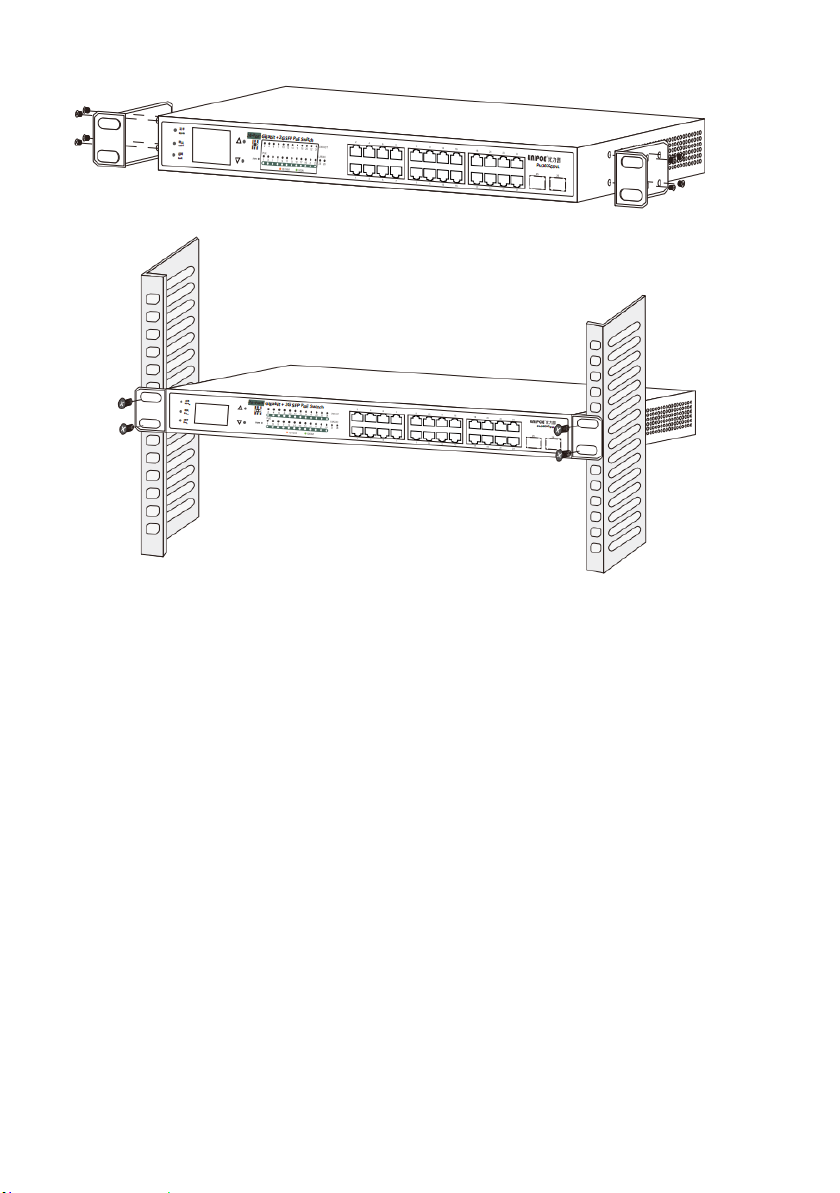
Installation the Switch
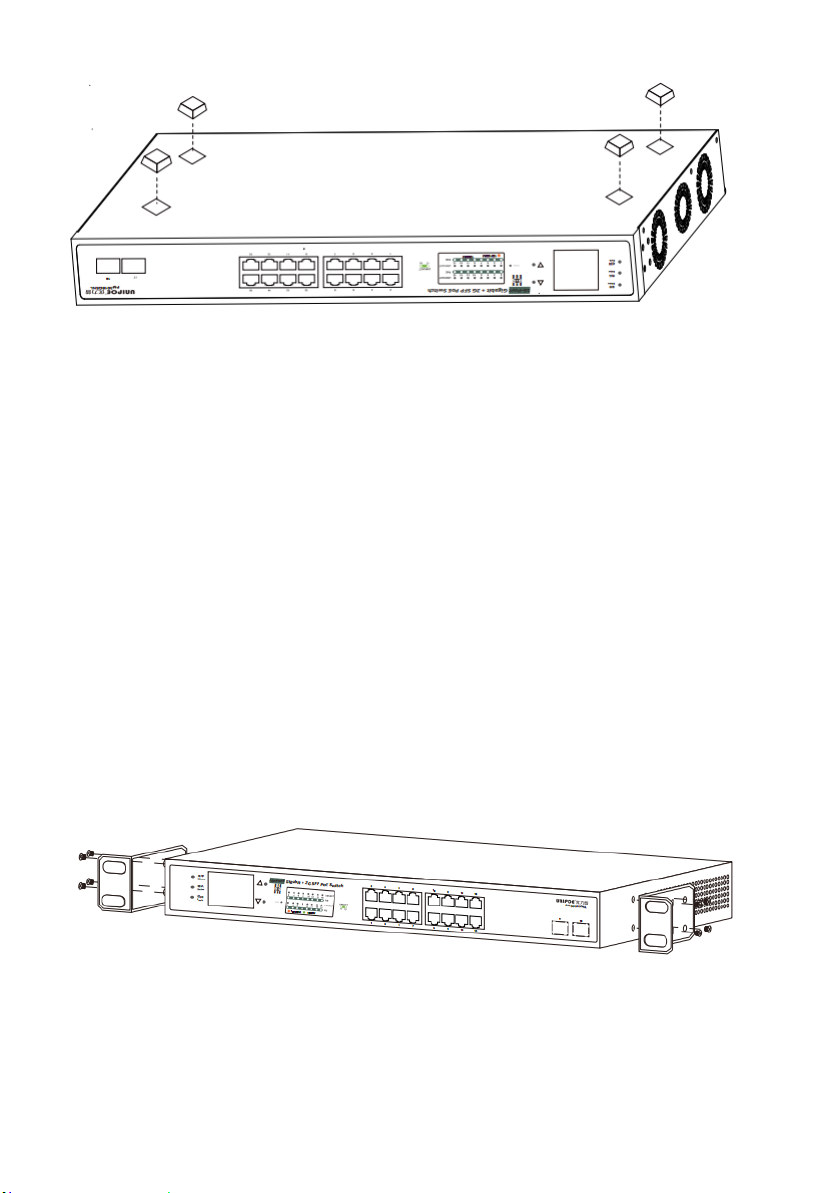
This part describes how to install your Ethernet Switch and make connec ons to it. Please follow the
following instru ns in avoid of incorrect installa on causing device damage and security threat.