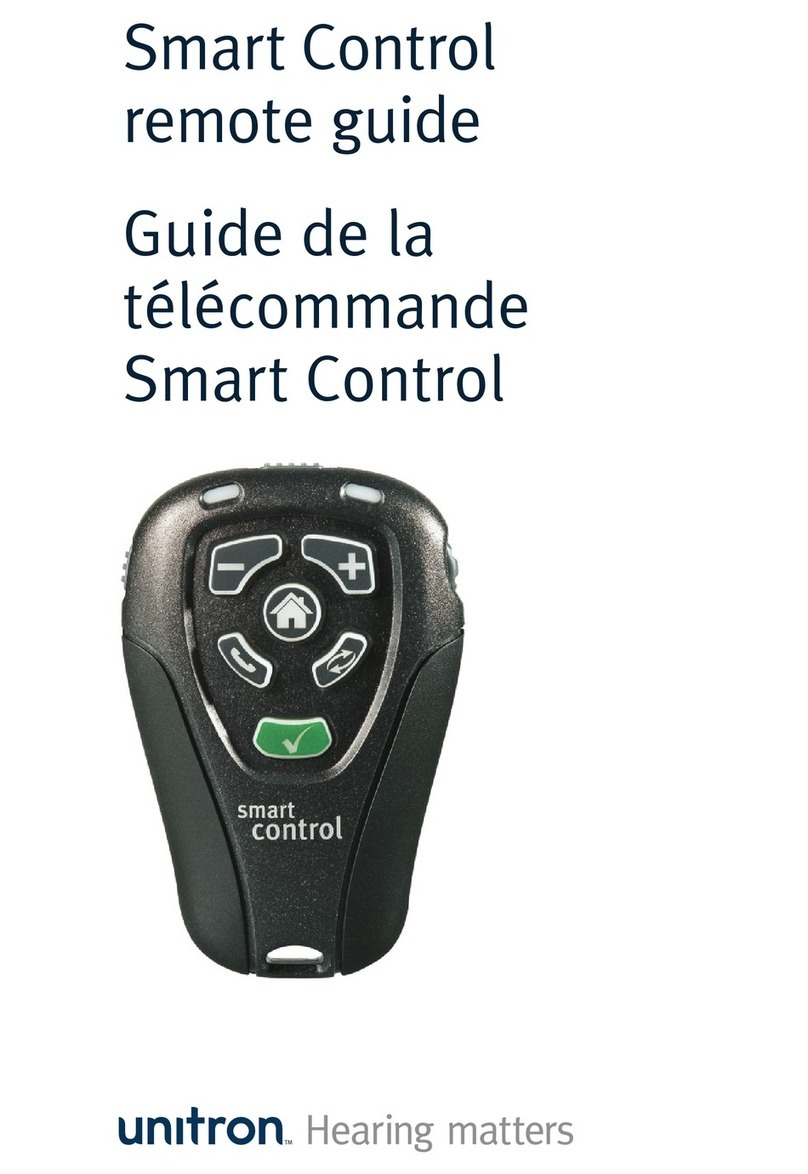
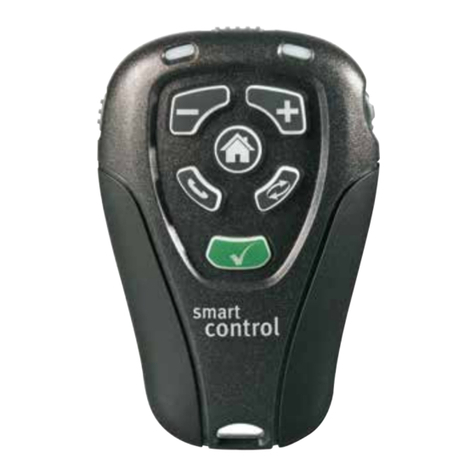
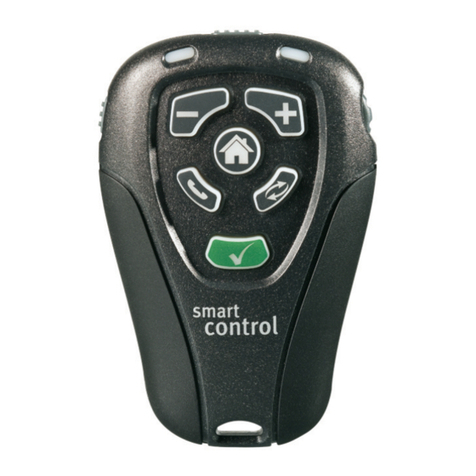
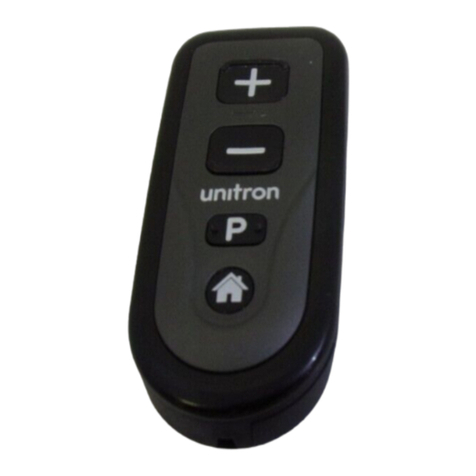
Unitron Smart Control remote User manual

Smart
Control
Quick reference
D/11-051 029-5694-02
Here are a few tips to help
you personalize your
hearing system.
Use the +and –buttons to
adjust your volume or comfort-
clarity control.
Use the button to reset
adjustments you made and set
the hearing aid back to the
start-up program.
Use the program change
button to switch listening
programs manually.
Use the button to directly
access a designated program.
1
6
7
8
234
5
9
10
Legend
1 On-off switch (travel lock)
2 Left-both-right switch
3 Left (blue) indicator light
4 Right (red) indicator light
5 Comfort-clarity control
6 Volume control
7 Home button
8 Telephone/program button
9 Program change button
10 LearnNow™
Some controls may not be available with all products.

Personalize in two ways
Changing the quality of sounds
in a noisy situation
Comfort-clarity control
If you want to sharpen speech,
slowly turn up or press the +
button to improve clarity
If you want to make a noisy
environment comfortable,
slowly turn down or press the –
button to improve comfort
Changing the overall sound level
Volume control
If the overall sound level is too
soft, slowly turn up or press the
+ button to increase loudness
If the overall sound level is too
loud, slowly turn down or press
the – button to decrease
loudness
Teach your preferred settings
Teach your automatic hearing aids with learnNow™
.
Once you have finished adjust-
ing your hearing aids and are
happy with the settings, press
the learnNow button .
hen you are in a similar
listening situation in the future,
your hearing aids will be set
with your preferred volume and
clarity/comfort settings.
www.unitron.com
Other manuals for Smart Control remote
4
Table of contents
Other Unitron Remote Control manuals