manuals.online logo
Brands
  1. Home
  2. •
  3. Brands
  4. •
  5. URC
  6. •
  7. Amplifier
  8. •
  9. URC Total Control DMS-1200 User manual

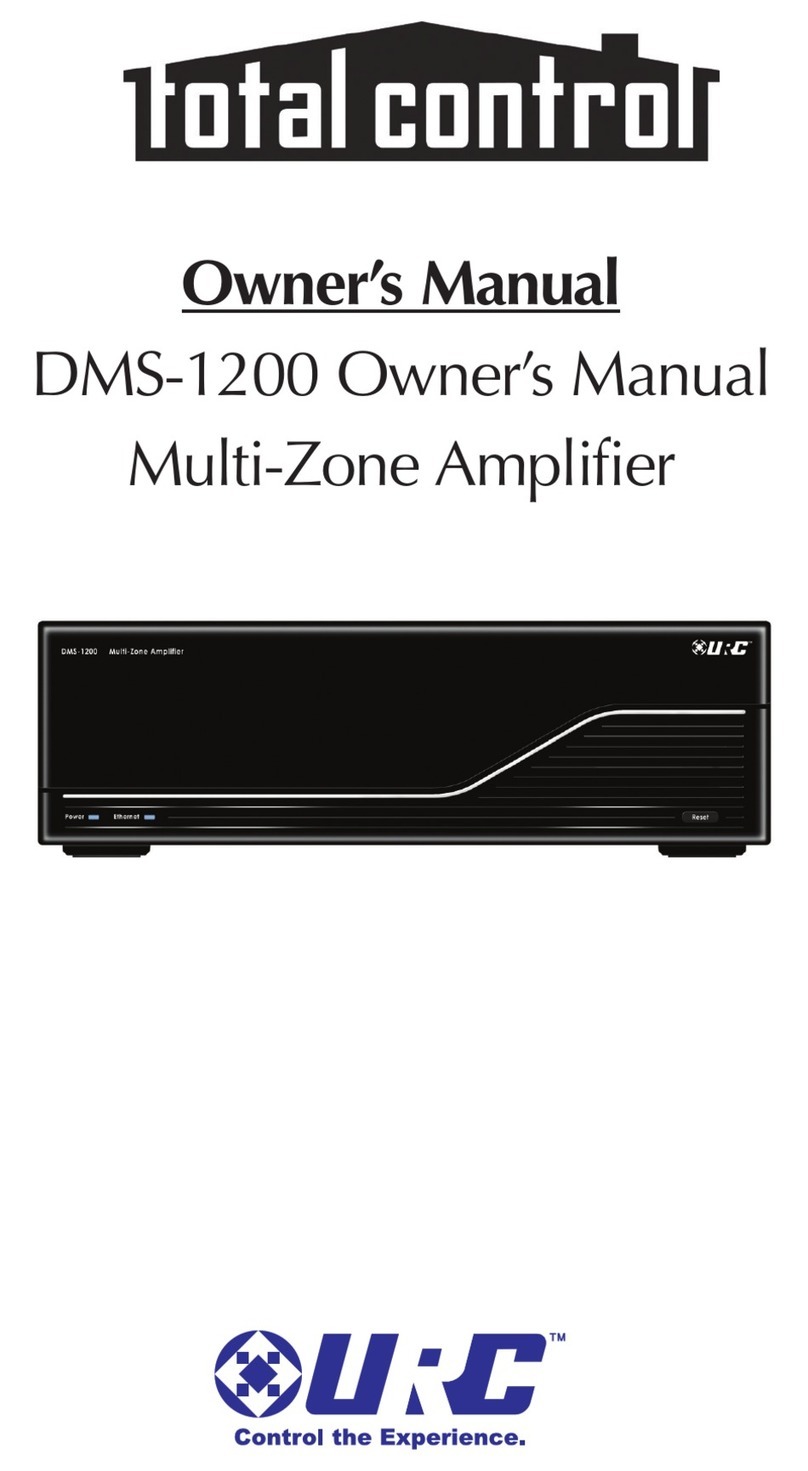
URC Total Control DMS-1200 User manual

Other manuals for Total Control DMS-1200

1

Other URC Amplifier manuals

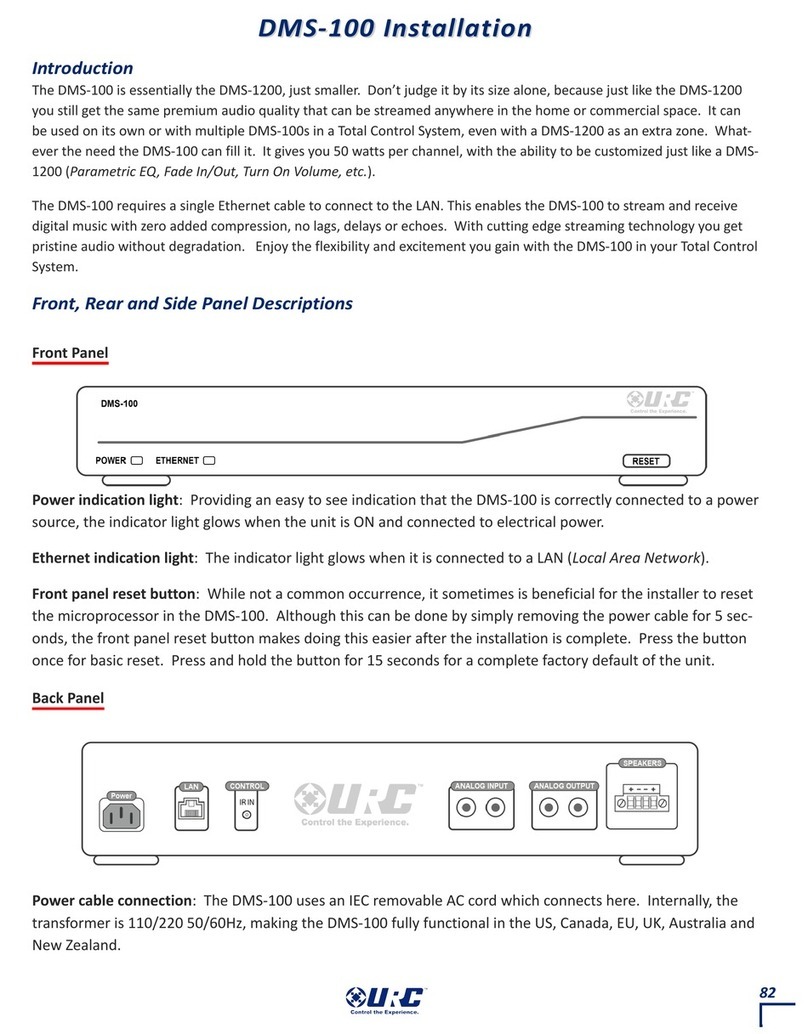
URC Total control DMS-100 Reference manual

URC

URC Total control DMS-100 Reference manual

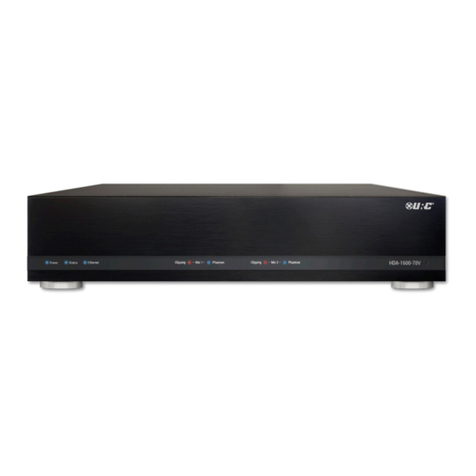
URC Total Control HDA-1600-70V User manual

URC

URC Total Control HDA-1600-70V User manual

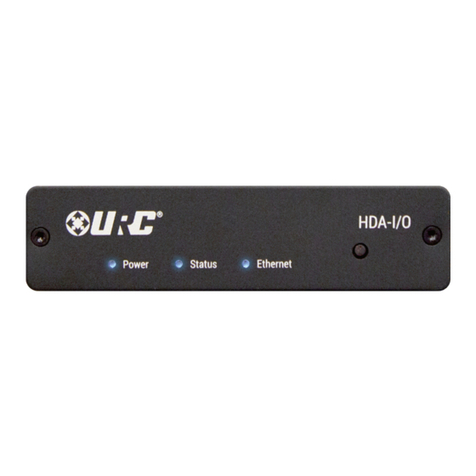
URC Total Control HDA-IO User manual

URC

URC Total Control HDA-IO User manual

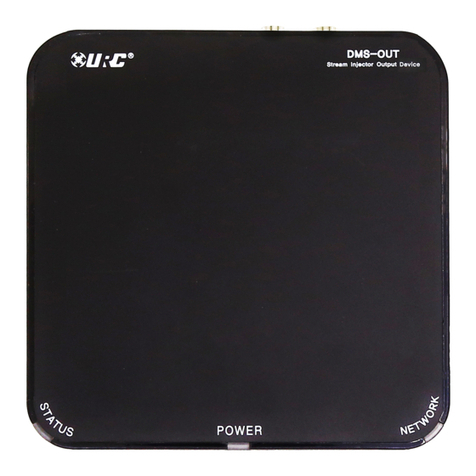
URC DMS-OUT User manual

URC

URC DMS-OUT User manual

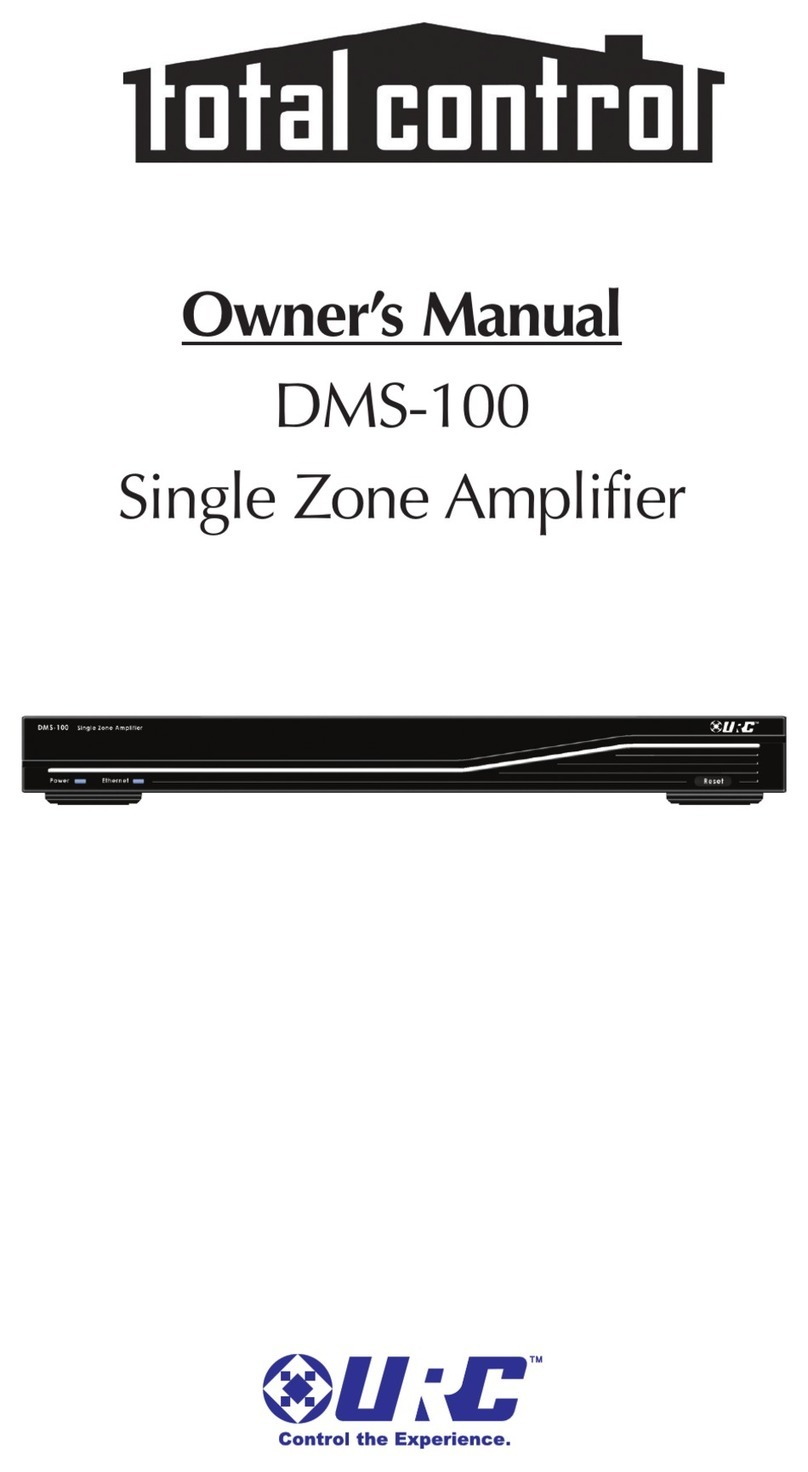
URC Total control DMS-100 User manual

URC

URC Total control DMS-100 User manual

URC DMS -1200 User manual

URC

URC DMS -1200 User manual

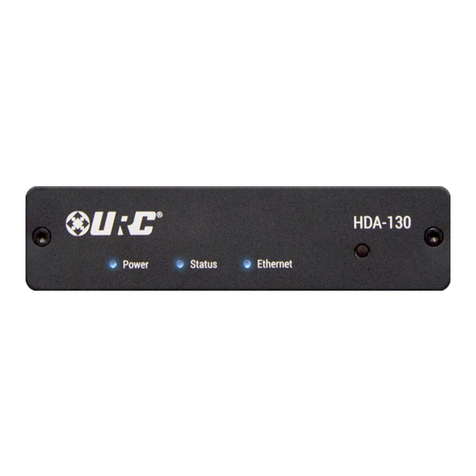
URC Total Control HDA-130 User manual

URC

URC Total Control HDA-130 User manual

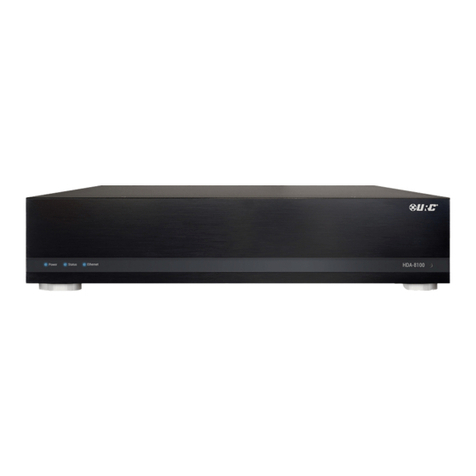
URC HDA-8100 User manual

URC

URC HDA-8100 User manual

URC Total control DMS-100 User manual

URC

URC Total control DMS-100 User manual

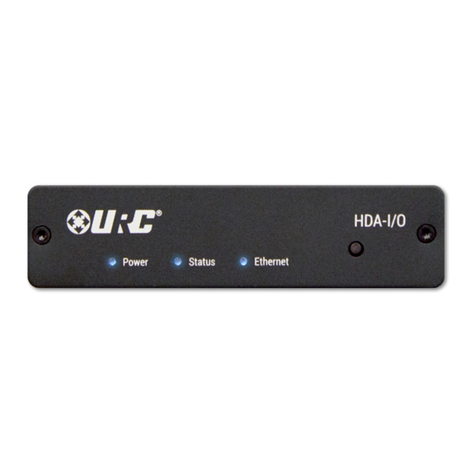
URC HDA-I/O User manual

URC

URC HDA-I/O User manual

URC Total Control DMS-1200 User manual

URC

URC Total Control DMS-1200 User manual

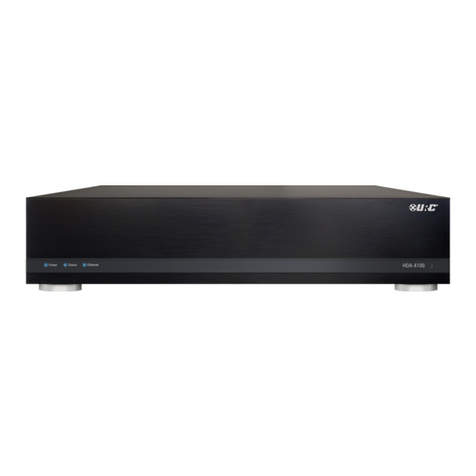
URC HDA-4100 User manual

URC

URC HDA-4100 User manual

Popular Amplifier manuals by other brands

Magnat Audio EDITION FOUR Owner's manual/warranty document

Magnat Audio

Magnat Audio EDITION FOUR Owner's manual/warranty document

Inter-m PA-2000A Operation manual

Inter-m

Inter-m PA-2000A Operation manual

Yamaha TX6n owner's manual

Yamaha

Yamaha TX6n owner's manual

Peavey TNT 150 user guide

Peavey

Peavey TNT 150 user guide

Bosch LBB 1903/10 Installation and user instructions

Bosch

Bosch LBB 1903/10 Installation and user instructions

Avocent Emerge DA1200D Installer/user guide

Avocent

Avocent Emerge DA1200D Installer/user guide

Redgum RGi35 operating instructions

Redgum

Redgum RGi35 operating instructions

Cambridge Audio AXA25 user manual

Cambridge Audio

Cambridge Audio AXA25 user manual

Alpine MRP-M200 owner's manual

Alpine

Alpine MRP-M200 owner's manual

Technical Pro H1502UrBT user manual

Technical Pro

Technical Pro H1502UrBT user manual

FMS EMGZ307 operating manual

FMS

FMS EMGZ307 operating manual

Racal Instruments 5601 user manual

Racal Instruments

Racal Instruments 5601 user manual

Valcom V-1094A Technical specifications

Valcom

Valcom V-1094A Technical specifications

Cambridge Audio 851D user manual

Cambridge Audio

Cambridge Audio 851D user manual

QSC 3800 Specifications

QSC

QSC 3800 Specifications

NAD C300 owner's manual

NAD

NAD C300 owner's manual

Rotel RMB-1077 owner's manual

Rotel

Rotel RMB-1077 owner's manual

Peavey Monitor 300 Series operating guide

Peavey

Peavey Monitor 300 Series operating guide

manuals.online logo
manuals.online logoBrands
  • About & Mission
  • Contact us
  • Privacy Policy
  • Terms and Conditions

Copyright 2025 Manuals.Online. All Rights Reserved.

DMS-1200 Owner’s Manual
Multi-Zone Amplifier
DMS-1200 Owner’s Manual ©2011 Universal Remote Control, Inc.
he information in this manual is copyright protected. No part of this manual
may be copied or reproduced in any form without prior written consent
from Universal Remote Control, Inc.
UNIVERSAL REMO E CON ROL, INC. SHALL NO BE LIABLE FOR OPER-
A IONAL, ECHNICAL OR EDI ORIAL ERRORS/OMISSIONS MADE IN
HIS MANUAL.
he information in this manual may be subject to change without prior
notice.
URC - Control the Experience is a registered trademark of Universal Remote
Control, Inc.
All other brand or product names are trademarks or registered trademarks
of their respective companies or organizations.
Universal Remote Control,Inc.
500 Mamaroneck Avenue, Harrison, NY 10528
Phone: (914) 835-4484 Fax: (914) 835-4532
Introduction 1
System Features 2
Front Panel Features 3
Rear Panel Features 4
Important Safety Instructions 6
Federal Communication Commission
Interference Statement 8
USA Limited Warranty Statement 9
Specifications 11
System Configuration for Internal LAN Network 12
Europe Certificate Of Conformity 13
THE DIGITAL MULTI-ZONE AMPLIFIER
Page 1
THE DIGITAL MULTI-ZONE AMPLIFIER
Congratulations!
You’ve purchased the finest music distribution system avail-
able today. The DMS-1200 is a native to the network, CD
quality digital music distribution system with a range of key-
pads and remote controls that not only fully control your
music but control of all your other audio video components.
The DMS-1200 in many ways is the heart of your system,
both distributing music to your speakers and distributing
streams of music from your analog sources to other DMS
amplifiers in the system. This makes your system scalable, and
easy to add additional rooms at any time in the future. All you
need is a DMS amplifier connected to the network to make
any room a new DMS music room.
Along with the DMS-1200, your system will include a Master
System Controller like the MRX-10 (the brain of the system)
and as many digital music gateways as you have users via the
unique URC SNP-1 Streaming network Player.
Each player provides one user with access to all of their music
and all of their preferences and favorites. Each SNP-1 access-
es what’s stored on the network and what is available through
the internet via Pandora, Rhapsody, XM, Sirius and Internet
Radio. SNP-1s don’t have to be installed in the room where
the DMS resides. That way you can take advantage of the TV
display of cover art, album name, artist names and song title
in rooms with TVs by having your installer connect to one of
your TVs in the system.
The DMS-1200 is designed for professional installation only.
He or she will help you select the right user interface for
every room of your installation. You’ll have a choice of Total
Control in-wall keypads and remote controls. If you have
questions, call our customer service center at:
Company:
Installer Name:
Contact #:
Email Address:
Page 2
DM -1200 FEATURE AND BENEFIT
System Features
Pristine Audio Quality
Unlike other digital music systems, the DMS system
streams all music uncompressed at pure CD quality
levels. You enjoy all the detail of your original source.
Room Linking
Any room can be linked with any other room to listen
to the same source. This makes it easy for you to
entertain by simply linking all the rooms your guests
will be in and controlling the music from any remote
or keypad.
Reliability
The DMS-1200 is engineered first and foremost for
reliability. It offers extensive internal protection against
failure and is manufactured in our ISO 9000 certified
factory with the utmost attention to quality control at
every stage of manufacturing, from parts procurement
to final assembly.
Page 3
DM -1200 FEATURE AND BENEFIT
Front Panel Features
Power and LAN LEDs
LEDs indicate that the DMS-1200 is connected to
power and connected to the local area network.
Automatic Power Off
The DMS-1200 is powered off and in an automatic
standby state when no zones are active.
Reset Button
The front panel reset button offers the end user a
quick way to reconnect the DMS-1200 to the local
area network.
Page 4
DM -1200 FEATURE AND BENEFIT
Rear Panel Features
110V-220V Power Connection
The IEC power socket enables either UL/CSA approved
110V power cords or CE approved 220V power cables to
be used with the DMS-1200. The internal power supply
automatically switches from 110V to 240V.
Automatic Fan for Cooling
A whisper quiet fan automatically engages to keep the
internal temperature optimum for long life and reliable
operation.
Network Connection
A 10/100 LAN connection ensures that the DMS-1200
will receive all network streams from other DMS or
SNP sources.
ix Powered Zones
The DMS-1200s internal amplifiers will power six
pairs of 8 ohm speakers with 50 watts per speaker.
Each pair of speakers can listen to any DMS source.
Page 5
DM -1200 FEATURE AND BENEFIT
Two Preamp Zones
The two preamp zones enable external power ampli-
fiers to be used for rooms with a need for more or less
power than 50 watts per channel. External amplifiers
equipped with 12V triggers are ideal, since they will
automatically switched on when the zone is in use,
and switched off when the zone is off.
4 Audio Inputs Create DM treams
Up to four analog audio sources can be connected to
the DMS-1200. Each is simultaneously available as a
DMS stream on the network, not just to the DMS they
are connected to, but all other DMS amplifiers on the
same network.
IR In for 1-Way RF Remotes and Base tations
When connected to a URC RF base station, a one-way
URC remote control can be programmed to control
any or all zones.
Page 6
Important Safety Instructions
This unit shall be connected to a mains socket outlet with a protective
grounded connection.
CAUTION:
To completely disconnect this product from the mains, disconnect the
plug from the wall socket outlet. The mains plug is used to completely
interrupt the power supply to the unit and must be within easy access
by the user.
CAUTION:
These servicing instructions are for use by qualified service personnel only.
To reduce the risk of electric shock, do not perform any servicing other than
that contained in the operating instructions unless you are qualified to do so.
IMPORTANT AFETY IN TRUCTION
Page 7
IMPORTANT AFETY IN TRUCTION
Important Safety Instructions
1. Read these instructions.
2. Keep these instructions.
3. Heed all warnings.
4. Follow all instructions.
5. In the event of malfunction, un plug lmmediately.
6. Do not use this apparatus near water.
7. Clean only with dry cloth.
8. Do not block any ventilation openings.
Install in accordance with the manufacturer’s instructions.
9. Do not install near any heat sources such as radiators, heat registers,
stoves, or other apparatus(including amplifiers) that produce heat.
10. Do not defeat the safety purpose of the polarized or grounding-type plug.
A polarized plug has two blades with one wider than the other.
A grounding type plug has two blades and a third grounding prong.
The wide blade or the third prong are provided for your safety.
If the provided plug does not fit into your outlet, consult an electrician for
replacement of the obsolete outlet.
11. Protect the power cord from being walked on or pinched particularly at
plugs, convenience receptacles, and the point where they exit from the
apparatus.
12. Only use attachments/accessories specified by the manufacturer.
13. Use only with the cart, stand, tripod, bracket, or table
specified by the manufacturer, or sold with the apparatus.
When a cart is used, use caution when moving the
cart/apparatus combination to avoid injury from
tip-over.
14. Unplug this apparatus during lightning storms or when
unused for long periods of time.
15. Refer all servicing to qualified service personnel.
Servicing is required when the apparatus has been damaged in any way,
such as power-supply cord or plug is damaged, liquid has been spilled or
objects have fallen into the apparatus, the apparatus has been exposed to
rain or moisture, does not operate normally,or has been dropped.
CAUTION:
lThe ventilation should not be impeded by covering the ventilation
openings with items, such as newspapers, tablecloths, curtains,
etc.
lNo naked flame sources, such as lighted candles, should be
placed on the unit.

lMinimum distances around the apparatus for sufficient
ventilation : 20centimeter
lThis product is use in moderate climates.
lDo not expose the unit to dripping or splashing fluids, do not place
objects filled with liquids, such as vases, on the unit.