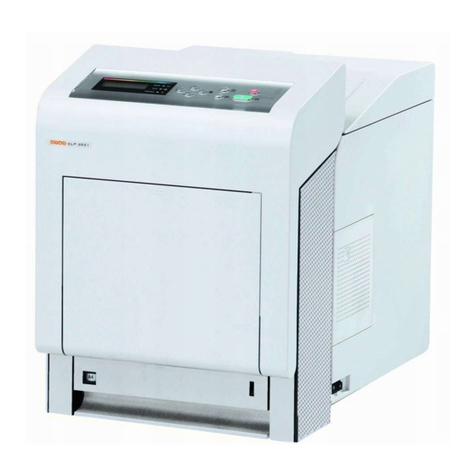
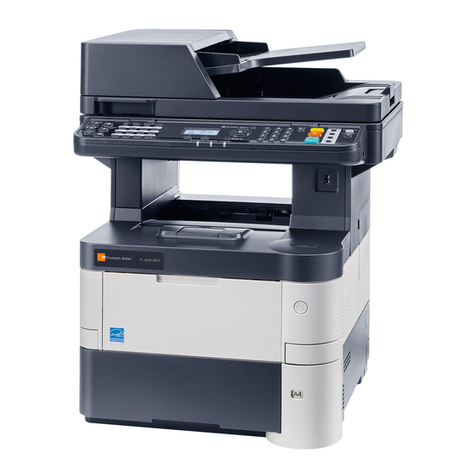
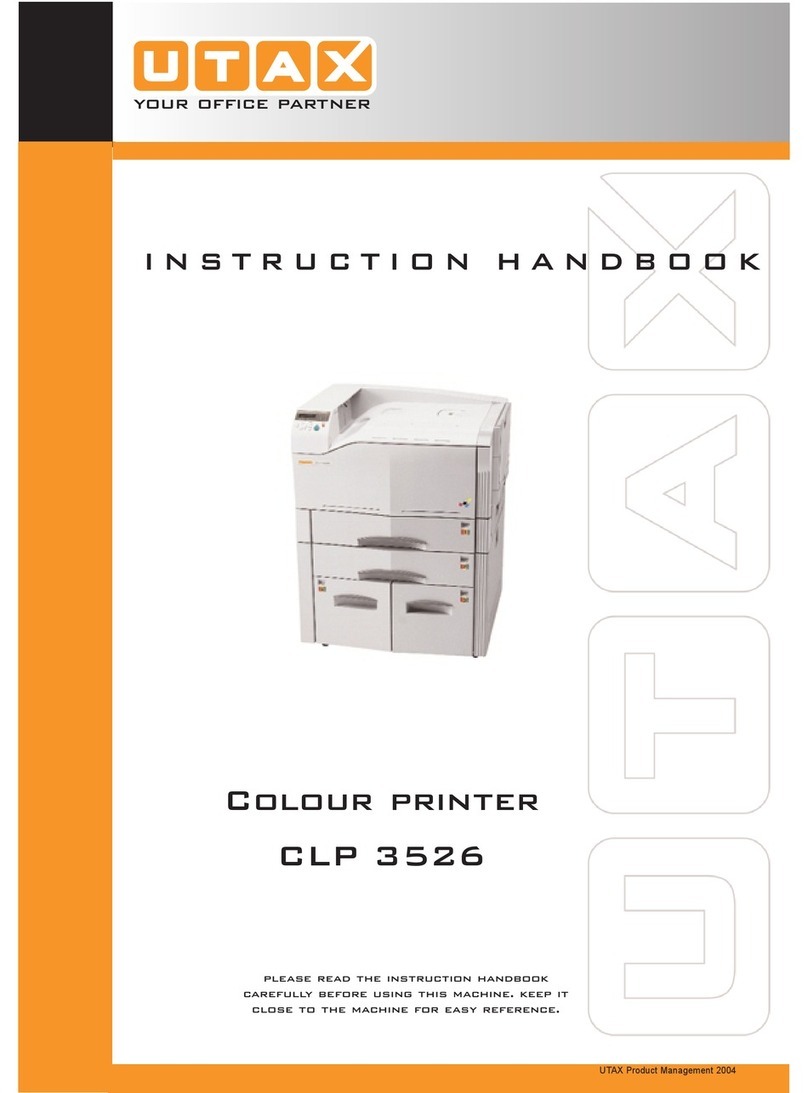
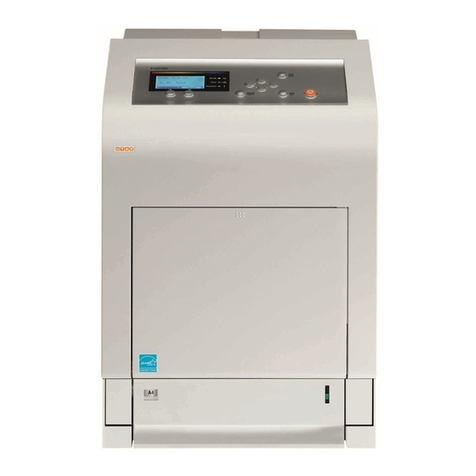
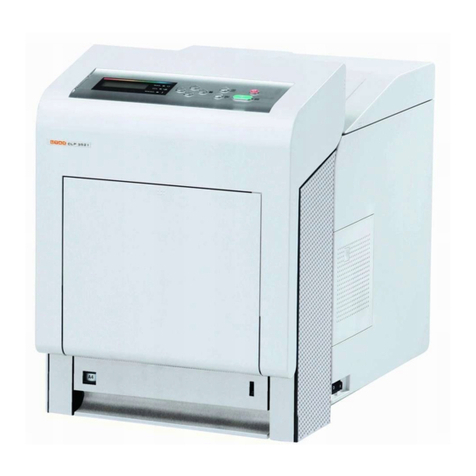
Utax CLP 3726 User manual

DOCUMENT CONSULTING
instruction manual
colour printer
CLP 3721 | 3726


Introduction
This Operation Guide is intended to help you operate the machine correctly,
perform routine maintenance and take a simple troubleshooting action as
necessary, so that you can always use the machine in good condition.
Please read this Operation Guide before you start using the machine, and
keep it close to the machine for easy reference.
We recommend the use of our own brand supplies. We will not be liable for
any damage caused by the use of third party supplies in this machine.
Thank you for your purchase of this machine.

i
Contents
Menu Map ............................................................................. iii
Legal and Safety Information ............................................ vii
1 Machine Parts
Components at the Front of the Printer .................................... 1-2
Internal Components .................................................................. 1-2
Components at the Rear of the Printer ..................................... 1-3
Operation Panel .......................................................................... 1-4
2 Printing Operation
Changing Network Interface Parameters ................................. 2-2
Printing a Status Page ................................................................ 2-3
Printing from Application Software ........................................ 2-10
Status Monitor ........................................................................... 2-11
Uninstalling Software (Windows PC) ...................................... 2-15
3 Handling Paper
General Guidelines ..................................................................... 3-2
Selecting the Right Paper .......................................................... 3-4
Special Paper .............................................................................. 3-8
Paper Type ................................................................................ 3-13
Loading Paper ........................................................................... 3-14
4 Using the Operation Panel
General Information .................................................................... 4-2
Understanding the Operation Panel ......................................... 4-3
Keys .. ........................................................................................... 4-6
Using the Menu Selection System ............................................ 4-8
Setting a Mode Selection Menu ............................................... 4-10
Report Print ............................................................................... 4-11
USB Memory (USB memory selection) ................................... 4-16
Custom Box (Using a Custom Box) ........................................ 4-18
Job Box ...................................................................................... 4-22
Counter (Viewing the counter value) ...................................... 4-28
Paper Settings ........................................................................... 4-29
Print Settings ............................................................................ 4-37
Network (Network settings) ..................................................... 4-46
Device Common (Selecting/Setting the common device) .... 4-52
Security ...................................................................................... 4-62
Job Accounting (Job Accounting selection/setting) ............. 4-70
Administrator (Administrator settings) .................................. 4-76
Adjust/Maintenance (Adjust/Maintenance selection/setting) 4-79
Optional Functions ................................................................... 4-89
5 Maintenance
General Information .................................................................... 5-2
Toner Container Replacement ................................................... 5-2
Replacing the Waste Toner Box ................................................ 5-6
Cleaning the Printer .................................................................... 5-8
Embedded Web Server ............................................................... 2-3
Installing the Printing System Driver ........................................ 2-4

ii
6 Troubleshooting
General Guidelines ..................................................................... 6-2
Print Quality Problems ............................................................... 6-3
Error Messages ........................................................................... 6-6
Clearing Paper Jams ................................................................ 6-11
Appendix
Interface .......................................................................................A-2
USB Interface ..............................................................................A-2
Network Interface ........................................................................A-3
About the Options ......................................................................A-5
Expansion Memory Modules .....................................................A-6
General Description of Options .................................................A-8
Specifications ...... .....................................................................A-12
Glossary . .............................................................. Glossary-1
Index .. ......................................................................... Index-1

iii
Menu Map
MENU Key
Report Print
(page 4-11)
Print Menu Map (page 4-11)
Print Status Page (page 4-13)
Print Fonts List (page 4-15)
Print Hard Disk File List (page 4-15)
Print RAM Disk File List (page 4-15)
USB Memory
(page 4-16)
Print File (page 4-16)
Copies (page 4-17)
Paper Source (page 4-17)
Remove Device (page 4-17)
Print File List (page 4-17)
Custom Box
(page 4-18)
Select Box (page 4-18)Print All Files (page 4-19)
(Selects the data) (page 4-20)
Delete All Files (page 4-21)
Print File List (page 4-21)
Print Box List (page 4-21)
Job Box
(page 4-22)
Quick Copy (page 4-23)
Private/Stored (page 4-25)
Job Box Configuration
(page 4-26)
Quick Copy (page 4-27)
Delete (page 4-27)
Counter
(page 4-28)
Printed Pages (page 4-28)
Color (page 4-28)
Black & White (page 4-28)
Paper
Settings
(page 4-29)
MP Tray Size (page 4-29)
MP Tray Type (page 4-30)
Cassette 1 Size (page 4-31)
Cassette 2 Size (page 4-31)
Cassette 3 Size (page 4-31)
Cassette 4 Size (page 4-31)
Cassette 1 Type (page 4-33)
Cassette 2 Type (page 4-33)
Cassette 3 Type (page 4-33)
Cassette 4 Type (page 4-33)
Type Adjust (page 4-34) Paper Weight (page 4-35)
Duplex Path (page 4-35)
Reset Type Adjust (page 4-36)

iv
Print
Settings
(page 4-37)
Paper Source (page 4-37)
Paper Feed Mode (page 4-38)
Duplex (page 4-38)
Override A4/LT (page 4-40)
Emulation (page 4-40)
Error Report (page 4-40)
Color Mode (page 4-42)
Print Quality (page 4-42) Gloss Mode (page 4-42)
EcoPrint Mode (page 4-43)
Page Set (page 4-43) Copies (page 4-43)
Orientation (page 4-44)
Wide A4 (page 4-44)
XPS FitTo Page (page 4-44)
TIFF/JPEG Size (page 4-45)
Network
(page 4-46)
TCP/IP (page 4-46)
DHCP (page 4-47)
Auto-IP (page 4-47)
IP Address (page 4-47)
Subnet Mask (page 4-48)
Gateway (page 4-49)
Bonjour (page 4-49)
TCP/IP (IPv6) (page 4-50)
RA (Stateless) (page 4-50)
DHCPv6 (page 4-50)

v
Device
Common
(page 4-52)
Message Language (page 4-52)
Date Setting (page 4-52) Date (Year/Mon/Day) (page 4-53)
Time (Hour:Min:Sec) (page 4-53)
Date Format (page 4-53)
Buzzer (page 4-54) Key Confirmation (page 4-54)
Job End (page 4-54)
Ready (page 4-54)
Error (page 4-55)
RAM Disk Mode (page 4-55)
RAM Disk Size (page 4-56)
Hard Disk (page 4-56)Format (page 4-57)
Error Handling (page 4-57) Duplex (page 4-57)
Paper Mismatch (page 4-58)
MP Tray Empty (page 4-58)
Timer (page 4-59) Form Feed Time Out (page 4-59)
Sleep Timer (page 4-59)
Auto Error Clear (page 4-60)
Error Clear Timer (page 4-60)
Auto Panel Reset (page 4-61)
Panel Reset Timer (page 4-61)
Security
(page 4-62)
I/F Block (page 4-63) USB Host (page 4-63)
USB Device (page 4-63)
Option I/F (page 4-64)
NetWare (page 4-64)
Frame Type (page 4-64)
AppleTalk (page 4-65)
IPP (page 4-65)
SSL Server (page 4-66)
DES (page 4-66)
3DES (page 4-67)
AES (page 4-67)
IPP over SSL (page 4-67)
HTTPS (page 4-68)
IPSec (page 4-68)
Security Level (page 4-69)
Thin Print (page 4-69)
ThinPrint over SSL (page 4-69)

vi
Job
Accounting
(page 4-70)
Job Accounting (page 4-71)
Select Account (page 4-72) Counter (page 4-72)
Color Counter (page 4-72)
Restriction (page 4-73)
Color Restriction (page 4-73)
Maximum Output (page 4-73)
Color Max. Output (page 4-74)
Reset Counter (page 4-74)
Add Account (page 4-74)
Delete Account (page 4-75)
Print Job Accounting List (page 4-75)
Administrator
(page 4-76)
Change ID (page 4-77)
Change Password (page 4-77)
Adjust/
Maintenance
(page 4-79)
Color Calibration (page 4-79)
Registration Normal
(page 4-79)
Print Registration Chart (page 4-80)
Adjust Magenta (page 4-81)
Adjust Cyan (page 4-82)
Adjust Yellow (page 4-82)
Registration Details
(page 4-82)
Print Registration Chart (page 4-83)
M 12345 3 (Adjust magenta) (page 4-84)
C 12345 3 (Adjust Cyan) (page 4-85)
Y 12345 3 (Adjust Yellow) (page 4-85)
Restart Printer (page 4-86)
Service (page 4-86) Print Status Page (page 4-86)
Print Network Status Page (page 4-87)
Print Test Page (page 4-87)
Maintenance (page 4-87)
DEV-CLN (page 4-88)
LSU (page 4-88)
Drum (page 4-88)
Altitude Adj. (page 4-88)
MC (page 4-89)
Optional Functions (page 4-89)

vii
Legal and Safety Information
Notice on Software
SOFTWARE USED WITH THIS PRINTER MUST SUPPORT THE
PRINTER'S EMULATION MODE. The printer is factory-set to emulate the
PCL.
Notice
The information in this guide is subject to change without notification.
Additional pages may be inserted in future editions. The user is asked to
excuse any technical inaccuracies or typographical errors in the present
edition.
No responsibility is assumed if accidents occur while the user is following
the instructions in this guide. No responsibility is assumed for defects in
the printer's firmware (contents of its read-only memory).
This guide, any copyrightable subject matter sold or provided with or in
connection with the sale of the page printer, are protected by copyright.
All rights are reserved. Copying or other reproduction of all or part of this
guide, any copyrightable subject matter without the prior written consent
notice as the material from which the copying is done.
Regarding Tradenames
PRESCRIBE is a registered trademark of Kyocera Corporation. KPDL is
trademark of Kyocera Corporation.
Hewlett-Packard, PCL, and PJL are registered trademarks of Hewlett-
Packard Company. Centronics is a trade name of Centronics Data
Computer Inc. PostScript is a registered trademark of Adobe Systems
Incorporated. Macintosh is a registered trademark of Apple Computer,
Inc. Microsoft and Windows are registered trademarks of Microsoft
Corporation. PowerPC is a trademark of International Business Machines
Corporation. ENERGY STAR is a U.S. registered mark. ThinPrint is a
trademark or registered trademark of ThinPrint GmbH in Germany and
other countries. All other brand and product names are registered
trademarks or trademarks of their respective companies.
This product contains UFST™ and MicroType® from Monotype Imaging
Inc.
CAUTION NO LIABILITY IS ASSUMED FOR ANY
DAMAGE CAUSED BY IMPROPER INSTALLATION.
of the Copyright owner is prohibited. Any copies made of all or part of
this guide, any copyrightable subject must contain the same copyright
Table of contents
Other Utax Printer manuals