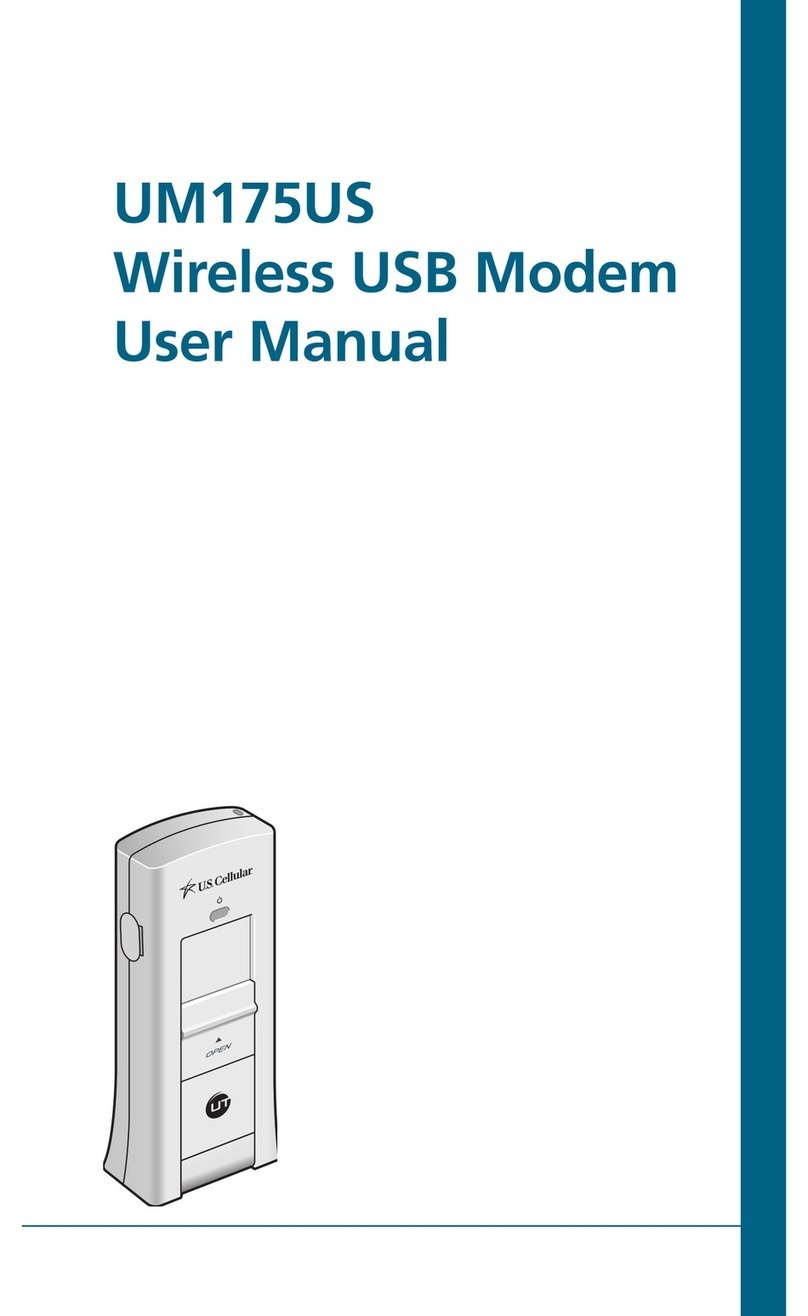
UTStarcom UM175CE User manual

UM175CE
Wireless USB Modem
User Manual

1
TABLE OF CONTENTS
CHAPTER 1
BEFORE USING UM175CE ..............................................3
ABOUT THIS USER MANUAL ............................................................4
PRODUCT OVERVIEW ......................................................................4
WHAT’S INSIDE THE PRODUCT PACKAGE .......................................4
INTRODUCTION TO WIRELESS UM175CE USB MODEM ..................5
PRODUCT FEATURES ........................................................................6
PRODUCT HANDLING ......................................................................7
CONFIGURATION .............................................................................7
CHAPTER 2
INSTALLATION AND SETUP ............................................9
THE QUICKLINK MOBILE SETUP PROGRAM ..................................11
THE QUICKLINK MOBILE SETUP WIZARD ......................................13
CHAPTER 3
USING QUICKLINK MOBILE ..........................................17
FEATURES ......................................................................................18
GETTING STARTED .........................................................................19
CONNECTING .................................................................................20
USING DIAL UP CONNECTIONS .....................................................23
CHAPTER 4
QUICKLINK MOBILE PREFERENCES .............................25
WWAN SPECIFIC SETTINGS ...........................................................26
GENERAL PREFERENCES ...............................................................30
ADDITIONAL FEATURES ................................................................32
CHAPTER 5
INSTALLING UM175CE .................................................39
PRECAUTIONS ...............................................................................40
RECOMMENDED SYSTEM REQUIREMENTS .................................40
INSTALLING SOFTWARE ...............................................................41
UNPLUGGING OR EJECTING THE DEVICE .....................................42
USB MODEM EXTENSION CABLE ..................................................44

2
CHAPTER 6
REGULATORY AND SAFETY INFORMATION .................47
REGULATORY NOTICES .................................................................48
OPERATING CONDITIONS .............................................................48
WARNINGS AND CAUTIONS .........................................................49
SAFETY PRECAUTIONS ................................................................51
CHAPTER 7
APPENDIX ....................................................................53
GLOSSARY .....................................................................................54
SPECIFIC ABSORPTION RATES (SAR) .............................................57
SAFETY INFORMATION FOR RF EXPOSURE ...................................59
12 MONTH LIMITED WARRANTY ..................................................61
TABLE OF CONTENTS

ABOUT THIS USER MANUAL
PRODUCT OVERVIEW
WHAT’S INSIDE THE PRODUCT PACKAGE
INTRODUCTION TO WIRELESS UM175CE
USB MODEM
PRODUCT FEATURES
PRODUCT HANDLING
CONFIGURATION
CHAPTER 1
BEFORE USING
UM175CE

4
BEFORE USING UM175CE
4
■
ABOUT THIS USER MANUAL
You will find all the information you need to install and
use the UM175CE in this user manual. Before using the
UM175CE, you must properly install the QuickLink Mobile by
closely following the installation instructions.
INSTRUCTIONS
•
Install the QuickLink Mobile BEFORE inserting the
UM175CE USB Device into your PC. The installation soft-
ware is included in the product package. Insert the CD
into your CD-ROM drive. Installation may take a few min-
utes.
•
It is highly recommended that you read the safety precau-
tions described in this manual before using the UM175CE.
■
PRODUCT OVERVIEW
Thank you for purchasing the Centennial Wireless UM175CE
USB Modem. The UM175CE is a 3G wireless device that
enables high-speed wireless communication from your PC.
The UM175CE is simple to install and use.
■
WHAT’S INSIDE THE PRODUCT PACKAGE
The following items are included in the product package.
If any of the items listed below are missing, please contact
the retail location where you purchased the product.
•
UM175CE Wireless USB Modem
•
Installation CD that contains software and this user manual
•
USB Modem Extension Cable
•
Quick Start Guide
ABOUT THIS USER
MANUAL

5
BEFORE USING UM175CE
■
INTRODUCTION TO WIRELESS UM175CE USB
MODEM
The Centennial Wireless UM175CE is designed for your PC’s
USB port, which is available in most models. The UM175CE
can be used to access the Internet, your company’s intranet,
or you can use it to send and receive email. It is extremely
useful when you are away from the office, on the road, or
wherever a wireline Internet access is not readily available.
INTRODUCTION TO
UM175CE USB MODEM
USB Connector
External Antenna
Booster Jack
(on the left side)
LED status
indicator *
Release button
* Blue light: Connected to PC and detected to network
Red light: Connected to PC but out of service status

6
BEFORE USING UM175CE
■
PRODUCT FEATURES
•
Power management: The UM175CE utilizes power man-
agement and system overhead reduction functions pro-
vided by the USB interface for maximum power savings.
•
Antenna design: Efficient, innovative internal antenna
design optimizes data transfer rate and sensitivity to net-
work signals.
•
Extension Y Cable connector: Simply insert the USB con-
nector into the USB port of your computer to deliver a
power boost, increased RF performance, and to solve
clearance issues.
•
USB Modem that supports Type A USB Port interface.
•
Supports North American PCS (1900 MHz) and Cellular
(800 MHz) bands.
•
Utilizes QUALCOMM MSM6800A chip set.
•
Supports 3G network technologies.
•
Average Data Rate: 3.1 Mbps download; 1.8 Mbps upload.
•
Supports Windows 2000 and XP and Vista systems with
installed host software and driver.
•
Compatible with Mac OS X 10.4.X (Tiger) or 10.5.X
(Leopard) or higher.
•
Provides Centennial Wireless BroadbandAccess and
NetworkAccess service (where available).
PRODUCT FEATURES

7
BEFORE USING UM175CE
■
PRODUCT HANDLING
1
Do not put any adhesive label on the USB connector. It
may leave a sticky residue that can cause problems inside
the PC USB port.
2
The UM175CE USB device should easily slide into the USB
port. Do not force the UM175CE into the USB port as it
may cause damage to the modem and/or the port.
3
Keep the UM175CE in a dry and clean place. (Storage
temperature: -22°F to 149°F [- 30°C to 65°C]). Keep your
device away from liquids, dust and excessive heat.
■
CONFIGURATION
To use the UM175CE, you should first install the software
included in the installation CD and configure the UM175CE
USB device. See the next section for more information on
software installation and USB device configuration.
BEFORE USING UM175CE
PRODUCT HANDLING

8
MEMO

CHAPTER 2
INSTALLATION AND
SETUP
THE QUICKLINK MOBILE SETUP PROGRAM
THE QUICKLINK MOBILE SETUP WIZARD
Table of contents
Languages:
Other UTStarcom Modem manuals

UTStarcom
UTStarcom UM175US User manual

UTStarcom
UTStarcom UT-300R2 User manual

UTStarcom
UTStarcom WA3003G4 User manual

UTStarcom
UTStarcom UT-300R User manual

UTStarcom
UTStarcom Altel CDU550 User manual

UTStarcom
UTStarcom UM175US User manual

UTStarcom
UTStarcom UT-300R2U User manual

UTStarcom
UTStarcom EVDO UM100C User manual