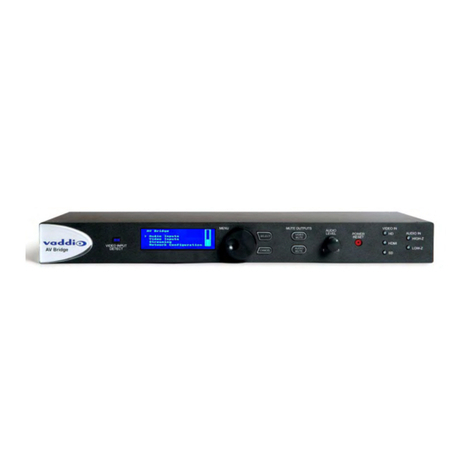
AV Bridge CONFERENCE
ii
Table of Contents
Overview.....................................................................................................................................................................1
Unpacking...................................................................................................................................................................2
Anatomy of the AV Bridge CONFERENCE................................................................................................................2
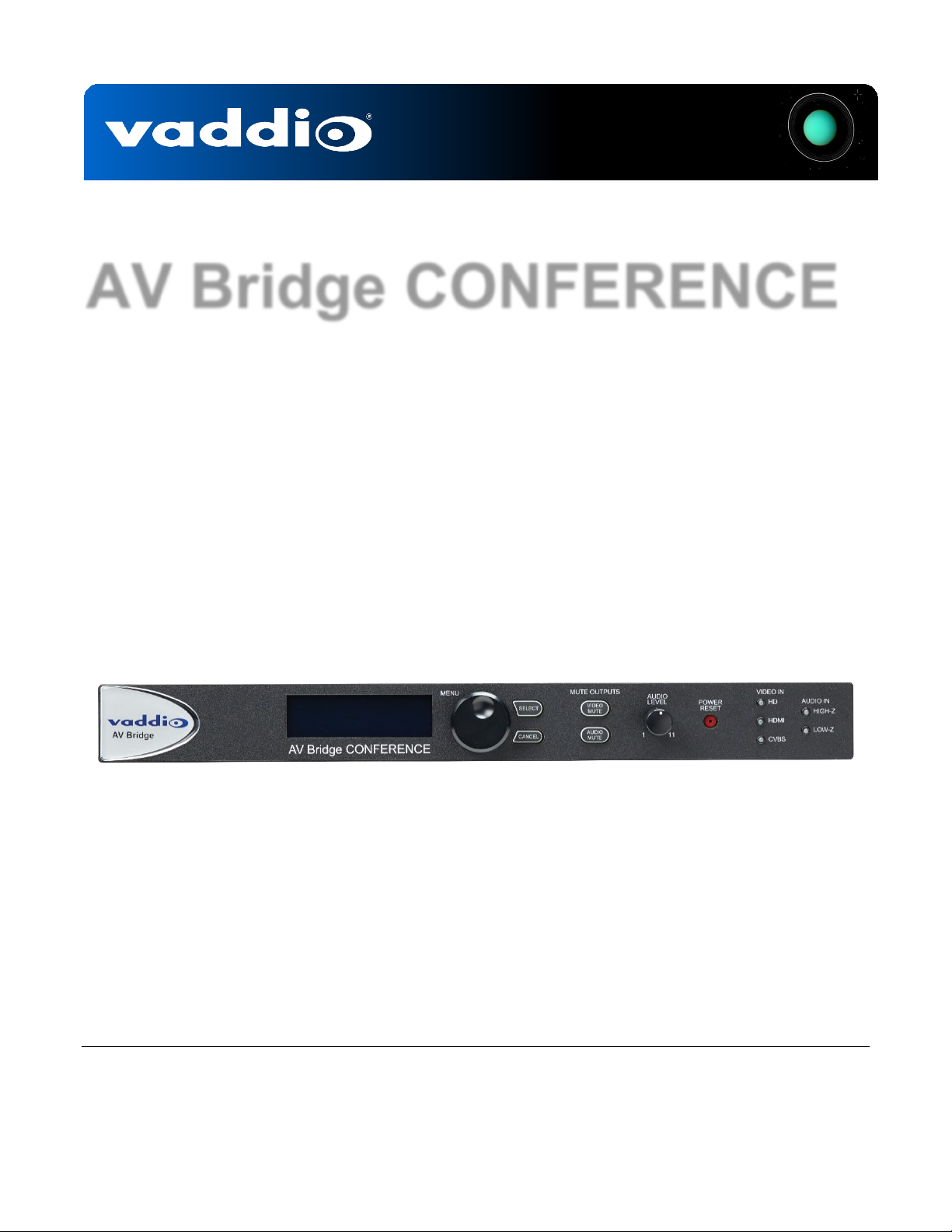
Front Panel Features ..............................................................................................................................................2
Rear Panel Connectors and Features ....................................................................................................................3
First Time Set-up with the AV Bridge CONFERENCE ...............................................................................................4
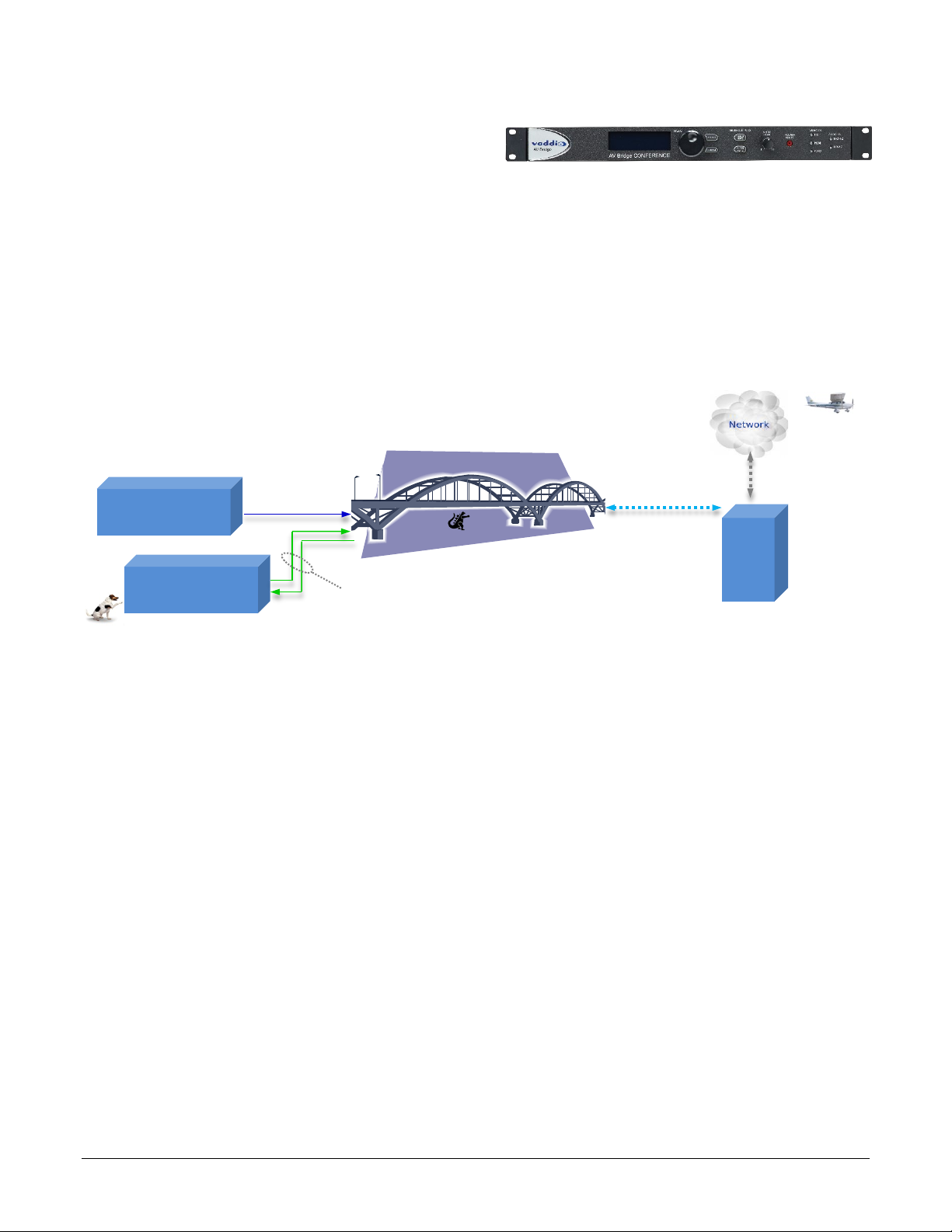
Diagram: The simple way to look at AV Bridge CONFERENCE ...........................................................................4
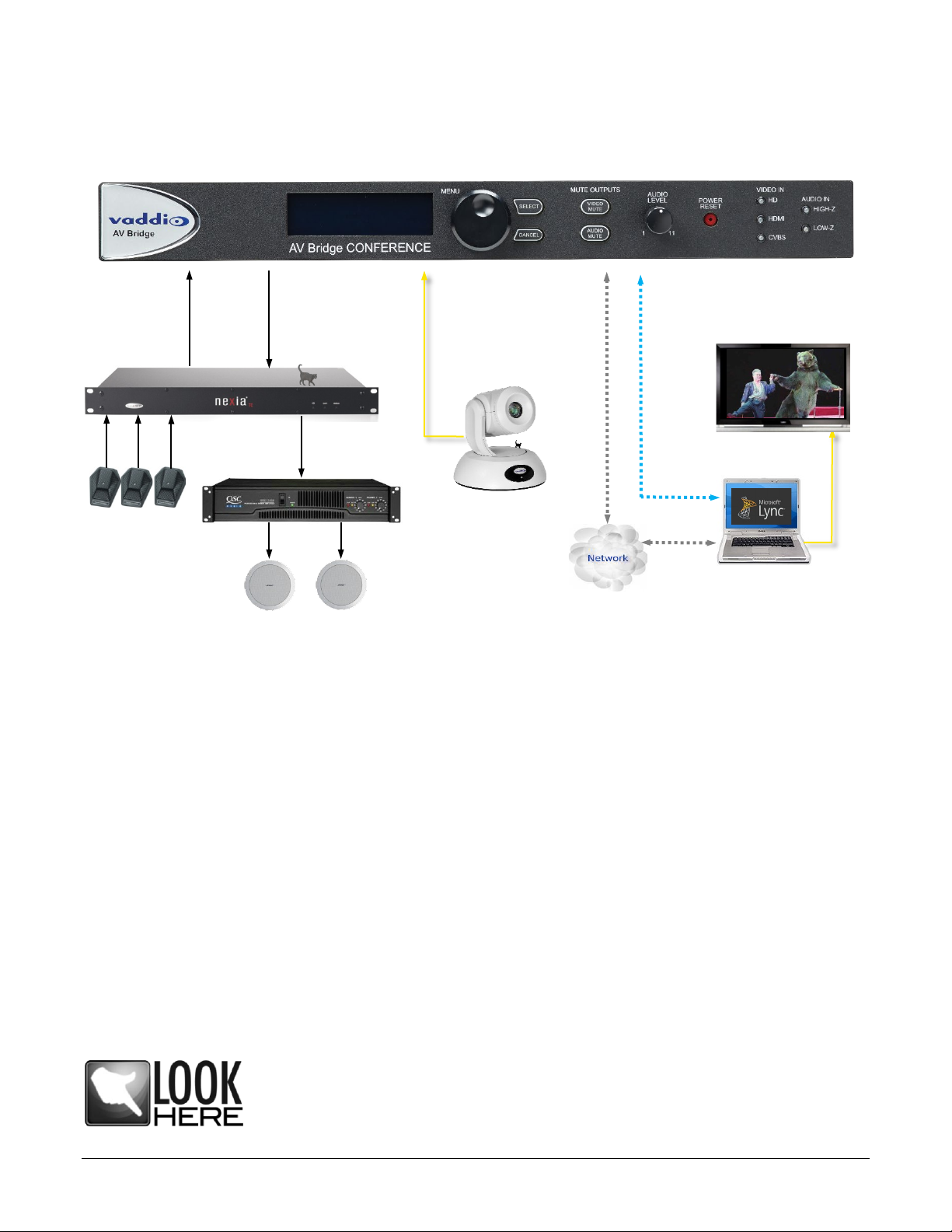
Diagram: UC Conferencing Application Example ..................................................................................................5
Installation Instructions ...............................................................................................................................................5
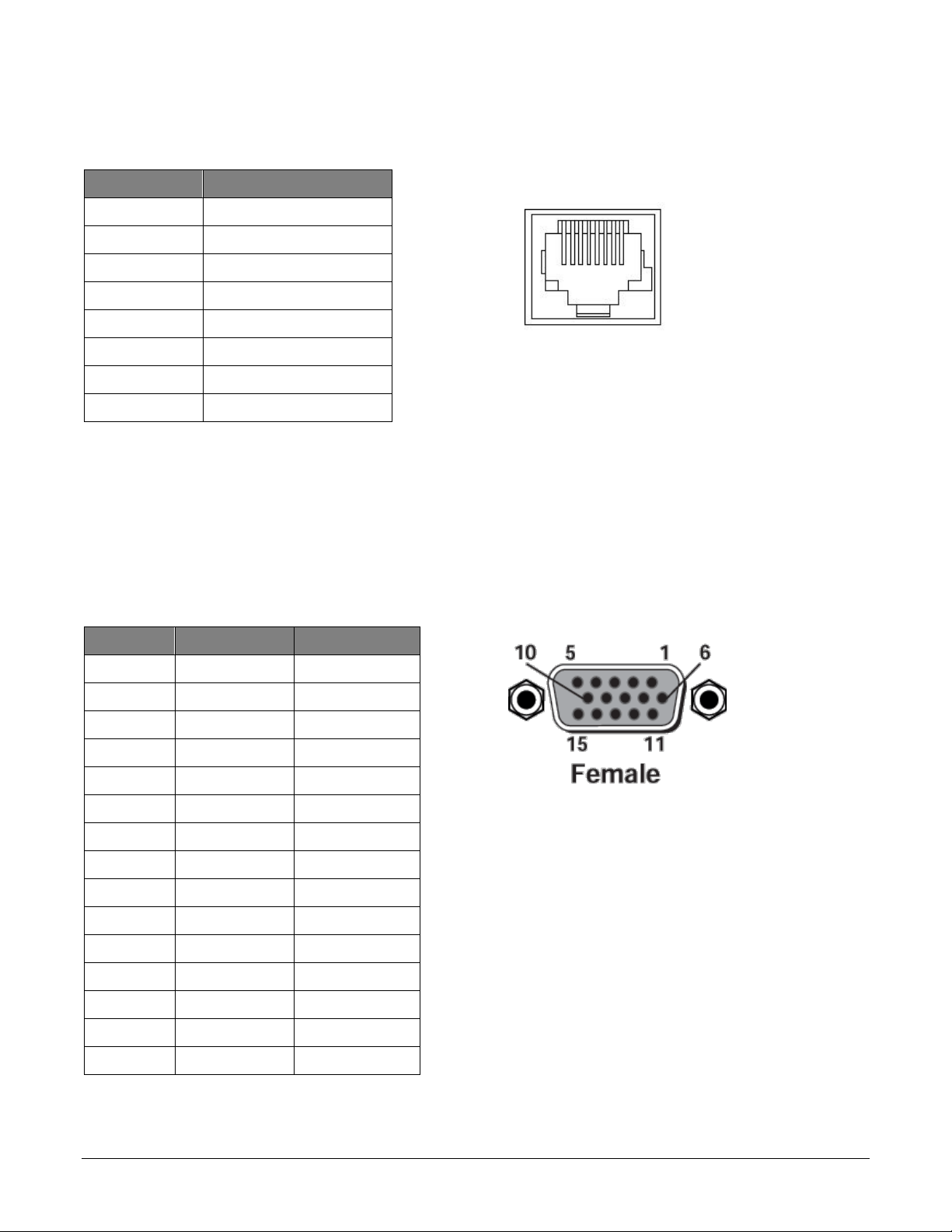
Connector Pin-Outs ....................................................................................................................................................6
Compatibility ...............................................................................................................................................................7
USB 2.0 Streaming .................................................................................................................................................7
IP Streaming ...........................................................................................................................................................7
Video Inputs: Supported Formats and Resolutions ...............................................................................................8
System Configuration and Programming....................................................................................................................9
Front Panel Menu System ......................................................................................................................................9
Menu Selections......................................................................................................................................................9
Initial Device Set-Up and Access ............................................................................................................................ 11
Functions Enabled after Initial Device Set-Up ..................................................................................................... 11
Initial Access to the Web Interface....................................................................................................................... 11
Web Page Screen Shot Tour................................................................................................................................... 12
Screen Shot: Login............................................................................................................................................... 12
Screen Shot: A/V Configuration Page ................................................................................................................ 12
Screen Shot: Streaming ...................................................................................................................................... 13
Screen Shot: Room Labels ................................................................................................................................. 14
Screen Shot: Network Configuration - DHCP ..................................................................................................... 14
Screen Shot: Network Configuration - Static IP.................................................................................................. 15
Screen Shot: Security ......................................................................................................................................... 15
Screen Shot: System Menu ................................................................................................................................ 16
Updating AV Bridge Firmware.......................................................................................................................... 17
Restoring Factory Defaults............................................................................................................................... 18
Screen Shot: Help Menu ..................................................................................................................................... 19
Screen Shot: Diagnostics.................................................................................................................................... 20
Logout Admin ....................................................................................................................................................... 20
Vaddio Serial Command API................................................................................................................................... 21
Audio Input ........................................................................................................................................................... 22
Audio Mute ........................................................................................................................................................... 22
Audio Volume....................................................................................................................................................... 23
Exit ....................................................................................................................................................................... 23
Help ...................................................................................................................................................................... 23