Version 0.5 29 November 2004 Page 2 of 35
For use with Vega 50 8 FXS + 2 FXO – H.323 version 09.01.05.2 T003 or greater. © 2004 VegaStream Ltd.
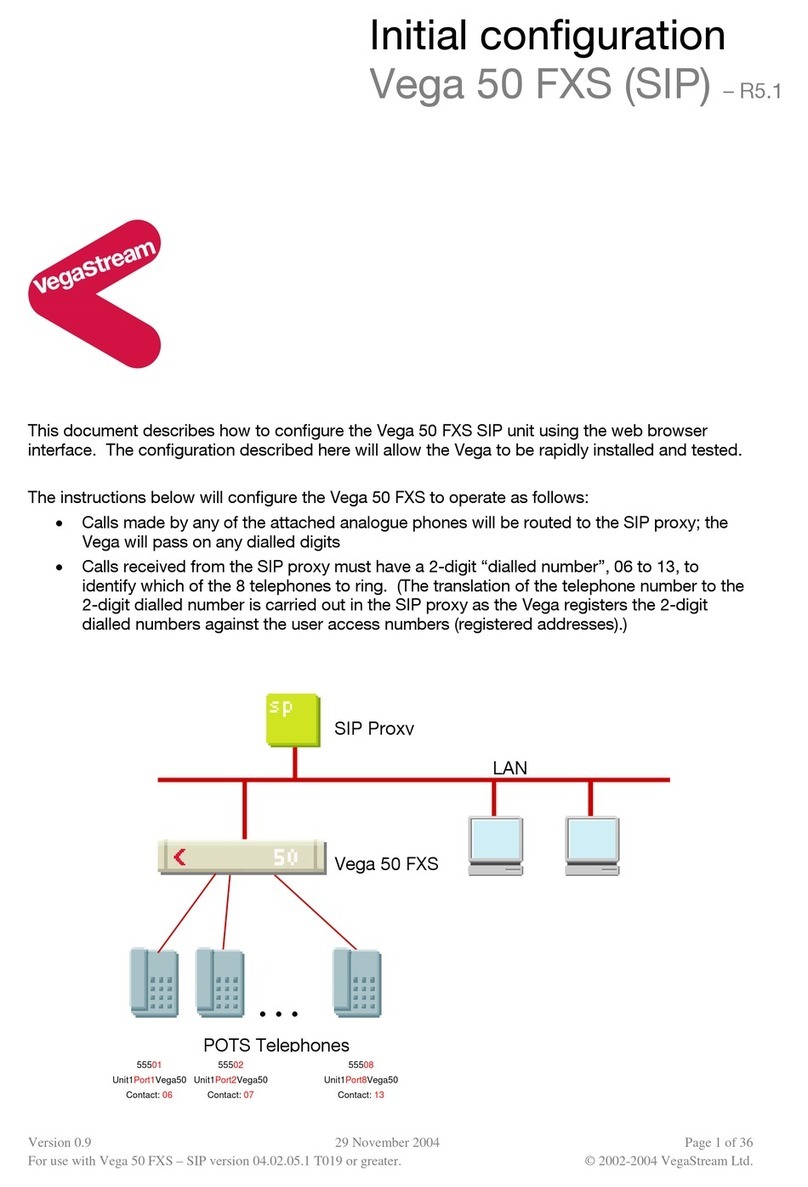
• Calls received on the H.323 interface with a leading 8 in the dialled number will be routed
out of the second FXO port
• Calls received on the H.323 interface destined for the attached telephones must have a
3-digit “dialled number”, 406 to 413, to identify which of the 8 telephones to ring. (Any
translation of the actual telephone number dialled by the caller to the 3-digit extension
number must be carried out in the gatekeeper)
The configuration process is broken down into 11 stages as follows:
1 Connect your Vega to LAN, telephones and Power
2 Configure the basic LAN parameters
3 Configure password and login timeout
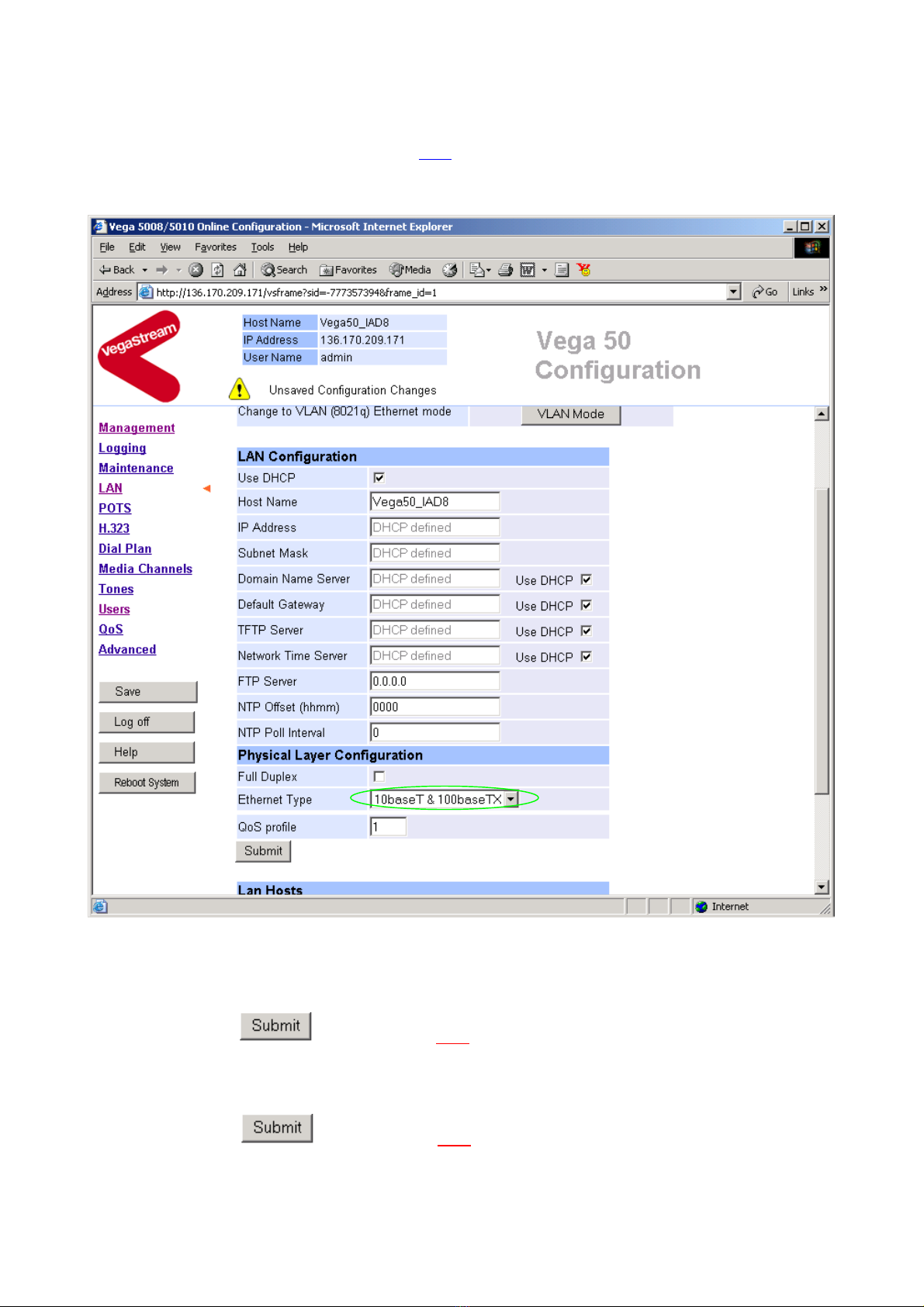
4 Check and configure LAN settings and Host name
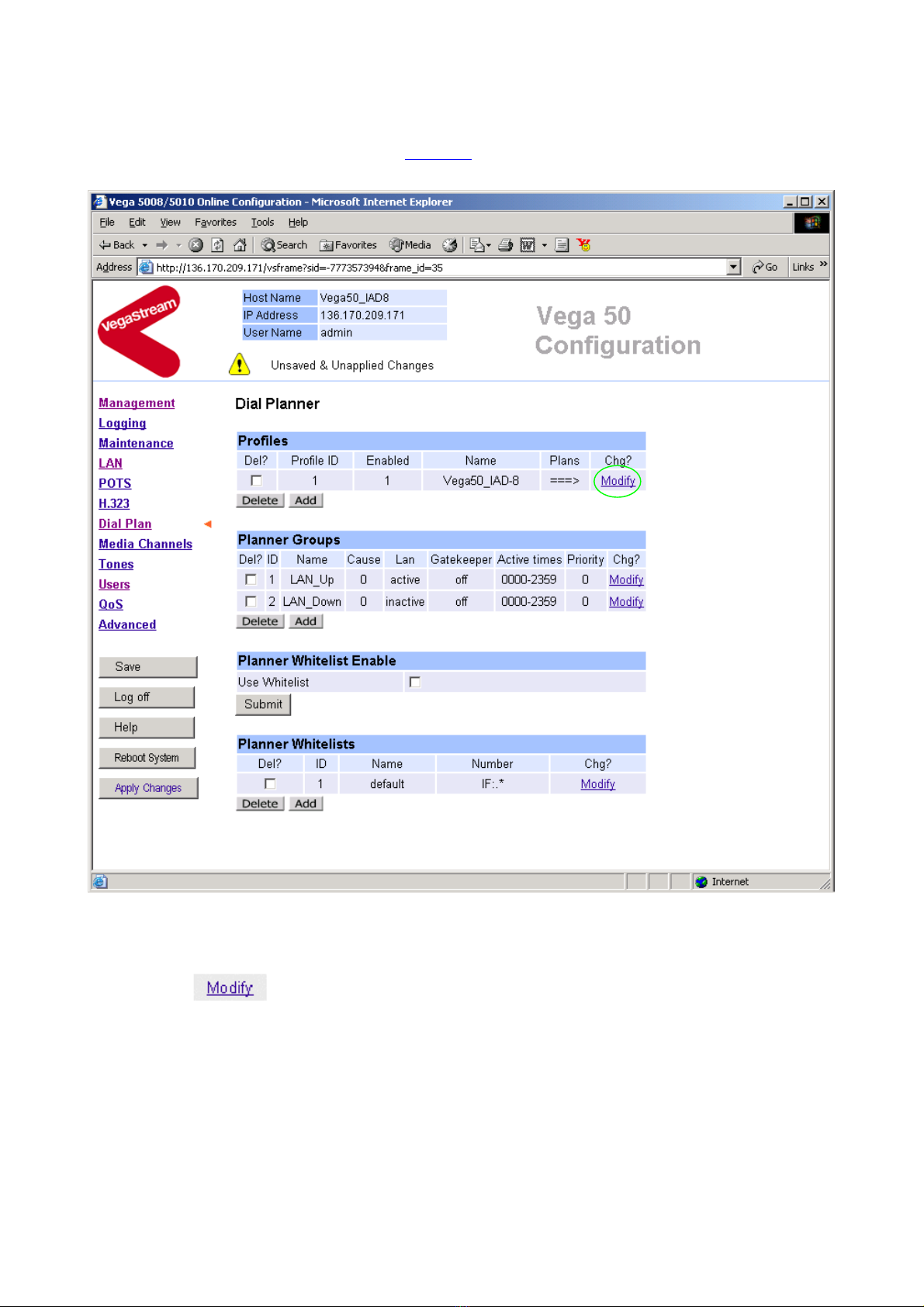
5 Configure the Dial Plan
6 Configure for Gatekeeper operation
7 Configure audio parameters
8 Configure POTS parameters
9 Configure pointer to CD ROM documentation
10 Save Changes
11 Archive Vega Configuration
Please also see:
12 Technical Support