STEP 2: OPERATION - ADDITIONAL FUNCTIONS
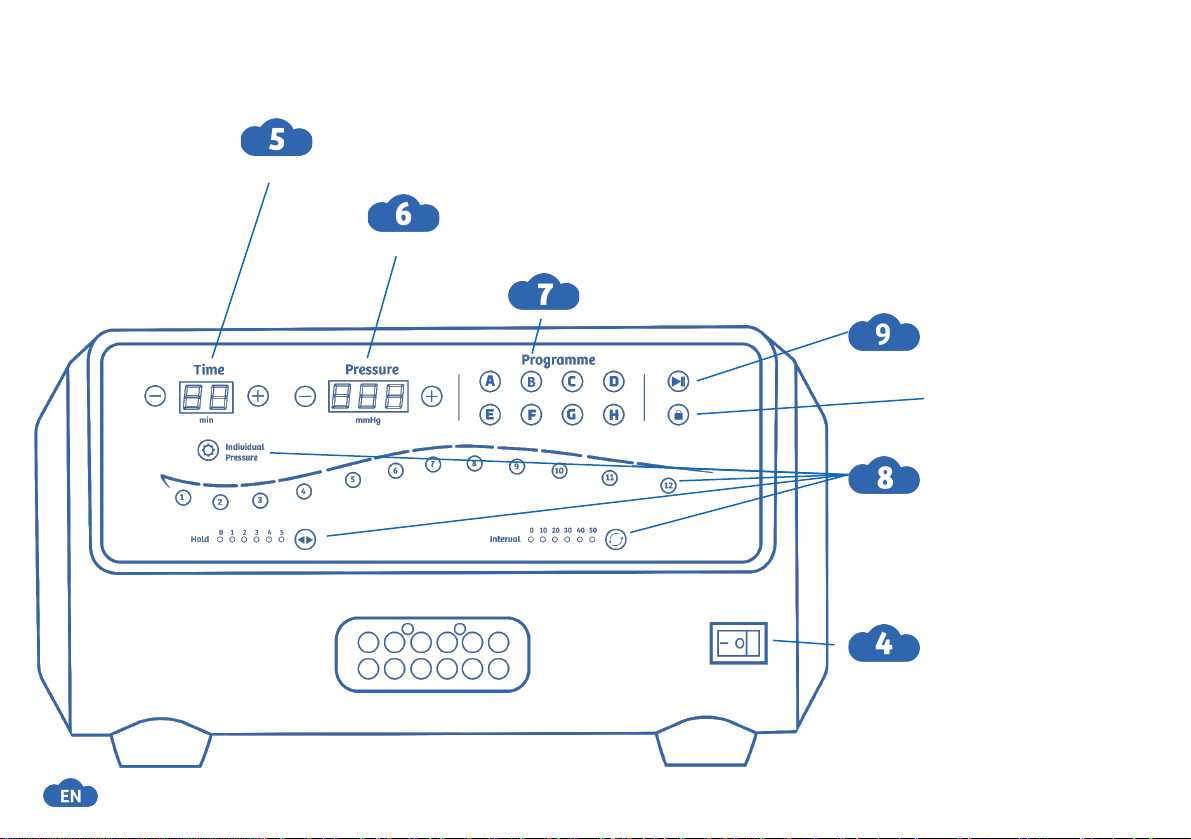
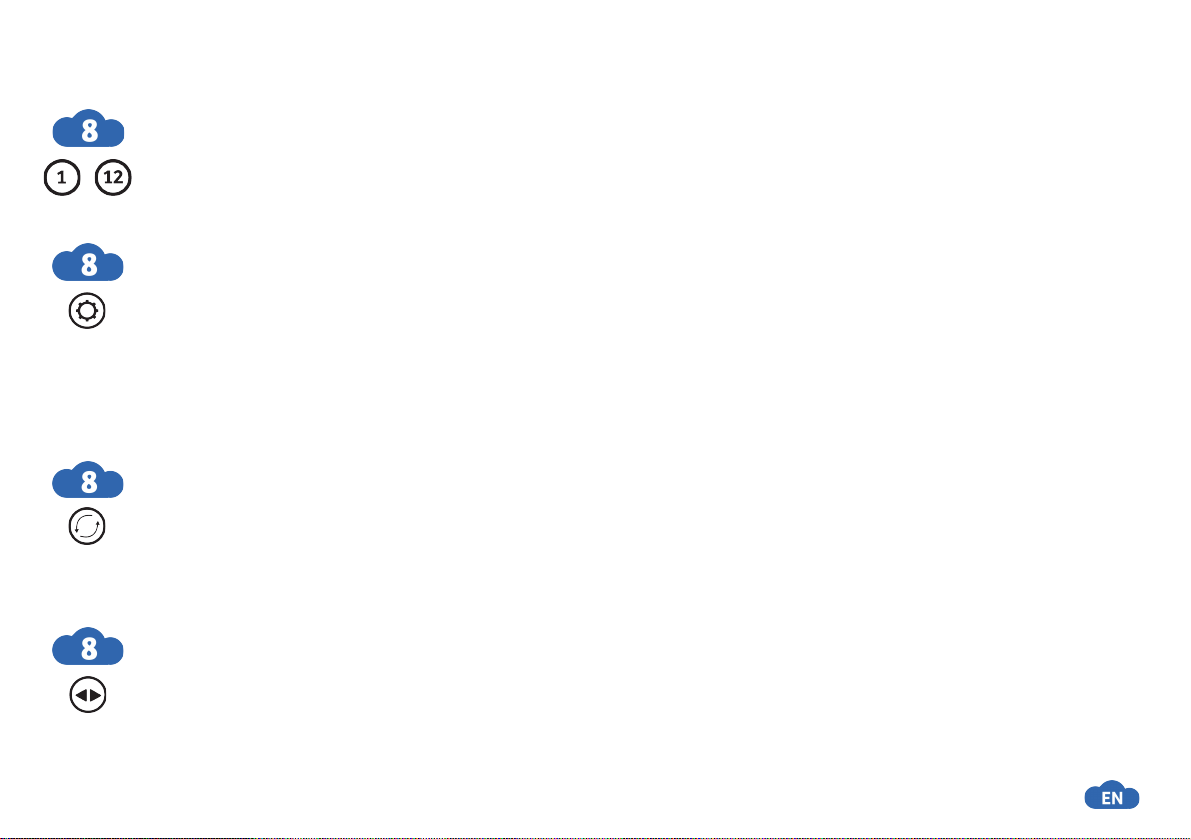
DEACTIVATE AIR CHAMBERS
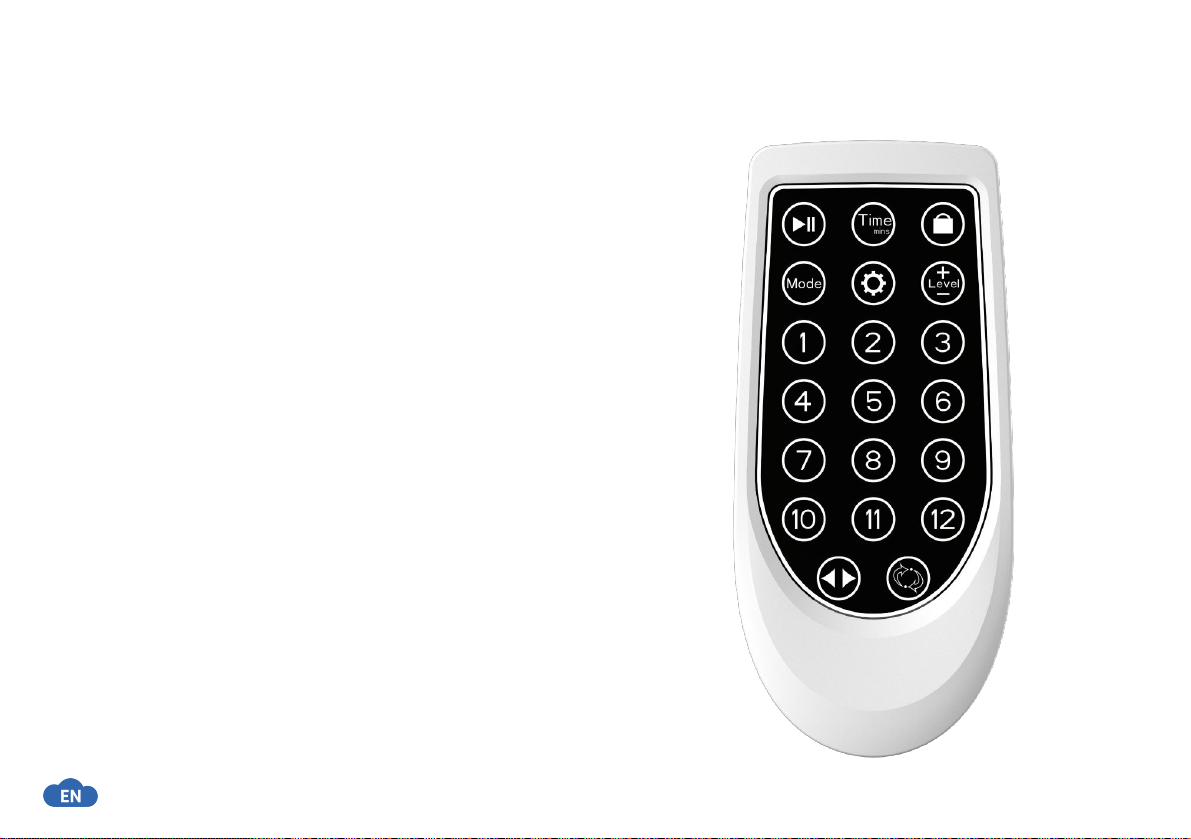
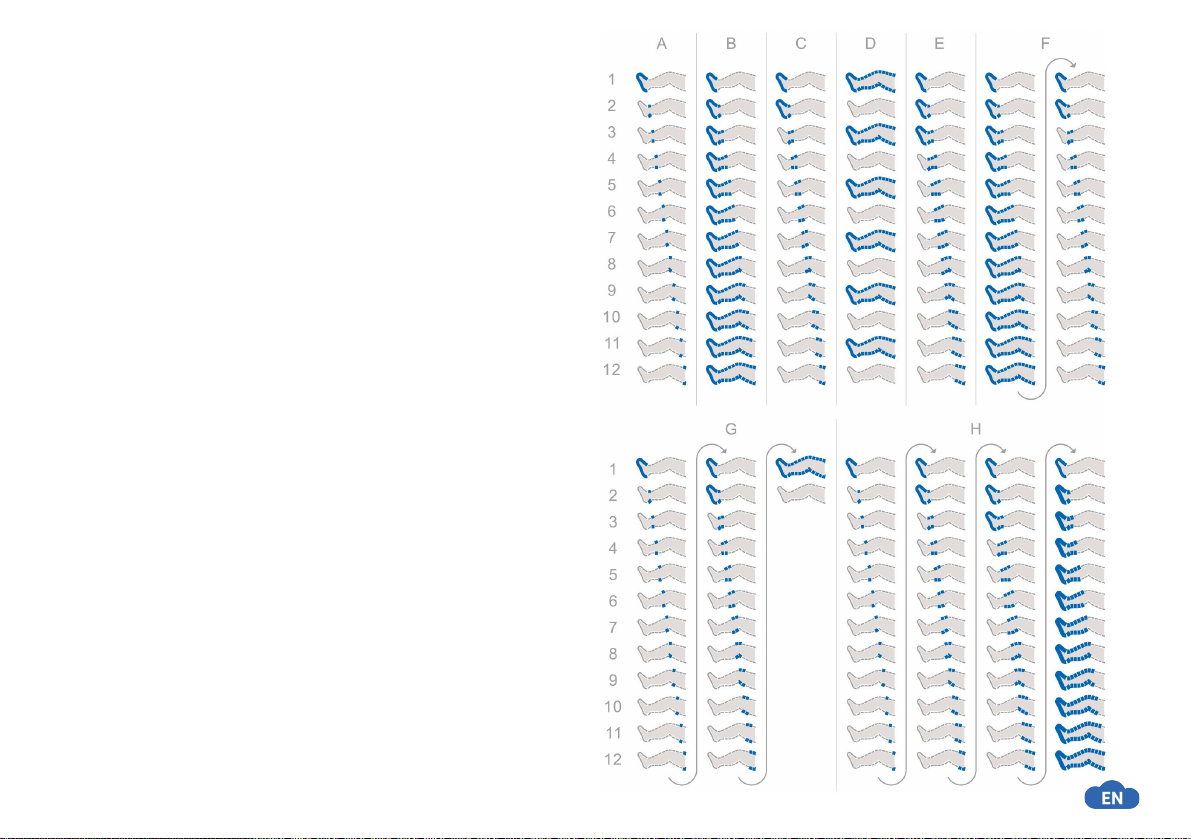
●To deactivate individual chambers, press the number button below the chamber.
●The air chamber is deactivated once the number button beneath the chamber is no longer
illuminated.
INDIVIDUAL CHAMBER PRESSURE SETTING (INDIVIDUAL PRESSURE)
●Adjusts the desired pressure for each selected chamber.
●Activate this function by holding the button until all number buttons below the chambers start
blinking.
●Then select the desired chamber and enter the preferred pressure.
●Repeat these steps for each chamber as desired.
●Long press the button to save your settings.
●The flashing icon confirms that you successfully activated the function.
INTERVAL TIMER SETTINGS (INTERVAL)
●Set the pause duration between two message intervals.
●The interval timer starts after the hold timer of the last chamber(s) message interval of any
program has ended.
●The duration can be set from 0-50s in 10-second increments by button press.
HOLD TIMER SETTINGS (HOLD)
●Maintain the desired pressure for a specified duration in an active chamber
●The hold timer starts when the chamber target pressure is reached.
●The duration can be adjusted from 0-5s in 1-second increments by button press.
-
17