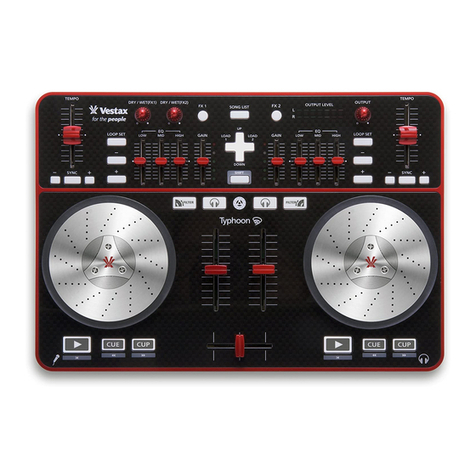
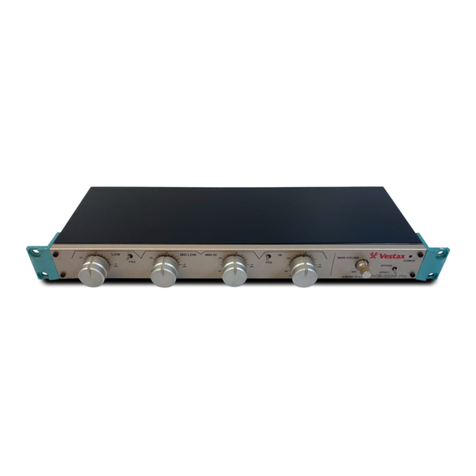
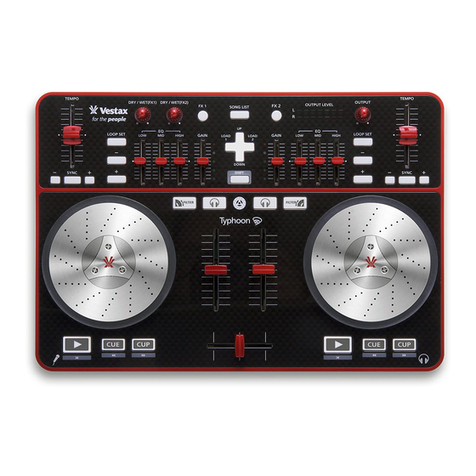
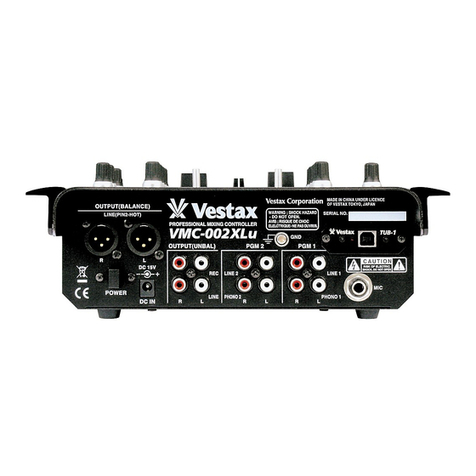
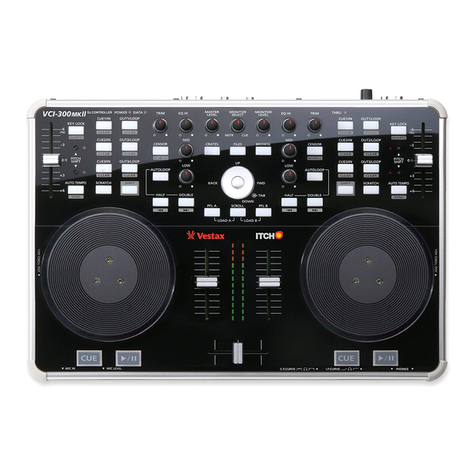
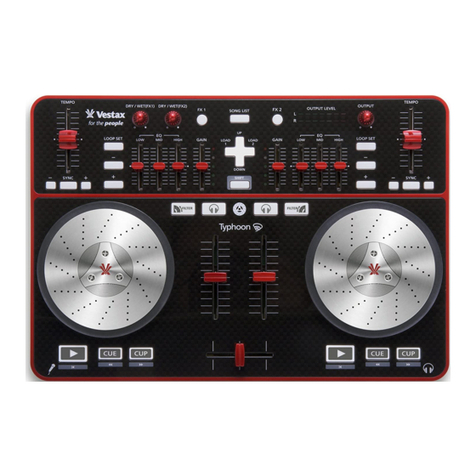
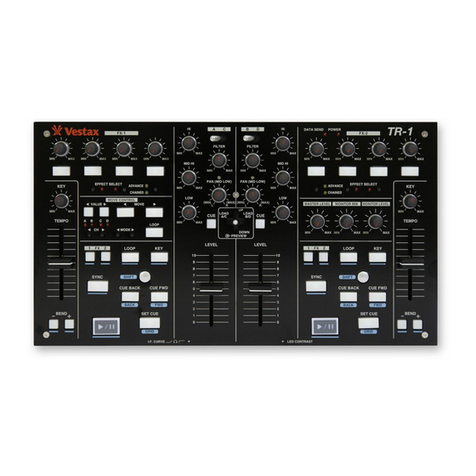
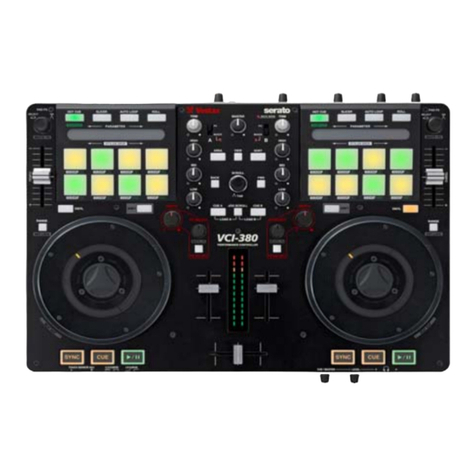
NO. KEY FUNCTION
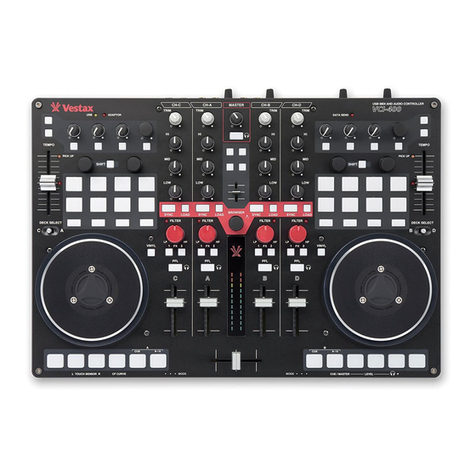
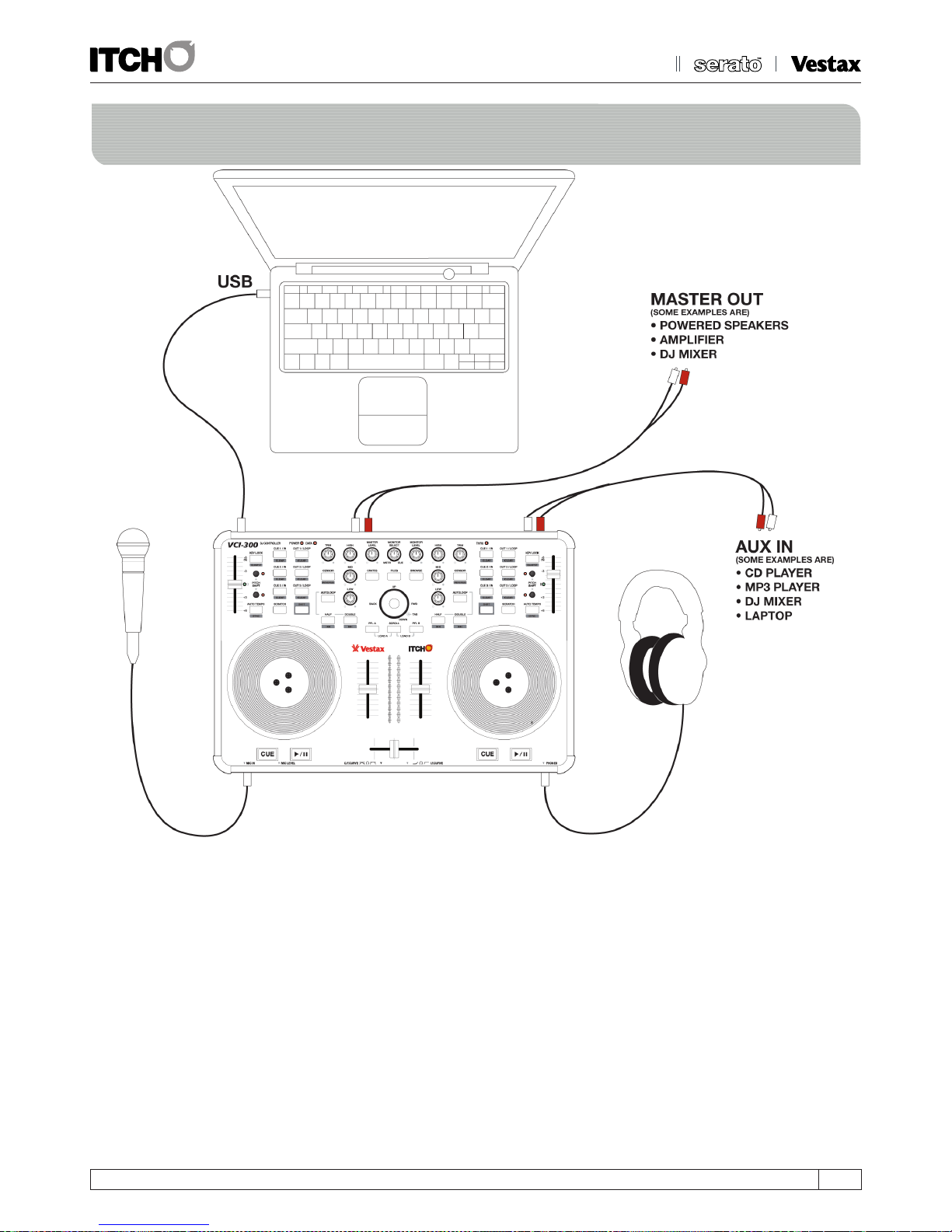
01 MIC IN Microphone input socket.
02 MIC LEVEL Hardware microphone input gain control before sending to software.
03 CROSSFADER CURVE Adjusts slope of Crossfader. Rotate clockwise to shorten fade time with sharper cut off at either end, and
50/50 mix across width of fader. Rotate anti-clockwise to lengthen fade to gradually mix across fader and
50/50 mix in centre only.
04 CHANNEL FADER CURVE Adjusts slope of Channel Faders. Rotate clockwise to shorten fade time with sharper cut off at bottom and
full level most majority of fade length. Rotate anti-clockwise to lengthen fade to gradually increase level
up fader and 100% level at top only.
05 HEADPHONE OUT 6.5 mm TRS Jack for headphone connection.
06 AUX IN RCA connections for auxiliary sound source.
07 AUX GAIN HardwareAUXinputgaincontrolbeforesendingtosoftware.
08 GROUND POST ConnectAUXinputdevicesrequiringgroundingtopreventinterference.
09 THRU SWITCH SendstheAUXandmicsignalsdirectlytothemasteroutanddisconnectsthecomputeroutput.
10 MASTER OUT JACK 6.5mm TS Jack Master outputs.
11 MASTER OUT RCA RCA Master outputs
12 PLATTER SENSITIVITY CONTROLS Adjust level of touch sensitivity for the platters, adjust if ITCH is not detecting your touches correctly.
13 DC POWER INPUT To power hardware with optional DC adapter: 9V DC 500mA.
14 POWER SOURCE SELECTION Select between Adapter, Off, and USB power for unit.
15 USB SOCKET For connecting the VCI-300 to your computer.
NO. KEY FUNCTION
16 MONITOR VOLUME Controls the volume of the headphones.
17 CUE When playback is paused this sets a temp cue point, once the temp cue is set pressing it while playing will jump to the
temp cue point.
18 PLAY/PAUSE Starts and stops playback.
19 CROSSFADER Fades between the left and right channels.
20 INPUT FADERS Control the volume of their respective tracks.
21 PFL A Sends the left deck to the headphone mix, pressing with SCROLL loads the current selection to the left deck.
22 SCROLL Turns on platter scrolling, this allows you to browse the library using the platters.
23 PFL B Sends the right deck to the headphone mix, pressing with SCROLL loads the current selection to the right deck.
24 NAVIGATION This control works like cursor keys for navigating the library.
25 PLATTER On startup the platters temporarily NUDGE the playback speed slower or faster.
SHIFT FUNCTION: FFWD/REWIND Skips through the track at high speed.
26 CRATES Switches cursor focus to the crate area.
27 FILES Opens the Import panel where you can browse your filesystem for tracks to load.
28 BROWSE Opens the Browse panel where you can filter your selection by Genre, BPM, Artist and Album.
29 JOG TORQUE ADJUST KNOB Adjusts the Torque of the Jog Wheel.