manuals.online logo
Brands
  1. Home
  2. •
  3. Brands
  4. •
  5. Vestax
  6. •
  7. Dj Equipment
  8. •
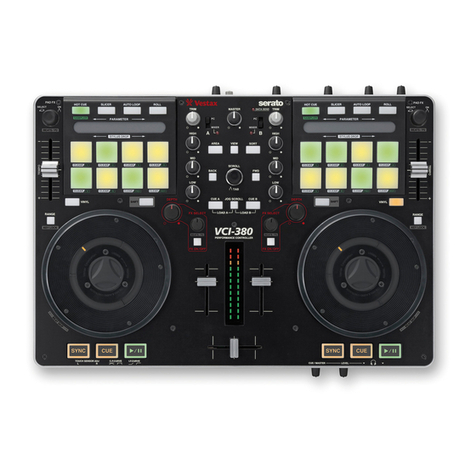
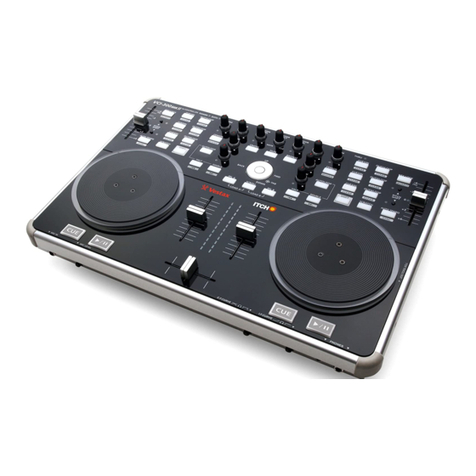
  9. Vestax Vestax VCI-380 User manual

Vestax Vestax VCI-380 User manual

Other manuals for Vestax VCI-380

1

Other Vestax Dj Equipment manuals

Vestax DFG-X2 User manual

Vestax

Vestax DFG-X2 User manual

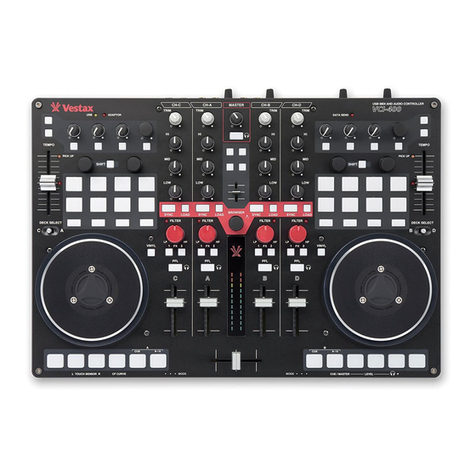
Vestax VCI-400 User manual

Vestax

Vestax VCI-400 User manual

Vestax PMC-15SL User manual

Vestax

Vestax PMC-15SL User manual

Vestax Typhoon User manual

Vestax

Vestax Typhoon User manual

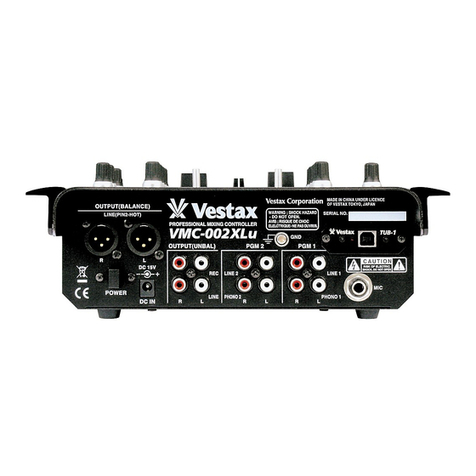
Vestax VMC-002XLu User manual

Vestax

Vestax VMC-002XLu User manual

Vestax DCR-1200 User manual

Vestax

Vestax DCR-1200 User manual

Vestax DJ Effector User manual

Vestax

Vestax DJ Effector User manual

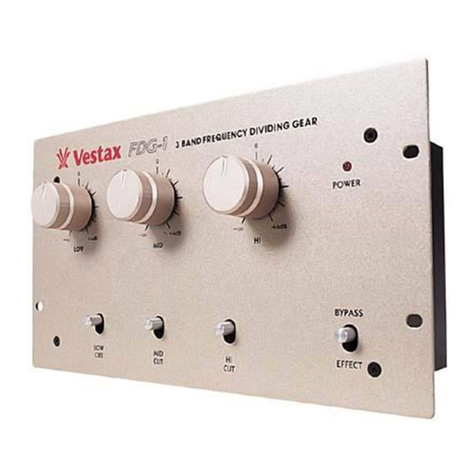
Vestax FDG-1 User manual

Vestax

Vestax FDG-1 User manual

Vestax PMC-06ProA User manual

Vestax

Vestax PMC-06ProA User manual

Vestax DCR-1200 Pro User manual

Vestax

Vestax DCR-1200 Pro User manual
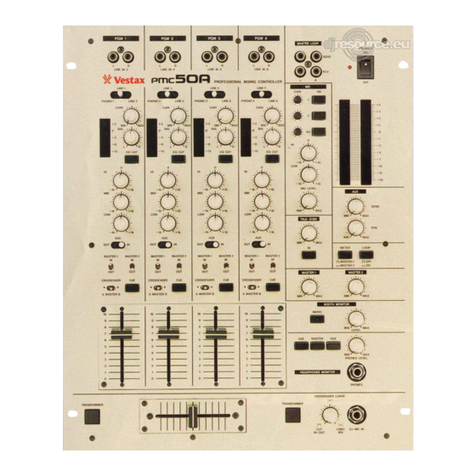
Vestax DCR-1500 User manual

Vestax

Vestax DCR-1500 User manual

Vestax CD-11 User manual

Vestax

Vestax CD-11 User manual

Vestax DGE-X2 User manual

Vestax

Vestax DGE-X2 User manual

Vestax VAI-80 User manual

Vestax

Vestax VAI-80 User manual

Vestax ITCH VCI-300MKII User manual

Vestax

Vestax ITCH VCI-300MKII User manual

Vestax Vestax VCI-380 User manual

Vestax

Vestax Vestax VCI-380 User manual

Vestax PMC-400 User manual

Vestax

Vestax PMC-400 User manual

Vestax Typhoon User manual

Vestax

Vestax Typhoon User manual

Vestax PMC-280 User manual

Vestax

Vestax PMC-280 User manual

Vestax Typhoon User manual

Vestax

Vestax Typhoon User manual

Vestax PMC-50 User manual

Vestax

Vestax PMC-50 User manual
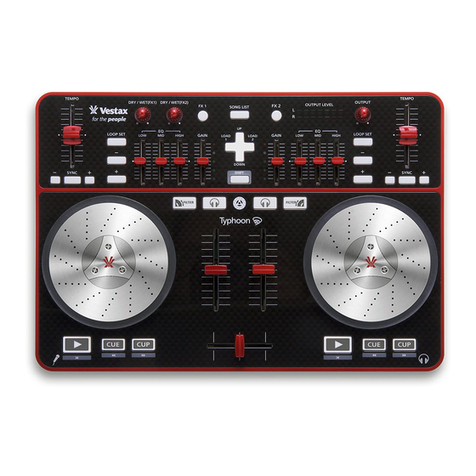
Vestax VCI-400 User manual

Vestax

Vestax VCI-400 User manual
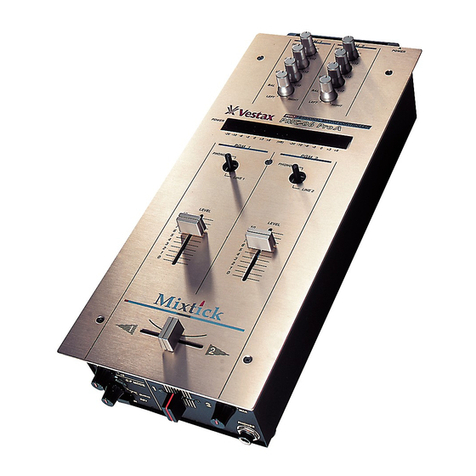
Vestax VCI-300 User manual

Vestax

Vestax VCI-300 User manual
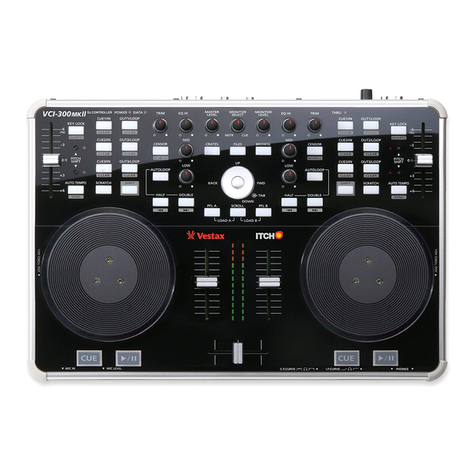
Vestax CD-33 User manual

Vestax

Vestax CD-33 User manual

Popular Dj Equipment manuals by other brands

MAGMATIC Prisma Wash 25 user manual

MAGMATIC

MAGMATIC Prisma Wash 25 user manual

HERA PROCOLOR 60 RGBW SERIES User manual & installation guide

HERA

HERA PROCOLOR 60 RGBW SERIES User manual & installation guide

EuroLite LED TSL-600 SCAN COB user manual

EuroLite

EuroLite LED TSL-600 SCAN COB user manual

Ledj Slimline 12HEX12 user manual

Ledj

Ledj Slimline 12HEX12 user manual

Laserworld Garden GS-50RG Xmas manual

Laserworld

Laserworld Garden GS-50RG Xmas manual

Chauvet OVATION E-930VW Quick reference guide

Chauvet

Chauvet OVATION E-930VW Quick reference guide

Snow Masters Zig Oscillator user manual

Snow Masters

Snow Masters Zig Oscillator user manual

EuroLite 50530554 user manual

EuroLite

EuroLite 50530554 user manual

Beamz BUV243 user manual

Beamz

Beamz BUV243 user manual

Eagletone 6 Eyes Flower user manual

Eagletone

Eagletone 6 Eyes Flower user manual

EuroLite FLD-1508 user manual

EuroLite

EuroLite FLD-1508 user manual

Technical Pro LG8xSEA user manual

Technical Pro

Technical Pro LG8xSEA user manual

JB Systems Lounge Laser DMX Operation manual

JB Systems

JB Systems Lounge Laser DMX Operation manual

Elation FUZE WASH Z350 user manual

Elation

Elation FUZE WASH Z350 user manual

Maverick MK3 WASH Quick reference guide

Maverick

Maverick MK3 WASH Quick reference guide

Infinity TF-260C7 Fresnel manual

Infinity

Infinity TF-260C7 Fresnel manual

Chauvet EVE E-50Z Quick reference guide

Chauvet

Chauvet EVE E-50Z Quick reference guide

Eliminator Lighting E 138 manual

Eliminator Lighting

Eliminator Lighting E 138 manual

manuals.online logo
manuals.online logoBrands
  • About & Mission
  • Contact us
  • Privacy Policy
  • Terms and Conditions

Copyright 2025 Manuals.Online. All Rights Reserved.

SPECIFICATION
Features:
> 5 Performance Modes – Slicer, Roll, Auto Loop, Hot Cue, Sampler
> PAD Fx – World’s first FX controlled by Aftertouch
> Stand-alone Mixer – 2 Phono / Line Inputs + 2 Mics inputs
> Scratch Jogwheels – High resolution and torque adjustable jogwheels with LED needle position display
> Amazing sound – 24Bit/48Khz audio interface with Balanced XLR output and RCA booth output
SYSTEM REQUIREMENTS
WINDOWS
•• OS: 7 (32bit / 64bit)
•• CPU: Core DUO 1.8GHz(SSE1) or higher
•• RAM : 2.0GB or higher
•• CD-ROM (or DVD-ROM) drive, USB port, Hard disk space for music data.
* VCI-380 does not support Intel Celeron, Atom and AMD CPU.
MAC OS
•• OS: 10.6 or higher
•• CPU: Core DUO 1.66GHz(SSE1) or higher
•• RAM: 1.0GB or higher
•• CD-ROM (or DVD-ROM) drive, USB port, Hard disk space for music data.
* VCI-380 does not support PowerPC and Mac OS 10.5
POWER SUPPLY • OTHERS
POWER ADAPTOR : DC 7.5V
POWER CONSUMPTION 6W (100V – 230VAC)
DIMENSIONS : 427(W) x 290(D) x 40(H)mm (without knobs)
427(W) x 304(D) x 60(H)mm (including knobs)
WEIGHT : 3.5 Kg
SERVICE MANUAL
MODEL:VCI-380
No.
1
2
3
VCI-380 TEST PROCEDURE
Description Example
Double click the Labview Midi Icon. The
Testing Browser will prompt out. Press or
slide the button or VR on the hardware.
The virtual panel button will turn green
after press.
MIDI Testing
Connect VCI-380 to PC and turn on
Power.
After all button and VR had been check.
The whole browser will turn green. Click
on STOP button turn off VCI-380 and
continue to another set to test.
Attn: Must Click on Stop button before
disconnect the hardware and must turn on
the hardware before p
7.5V
1.0A
No.
1
2
3
VCI-380 TEST PROCEDURE
LED Testing Mode
Connect VCI-380 to adaptor.
Connect VCI-380 to Power. Press and
hold up the 2 button, power on. VCI-380
will turn to LED testing mode.
i . Left corner of Pad module Amber LED
will ON. Light press on the highlighted
area , the green led will on. once the
depress the pad the green LED will off.
The Pad Module will ON.
Description Example
7.5V
1.0A
Pressboth
No.
VCI-380 TEST PROCEDURE
Description
iii. Press the highlighted button. the LED
on pad will turn red color.
iV. Press the highlighted button. the LED
on pad will turn green color.
Example
ii. Press the pad hard. the White LED will
turn on permanently.
V. Press the highlighted button. the LED
on pad will turn Blue color.
No.
4
5
6
VCI-380 TEST PROCEDURE
Description Example
Turn the jog wheel. Jog wheel LED will
turn ON one by one. Turn jog wheel untill
finish and check the LED.
By prssing the hightlighted area button.
the LED will On
Please slide the I/P cross fader from Min
to Max. and the level LED will turn on
one by one. Slide down the 2 swtiches the
LED will On. check the LED.