V920B Series Quick Installation Guide
1. Description
The information in this manual provides quick installation and setup procedures for the Roughneck®
V920B Series of Bullet Cameras. These units should only be installed by a qualified technician using
approved materials in conformance with federal, state, and local codes. Read these instructions
thoroughly before beginning an installation. Always refer to Vicon’s website to assure you have the
most up-to-date manual, www.vicon-security.com.
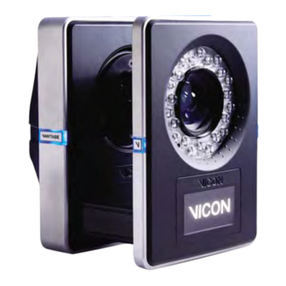
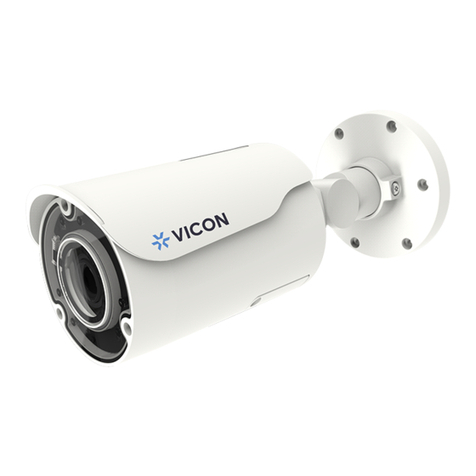
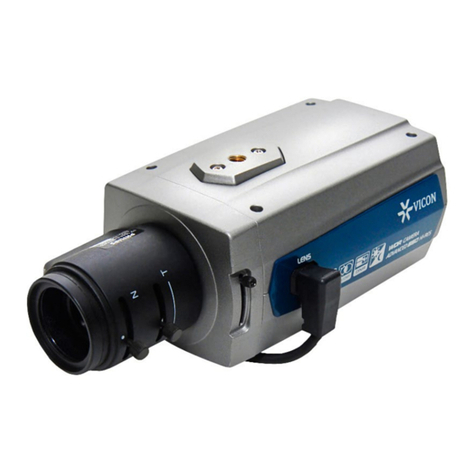
The V920B Series of HD IP cameras is designed for demanding security installations. It offers a
number of fixed network camera versions that deliver crisp clear images to fit any installation need.
The V920B cameras are fully compatible with all ViconNet® systems; its ONVIF certification provides
an open-platform for integration into other video management systems.
The housing is designed for easy installation. PoE eliminates the need for power cables, providing a
cost-effective method of installation. The V920B features an auto iris lens that adapts to changing
outdoor lighting; the true day/night camera includes a removable IR cut filter. 32 IR LED illuminators
provide lighting up to 82 ft (25 m). The camera is IP67 rated with that withstands rain.
• Installation Steps
Follow these steps to install the network camera on your local network (LAN):
1. Check the package contents against the list that follows.
2. Connect the network camera.
3. Set an IP address.
4. Set the password.
• Package Component
The system comes with the following components:
Camera unit Installation CD Installation Quick Guide T emplate Sheet Accessory Kit
Optional OSD Controller
Check your package to make sure that you received the complete system, including all components
shown above.
Note: Adapter for12 VDC is not supplied; the optional V920D-OSD OSD Controller can be purchased
separately.
3