Introduction
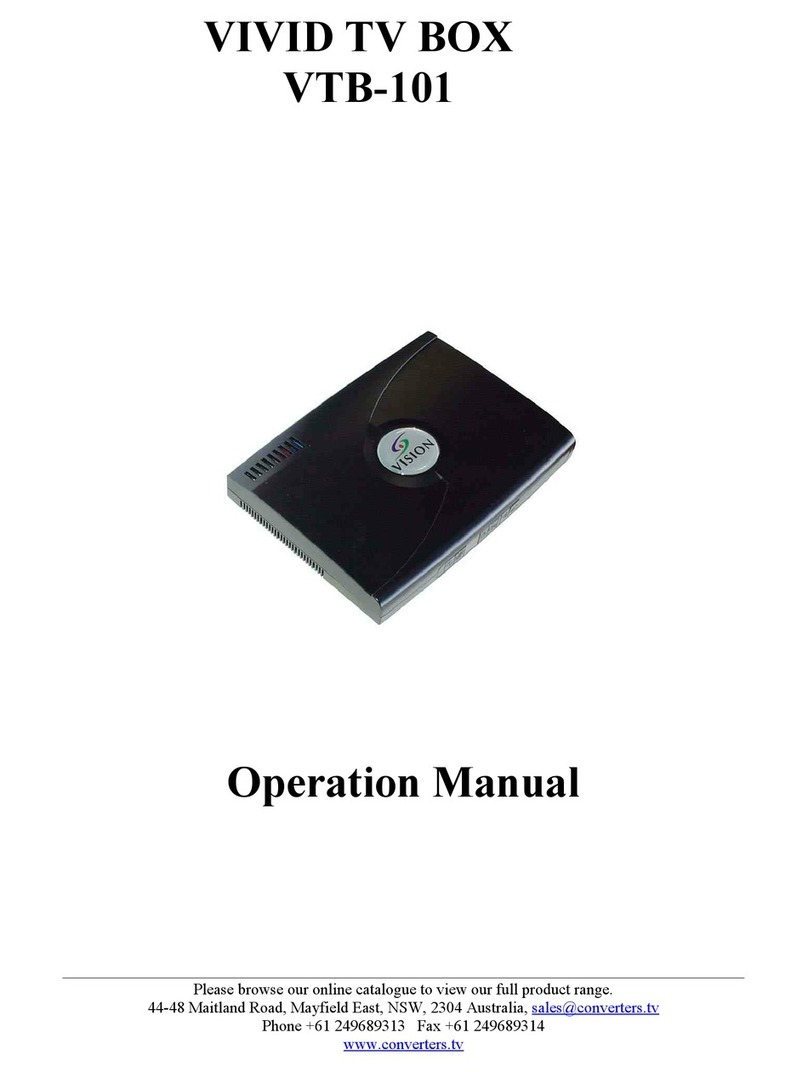
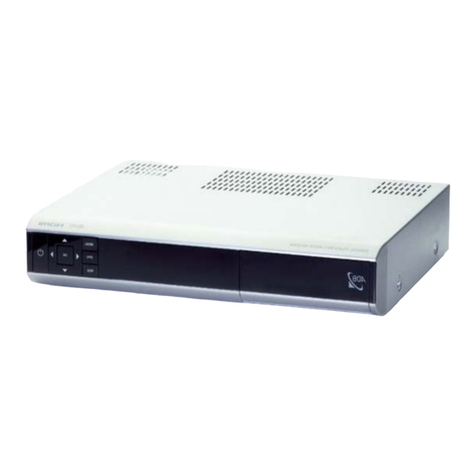
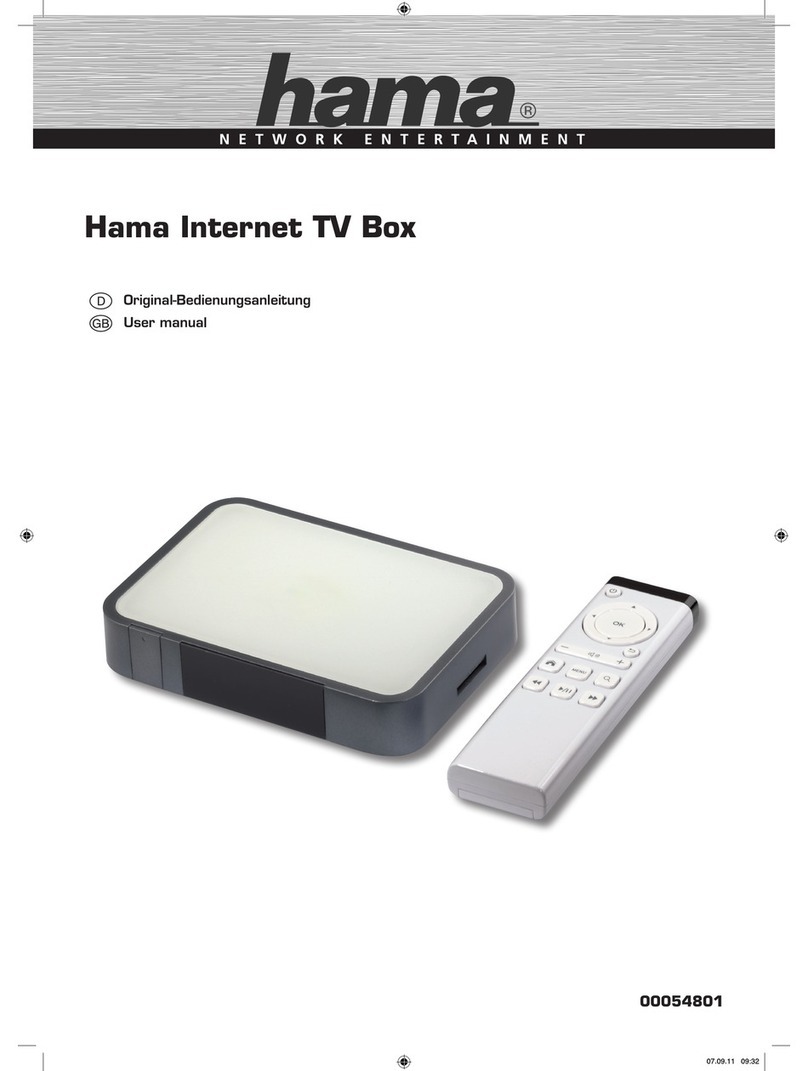
The unit is a state-of-the-art TV to PC Video converter. It easily turns your LCD, CRT
monitor, plasma display or projector into a multimedia center with out sacrificing
valuable desktop space. ith a built-in TV tuner and multiple video ports, you can
connect DVD players, digital cameras, VCRs or even game consoles. View corporate
presentations or catch the end of the game all in full-screen, high-resolution images.
By means of advanced frame buffer technology and line doubling, the unit can transform
your existing standard video from TV, a DVD Player, VCR, Camcorder, Video Game,
Satellite Receiver or virtually any other video source into a high quality picture on any
display device with an RGBHV (PC-type) or YCbCr (3 RCA connectors) input. It even
works with HDTV-ready TV Sets, resulting in dramatically improved video image
quality.
The Vivid VTB-104HDTV TV box employs frame-buffering technology, which can
significantly increase the quality of images by doubling the standard video lines. It
converts the standard NTSC or PAL analog video signal from 15.75KHz up to 31.5KHz
horizontal scan rate and provides 480p, 576p or 720p line resolutions for HDTV-ready
displays, as well as VGA, SVGA and XGA for PC-compatible displays. The brightness
will be significantly increased and the flicker dramatically reduced. In addition its 3:2
pull down auto detection will ensure that video sources will perform smoothly, flicker
free and the highest possible image quality.
The TVBOX is compatible with CRT, LCD, plasma and projection displays. A built-in
sleep timer automatically shuts off display at pre-determined times. Easy to install and
operate, the TVBOX is an external plug-and-play device requiring no software drivers or
internal computer installation whatsoever.
Precautions
1. Do not expose this product to direct sunlight.
2. Keep the unit away from radiator, heat sources and magnetic field.
3. Do not place it in very dusty or humid locations.
4. Use this unit in a horizontal position only.
5. Do not put heavy objects on top of the converter.
6. Put the unit in an open space that has good ventilation.
7. If the unit is acting abnormally keep the unit away from TV or other electronic
equipment.
8. Unplug the unit from the power supply when it is not to be used for a long period
of time.
Please browse our online catalogue to view our full product range.
Phone +61 249689313 Fax +61 249689314
www.converters.tv