Content
Content........................................................................................................................................ 2
1. Introducing the VIPCOS Web Interface................................................................................... 3
1.1 Overview.................................................................................................................................. 3
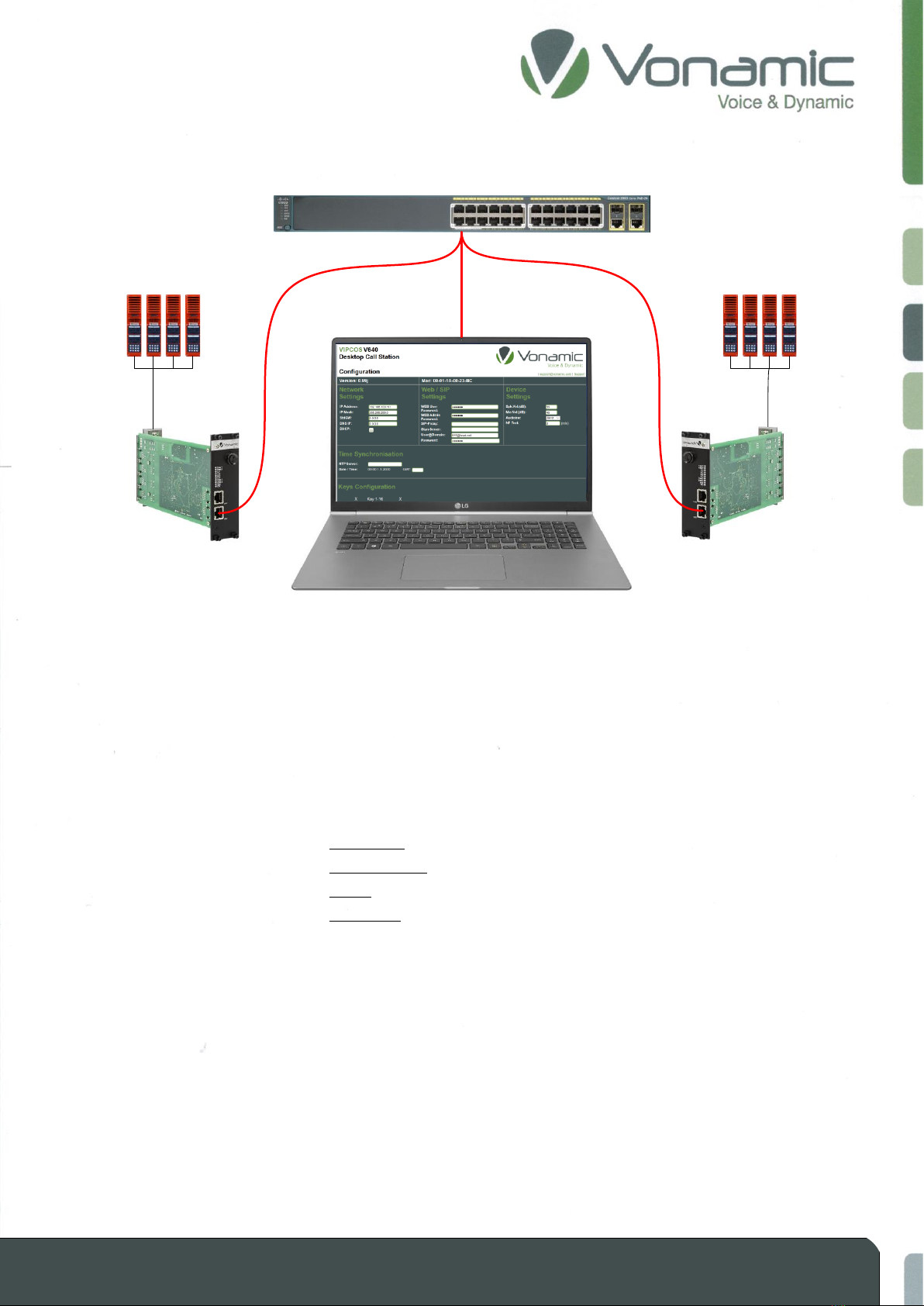
1.2 How to get access to the web interface.................................................................................. 4
2. Distribution of the web interface........................................................................................... 7
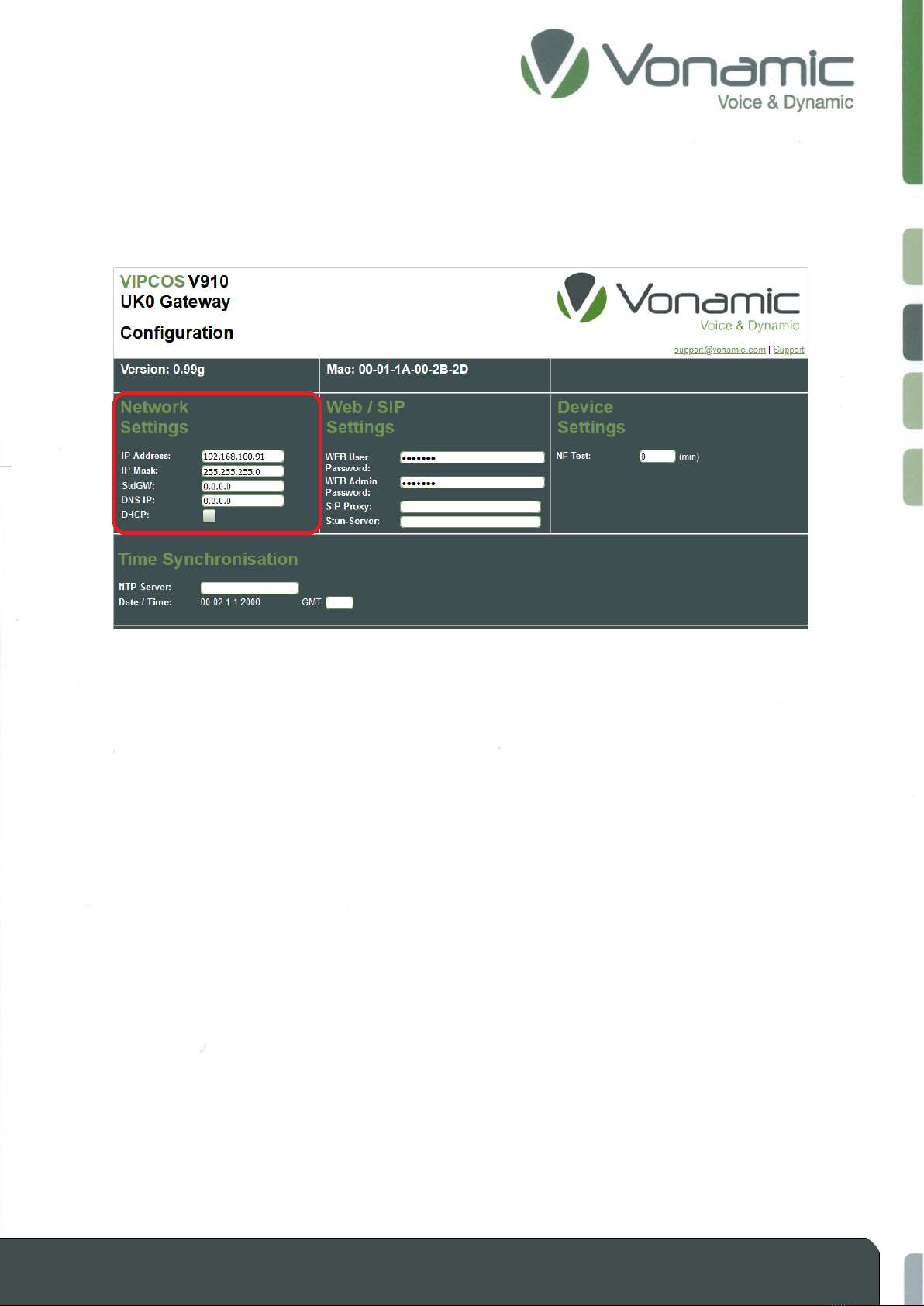
2.1 Network Settings..................................................................................................................... 7
2.2 Web / SIP Settings ................................................................................................................... 8
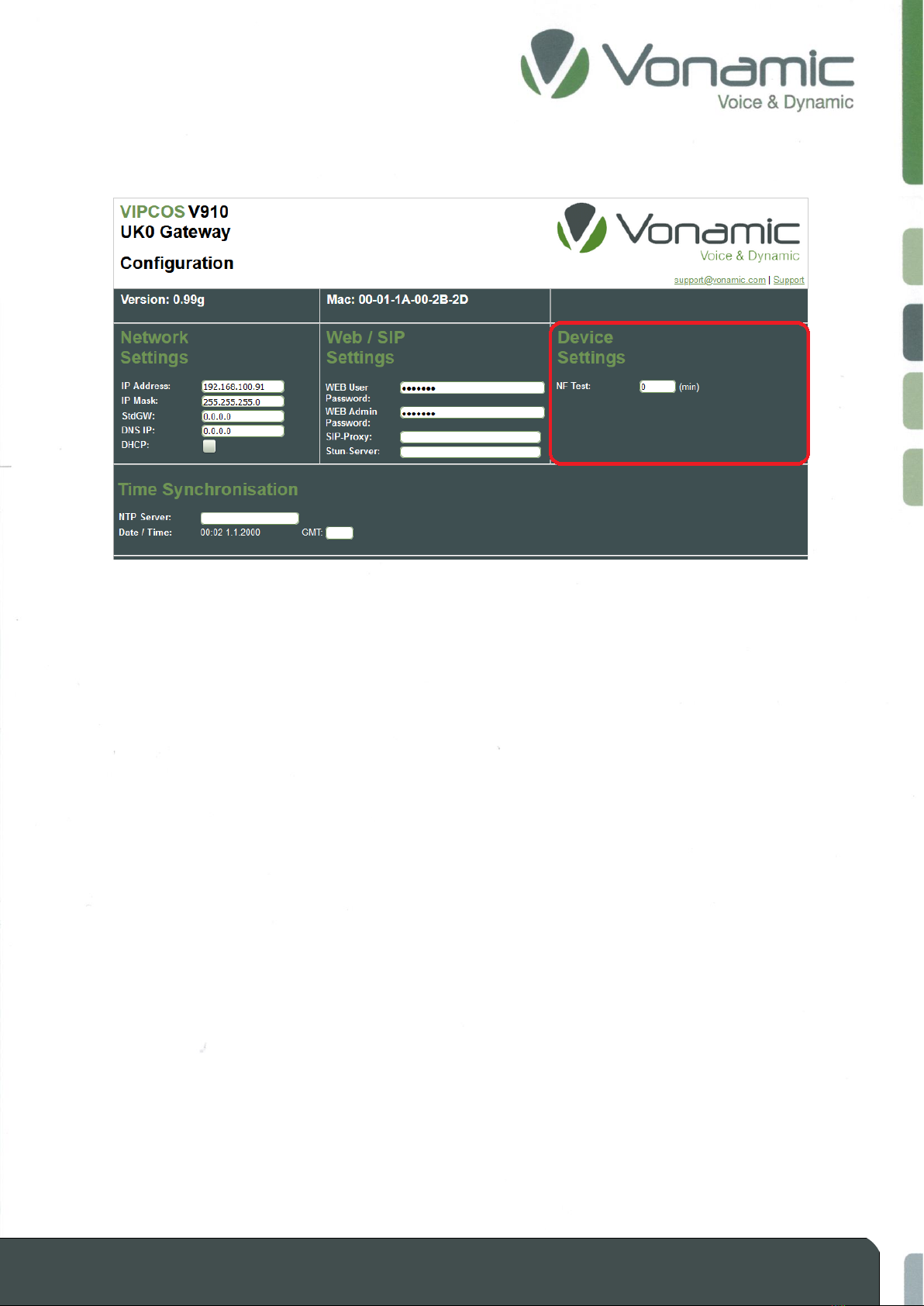
2.3 Device Settings ........................................................................................................................ 9
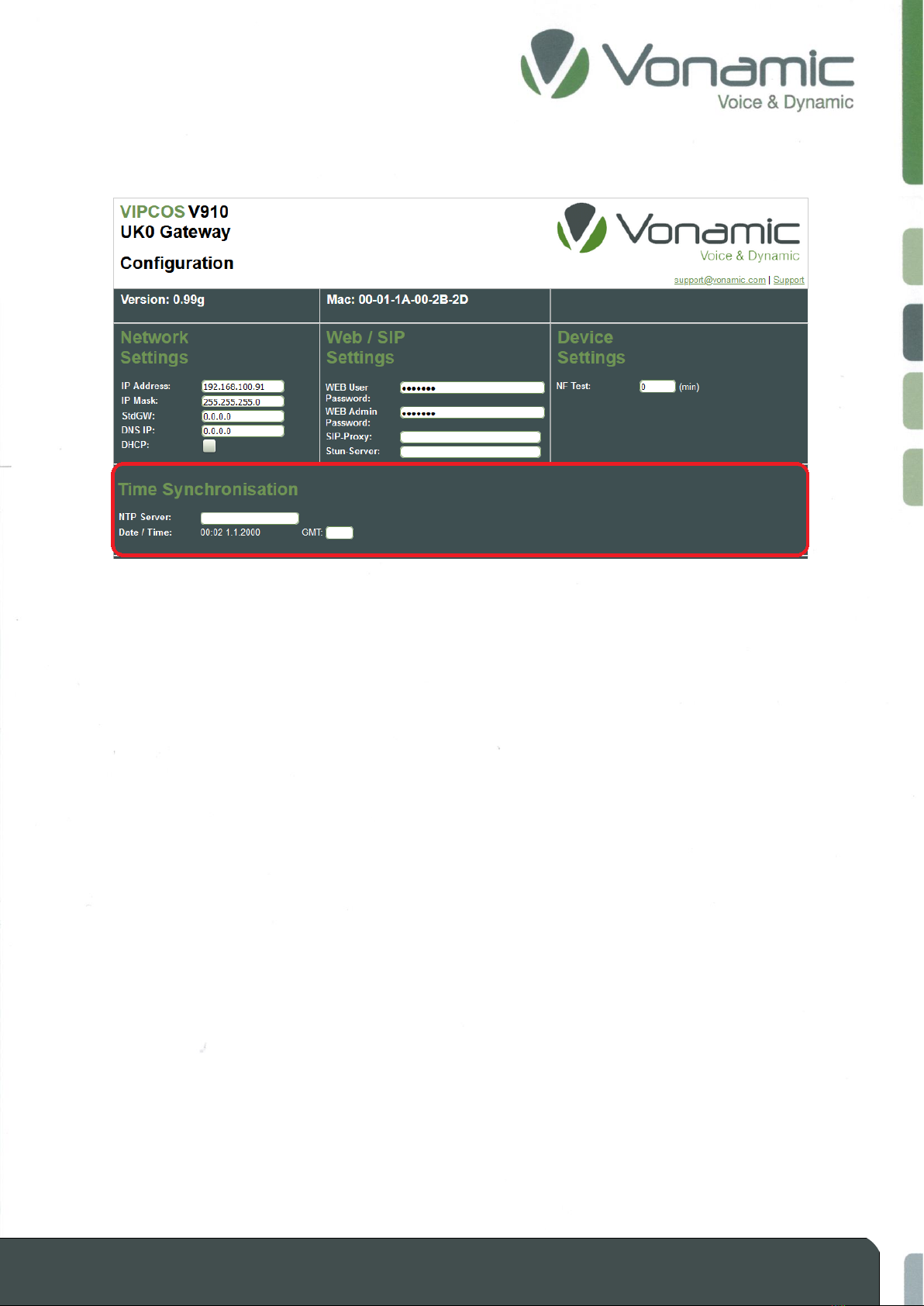
2.4 Time Synchronization............................................................................................................ 10
2.5 Port 1 - 4 Configuration......................................................................................................... 11
2.6 Group Selection..................................................................................................................... 14
2.7 Store / Restore of Config Files............................................................................................... 14
3. Configuration Description ................................................................................................... 15
3.1 IP address and device ID........................................................................................................ 15
3.1.1 Preparation.................................................................................................................... 15
3.1.2 Set and adjust IP............................................................................................................ 16
3.1.3 Setup and adjust ID ....................................................................................................... 17
3.1.4 Determine device IP-Address (Troubleshooting) .......................................................... 18
3.2 Volume adjustment............................................................................................................... 18
3.3 Direct call connection............................................................................................................ 19
3.4 Group call connection ........................................................................................................... 20
3.4.1 Define group membership ............................................................................................ 20
3.4.2 Set up a group call......................................................................................................... 21
3.5 SIP connection....................................................................................................................... 22
3.5.1 SIP server Registration................................................................................................... 23
3.5.2 Set up an outgoing SIP connection................................................................................ 24
3.5.3 Set up an incoming SIP connection ............................................................................... 25
3.6 Party line connection............................................................................................................. 26
3.7 Set up additional amplifier.................................................................................................... 27
3.8 Keypad................................................................................................................................... 28
3.8.1 how to use the keypad.................................................................................................. 29
3.9 Time synchronization (NTP) .................................................................................................. 30
3.10 Store and restore of configuration files ................................................................................ 31