INSTALLATION INSTRUCTIONS
VYNCO.CO.NZ
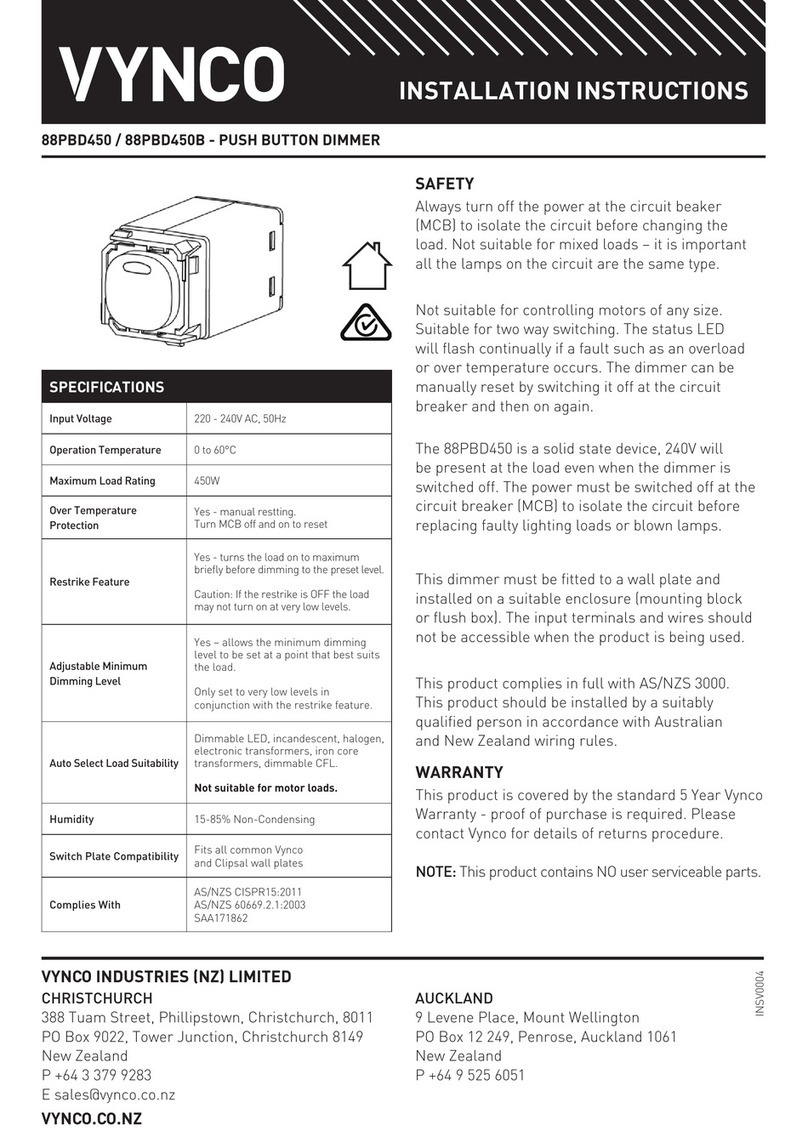
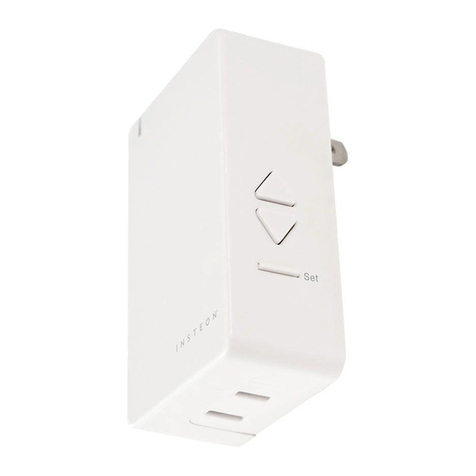
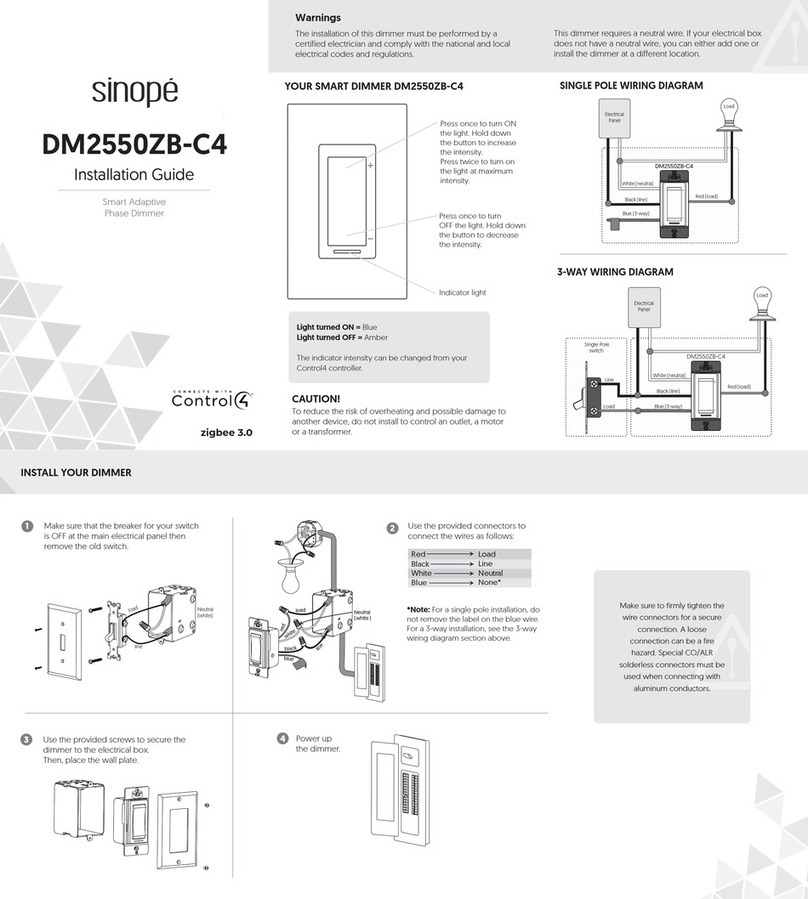
88DP OR 88DPB – PUSH BUTTON UNIVERSAL DIMMER 300W
INSTALLATION PROCEDURE
• Isolate the power before installation.
• Switch power ON only after complete installation and
testing of the circuit.
STEP 1. Ensure the circuit is safety isolated.
STEP 2. Securely press the 88DP mech into the Switch
plate.
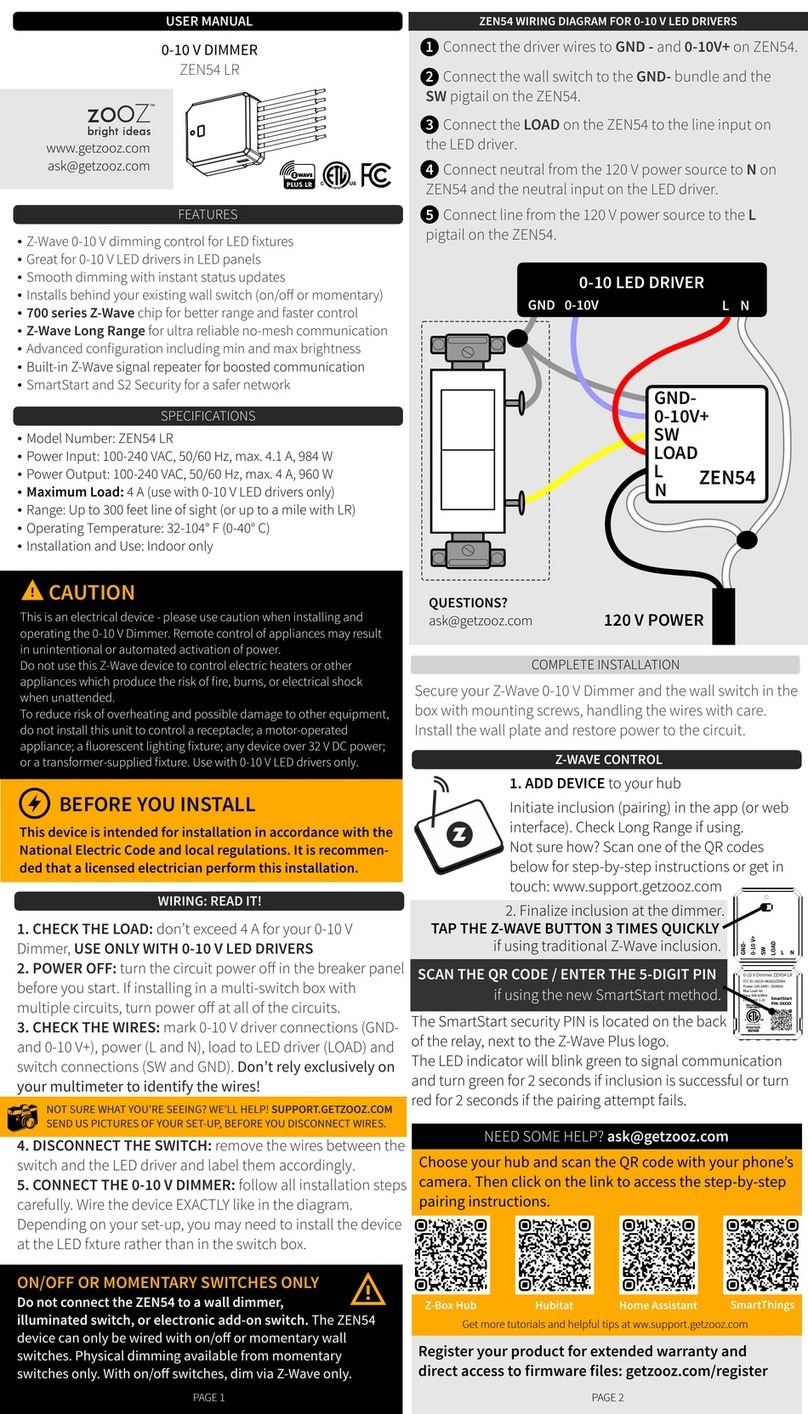
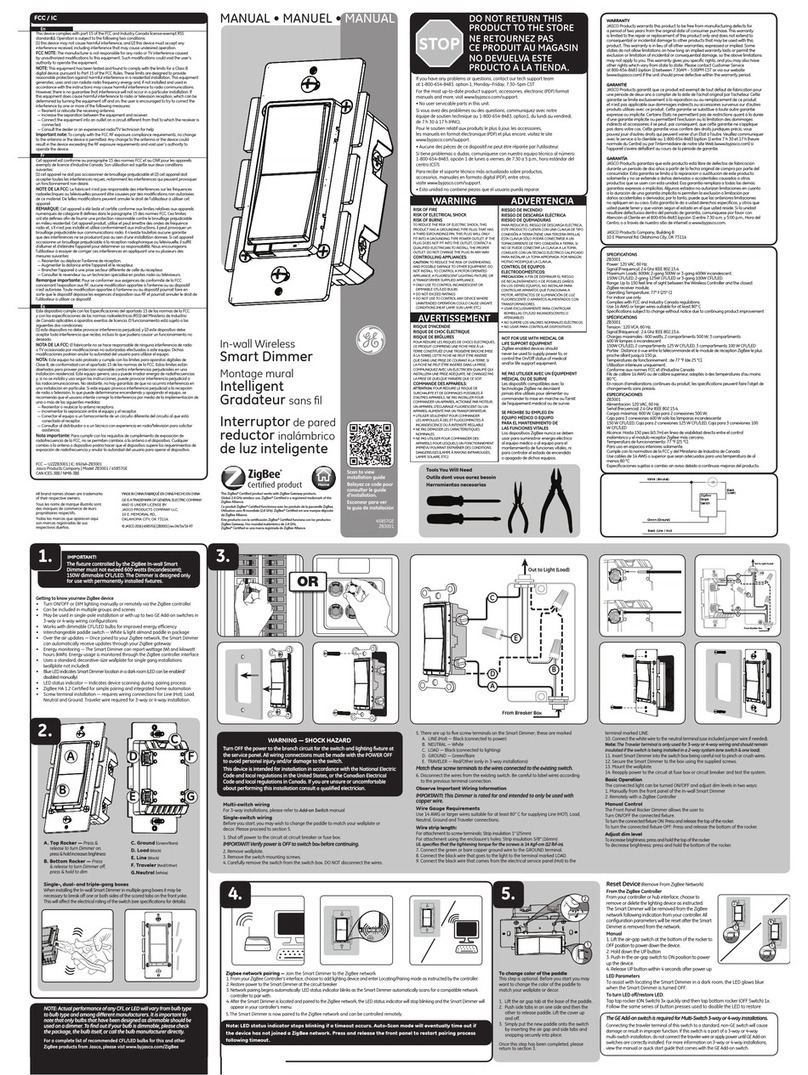
STEP 3. Connect wiring as per the wiring diagram:
STEP 4. Secure switch plate to a suitable ush or
mounting block with the screw fasteners.
STEP 5. Turn on power and test for correct operation.
NOTE: The Dimmer must always be connected to the
LINE side of the Load.
Do-not connect more than one Master Dimmer (88DP) on
a circuit. Always use Slave Switches (88SPM) in multi way
installations.
A maximum of 10 Slave Switches can be used on any one
circuit.
OPERATION
The dimmer operates as an On/Off switch by short press of
the Push Button. Press and hold the Push Button to dim up
or release and hold to dim down until minimum level.
The default settings can be adjusted to suit the installation
via the settings below.
Only change the settings at the Master Push Button.
WIRING DIAGRAMS
WARRANTY
This product is covered by the standard 2 Year Vynco
Warranty - proof of purchase is required. Please contact
Vynco for details of returns procedure.
NOTE: This product contains NO user serviceable parts.
Master Dimmer - 88DP
Slave Switch - 88SP
Multi-way Operation
One Way Operation
FUNCTION DEFAULT INSTRUCTIONS
A
Adjust the minimum dimming level.
(Note, if the minimum brightness level is
set below 20%, the lights will still switch on
at 20%)
20%
With the lights ON, adjust the minimum brightness to the required level,
then press the dimmer knob 5 times in quick succession.
The push button backlight will ash 3 times to conrm that the new
minimum level has been saved.
B
Enable/Disable the push button backlight.
(In this mode the push button backlight will
always stay on).
ON
With the lights ON, press the push button 4 times in quick succession.
The push button backlight will ash 3 times to conrm that the backlight
has been disabled.
CClear the minimum dimming level. 20%
With the lights ON, press the push button 7 times in quick succession.
The push button backlight will ash 3 times to conrm that the minimum
level is now 0%.
Note: A new minimum dimming level is required after clearing, otherwise
it will reset to the factory default setting.
DReset all functions to factory defaults. NONE
With the lights ON, press the push button 9 times in quick succession.
The push button backlight will ash 3 times to conrm that the dimmer
settings have been changed to factory defaults.
E
Setting the TE or LE Mode.
BLUE – LE Mode (Halogens and small motors)
ORANGE – TE Mode (LEDs, Incandescent)
TEauto
With the lights ON, press the push button 6 times in quick succession.
The push button backlight will ash 3 times to conrm that the dimmer
mode has been changed to LE mode or TE mode.