logo
Brands
  1. Home
  2. •
  3. Brands
  4. •
  5. WABCO
  6. •
  7. Construction Equipment
  8. •
  9. WABCO 777B User manual

WABCO 777B User manual

This manual suits for next models

1

Popular Construction Equipment manuals by other brands

SASFORKS EXTREME manual

SASFORKS

SASFORKS EXTREME manual

Hailo H-50 manual

Hailo

Hailo H-50 manual

Graco LineLazer ES 1000 Operation - repair - parts

Graco

Graco LineLazer ES 1000 Operation - repair - parts

Greenlee 555RSC instruction manual

Greenlee

Greenlee 555RSC instruction manual

Manitowoc Grove CD3340B Service manual

Manitowoc

Manitowoc Grove CD3340B Service manual

Lux Tools A-FMR-20 Set manual

Lux Tools

Lux Tools A-FMR-20 Set manual

SIP 03683 manual

SIP

SIP 03683 manual

Volvo L30G Operator's manual

Volvo

Volvo L30G Operator's manual

Grizzly G8712 instruction sheet

Grizzly

Grizzly G8712 instruction sheet

Modulift CMOD 12 User instructions

Modulift

Modulift CMOD 12 User instructions

Case DV201 Service manual

Case

Case DV201 Service manual

Sealey SC10.V2 instructions

Sealey

Sealey SC10.V2 instructions

Wacker Neuson DT05 Operator's manual

Wacker Neuson

Wacker Neuson DT05 Operator's manual

HYVA AMCO VEBA 81 Series WARNING, OPERATING AND MAINTENANCE MANUAL

HYVA

HYVA AMCO VEBA 81 Series WARNING, OPERATING AND MAINTENANCE MANUAL

Atlas Copco Dynapac V5100TV manual

Atlas Copco

Atlas Copco Dynapac V5100TV manual

Toro 323 Operator's manual

Toro

Toro 323 Operator's manual

Manitowoc National Crane 1400A Operator's manual

Manitowoc

Manitowoc National Crane 1400A Operator's manual

SGS EC1500 owner's manual

SGS

SGS EC1500 owner's manual

https://manuals.online logo
https://manuals.online logoBrands
  • About & Mission
  • Contact us
  • Privacy Policy
  • Terms and Conditions

Copyright 2025 Manuals.Online. All Rights Reserved.

:'::;;.",
greater portion of the manual
and
adjustments. Each
--....,..J--
mi~,9~1a:ll[lcl:tr
example: .
The
QH,a1:l;j?ei\JIlIJ1Y
__seussed
as a
.unit
cerau
of
the
~acqine.
'w(',"
<;.:
'\' ·.~'ft.
~,::¥,.,:,'"",~':/
;O' .....
one-used,
ul-this
manual
ne~~~:~~;r;UY:t:~£~r
to.
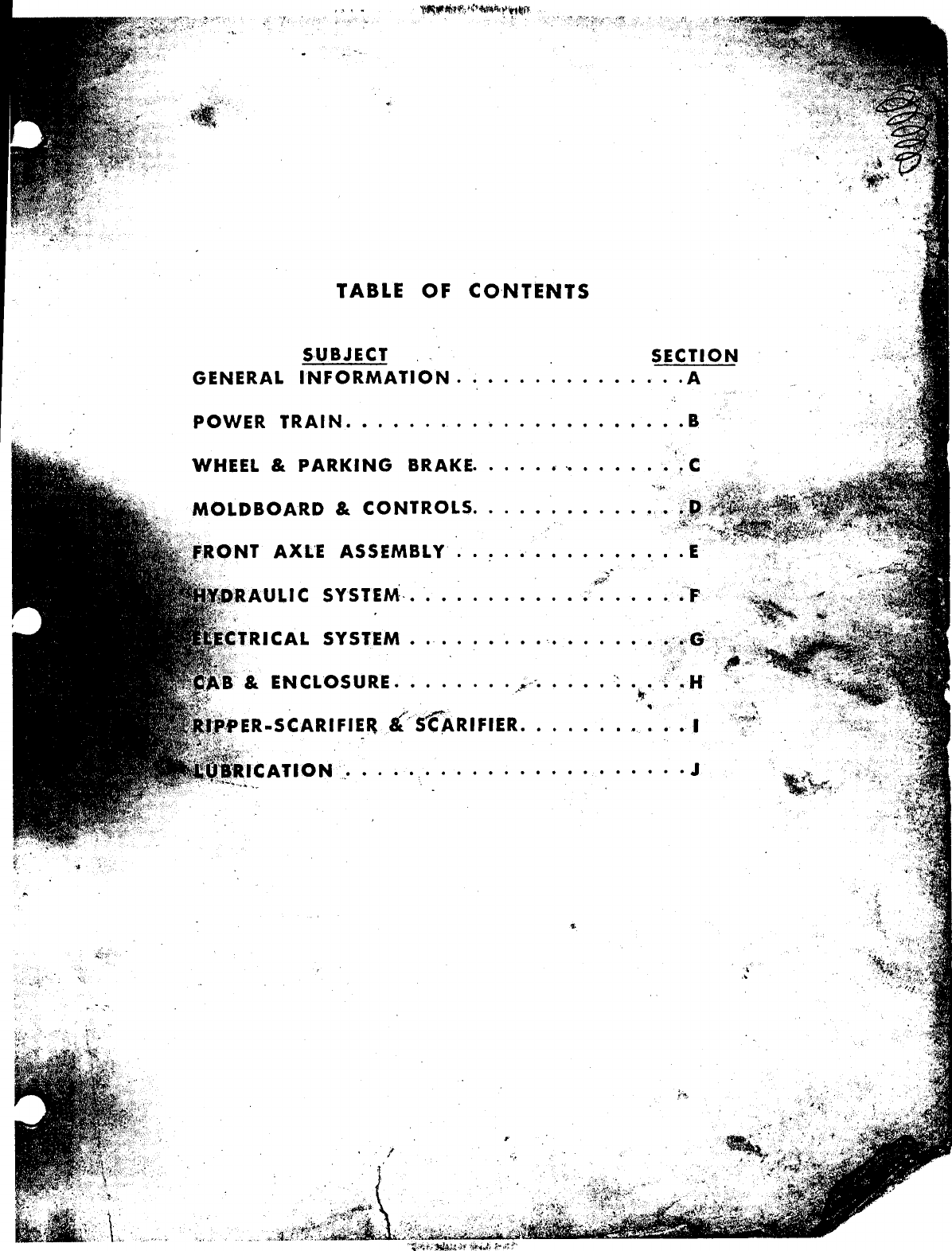
TABLE OF CONTENTS
S-UBJECT
GENERAL INFORMATION. SECTION
· .A
POWER TRAI N .
• • B
WHEEL
&
PARKING BRAKE.
.
.' '.
.
.
MOLDBOARD &CONTROLS.
AXL'E
ASSEMBLY ..
LIC
SYSTEM· ••
SYSTEM .. ....
."..
.
.
.
-,
• ',II,:
,
.SCARIFIE~ &:'S'(ARIFIER ••.
·.I
· . J
SECTION A
GENERAL INF·ORMATION
PRE.OPERATING CHECKS .
A- 2
INSTRUMENTS AND CONTROLS .....
A- 4
OPERATING INSTRUCTIONS ..
A- •.~.•.
TORQUE CHART .
A- 9 ,_
.
.
.
.
.
.
.
.
SPECIFICATIONS. A-IO
STORING AND SHIPPING
A-12
,
,
""i.'~
.)'
;~,::,'1
'i
..•
~
.';~
.,0:Jfl'
GENERAL INFORMATION
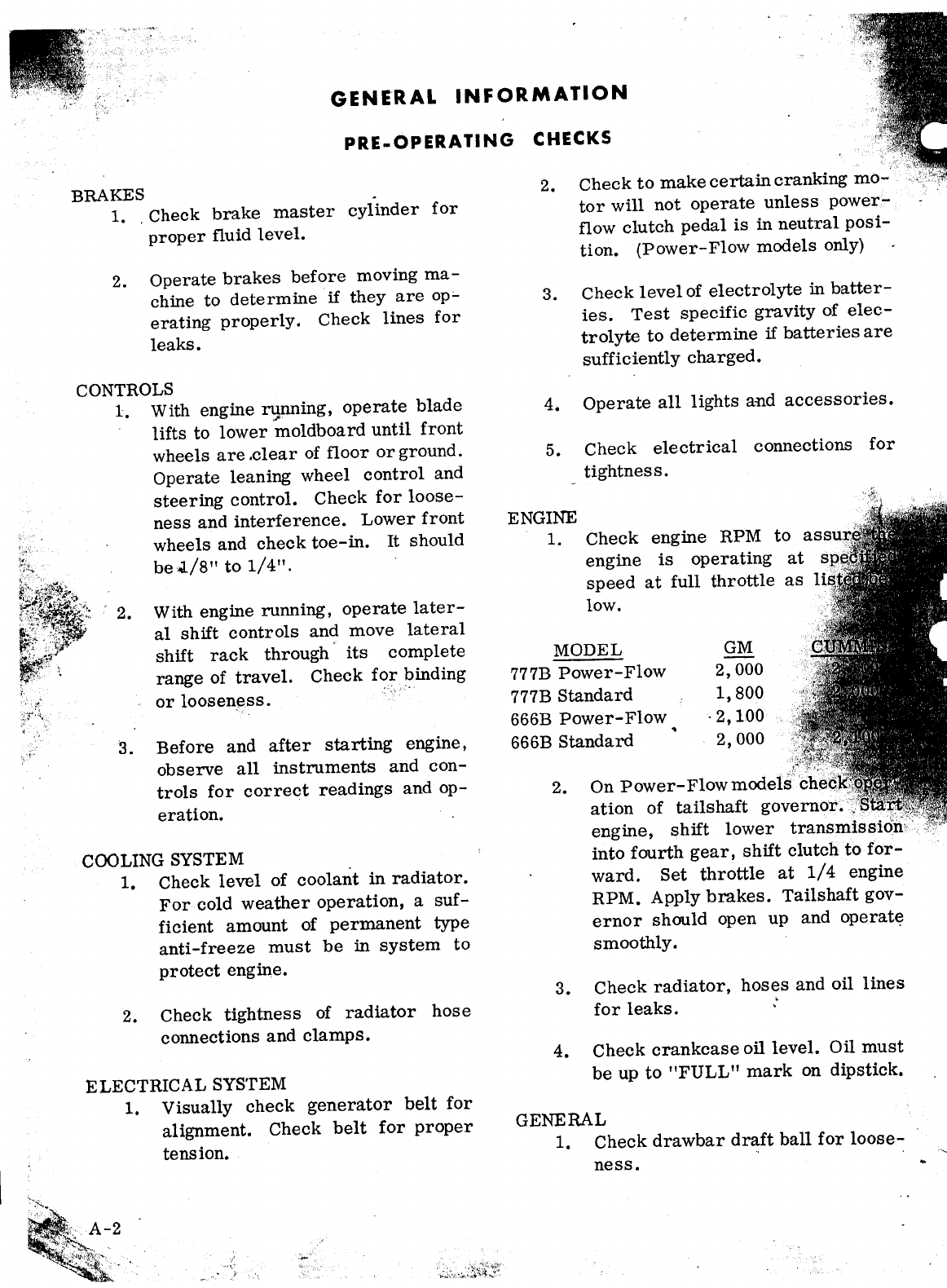
PRE.OPERATING CHECKS
BRAKES
1.
.
Check brake master cylinder for
proper fluid level.
2.
Operate brakes before moving ma-
chine to determine
if
they are op'-
erating properly. Check lines for
leaks.
CONTROLS
1.
With engine running, operate blade
,.I'
lifts to lower moldboard until front
wheels are .clear of floor or ground.
Operate leaning wheel control and
steering control. Check for loose-
ness and interference. Lower front
wheels and check toe-in.
It
should
be
,;L/8"
to
1/4".
'2.
With engine running, operate later-
al shift controls and move lateral
shift rack through its complete
range of travel. Check for binding
or looseness.
3. Before and after starting engine,
observe all instruments and con-
trols for correct readings and op-
eration.
COOLINGSYSTEM
1.
Check level of coolant in radiator.
For cold weather operation, a suf-
ficient amount of permanent type
anti-freeze must be in system to
protect engine.
2. Check tightness of radiator hose
connections and clamps.
ELECTRICAL SYSTEM
1.
Visually check generator belt for
alignment. Check belt for proper
tension.
Check to make certain cranking mo-
tor will not operate unless power-
flow clutch pedal is in neutral posi-
tion. (Power-Flow models only)
2.
Check level of electrolyte in batter-
ies. Test specific gravity of elec-
trolyte to determine if batteries are
sufficiently charged.
3.
4. Operate all lights and accessories.
5.
Check electrical connections for
tightness.
ENGINE
1.
Check engine RPM to
engine is operating at
speed at full throttle as
1
low.
MODEL
777B Power-Flow
777BStandard
666B Power-Flow
~
666B Standard
GM
2,000
1,800
·2,100
2,000
2. On Power-Flow models
ation of tails haft
engine, shift lower
into fourth gear, shift clutch to for-
ward. Set throttle at
1/4
engine
RPM. Apply brakes. Tailshaft gov-
ernor should open up and operate
smoothly.
3.
Check radiator, hoses and oil lines
for leaks. ..
4. Check crankcase oil level. Oil must
be up to "FULL" mark on dipstick.
GENERAL
1.
Check drawbar draft ball for loose-
ness.
r~
1 ) .•;~
~
..
2. Check all nuts and bolts for loose-
neas,
3. Make a visual check of entire ma-
chine cleanliness.
4. Check all belts for proper tension.
(Includes tailshaft governor drive
belt on Power-Flow models.)
5. Check clutch pedal free travel.
Check action of clutch brake.(Stand-
ard models)
6. Check parking brake.
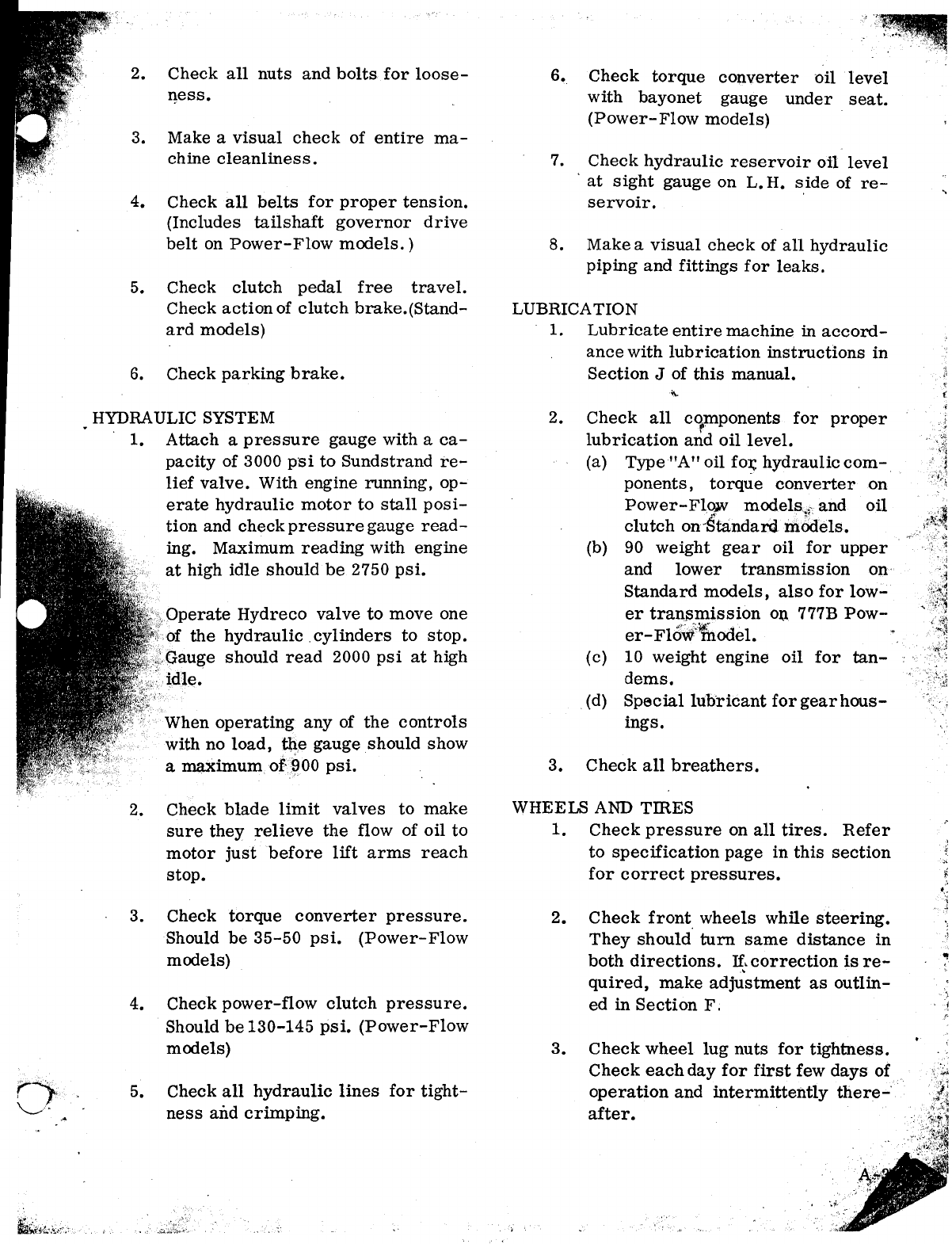
HYDRAULIC SYSTEM
1.
Attach a pressure gauge with a ca-
pacity of 3000 psi to Sundstrand re-
lief valve. With engine running, op-
erate hydraulic motor to stall posi-
tion and check pressure gauge read-
ing. Maximum reading with engine
at high idle should be 2750 psi.
erate Hydreco valve to move one
the hydraulic .cyltnders to stop.
should read 2000 psi at high
When operating any of the controls
with no load, tlle gauge should show
a maximum.
of'~OO
psi.
2. Check blade limit valves to make
sure they relieve the flow of oil to
motor just before lift arms reach
stop.
3. Check torque converter pressure.
Should be 35-50 psi. (Power-Flow
models)
4. Check power-flow clutch pressure.
Should be 130-145 psi. (Power-Flow
models)
5. Check all hydraulic lines for tight-
ness and crimping.
6. Check torque converter oil level
with bayonet gauge under seat.
(Power- Flow models)
7. Check hydraulic reservoir oil level
at sight gauge on L. H. side of re-
servoir.
8. Makea visual check of all hydraulic
piping and fittings for leaks.
LUBRICATION
1.
Lubricate entire machine in accord-
ance with lubrication instructions in
Section
J
of this manual.
2. Check all c<p:nponents for proper
lubrication and oil level.
(a) Type
"A"
oil fOI;hydraulic com-
ponents, torque converter on
Power- Flqw modelsif and oil
clutch on"Standard :mOdels.
(b) 90 weight gear oil for upper
and lower transmission on
Standard models, also for low-
er transmission on 777B Pow-
er- Flb~:lfuodel.
(c) 10 weight engine oil for tan-
dems •
.(d) Special lubricant forgearhous-
ings.
3. Check all breathers.
WHEELSAND
rmss
1.
Check pressure on all tires. Refer
to specification page in this section
for correct pressures.
2. Check front wheels while steering.
They should turn same distance in
both directions. U:,correction is re-
quired, make adjustment as outlin-
ed in Section F.
3. Check wheel lug nuts for tightness.
Check each day for first few days of
operation and intermittently there-
after.
INSTRUMENTS AND CONTROLS
~.
~~iil';,
~>;,.,-.:-;-
"
~
.
..
..,{-
INSTRUMENTSAND CONTROLS
~
1. Ripper Tilt
11.
Ground Speed Selector 20. Light Switch
2. Ripper Block 12. Horn Button 21. Engine Shut
3. L. H. Blade Lift 13. Key Switch (GM)
4. Scarifier Control 14. Gear Shift Lever 22. Engine Oil Pressure
5. Circle Reverse (1 Std) (2 PF) 23. Engine Temperature
6. Lateral Shift 15.• Parking Brake 24. Clutch Warning Light
7. Leaning Wheel 16. Accelerator-Decelerator 25. T/Converter Oil
8. R. H. Blade Lift 17. Wheel Brake Temperature (PF only)
9. Moldboard Power Shift 18. Clutch Pedal (PF shown) 26. Ammeter
10. Moldboard Tilt 19. Transmission Gear 27. Power Shift Clutch Oil
Brake (PF only) Pressure (PF only)
Figure 1 shows view of operating con-
trols as seen from the operator's seat.
Plates are attached to instrument panel to
identify the control levers. Arrows on plate
designate directional movement of controls.
material being worked.
,
.
Ripper Block Lever, Item 2. Use for
raising or lowering ripper block to get pro-
per tooth penetration.
Ripper Tilt Lever, Item
1.
Use for tilt-
ing ripper teeth to proper angle for types of Left Hand Blade Lift Lever, Item 3. Use
for rarsmg and lowering left hand end of
moldboard.
(,"
)
<::»
Scarifier Control Lever, Item 4. Used
to raise and lower scarifier.
Circle Reverse Lever, Item 5. Use for
rotating moldboard clockwise or counter-
clockwise for correct positioning of mold-
board for type of work being done.
Lateral Shift Lever, Item 6. Use for
moving moldboard and circle right or left to
desired position for type of work being done.
Leaning Wheel Lever, Item 7. Use for
leaning front wheels to offset side thrust
caused by position of moldboard. For most
operations the top of the front wheels are
leaned away from the leading edge of mold-
board.
Right Hand Blade Lift Lever, Item 8.
Use for raising or lowering the right hand
end of moldboard.
Moldboard Power Shift Lever, Item 9.
e for shifting moldboard right or left for
extended reach or to clear obstructions such
bridge abutments, etc.
Moldboard Tilt Lever, Item 10. Use for
tilting moldboard to correct position for type
of work and material.
Ground Speed Selector Lever, Item 11.
Use for hand control of engine RPM.
Horn Button, Item 12.
Key Switch, Item 13, turns on the elec-
trical system. When turned clockwise to its
extreme position, it acts as starter switch.
Gear Shift Lever, Item 14. Use to shift
lower transmission gears through the four
gear ranges.
Parking Brake Lever, Item 15. Use to
set parking brake when machine is parked.
The parking brake is located on front end of
lower shaft of lower transmission.
Accelerator-Decelerator Pedal, Item 16.
Use as a foot throttle by pressing down on
forward pad to increase engine RPM. Or use
to decelerate engine RPM when working with
ground speed selector lever in a set posttton.
By pressing down on the rear pad, engine
RPM will be reduced. Remove foot from pad
and engine RPMwill increase to that as pre-
set with ground speed selector lever.
Wheel Brake Foot Pedal, Item 17. Use
to apply wheel brakes for bringing grader to
a halt. Each of the four tandem wheels are
equipped with a hydraulic actuated, shoe-
type brake.
Power Shift Clutch Pedal, Item 18. Use
to engage Power-Shift transmission clutches
(upper transmission). Depress toe of pedal
for forward motion. Depress heel of pedal
for reverse motion. Clutch pedal-must be in
neutral positionbefore starting motor circuit
will work.
,.r
Transmission Gear Brake Pedal, Item
19. To be used only when shifting transmis-
sion gears while grader is at halt. Do not
use when grader is moving. The gear brake
stops transmission gears from rotating while
shift is being made. Permits easier shifting
without clashing of gears.
Light Switch, Item 20. Controls light
circuits.
Engine Shut Down Button (GM Engine),
Item 21. Pressing button actuates solenoid
at engine governor to shut downengine. Hold
button in until engine stops.
If
grader is
equipped with lever instead of solenoid, the
pull knob will be located just under R.H.
side,
of the operator's seat. Pull lever and hold
until engine stops. NOTE:' Do not use the
emergency engine shut down to stop engine
except in case of an emergency.
Engine Oil Pressure Gauge, Item 22.
Registers engine oil pressure. Gauge should
read 40 to 60 psi at high idle, 30 to 60 psi at

OPERATING INSTRUCTIONS
(POWER-FLOW MODELS)
SETTINGMACHINEINTO MOTION
'.{'._ The Power- Flowclutch pedal must be in
.. .......:Ileutral position before the cranking motor
wi'll operate.
If"
.'ii
~
1200 RPM and a minimum of 18 psi at low
idle•.
Engine Temperature Gauge, Item
23.
The engine temperature gauge indicates the
temperature of the coolant in the engine's
cooling system.
Oil Clutch Warning Light, Item 24. Do
not engage clutch
if
light is on.
Torque Converter Oil Temperature
Gauge, Item 25. The torque converter tem-
perature gauge indicates the temperature of
the converter oil. Do not operate the grader
gauge needle is in the red section of
gauge,
Should converter oil start to heat
Set ground speed selector (HandThrottle)
to approximately
1/4
open. Turn key switch
clockwise until engine starts.
Allow engine to warm up before start-
ing operation. Be sure instrument panel
gauges show pressure.
Do not spin tires when setting motor
grader into motion. Spinning the tires causes
a digging action which not only damages road
surfaces but causes excessive wear on the
tires.
Set ground speed selector to idle posi-
tion. With Power-Flow clutch pedal in neu-
tral posttion, press down ongear brake pedal,
Item 17, Figure
1.
This will prevent upper
shaft of lower transmission from rotating
until proper gears can be engaged. Shift the
shifter lever, Item 13, into a gear suitable
for the type of work to be done.
up, shift transmission to next lower gear to
permit cooling of oil.
Ammeter, Item 26. The ammeter
tndt-
.
cates the condition of the electrical system.
It
should not show discharge when engine is
operating.
If
ammeter does show discharge,
see your WABCOdistributor for service.
Power-Shift Clutch Oil Pressure Gauge,
Item 27. This gauge shows the oil pressure
at the power-shift clutches. Pressure at
normal engine RPM should be 130 to 145
psi.
If
pressure drops to
60
psi at any time,
an investigation should be made to determine
the cause. Serious damage to clutch discs
will occur, due to slippage, if grader is op-
erated with low oil pressure.
LOWER
TRANSMISSION
SIllFTER
LEVER
3
1
4
2
Forward Motion: Press down on toe end
of Power- Flow clutch pedal.
ReverseMotion: Press down on heel end
of Power-Flow clutch pedal.
,
When movement of grader occurs, grad-
ually increase speed by pulling back onground
selector lever. After correct working speed
has been obtained, the tail shaft governor will
maintain this speed until the ground speed
selector lever position has been changed.
TAILSHAFT GOVERNOR
The tailshaft governor is an engine gov-
erning device which maintains, within limits,
a constant output shaft speed as load placed
on torque converter varies.
This governing device is driven by a
belt from the output shaft, thereby sensing
any variation in output shaft speed.
ACCELERATOR-DECELERATOR PEDAL
The accelerator-decelerator pedal is an
aid to the operator in controlling engine
RPM. Continuous use of the ground speed
selector lever is practically eliminated.
After the ground speed selector lever is
once adjusted for proper working speed, the
engine RPM can be decreased by pressing
down on the rear pad of accelerator-decel-
erator pedal. To bring the engine RPM back
up to RPM set by ground speed selector lev-
er, remove foot from pad of accelerator-de-
celerator pedal.
To increase engine RPM above that set
by ground speed selector lever, press down
on front pad of lever. To return. engine to
the pre-set speed, remove foot from front
pad.
ENGINE SHUT-DOWN(GM)
To shut down the GM engine, push the
ground speed selector forward to idle posi-
tion. Allow engine to run at idle a few min-
utes. Pull out engine shut-down lever (lo-
cated under R. H. side of seat). Hold lever
out until engine has stopped. Return lever
to
II
run
II
position. Turn off key switch.
IJ.\oi-
PORTANT: Do not use the emergency engine
shut-down for normal engine shut-down. To
do so can cause damage to the blower seals.
ENGINE SHUT-DOWN (CUMMINSENGINE)
To shut down the Cummins engine, push
forward on the ground speed selector lever
to idle speed position. Allow engine to
run
at idle for a few minutes. Turn key switch-
to off position. This will deactivate the
fuel pump solenoid, thus stopping flow of
oil to the injectors.
,,'
OPERATING INSTRUCTIONS
(STANDARDMODEL)
GOVERNORCONTROL LEVER
The engine governor control lever is lo-
cated on R. H. end of power control panel.
This lever is used to obtain various engine
speeds. To increase engine speed, pull back
on lever. To decrease engine speed, push
forward on lever.
STARTINGGM AND CUMMINSENGINES
Make certain that the upper and lower
transmissions are in neutral position before
starting engine.
Set governor control lever to approxi-
mately 1/4 open throttle. Turn ignition key
clockwise in ignition switch until engine
starts.
Allow engine to warm up before starting
operation.
3
1
R
H
UPPER
TRANSMISSION
SHIFTER
LEVER
LOWER
TRANSMISSION
SHIFTER
LEVER
4
L
2
SETTING MACHINE INTO MOTION
Do not spin tires when setting motor
grader into motion. Spinning the tires caus-