manuals.online logo
Brands
  1. Home
  2. •
  3. Brands
  4. •
  5. Wacom
  6. •
  7. Graphic Tablet
  8. •
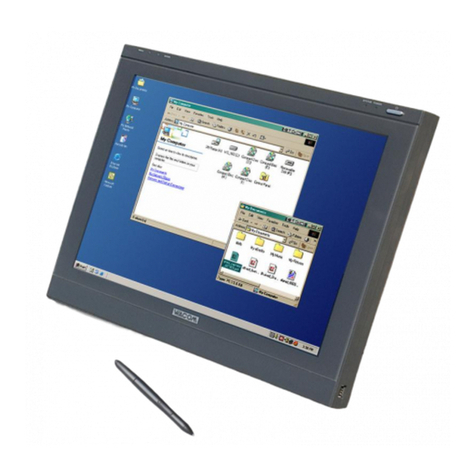
  9. Wacom Cintiq 21UX User manual

Wacom Cintiq 21UX User manual

Other manuals for Cintiq 21UX

5

Other Wacom Graphic Tablet manuals

Wacom DTU-1141B User manual

Wacom

Wacom DTU-1141B User manual

Wacom BIZTABLET User manual

Wacom

Wacom BIZTABLET User manual

Wacom PTH-660-N Installation guide

Wacom

Wacom PTH-660-N Installation guide

Wacom 12WX User manual

Wacom

Wacom 12WX User manual

Wacom BAMBOO TOUCH User manual

Wacom

Wacom BAMBOO TOUCH User manual

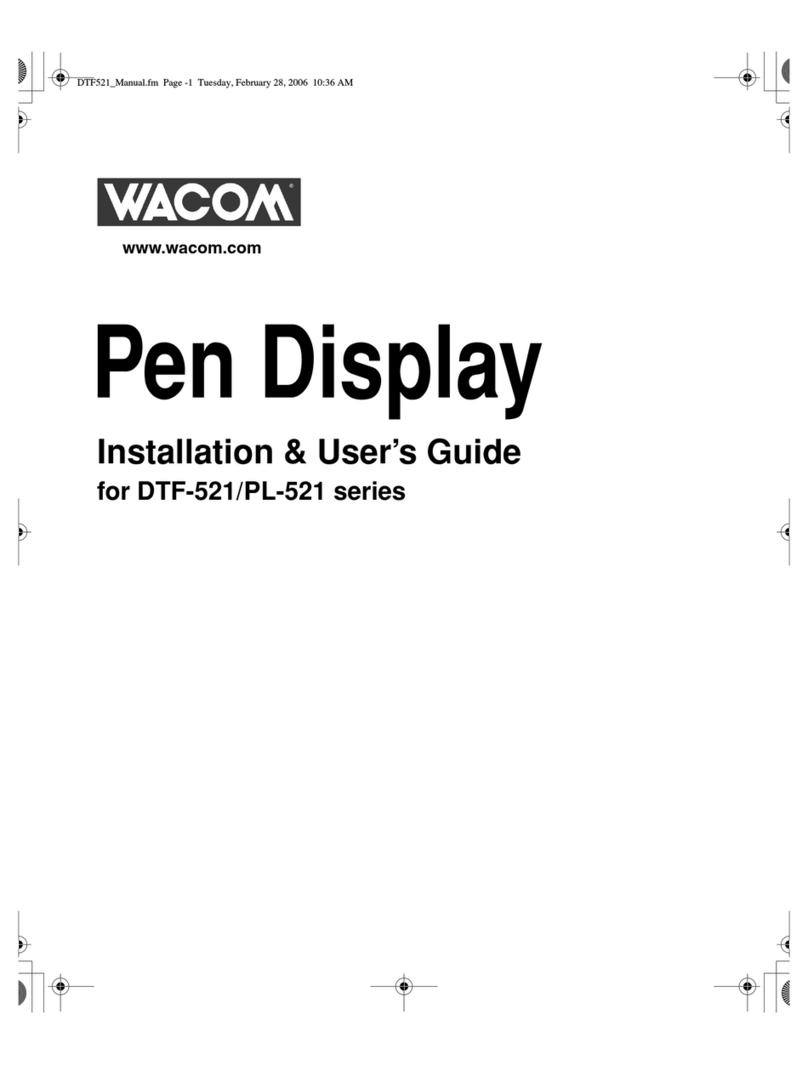
Wacom DTF-521 series User manual

Wacom

Wacom DTF-521 series User manual

Wacom CTL-460 User manual

Wacom

Wacom CTL-460 User manual

Wacom BAMBOO User manual

Wacom

Wacom BAMBOO User manual

Wacom DTU-2235B User manual

Wacom

Wacom DTU-2235B User manual

Wacom PTH-450 User manual

Wacom

Wacom PTH-450 User manual

Wacom VOLITO 2 - User manual

Wacom

Wacom VOLITO 2 - User manual

Wacom PENPARTNER - ANNEXE 474 User manual

Wacom

Wacom PENPARTNER - ANNEXE 474 User manual

Wacom INTUOS 4 User manual

Wacom

Wacom INTUOS 4 User manual

Wacom INTUOS - FOR WINDOWS User manual

Wacom

Wacom INTUOS - FOR WINDOWS User manual

Wacom GRAPHIRE - FOR MACINTOSH User manual

Wacom

Wacom GRAPHIRE - FOR MACINTOSH User manual

Wacom GRAPHIRE - WINDOWS User manual

Wacom

Wacom GRAPHIRE - WINDOWS User manual

Wacom Cintiq 21UX User manual

Wacom

Wacom Cintiq 21UX User manual

Wacom PL-2200 User manual

Wacom

Wacom PL-2200 User manual

Wacom Cintiq 21UX User manual

Wacom

Wacom Cintiq 21UX User manual

Wacom BAMBOO TOUCH User manual

Wacom

Wacom BAMBOO TOUCH User manual

Wacom DTU-710 User manual

Wacom

Wacom DTU-710 User manual

Wacom Cintiq 16 User manual

Wacom

Wacom Cintiq 16 User manual

Wacom DTF-720AB User manual

Wacom

Wacom DTF-720AB User manual

Wacom Bamboo CTH-470 User manual

Wacom

Wacom Bamboo CTH-470 User manual

Popular Graphic Tablet manuals by other brands

Kanvus Artist 127 user manual

Kanvus

Kanvus Artist 127 user manual

GAOMON PD156 PRO Faq

GAOMON

GAOMON PD156 PRO Faq

BandRich WritFun W120 user manual

BandRich

BandRich WritFun W120 user manual

Genius MOUSEPEN M508W - WINDOWS user manual

Genius

Genius MOUSEPEN M508W - WINDOWS user manual

Huion KAMVAS GT-156HD V2 user manual

Huion

Huion KAMVAS GT-156HD V2 user manual

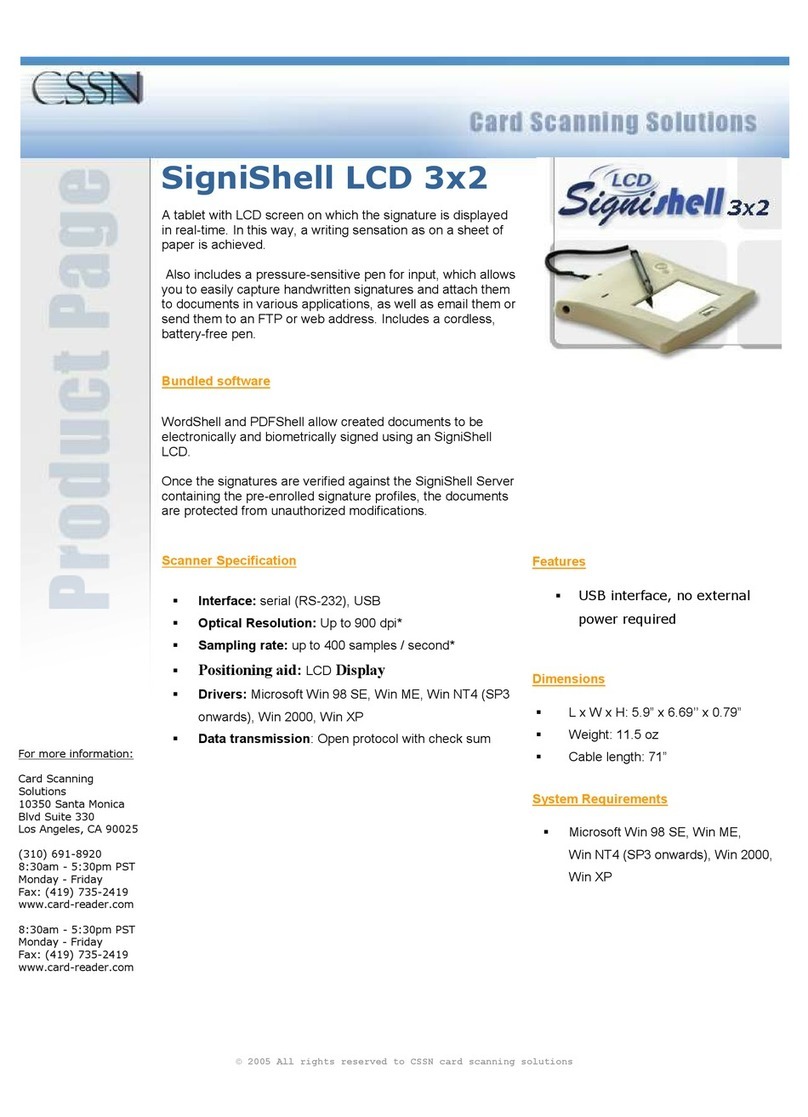
CSSN SigniShell LCD 3x2 Specifications

CSSN

CSSN SigniShell LCD 3x2 Specifications

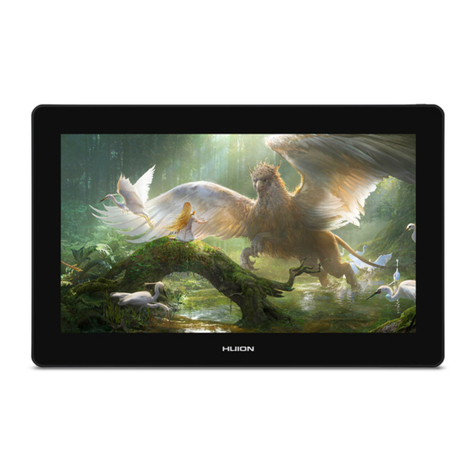
Huion KAMVAS Pro 16 Plus user manual

Huion

Huion KAMVAS Pro 16 Plus user manual

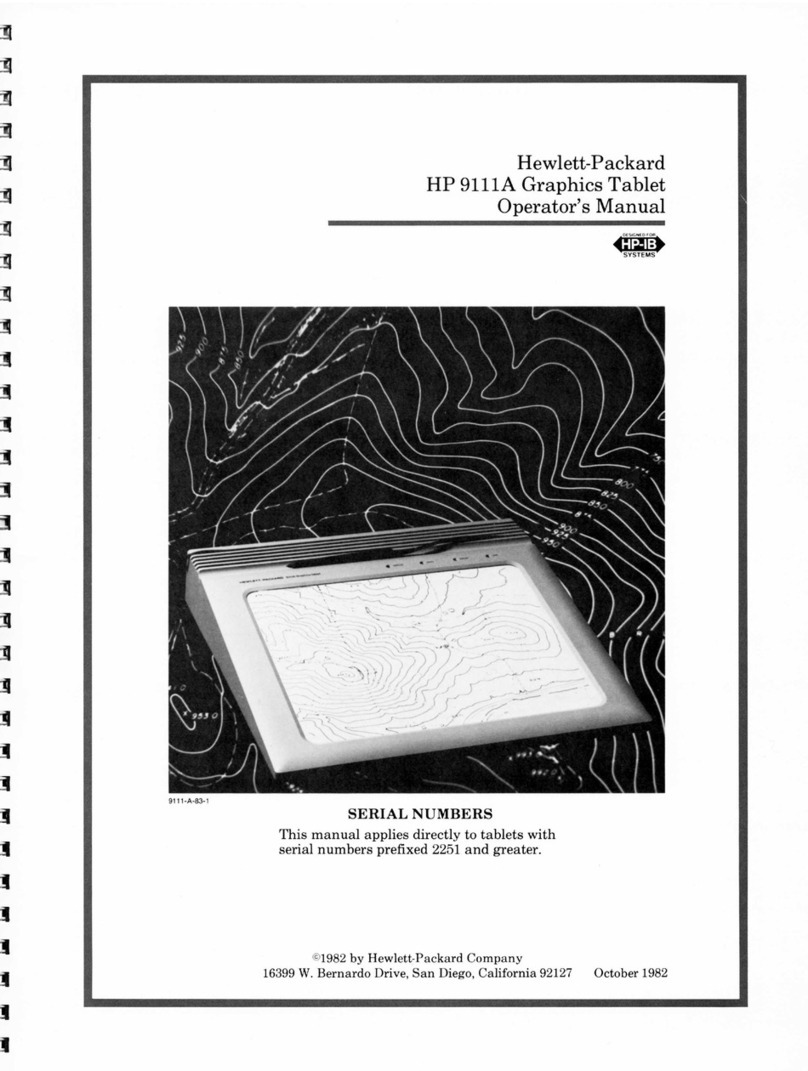
HP 9111A Operator's manual

HP

HP 9111A Operator's manual

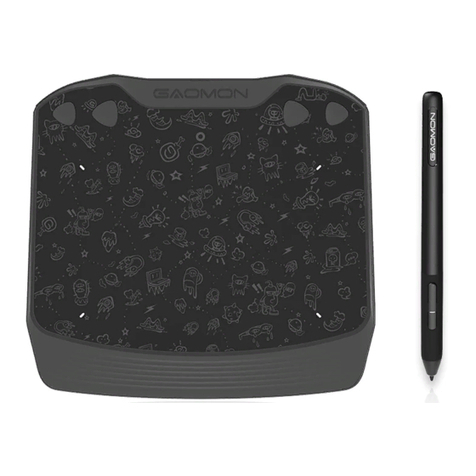
GAOMON S620 user manual

GAOMON

GAOMON S620 user manual

GAOMON M10K PRO user manual

GAOMON

GAOMON M10K PRO user manual

Veikk VK640 user manual

Veikk

Veikk VK640 user manual

Hanwang Technology GraphicPal3 user manual

Hanwang Technology

Hanwang Technology GraphicPal3 user manual

GTCO CalComp DrawingBoard V user guide

GTCO CalComp

GTCO CalComp DrawingBoard V user guide

GAOMON S620 user manual

GAOMON

GAOMON S620 user manual

Moleskine Smart Writing Set user guide

Moleskine

Moleskine Smart Writing Set user guide

GAOMON M1220 Faq

GAOMON

GAOMON M1220 Faq

GAOMON M10K2018 user manual

GAOMON

GAOMON M10K2018 user manual

UC Logic Penates 10.1SP user manual

UC Logic

UC Logic Penates 10.1SP user manual

manuals.online logo
manuals.online logoBrands
  • About & Mission
  • Contact us
  • Privacy Policy
  • Terms and Conditions

Copyright 2025 Manuals.Online. All Rights Reserved.

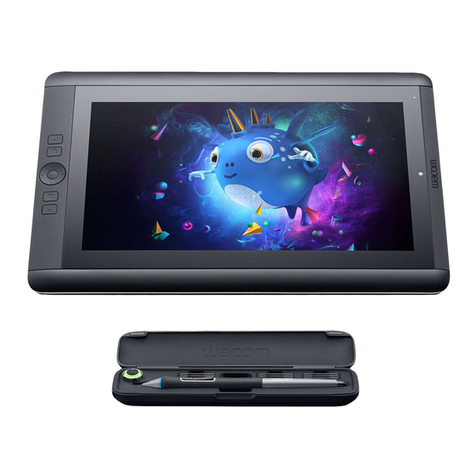
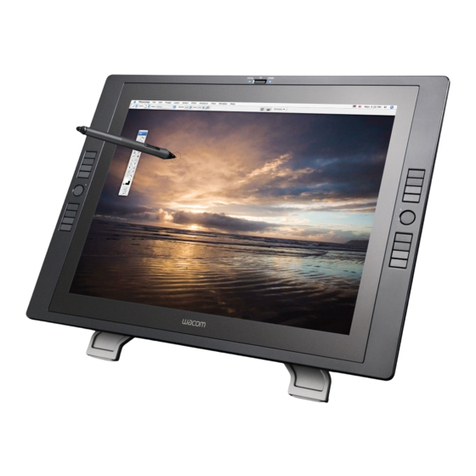
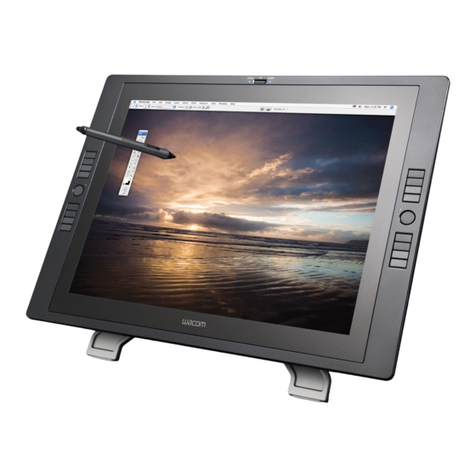
Cintiq 21UX.
Whether you’re a digital
photographer, graphic designer,
illustrator, product or fashion
designer, the Cintiq 21UX interactive
pen display by Wacom offers you
more space for your creativity and
your ideas.
You can work with optimal hand-
eye coordination in your digital
applications directly with the pen on
the 21,3" TFT display. Accelerate
your workflow and increase your
productivity through the interaction
between the Grip Pen, eight
ExpressKeys on each side and
Touch Strip with toggle functionality.
Configure your own individual,
ergonomic work-space set-up: the
display reclines like a drafting table
from 65 to 10 degrees and rotates
like a sketchbook up to 180 degrees
in either direction.
The Cintiq 21UX features the
new “Wacom Tip Sensor” with
its 2,048 pressure levels and
minimised activation force of below
one gramme, and it is also fully
compatible with the Intuos4 pen
tablet system.
Key features
• Natural, intuitive working with optimal hand-eye coordination
• Completely flat display surface for natural arm movement
• Fully compatible with the Intuos4 pen tablet system
• 16 ExpressKeys, fully customisable with keyboard shortcuts and menu
commands
• Touch Strips for scrolling and zooming located on the backside for easy
adjustment and reach
• Toggle Button allows to switch between four different Touch Strip settings
per application
• Ergonomic Grip Pen with new “Wacom Tip Sensor” and exchangeable
pen nibs
• 21.3" TFT display with UXGA resolution (1,600 x 1,200 pixel)
• Display rotation up to 180 degrees
• Completely removable stand
• Display tilt from 10 to 65 degrees
And where it comes to life.
Home.
Digital artist: Daniel Lieske
Wacom Europe GmbH • Europark Fichtenhain A9 • 47807 Krefeld • Germany • www.wacom.eu
© 2010 Wacom Company, Limited. All rights reserved. Wacom, the logo and Cintiq are trademarks or registered trademarks of the Wacom Company, Ltd. All other company names and product names
are trademarks or registered trademarks of their respective owners. Modifications and errors excepted. BRO-C21DCC-EN
GENERAL SPECIFICATIONS
Power Supply Voltage Input: 100 - 240 VAC, 50 Hz/60 Hz
Output: 12 VDC, 6.0 A max.
Maximum Power Consumption 54W max., 2W or less in sleep mode, 1W or less in off mode
Overall Dimensions (excl. stand) 561.0 x 421.0 x 47.8 mm (22.1 x 16.59 x 1.88 in)
Weight 10.4 kg (22.88 lb), incl. stand 8.7 kg (19.14 lb), excl. stand
Data Port USB
Driver Software Windows®: 7, Vista™, XP (32 and 64 bit)
Macintosh: OS X, v10.4 or later
Stand Completely removable, rotation up to 180° left / right,
incline 10°/ 65°
Certification and compliance FCC Part 15 Subpart B (Class B) and C, CE, VCCI Class B,
C-tick, BSMI, KCC, CCC, GOST-R, CB,
The European Union RoHS Directive 2002/95/EC,
Chinese RoHS, Korean RoHS
TABLET
Technology Electromagnetic resonance method
Active Area 432 x 324 mm (17.0 x 12.8 in)
Resolution 0.005 mm per point (5,080 lines per inch)
Coordinate Accuracy ± 0.5 mm (± 0.02 in), center
Reading Height 5 mm (0.2 in), center
Report Rate 133 points per second
GRAPHICS CARD
Type Any graphics card with DVI or VGA connection
(DVI connection recommended)
DISPLAY
Type IPS active matrix TFT LCD
Screen Size 54.2 cm (21.3") diagonal
Display Area 432 mm x 324 mm (17 x 12.8 in)
Resolution UXGA (1,600 x 1,200 pixel)
Pixel Pitch 0.27 mm x 0.27 mm
Colour Depth 16.7 million colours (24 bit)
Brightness 220 cd/m2
Contrast Ratio 550:1
Response Rate 20 ms
Viewing Angle (horizontal/vertical) 170°/170°
Cover Plate Tempered etched glass with anti-glare film
Plug and Play DDC 2B, DDC/CI
Communication interface USB
PEN
Type Pressure sensitive, cordless, battery-free
Switches Tip switch, 2 side switches and eraser
Pressure to Activate Tip Switch less than 1 g (0.035 oz)
Pressure Levels 2,048
Tip Switch Lifetime 10 million pen strokes
Weight ± 17 g (0.6 oz)
Rubberised Grip Area Yes
Supplied pen nibs 3 standard nibs, 1 stroke nib, 1 felt nib