6.1 Wavetables basics 6 PLAYING BACK WAVETABLES
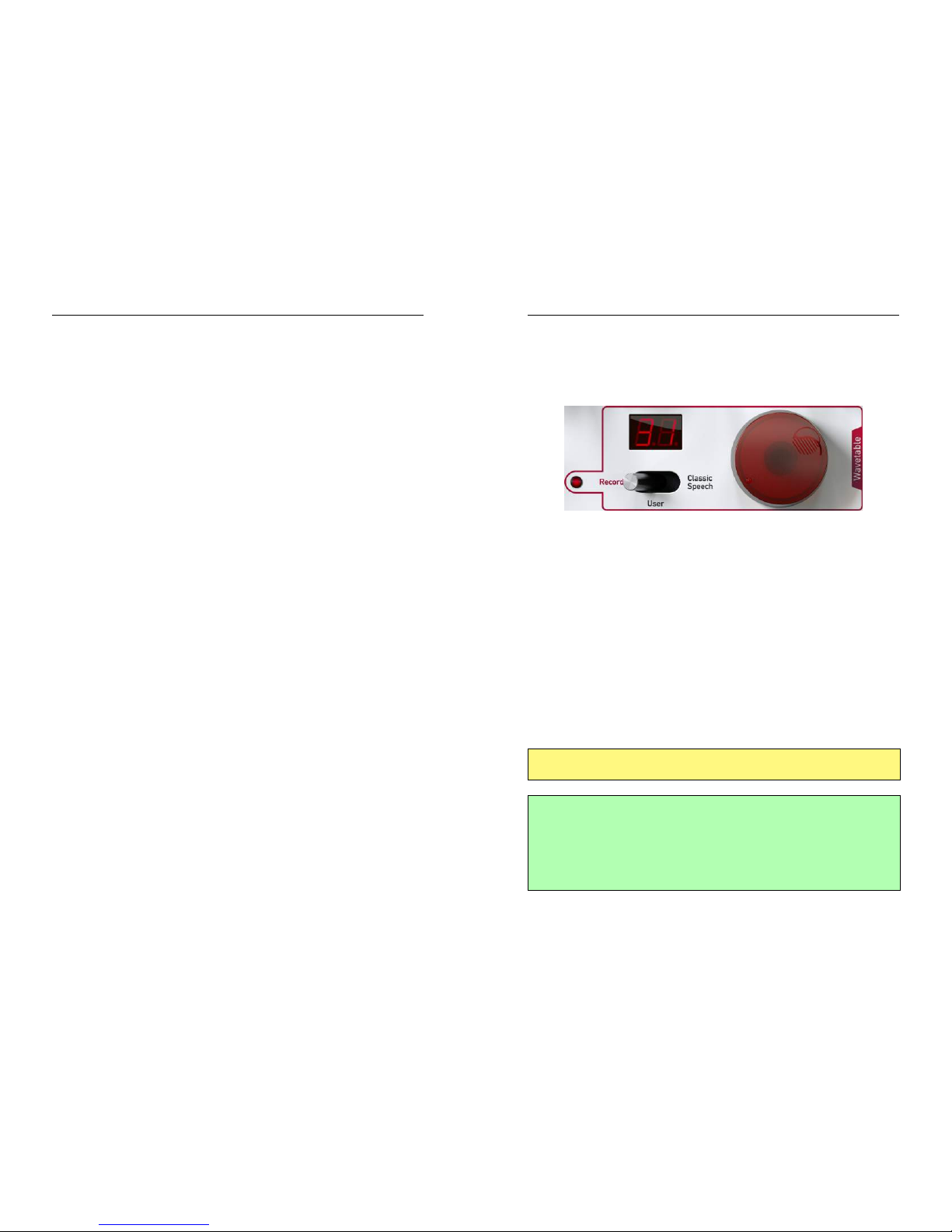
Wavetables have the following properties:
Number of waves:
The more waves a wavetable consists of, the more complex and inter-
esting can the sound tonal evolution be.
In NW1, a wavetable can have from from 8 to 4096 waves.
Number of samples per single wave:
The longer a single cycle wave is, the more harmonics can be repre-
sented.
In NW1, wave lengths of 32, 64, 128, 256, 512 or 1024 samples are
possible.
Samples bit resolution:
Waves resolution defines the accuracy of the ratios between tone har-
monics.
The greater is the resolution, the more subtle an harmonic can sound
compared to the others.
In NW1, resolution is 16 bits.
The principal difference between digital wavetable oscillators and classic
analog-style oscillators (like sine, triangle, saw ...) is the extensive flexibility
of waveform shapes. The waveform shape, and thus the tonal spectrum,
can be freely programmed and can evolve in time in a controllable manner.
18
6.2 Choosing a wavetable 6 PLAYING BACK WAVETABLES
6.2 Choosing a wavetable
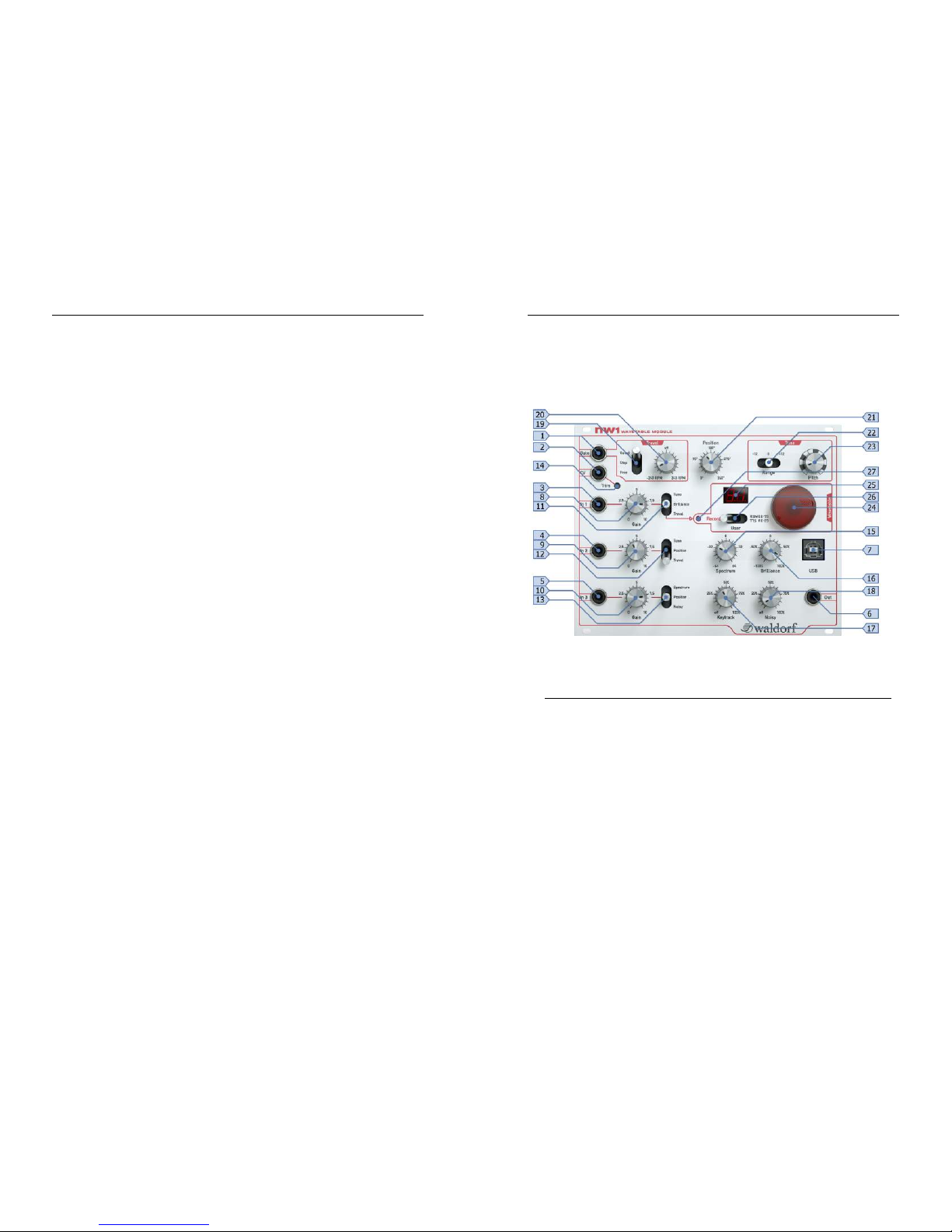
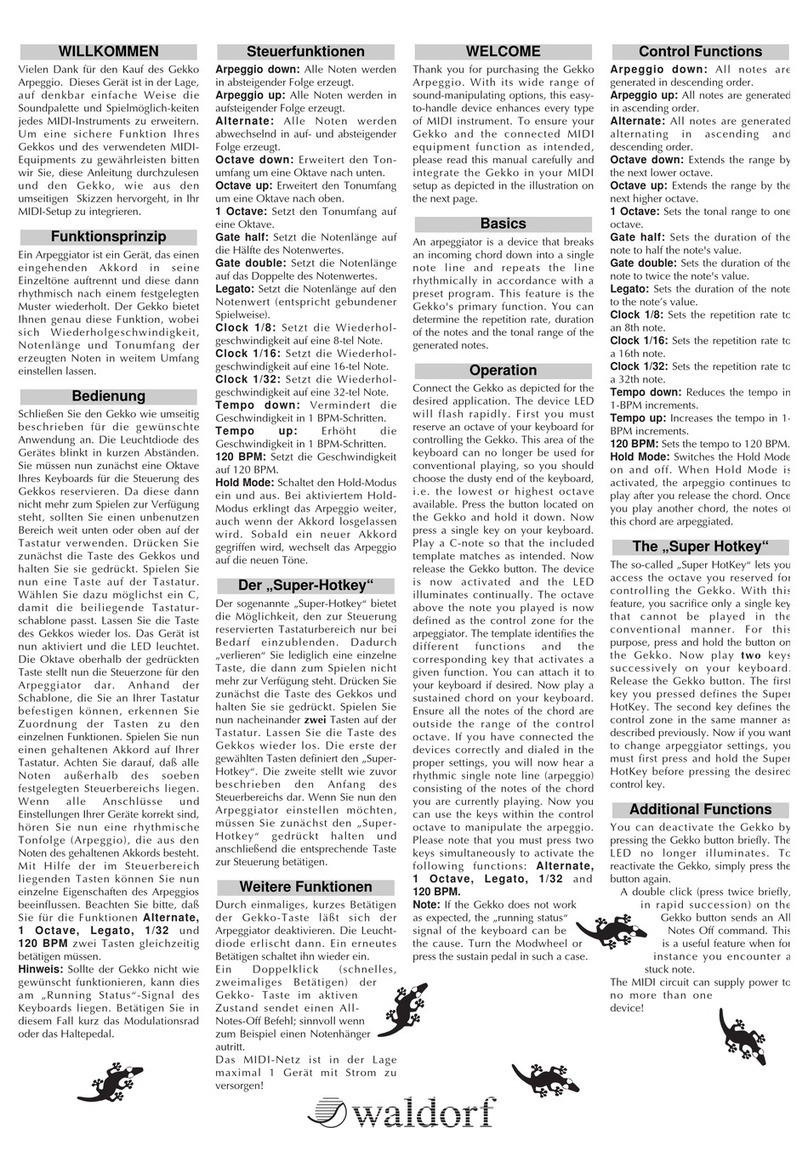
To play a wavetable, select one of the three available banks using the Mode
(26) switch.
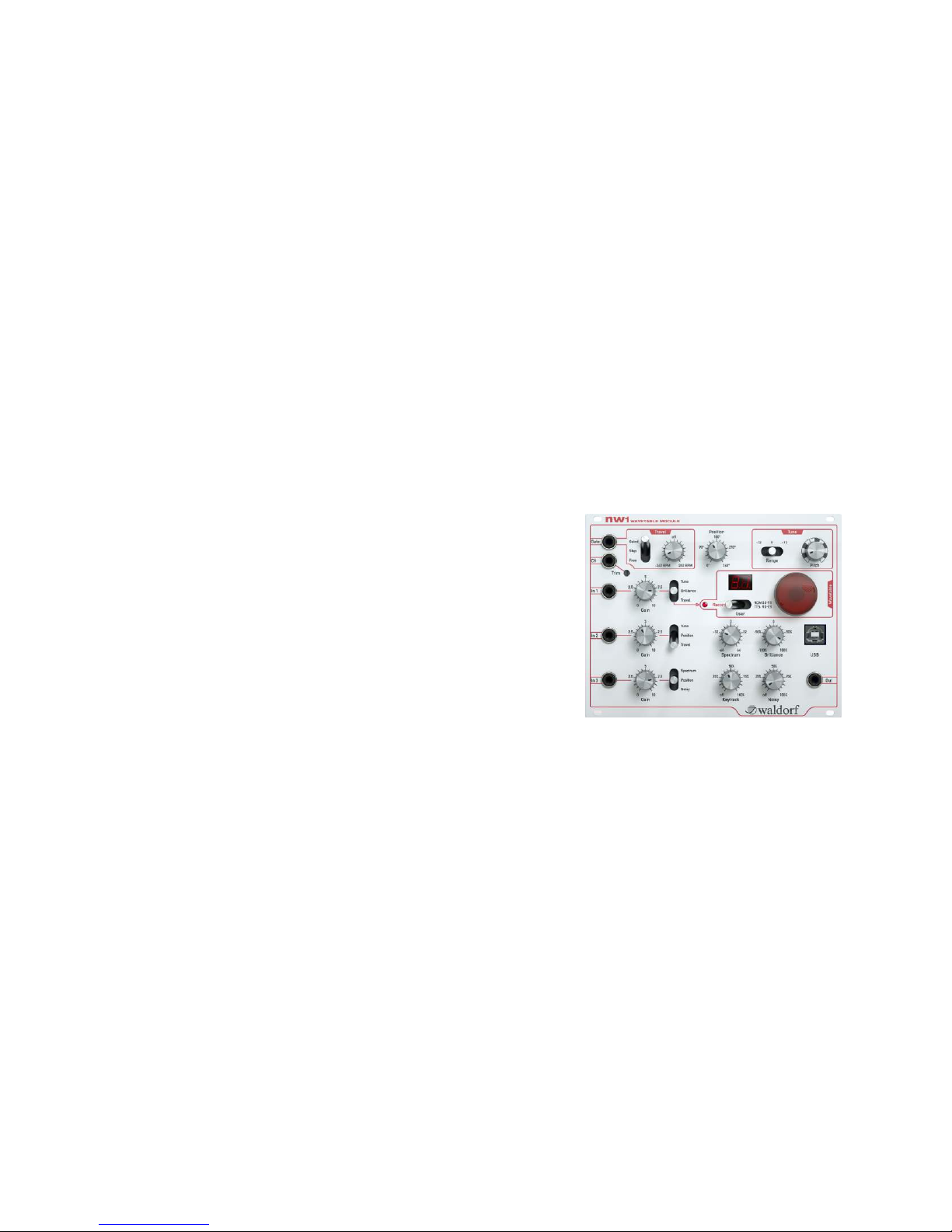
Figure 6: Wavetable dial and display
The banks contain:
•User: 10 x user wavetables.
These wavetables can be recorded wavetables or wavetables trans-
fered using the computer Editor.
•ROM: 80 x factory installed wavetables.
These are classic wavetables from Microwave and Nave synthesizers.
The wavetable list can be found in Appendix A.
•TTS: 50 x user text-to-speech wavetables.
These wavetables are created and transferred via the computer Edi-
tor.
Select wavetable using the Wavetable dial (24) and Display (25).
If the wavetable does not play as expected, try disabling modulations by
turning down the Modulation input gains (8,9,10).
The best way to preview a wavetable is to:
•adjust the Travel speed (20) for slow wavetable scanning
•set Spectrum (15),Brilliance (16) and Noisy control (18) to 0
•set Keytrack (17) to 100%
19