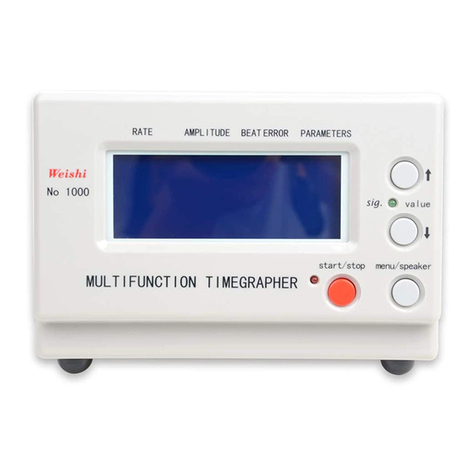
The WeiShi MTG-3000 User Manual
Table of Contents
1. INSTRUMENT FUNCTION............................................................................................2
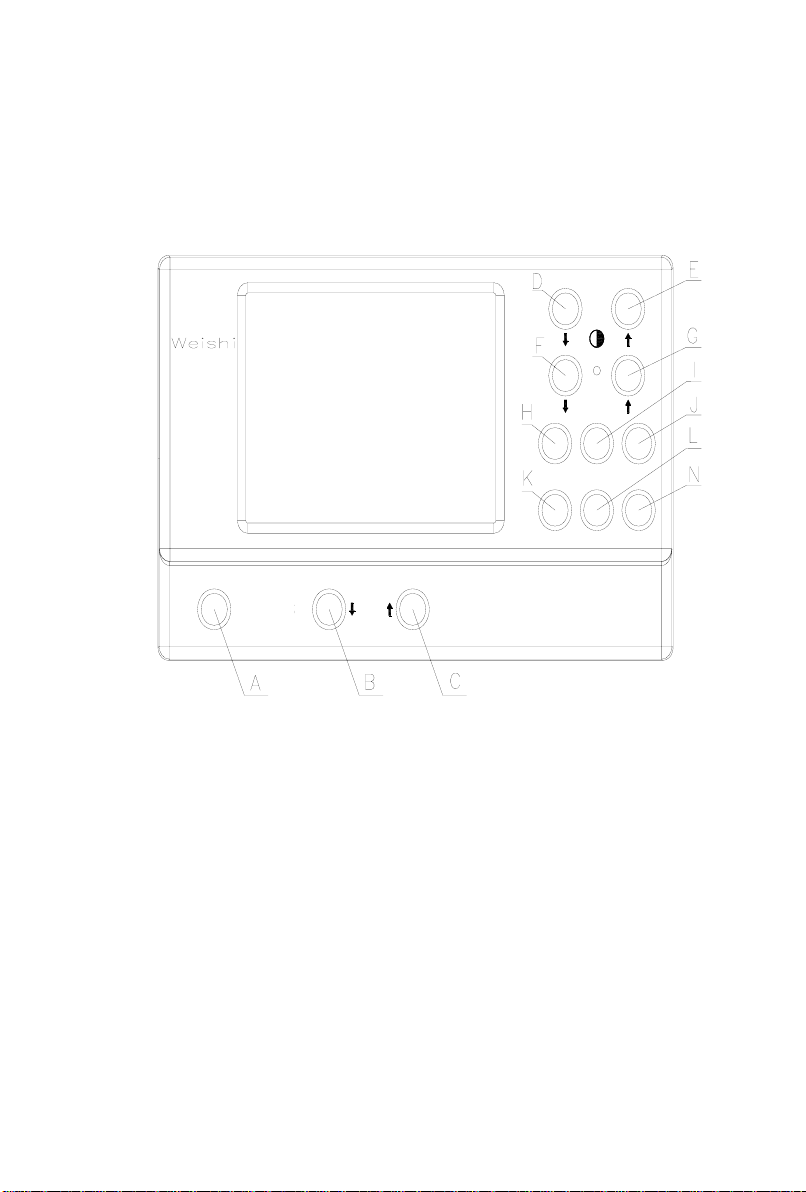
2. KEYS AND DISPLAY .....................................................................................................3
2.1 THE KEYS FUNCTION ..............................................................................................3
2.2 THE PARAMETERS DISPLAY..................................................................................4
2.3 CONNECTION.............................................................................................................5
3. INSTALLATION..............................................................................................................5
3.1 THE BASIC EQUIPMENT COMPONENTS ..............................................................5
3.2 THE INSTRUMENT INSTALLATION ......................................................................6
3.2.1 THE POWER SUPPLY INSTALLATION ......................................................6
3.2.2 THE MICROPHONE CONNECTION.............................................................6
3.2.3 THE PRINTR CONNECTION.........................................................................6
4. OPERATION ....................................................................................................................6
5. THE USAGE OF KEYS...................................................................................................7
5.1 The start and stop key ...................................................................................................7
5.2 The value key ↓..........................................................................................................7
5.3 The value key ↑..........................................................................................................7
5.4 The brightness key ↓..................................................................................................7
5.5 The brightness key ↑..................................................................................................7
5.6 The signal key ↓.........................................................................................................8
5.7 The signal key ↑.........................................................................................................8
5.8 The beat number key.....................................................................................................8
5.9 The display mode key ...................................................................................................8
5.10 The lift angle key ..........................................................................................................8
5.11 The printer key..............................................................................................................8
5.12 The period key...............................................................................................................9
5.13 The speaker key.............................................................................................................9
6. THE PARAMETER..........................................................................................................9
6.1 The beat number (Frequency number) Manual andAutomatic selection .....................9
6.2 The lift angle...............................................................................................................10
6.3 The test period.............................................................................................................10
7. The TECHNICAL DATA...............................................................................................10
8. THE INSTRUMENT MATAINCE................................................................................11
8.1 There is no reaction for the instrument after power on...............................................11
8.2 The instrument can start the test state after the sound of “DI”, but it can’t work after
installing the sensor.................................................................................................................11
8.3 The LED signal is in red, but the shown lines is scattered or appear many lines........11