TECHNICAL DESCRIPTION
General
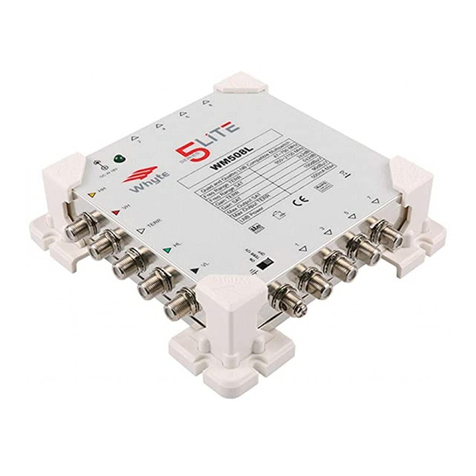
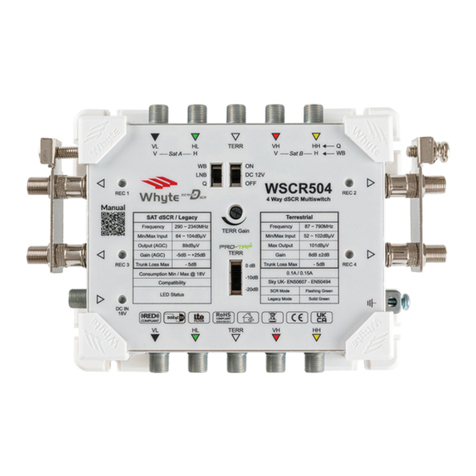
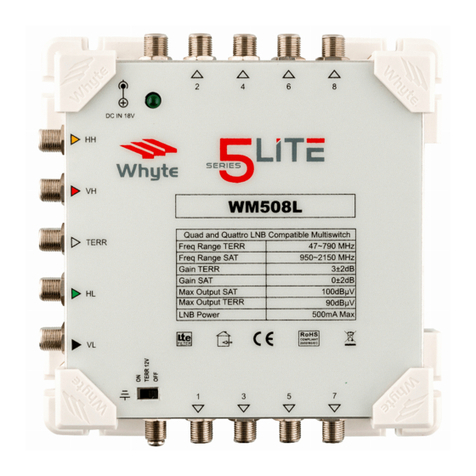
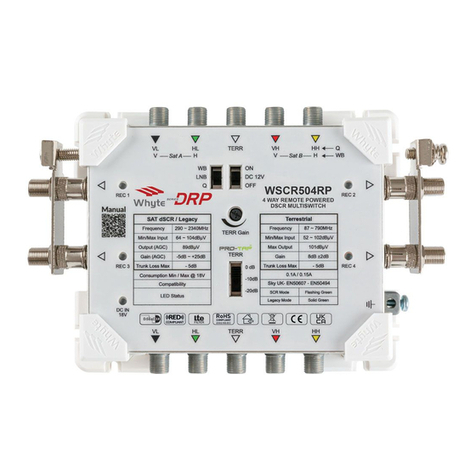
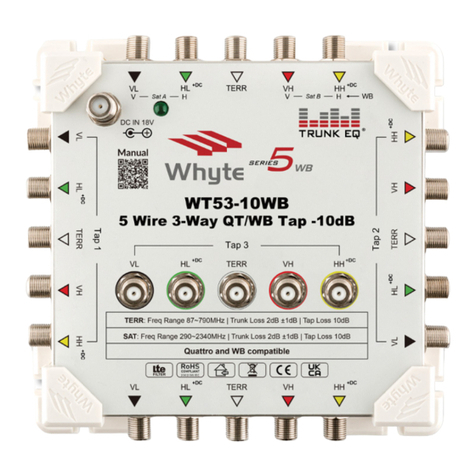
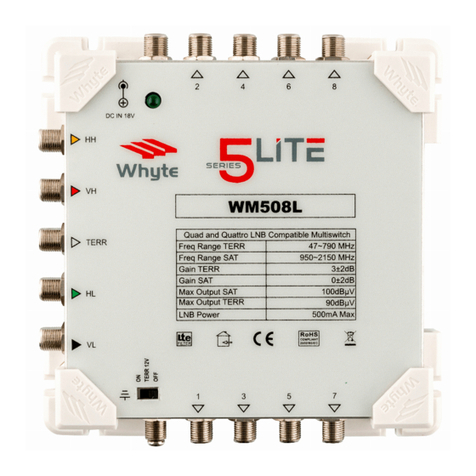
The Series 5 is a 5 Wire End of Line Mulswitch range. A large number of
Mulswitches can be congured to create large IRS systems when used in
conjuncon with Launch Ampliers, Taps and Spliers from the Whyte Series
5 range. The Whyte Series 5 range is RED Compliant.
The Mulswitches have been designed for ease of installaon. The subscriber
ports are orientated single le and the switch has adequate stand-o to
provide nger space for easy terminaon and servicing.
DC Powering
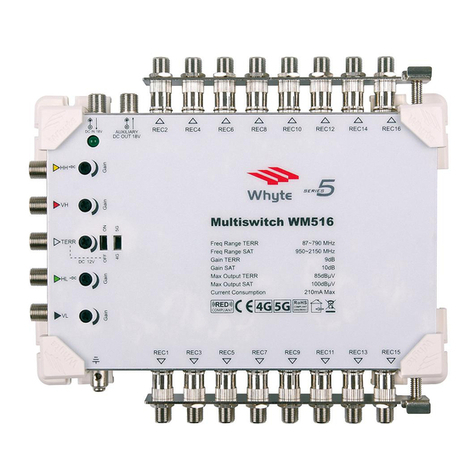
The Series 5 range of Mulswitches are Line Powered via the HL and HH
input ports. The Mulswitches come ed with a DC Input which enables the
Mulswitch to be used in Standalone Mode when ed with a Whyte PSU.
This will power the Mulswitch as well as provide voltage to the HL & HH
input ports to power an LNB and any other connected Whyte Line Powered
Mulswitches or Ampliers.
An Auxiliary DC Output is also provided. This can be used to power addional
devices for example, Add On Mulswitches or non line powered Ampliers
and Mulswitches. The Auxiliary DC Output port is acve whether the
Mulswitch is being Line Powered or powered directly.
A 12V DC switch is available to power a Mast Head Amplier connected to
the TERR input. If a Mast Amplier is not being used this must be le in the
o posion.
Care must be taken to select the appropriate type and number of PSU's
required depending on the current requirements of the system as a whole.
Gain
The Series 5 range of Mulswitches provide a gain of 10dB for SAT and 9dB
for TERR. All inputs come ed with an individual Gain Control.
4G & 5G Filtering
The range comes ed with high rejecon 4G/5G lters that are selectable
via a switch. The correct lter should be selected depending on the LTE
transmissions present within the installaon area. 5G ltering can be selected
for use in 4G areas where terrestrial channels above Ch48 are not used. This
will provide ultra high rejecon of 4G interference as well as providing future
proong for eventual 5G transmissions.
INSTALLATION INSTRUCTIONS
Mounng the Mulswitch
Select a suitable locaon to install the Mulswitch. Do not install the
Mulswitch in damp, humid, hot or dusty areas. Using the screw slots on the
Corner Brackets, secure the Mulswitch using the appropriate xing screws
and wall plugs to suit the relevant wall surface or cabinet.
Connecng the SAT & TERR Input Cables
Use a suitably sized Satellite Dish to provide adequate signal levels from the
satellite being received. Ensure that the Satellite Drop Cables are connected
correctly in the corresponding order with respect to the LNB and the
Mulswitch SAT inputs (Quaro LNB only). Ensure that the F Connectors are
properly sealed against water ingress.
If a Composite Cable (mul core coaxial cable) has been used, ensure that the
outer jacket is not facing upwards and cannot collect rain water. Check the
Terrestrial Drop Cable and ensure that this has also been sealed against water
ingress. If a Triplexer has been used to combine FM and DAB aerials with the
UHF Terrestrial Aerial, ensure that this is also water ght. Ensure that all drop
cables have drip loops prior to their entering the building.
Connect the SAT and TERR drop cables to the corresponding Satellite & TERR
Inputs of the Mulswitch.
6 7