5
Powering up a Wilson Amplifier
1. IMPORTANT! Ensure that all cell phones and cellular data cards within 50 feet
of the inside antenna are turned off.
2. To verify proper installation of the amplifier and antennas, make
sure that the distance between the inside and outside antennas is
a minimum of 68 feet of separation distance for the 60 dB PCS
amplifier, and 75 feet for the 60 dB cellular amplifier.
3. If you are using an outside Yagi antenna, never point the front of the
Yagi toward the inside antenna.
4. Ensure that both the outside antenna coax cable and the inside
antenna coax cable are connected to the amplifier before powering up
the amplifier.
5. Plug the 6-volt power supply into the amplifier input marked “power”
(carefully, to avoid damaging the center pin) and then into a wall outlet.
NOTE: The aluminum casing of a Wilson amplifier will adjust very quickly to the ambient temperature
of its environment. For example, in the summer, when the attic of a house can easily exceed 100
degrees Fahrenheit, the amplifier temperature may be 10 or more degrees higher. The casing will be
hot to the touch. Such high temperatures will not damage the amplifier, nor do they pose a fire risk.
As recommended in these instructions, install the amplifier in a location with adequate ventilation.
Keep the area free of items that could block air flow to the amplifier.
Warning: Verify that both the
outside antenna and the inside antenna
are connected to the amplifier before
powering up the amplifier.
!
Understanding the Indicator Light
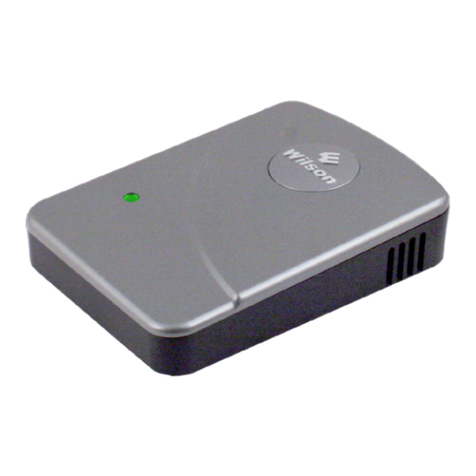
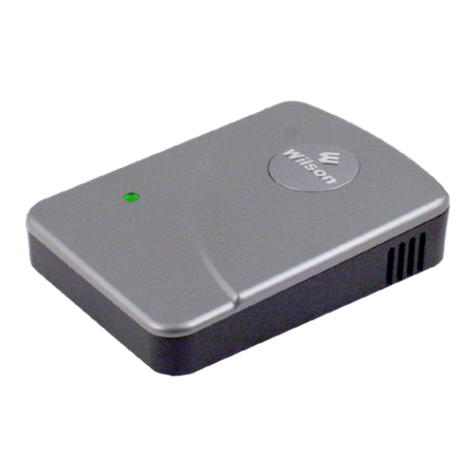
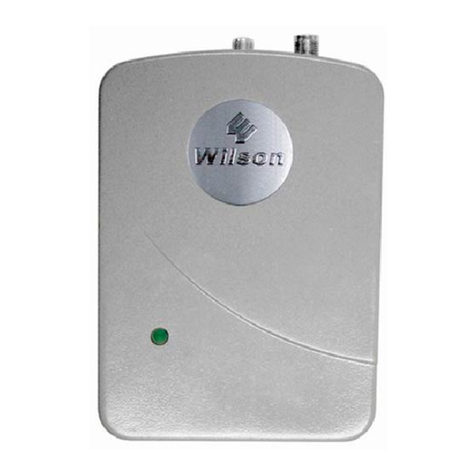
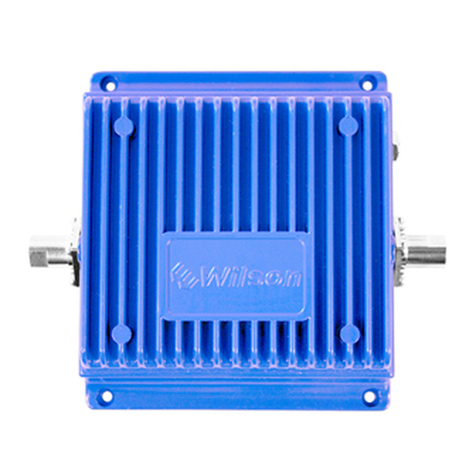
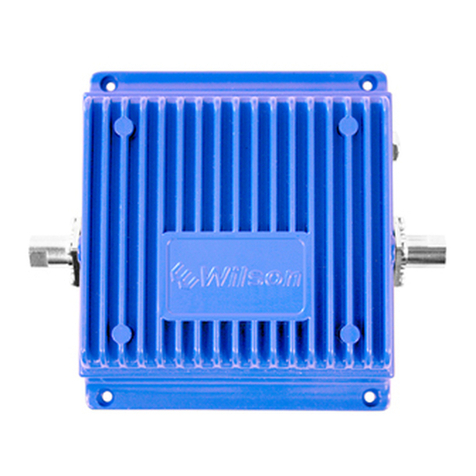
The indicator light on the top of the amplifier will be GREEN when the unit
is powered up and working properly.
A solid ORANGE light indicates the amplifier has cut back it’s gain by
either 4 dB or 8 dB due to the amount of oscillation it is experiencing.
A blinking ORANGE light indicates the receiving or downlink signal on
either the 800 or 1900 band or both is overloaded and the amplifier has
shutdown either that particular downlink signal or both.
A RED light indicates amplifier shut-down as a result of oscillation
between the outside antenna and the inside antenna. When this occurs,
greater separation distance is required between the two antennas. If
you see the red light come on, followed by a green light and then back
to red, the amplifier is in the process of shutting down. It will attempt
to reset itself every five seconds; however, if proper separation is not
achieved between the antennas, the light will change to a constant red
after four tries. If that occurs, increase the separation distance between
the antennas, then unplug and re-plug the power supply cable to manually
reset the amplifier.
To reset the amplifier, unplug and re-plug the power supply.
GREEN:
ORANGE:
RED:
ORANGE:
Warning: Use only the power
supply provided in this package.
Use of a non-Wilson product may
damage your equipment.
!