manuals.online logo
Brands
  1. Home
  2. •
  3. Brands
  4. •
  5. World Video Sales
  6. •
  7. Amplifier
  8. •
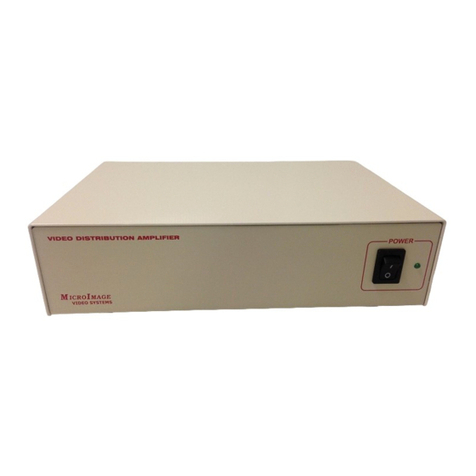
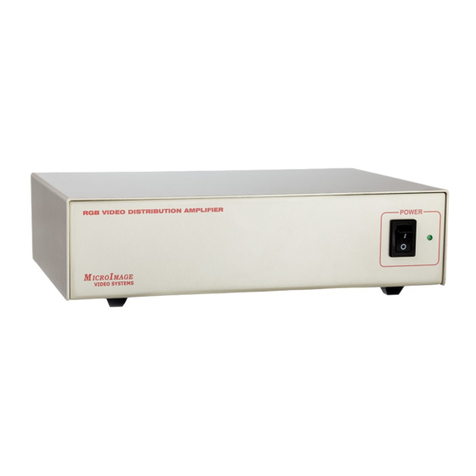
  9. World Video Sales MicroImage Video Systems VDA124RM User manual

World Video Sales MicroImage Video Systems VDA124RM User manual

This manual suits for next models

3

Other World Video Sales Amplifier manuals

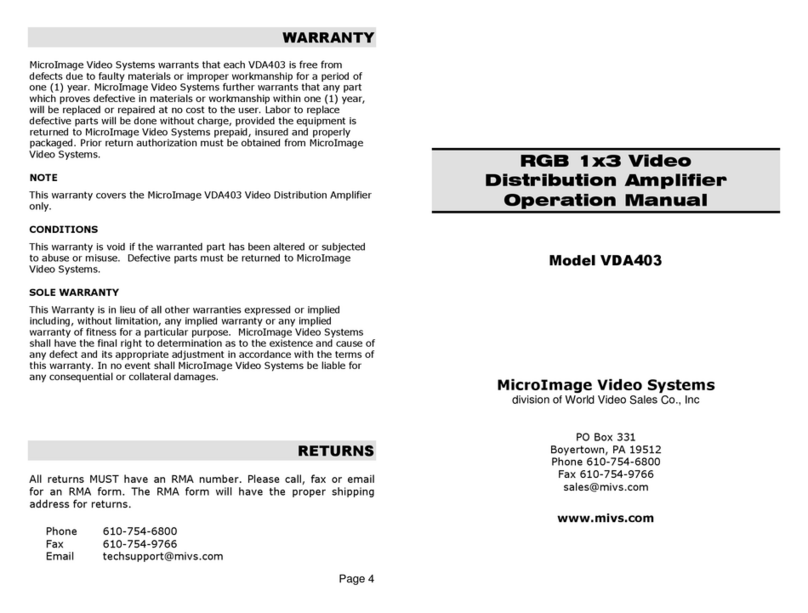
World Video Sales MicroImage Video Systems VDA403 User manual

World Video Sales

World Video Sales MicroImage Video Systems VDA403 User manual

World Video Sales MicroImage Video Systems VDA124RM User manual

World Video Sales

World Video Sales MicroImage Video Systems VDA124RM User manual

World Video Sales MicroImage Video Systems VDA116RM User manual

World Video Sales

World Video Sales MicroImage Video Systems VDA116RM User manual

World Video Sales MicroImage Video Systems VDA206 User manual

World Video Sales

World Video Sales MicroImage Video Systems VDA206 User manual

World Video Sales MicroImage Video Systems VDA106 User manual

World Video Sales

World Video Sales MicroImage Video Systems VDA106 User manual

World Video Sales MicroImage Video Systems VDA206 User manual

World Video Sales

World Video Sales MicroImage Video Systems VDA206 User manual

World Video Sales MicroImage Video Systems VDA403 User manual

World Video Sales

World Video Sales MicroImage Video Systems VDA403 User manual

Popular Amplifier manuals by other brands

Magnat Audio EDITION FOUR Owner's manual/warranty document

Magnat Audio

Magnat Audio EDITION FOUR Owner's manual/warranty document

Inter-m PA-2000A Operation manual

Inter-m

Inter-m PA-2000A Operation manual

Yamaha TX6n owner's manual

Yamaha

Yamaha TX6n owner's manual

Peavey TNT 150 user guide

Peavey

Peavey TNT 150 user guide

Bosch LBB 1903/10 Installation and user instructions

Bosch

Bosch LBB 1903/10 Installation and user instructions

Avocent Emerge DA1200D Installer/user guide

Avocent

Avocent Emerge DA1200D Installer/user guide

Redgum RGi35 operating instructions

Redgum

Redgum RGi35 operating instructions

Cambridge Audio AXA25 user manual

Cambridge Audio

Cambridge Audio AXA25 user manual

Alpine MRP-M200 owner's manual

Alpine

Alpine MRP-M200 owner's manual

Technical Pro H1502UrBT user manual

Technical Pro

Technical Pro H1502UrBT user manual

FMS EMGZ307 operating manual

FMS

FMS EMGZ307 operating manual

Racal Instruments 5601 user manual

Racal Instruments

Racal Instruments 5601 user manual

Valcom V-1094A Technical specifications

Valcom

Valcom V-1094A Technical specifications

Cambridge Audio 851D user manual

Cambridge Audio

Cambridge Audio 851D user manual

QSC 3800 Specifications

QSC

QSC 3800 Specifications

NAD C300 owner's manual

NAD

NAD C300 owner's manual

Rotel RMB-1077 owner's manual

Rotel

Rotel RMB-1077 owner's manual

Peavey Monitor 300 Series operating guide

Peavey

Peavey Monitor 300 Series operating guide

manuals.online logo
manuals.online logoBrands
  • About & Mission
  • Contact us
  • Privacy Policy
  • Terms and Conditions

Copyright 2025 Manuals.Online. All Rights Reserved.

Page 4
IN CASE OF DIFFICULTY
If you are experiencing problems with any MicroImage product, you can
contact MicroImage Support using the following methods:
Phone 610 754 6800
Fax 610 754 9766
Email techsupport@mivs.com
Web www.mivs.com
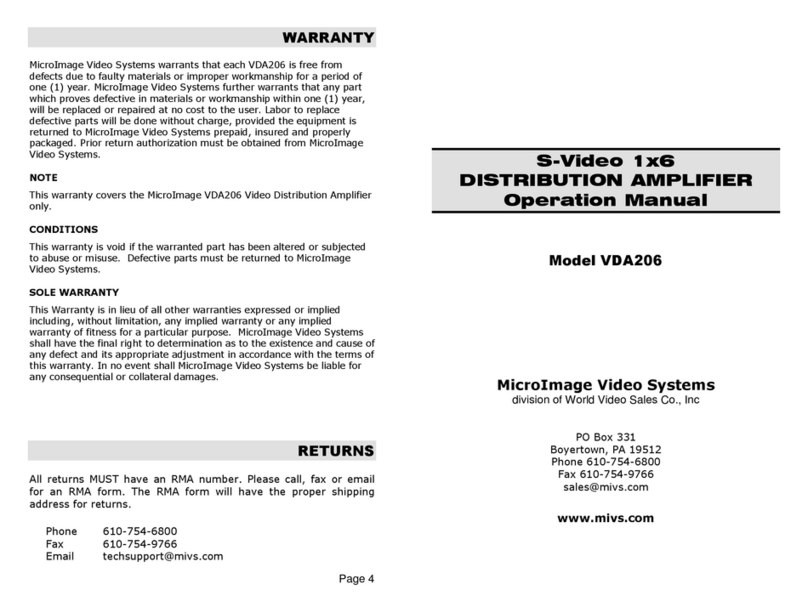
WARRANTY
MicroImage Video Systems warrants that each VDA124RM12 RoHS/VDA212RM12
RoHS is free from defects due to faulty materials or improper workmanship for a
period of one (1) year. MicroImage Video Systems further warrants that any part
which proves defective in materials or workmanship within one (1) year, will be
replaced or repaired at no cost to the user. Labor to replace defective parts will be
done without charge, provided the equipment is returned to MicroImage Video
Systems prepaid, insured and properly packaged. Prior return authorization must
be obtained from MicroImage Video Systems.
NOTE
This warranty covers the MicroImage VDA124RM12 RoHS/VDA212RM12 RoHS
Video Distribution Amplifiers only.
CONDITIONS
This warranty is void if the warranted part has been altered or subjected to abuse
or misuse. Defective parts must be returned to MicroImage Video Systems.
SOLE WARRANTY
This Warranty is in lieu of all other warranties expressed or implied including,
without limitation, any implied warranty or any implied warranty of fitness for a
particular purpose. MicroImage Video Systems shall have the final right to
determination as to the existence and cause of any defect and its appropriate
adjustment in accordance with the terms of this warranty. In no event shall
MicroImage Video Systems be liable for any consequential or collateral damages.
RETURNS
All returns MUST have an RMA number. Please call, fax or email for an
RMA form. The RMA form will have the proper shipping address for
returns.
Phone 610 754 6800
Fax 610 754 9766
Email techsupport@mivs.com
Rack Mount Video
Distribution Amplifier
Operation Manual
Model VDA124RM
Model VDA212RM
VDA124RM12-RoHS 24 Output Unit
VDA212RM12-RoHS Dual 12 Output Unit
12 Volt Power Input
RoHS Complian
Mic oImage Video Systems
division of World Video Sales Co., Inc
PO Box 331
Boyertown, PA 19512
Phone 610 754 6800
Fax 610 754 9766
sales@mivs.com
www.mivs.com
Page 2
CONTENTS
SPECIFICATIONS............................................................................2
UNPACKING ....................................................................................3
CONNECTIONS...............................................................................3
Power ...........................................................................................3
Video ............................................................................................3
LEVEL ADJUSTMENTS...................................................................3
IN CASE OF DIFFICULTY................................................................4
WARRANTY.....................................................................................4
RETURNS........................................................................................4
Rev 0 11-05-2009, Reviewed 07-07-2015
SPECIFICATIONS
Input level 1.0 Vpp Composite, 75 Ω
Output level Same as input into 75 Ω
Rear panel adjustable
Connectors
Video BNC female
Power 2.1mm Coaxial Power Connector, center positive
Bandwidth Greater than 30Mhz
Level Adjustment One each channel, approx.+/ 25%
Temperature
Operating 0E - 40E C (32E - 104E F)
Storage 40E - 60E C ( 40E - 140E F)
Humidity
Operating 10% - 90% (non condensing)
Storage 5% - 95% (non condensing)
Power
Voltage +12VDc, +/ 25%
Consumption approximately 120mA
Size 19.0" (W) x 2.0" (D) x 1.7" (H)
482.6 mm (W) x 50.8 mm (D) x 43.2 mm (H)
Weight 1.6 lb.
RoHS/Lead Free Compliant
Manufactured in USA by MicroImage Video Systems
Page 3
UNPACKING
The VDA124RM12 RoHS/VDA212RM12 RoHS package includes the
following items:
VDA124RM12 RoHS or VDA212RM12 RoHS Video Distribution
Amplifier
75 ohm 1% Termination ( two for VDA212RM12 RoHS)
This operation manual
Please inspect all items carefully and report damaged or missing items to
your dealer or MicroImage Video Systems.
CONNECTIONS
Powe
The VDA124RM12 RoHS/VDA212RM12 RoHS uses an external DC power
supply to provide power to the unit. It can also be run from a regulated
+12VDC (+/ 25%) power source. Connect the Plus side of the 12V power
to the center connection of the power connector on the rear of the VDA
unit. Connect the ground connection tot he ring of the power connector.
Video
Connect the video source (i.e. camera) to the IN connector on the VDA
unit. Connect the OUTPUT signals from the VDA unit to the video displays
or other equipment as required. Each output must only have a single 75
ohm termination. The VDA124RM12 RoHS has one set of inputs for all 24
outputs while the VDA212RM12 RoHS has two sets of inputs, each driving
a row of 12 outputs. The VDA124RM12 RoHS/VDA212RM12 RoHS uses
female BNC connectors.
LEVEL ADJUSTMENTS
Each row of outputs (12) has a level adjustment accessible via the rear
panel. For the VDA124RM12 RoHS, each adjustment affects the top or
bottom row of output connectors aligned with the adjustment. For the
VDA212RM12 RoHS, each adjustment affects it=s respective channel
aligned with it. Adjustments can be made via a small flat blade
screwdriver.