6
1
2
3
4
5
Operating instructions
Note: Before using the tool, read the instruction book carefully.
ON/OFF SWITCH
Depress to start and release to stop your tool.
SWITCH LOCK-ON BUTTON
Depress on/off switch (1) then lock on button (2) (See B), release
on/off switch first and lock-on button second. Your switch is now
locked on for continuous use. To switch off your tool just depress and
release the on/off switch.
FORWARD AND REVERSE ROTATION CONTROL
For drilling and screwdriving use forward rotation marked “ ”(lever
is moved to the left). Only use reverse rotation marked “ ”(lever is
moved to the right) to remove screws or release a jammed drill bit.
(See D)
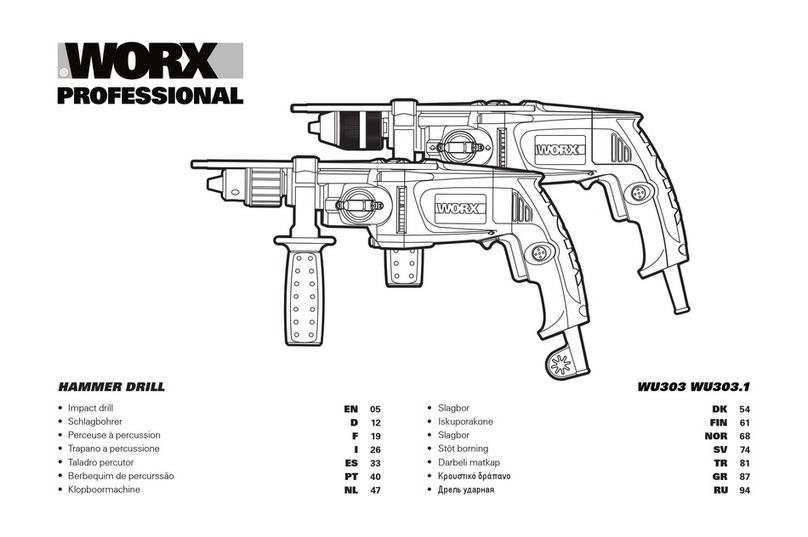
Never change the direction of rotation when the tool is
rotating, wait until it has stopped.
AUXILIARY HANDLE
Slide the handle onto the drill and rotate to the desired working
position. To clamp the auxiliary handle rotates the handgrip
clockwise. To loosen the auxiliary handle rotate the hand grip anti-
clockwise. Always use the auxiliary handle (See D).
DEPTH STOP
Fit the drill bit or driver bit into the chuck. Loosen the depth stop by
rotating the handle grip anti-clockwise. Slide the depth stop until the
distance between the depth stop end and the drill/driver bit end is
equal to the depth of hole/screw you wish to make. Then clamp the
depth stop by rotating the handle clockwise.
HAMMER OR DRILLING CONTROL
When drilling masonry and concrete choose the Hammer position
When drilling wood, metal, plastic and screwdriving choose the Drill
position. (See C)
INSERTING TOOLS
Keyless chuck (wu303.1)
Grip rear collar of keyless chuck and rotate front collar until chuck is
open sufficient for tool to be inserted. Insert the tool into the chuck.
Grip rear collar and manually rotate front collar until tight. The locking
mechanism is automatically released when the front collar is rotate in
the opposite direction in order to remove the tool. (See Fig A.1)
Key chuck (wu303)
Insert tool and tighten equally in all 3 bores with chuck key. (See Fig
A.2)
SPEED CHANGE KNOB
Choose position 1 for high torque/low speed range for large diameter
drill bits and screw driving. Choose position 2 for low torque/ High-
speed range for small diameter drill bits. If the gears do not engage
easily then rotate the chuck by hand to align the gears. Never change
the gears when the tool is rotating, wait until it has stopped.
6
7
8