6
7
using the drill in the LOW speed range, the speed will decrease and
the drill will have greater power and torque. When using the drill in
the HIGH speed range, the speed will increase and the drill will have
less power and torque.
Gear I
Low speed range: for screwdriving or working with large drilling
diameter.
Gear II
High speed range: for working with small drilling diameter
Warning: To prevent gear damage, always allow the chuck
to come to a complete stop before changing the direction of
rotation or the two-speed gear control.
CHUCK ADJUSTMENT (See Fig.E)
To open the chuck jaws rotate the front section of the chuck. Insert
the drill bit between the chuck jaws and rotate the front section in
the opposite direction. Ensure the drill bit is in the center of the chuck
jaws. Finally, firmly rotate the front chuck section in the opposite
directions. Your drill bit is now clamped in the chuck.
TORQUE ADJUSTMENT AND HAMMER OR DRILLING
CONTROL (See Fig.F)
(Screw driving force of your drill driver)
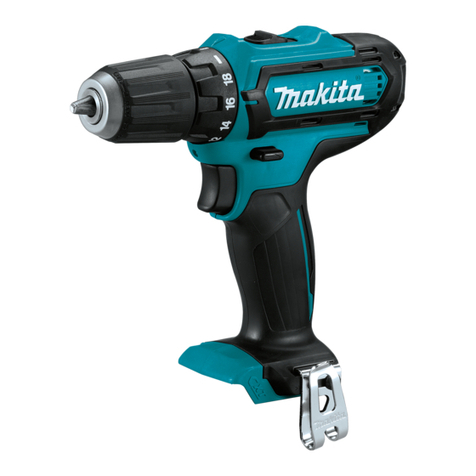
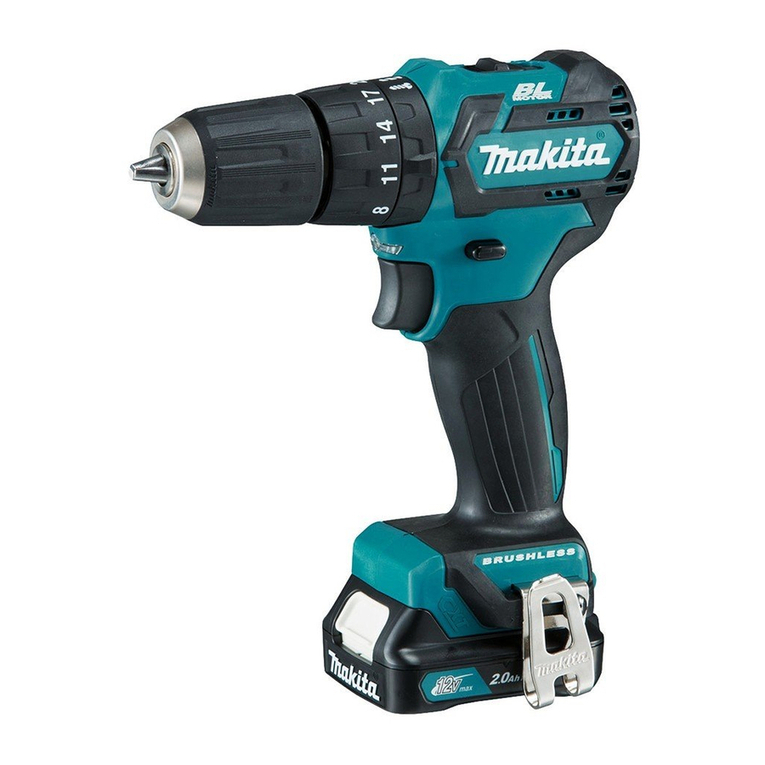
The torque is adjusted by rotating the torque adjustment ring. The
torque is greater when the torque adjustment ring is set on a higher
setting. The torque is less when the torque adjustment ring is set on
a lower setting.
When drilling in masonry and concrete choose the hammer position .
When drilling in wood, metal, plastic and screwdriver choose the drill
position .
8
9
10
Make the setting as follows:
1 – 4 for driving small screws
5 – 8 for driving screws into soft material
9 – 12 for driving screws into soft and hard material
13 – 16 for driving screws into hard wood
17 – 20 for driving larger screws
for heavy drilling
for drilling in masonry and concrete
SIGHT LIGHT
The sight light allows you to keep a clear view under less illuminated
circumstances. To turn on the light simply press the on/off switch.
When you release the on/off switch, the light will be off.
AUTOMATIC SPINDLE LOCK (See Fig.G)
The automatic spindle lock allows you to use the drill as a regular
screwdriver. You can give an extra twist to firmly tighten a screw,
loosen a very tight screw or continue working when the battery
energy has expired. For manual screwdriver purposes, the chuck is
automatically locked when the tool is off.
DRILLING
When drilling into a hard smooth surface, use a center punch to mark
the desired hole location. This will prevent the drill bit from slipping
off center as the hole is started. Hold the tool firmly and place the tip
of the bit at the point to be drilled. Depress the switch trigger to start
the tool. Move the drill bit into the workpiece, applying only enough
pressure to keep the bit cutting. Do not force or apply side pressure