manuals.online logo
Brands
  1. Home
  2. •
  3. Brands
  4. •
  5. wuma
  6. •
  7. Tools
  8. •
  9. wuma BTA-120N User manual

wuma BTA-120N User manual

This manual suits for next models

1

Popular Tools manuals by other brands

AGI Westfield MKX16 Assembly manual

AGI

AGI Westfield MKX16 Assembly manual

GYS HAND-DUCTION 056923 Translation of the original instructions

GYS

GYS HAND-DUCTION 056923 Translation of the original instructions

Grizzly H7583 instruction manual

Grizzly

Grizzly H7583 instruction manual

Sealey VS0462.V2 instructions

Sealey

Sealey VS0462.V2 instructions

Makita HR2650 instruction manual

Makita

Makita HR2650 instruction manual

Forza 1100H Series manual

Forza

Forza 1100H Series manual

Aventics EBS-PI operating instructions

Aventics

Aventics EBS-PI operating instructions

Martor SECUNORM 175 quick start guide

Martor

Martor SECUNORM 175 quick start guide

jbc N4473 instruction manual

jbc

jbc N4473 instruction manual

FEINMETALL FZWZ-SET-001 quick start guide

FEINMETALL

FEINMETALL FZWZ-SET-001 quick start guide

Worx Professional Sonicrafter WU676 Original instructions

Worx Professional

Worx Professional Sonicrafter WU676 Original instructions

Gage Bilt GB713SH Original instructions

Gage Bilt

Gage Bilt GB713SH Original instructions

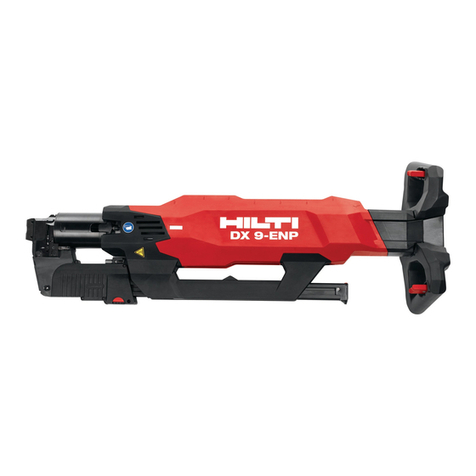
Hilti DX 9-ENP Original operating instructions

Hilti

Hilti DX 9-ENP Original operating instructions

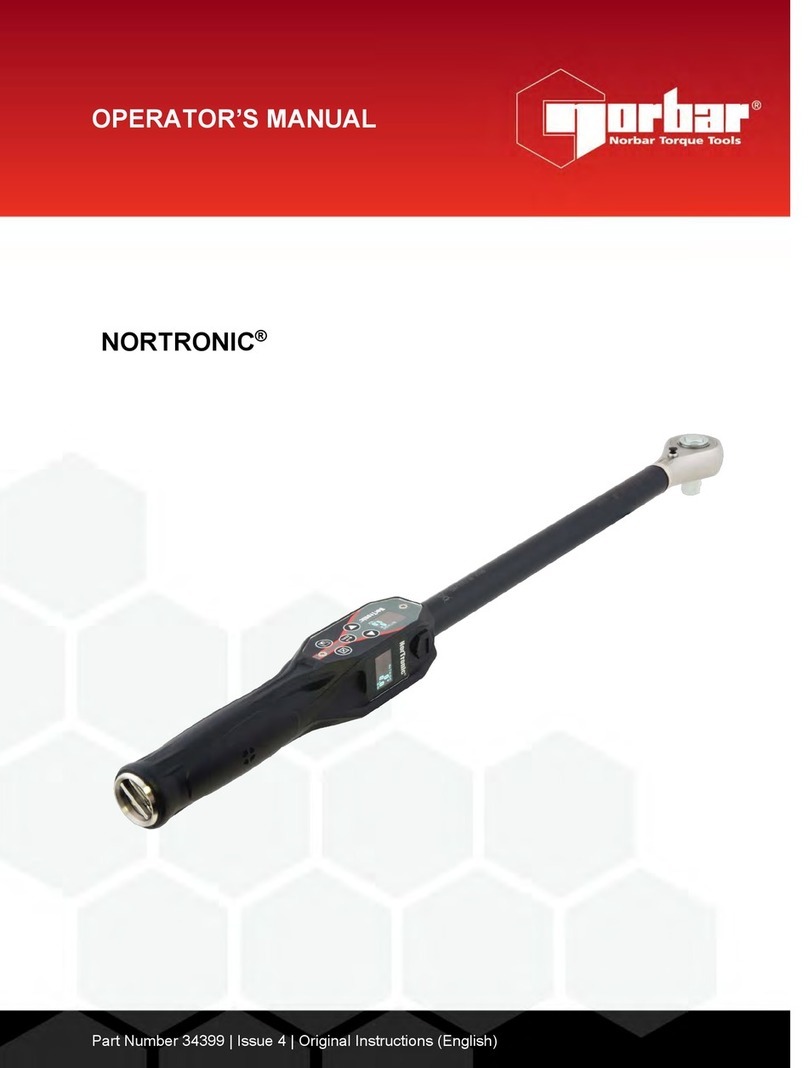
norbar NORTRONIC 34399 Operator's manual

norbar

norbar NORTRONIC 34399 Operator's manual

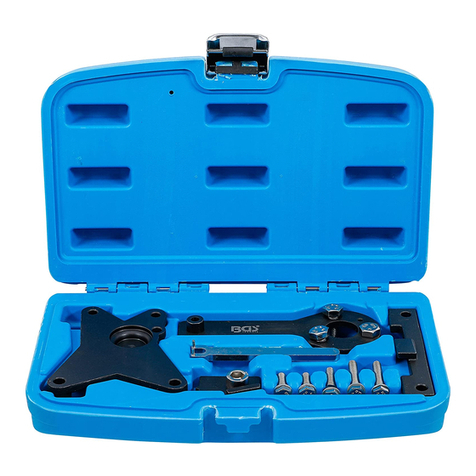
BGS technic 8578 manual

BGS technic

BGS technic 8578 manual

axing BWZ 5-02 Operation instructions

axing

axing BWZ 5-02 Operation instructions

Makita DHR241 instruction manual

Makita

Makita DHR241 instruction manual

Motor Guard JMB-1250 instructions

Motor Guard

Motor Guard JMB-1250 instructions

manuals.online logo
manuals.online logoBrands
  • About & Mission
  • Contact us
  • Privacy Policy
  • Terms and Conditions

Copyright 2025 Manuals.Online. All Rights Reserved.

Wireless Torque Adaptor
WARNING
Manual
Operation Manual
•
Directions & Accuracy : C.W. ± 1% / C.C.W. ± 1.5%
• Operating Temperature : -10℃~55℃
• Storage Temperature : -40℃~85℃
• Humidity : 0~90%
•
Battery : lithium battery
• Warranty : 1 year in normal statement.
SPECIFICATIONS
BEFORE STARTING
DIRECTION
LED LIGHT STATUS DESCRIPTION
PANEL
CONTENTS
USB CHARGING CONNECTION
1. This product needs to be connected to the torque operation tool application.
2. Before operating this torque adapter study carefully these instructions.
Main usage & application digital torque adapter is different from general torque wrench.
It is easy to operate, it reduce the requirements for the operator by install.
It is widely used for the automotive industry, machinery industry, such as bolt fastening and control.
3. Over-torquing could cause damage or lose of accuracy.
4.
Keep this digital torque adapter away from magnets. If the adapter gets wet, wipe it with a dry
towel soon. The salt in seawater can damage the adapter.
5. The plastic body is not affected by petroleum products but may be damaged by some
industrial solvents. Clean it by clean cloth soaked in mineral spirits or denatured alcohol.
Never immerse this adapter or any part of it in any liquid.
1 Power
2 LED indicator (Green or Red)
3 Type-C port (
Power charging)
Manual
Torque adaptor
TORQUE
3/8”
1/2”
INPUT DRIVE
Paper Box
1
3
2
Also suitable for combination
wrench, ratchet handle, swivel
handle.
Note : Please go to the mobile APP to download the tool application first,
Find "matatakitoyo" to download the APP.
It cannot be turned on while charging; it cannot be charged when it is turned on.
1. Red light : charging indicator.
On : Charging.
Off : Charging is complete.
2. Green light : Status indicator.
On : Power-on initialization / device connection.
Blinking : Standby.
Off : Power off.
C.C.W.
C.W.
To Power charging Type-C port
POWER
ON
OFF
3S
x1
LED flashes 2 times → power off.
2
1
Notice
Not connected for 65 sec.
LCD Blinking Connect
Press the Button 3 Sec.
Operation mode
STATUS ICON DESCRIPTION
Press the Button 1 times
Blinking
Blinking
Blinking
Blinking
matatakitoyo
65S
65S
x1 3S
The LED keeps on for 5 seconds while booting, and
the boot is completed when flashing : standby.

1. Connection
2. Reset
Long press the home screen.
This product and
application are
opened and
connected.
Select the device
and press
Connect to
confirm.
When the connect-
ed state appears,
press Connect to
enter the new work
item.
Select operation
mode
and parameter
setting.
After setting,
press Save.
Select the work
item and press OK
to return to the
main screen.
Go back to the
main screen and
start using it.
PRECAUTIONS
DIMENSIONS
MAINTENCE AND STORAGE
1. Clean this tool by wiping with a clean cloth after operation and storage in a dry environment.
Do not dip any type of liquid in this tool. This may damage the internal of this tool.
2. This tool should be recalibrated a period of 1 years, or 5,000 cycles, whichever occurs first.
To contact with local vendor, an authorized repair center for supporting.
E-mail:[email protected]om
www.matatakitoyo.com Made in Taiwan
MATATAKITOYO TOOL CO., LTD.
No. 63, Ln. 493, Sec. 3, Zhongshan Rd., Tanzi Dist.,
Taichung City 42754, Taiwan
TEL : 886-4-2533 5893
Manufacturer Nov. 2021
01
Edition
1 Years
5000 Times
Unit : mm
L1
HL
L L1
BTA-120N
BTA-200N
12~120 Nm
20~200 Nm
9~90 ft-lb
15~150 ft-lb
3/8”
1/2”
3/8”
1/2”
19
22
88
92
56.5
56.5
189.7
220.0
G
H
42
42
WB
42
42
ITEM NO. Range
AOutput
Square
90°
A
W
B
Output Square
Note : Please refer to the instructions for operating the tool application.
APP
This product can choose modes: peak, batch, block and tracking four modes.
Before using the products, please
confirm the wrench, torque adapter and
socket which is a mutually vertical state,
and then you can use the wrench.