08905180B - 9 -
SETTINGS MENU
NOTE: The XIS100 will retain all its settings until they are changed again. To return the XIS100 to its
default settings, place the XIS100 in standby (connected to a power supply, but not turned on). Point
the remote towards the XIS100 and press and hold down the “MENU” button on the remote for more
than 5 seconds. The XIS100 will acknowledge this reset by indicating so on the TV screen (composite
or component output, whichever one that was last selected).
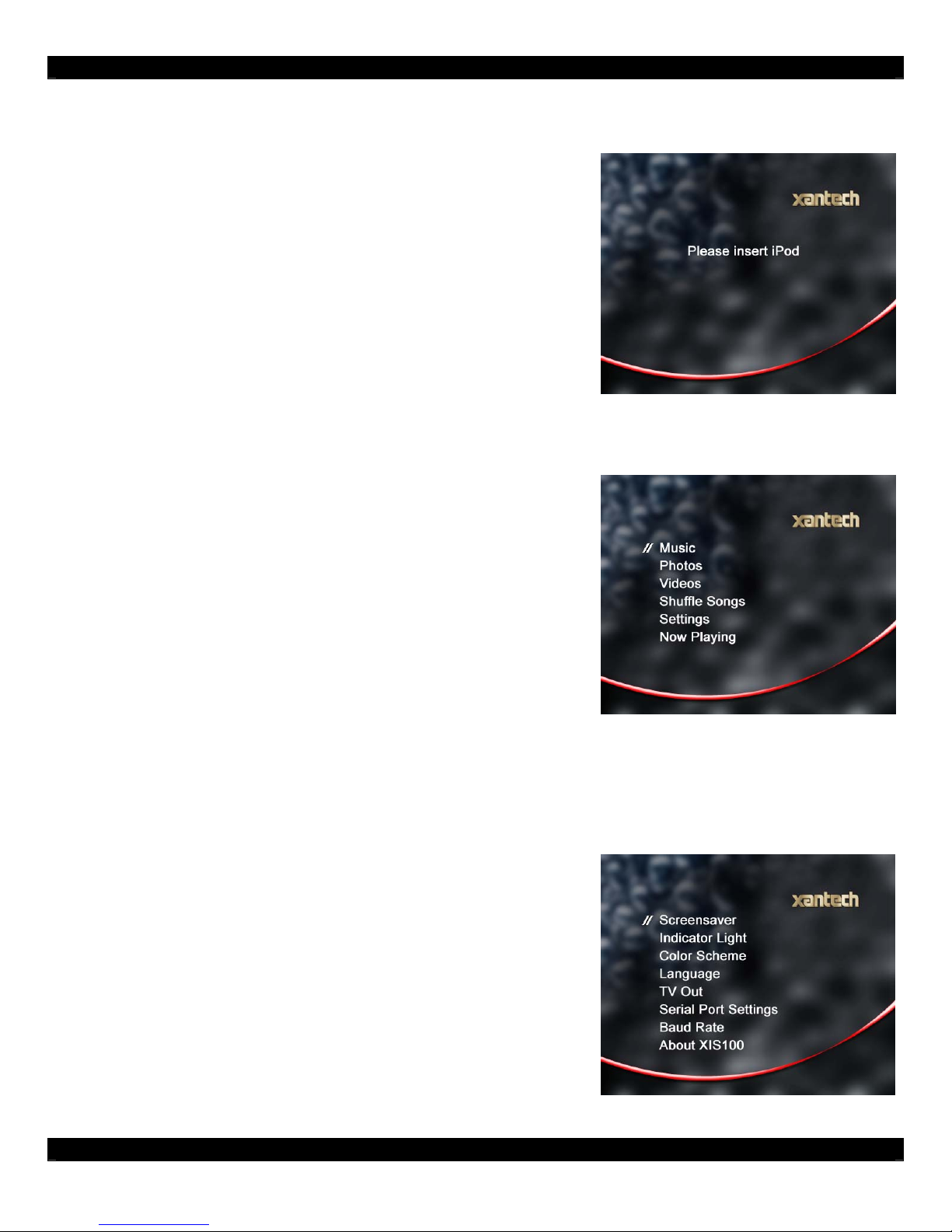
Screensaver:
The XIS100 can be set to have the
screensaver turn on at several different
times. The timing options are 30 seconds,
1 minute, 2 minutes, 5 minutes, 10
minutes, 20 minutes, and never. The use
of a screensaver is highly recommended
to protect the display over long term
usage. The default setting is 30 seconds.
Indicator Light:
The XIS100 can be set to have its
indicator light turn on for only 1 second
after a command is executed, or to
always stay on when the XIS100 is
powered on.
Color Scheme:
Several color schemes are available in the XIS100 allowing customized settings to match a room’s
décor. The color choices are green, blue, basic black, red, black, and touch pad. Touch pad is used
for transparent overlays on touch screen controllers.
Language:
Eight languages can be used on the XIS100 OSD screen. After selecting “language”, pick the
appropriate settings. (Japanese, French, German, Italian, Spanish, Dutch, Russian)
TV Out:
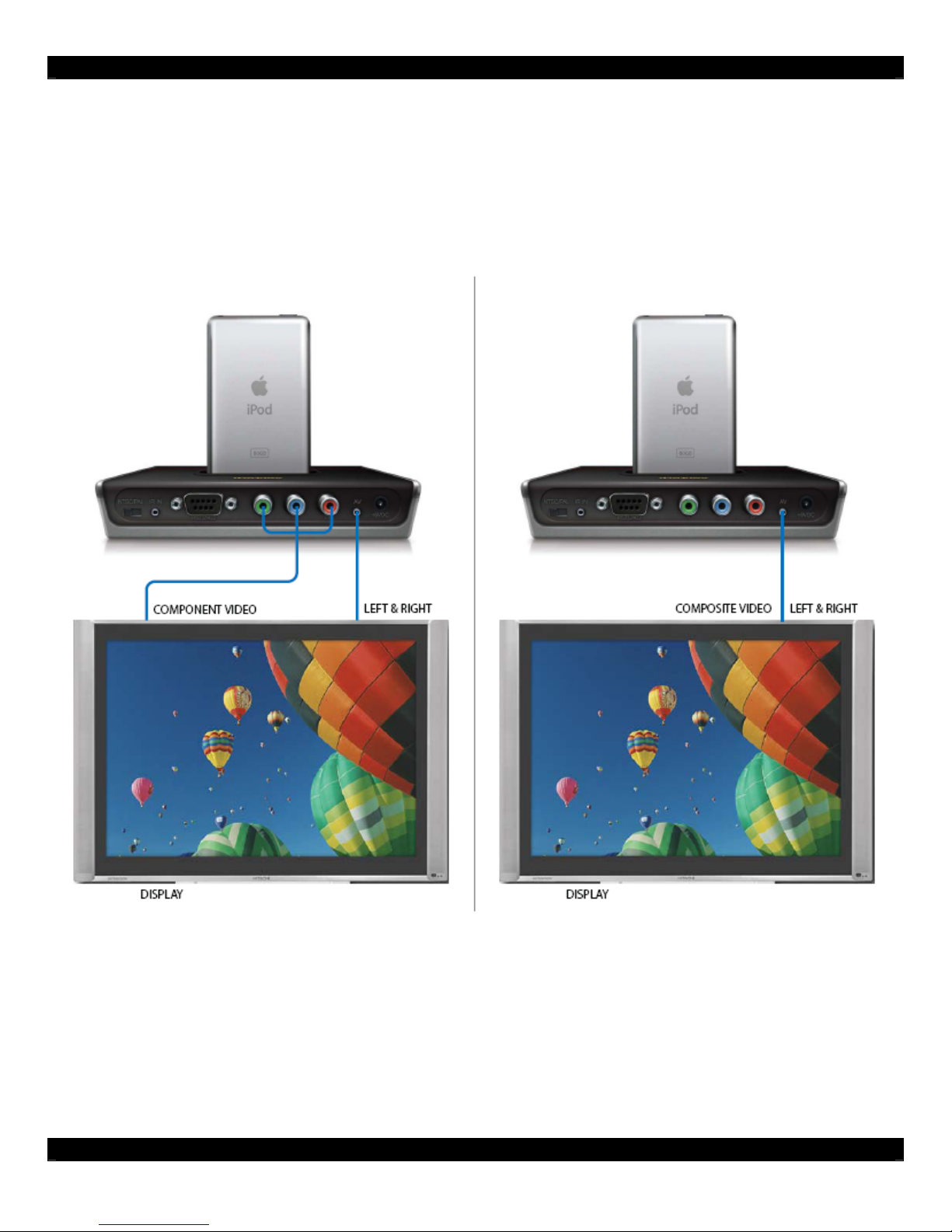
Determine if the video output should be ‘composite’ or ‘component’ video format. Only one video
output is allowed at a time. The XIS100 is shipped with ‘composite’ video output setting. If your TV
only offers a composite video input and you accidentally select component video on your XIS100, you
will need to reset the XIS100 (see page 9 top portion).