5 of 19
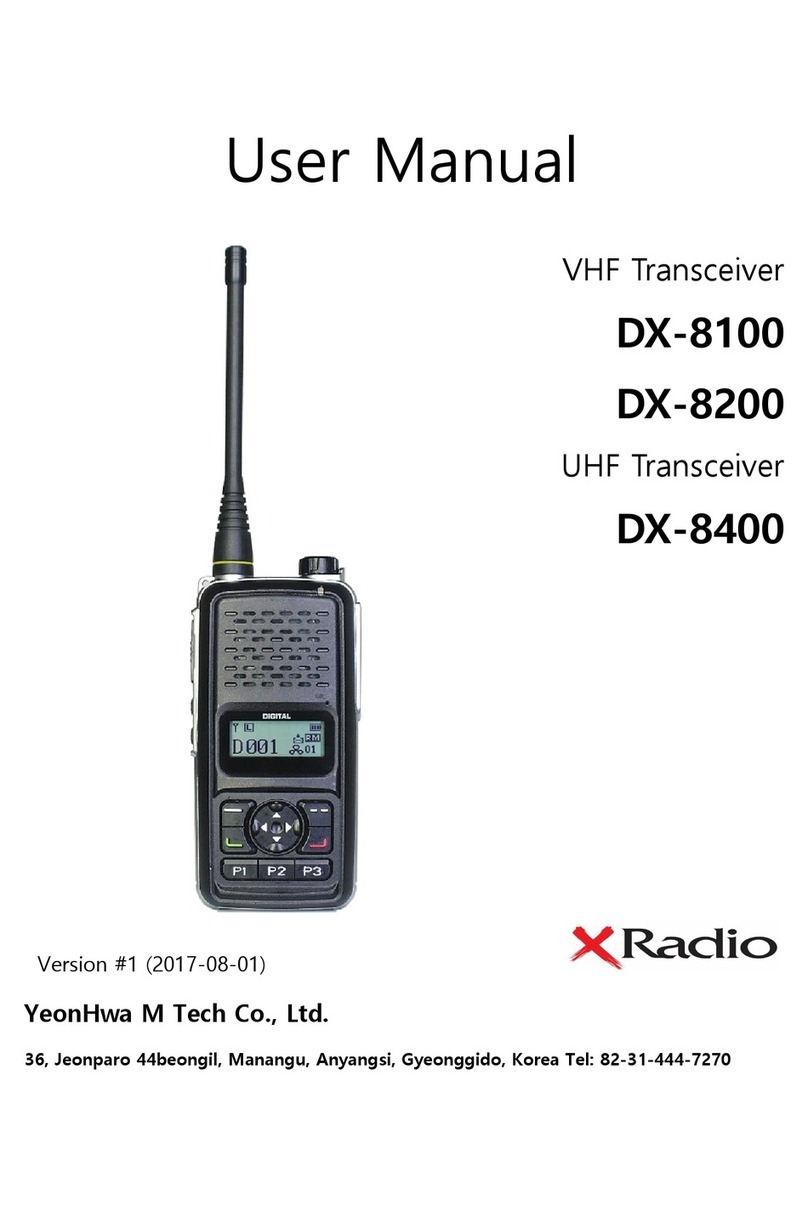
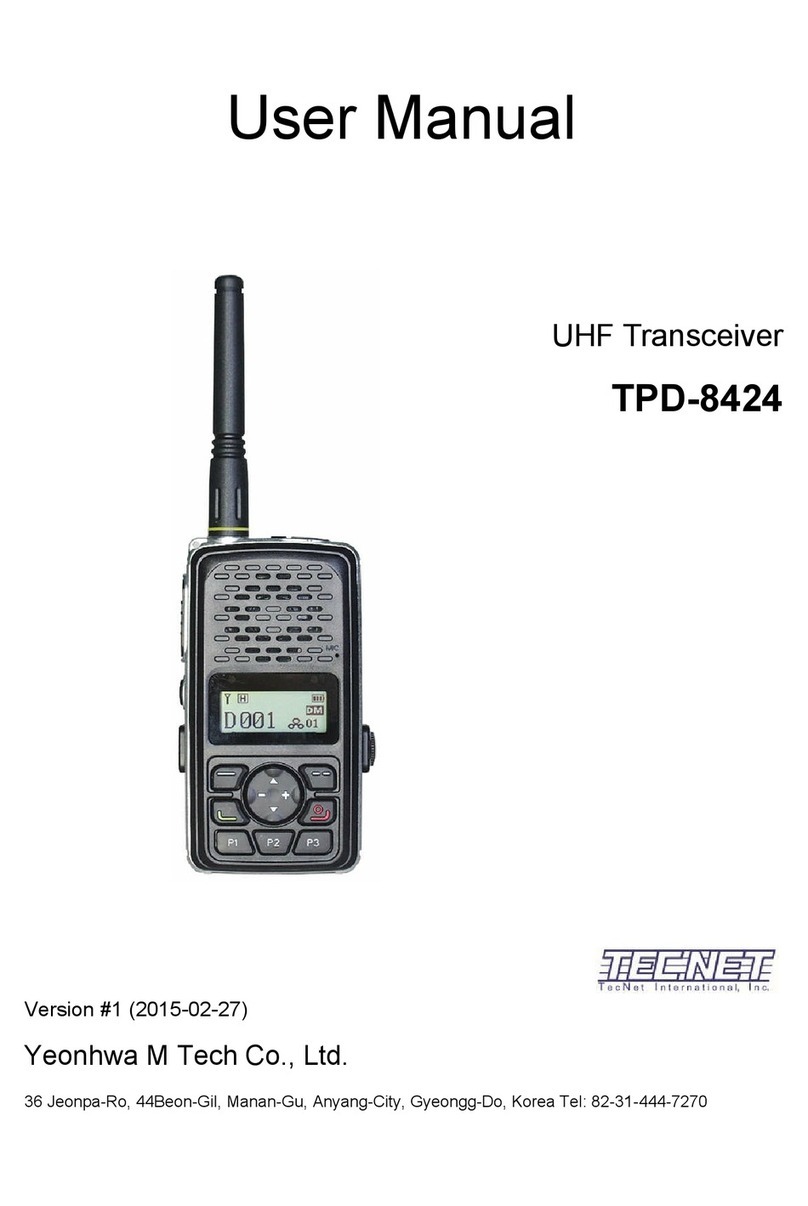
4. Appearance of DX-8000 Series Radio
1. Power ON / 1. OFF Volume switch
Turn the volume switch to the right to turn on the
power and increase the volume. Turn it to the
left to decrease the volume and to turn off the
power.
2. PTT button
Press the PTT button to transmit, release the
PTT button to stop the transmission, and the
receiver will enter standby mode.
3. Channel up / down button
Press the UP button to increase the channel
and press the DOWN button to decrease the
channel.
4. Press the MENU button
It is a button to enter the menu. When entering
the menu, you can select each menu setting.
5. Cancel / Return button
When you are in the menu, use the Button to
return to the previous menu. In the menu setting
screen, it performs cancellation function.
6. Menu Right/Left button
This button moves the main menu items in the
menu settings.
7. Key Lock button
Buttons except PTT button are not operated and
fixed. (You can set other functions with the
Programmable button.
8. RF output H/L select button
The RF output can be switched to high output or
low output.
9. P1, P2, P3 Button
The P1, P2, and P3 buttons can be set as Short
/ Long buttons. The Short button is set within
one second, and the Long button is pressed for
at least two seconds.
The built-in Long Button action
-. P1: Unlock function for button lock function.
-. P2: Flash On / Off operation
-. P3: Etiquette on / off action
10. UDC EAR/MIC
1) When connecting the external speaker
microphone
2) When setting radio information by CPS
program
3) When connecting to an external device.
output.