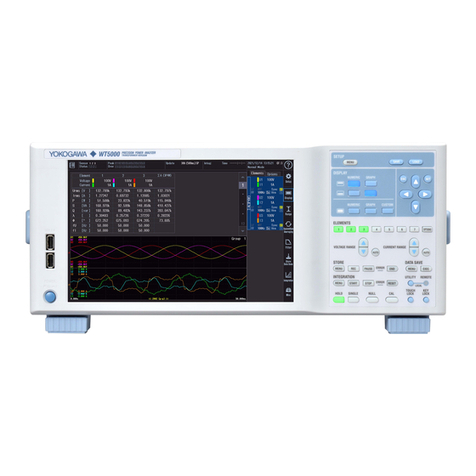
Integrated power
Measured Value Display Screen
Optional integrated
power
Instantaneous power
value
Voltage r.m.s. value
Current r.m.s. value
Instantaneous power
factor value
[kWh] display
[Wh] display
[W] display
[V] display
[A] display
[cosf] display
Input/Output Adjust Screen
Instantaneous power input
zero level adjust
Instantaneous power input
span level adjust
Instantaneous voltage input
zero level adjust
Instantaneous voltage input
span level adjust
Instantaneous current input
zero level adjust
Instantaneous current input
span level adjust
Optional instantaneous input
zero level adjust
Optional instantaneous input
span level adjust
Analog output zero level adjust
Analog output span level adjust
Parameter Setting Screen
PT ratio setting
CT ratio setting
Integrated low-cut power setting
Turn-off mode ON/OFF setting
Turn-off mode time setting
Input scaling “L”level setting for analog output *4
Input scaling “H”level setting for analog output *4
Integrated pulse unit mantissa setting *4
Integrated pulse unit characteristic setting *4
Integrated pulse ON width setting *4
RS-485 communication protocol setting *4
RS-485 station number setting *4
RS-485 data baud rate setting *4
LON communication node number setting *4
LON communication integrated power data
transmission period setting (minute) *4
LON communication integrated power data
transmission period setting (second) *4
LON communication power data transmission
period setting (minute) *4
LON communication power data transmission
period setting (second) *4
LON communication max/min.
Data transmission period setting (minute) *4
LON communication max/min.
Data transmission period setting (second) *4
*2 *3
*1
SET/ENT
Screen Development Sequence Key used
SET/ENT
Screen Development Sequence Key used
SET/ENT
Screen Development Sequence Key used
*1: Press SET/ENT key till the PT Ratio Setting Screen is displayed.
*2: Press SET/ENT key till the Instantaneous Power Input Zero Level Adjust Setting Screen is displayed.
*3: Press SET/ENT key till the last MEASURED VALUE DISPLAY SCREEN is displayed.
*4: By-passed if option is none.
*: If no key operation continues during five minutes when INPUT/OUTPUT ADJUST DISPLAY SCREEN
or PARAMETER SETUP DISPLAY SCREEN are displayed, the display screen changes to
VALUE DISPLAY SCREEN and displays the last measured value.