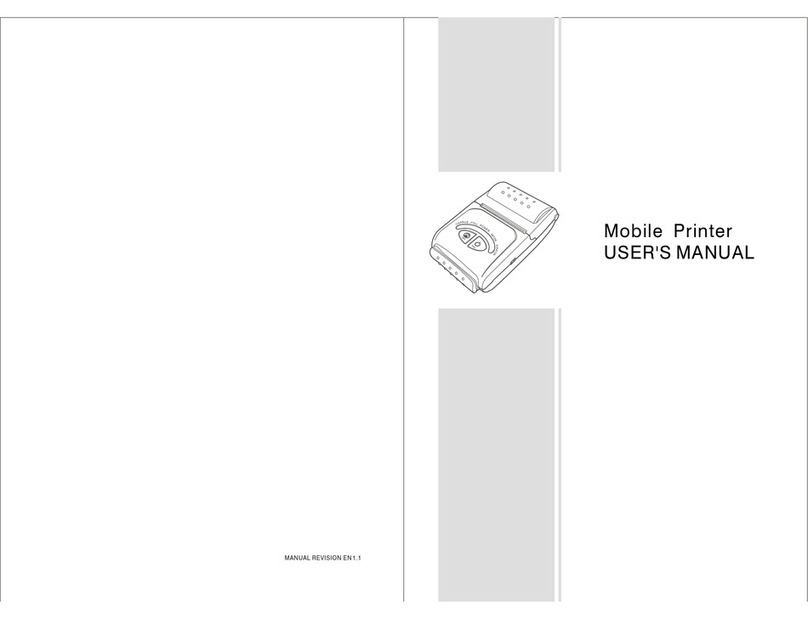
USER'S MANUAL
INTRODUCTION
WARNING
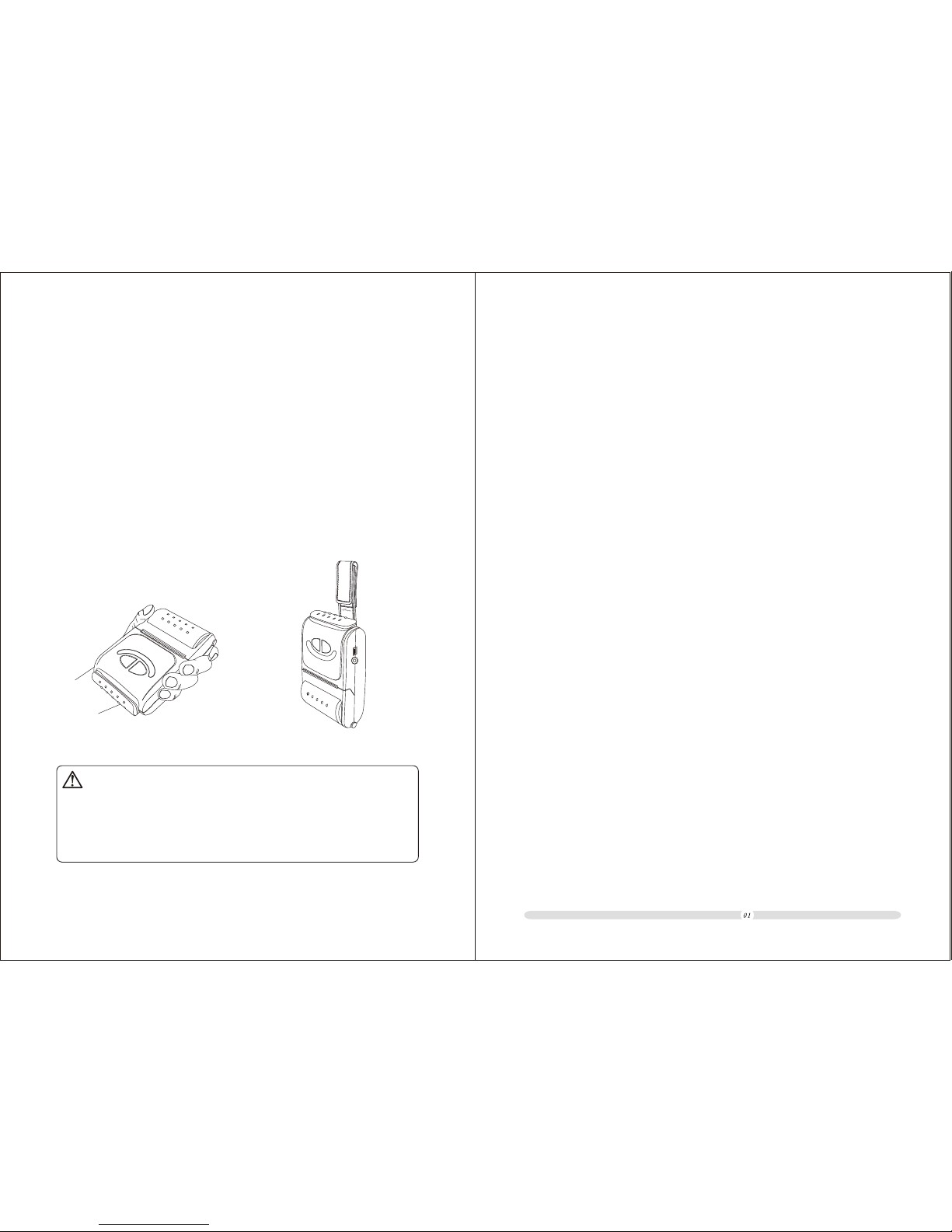
Some semiconductor devicesare easily damagedby static
electricity. In order to guard the printer against the static electricity ,
you should turnthe printer "OFF",before you connector remove the
cables on theface side. Ifthe printer isdamaged by thestatic
electricity, you should turn the printer "OFF".
All specifications aresubjected to changewithout notice.
Table of Contents
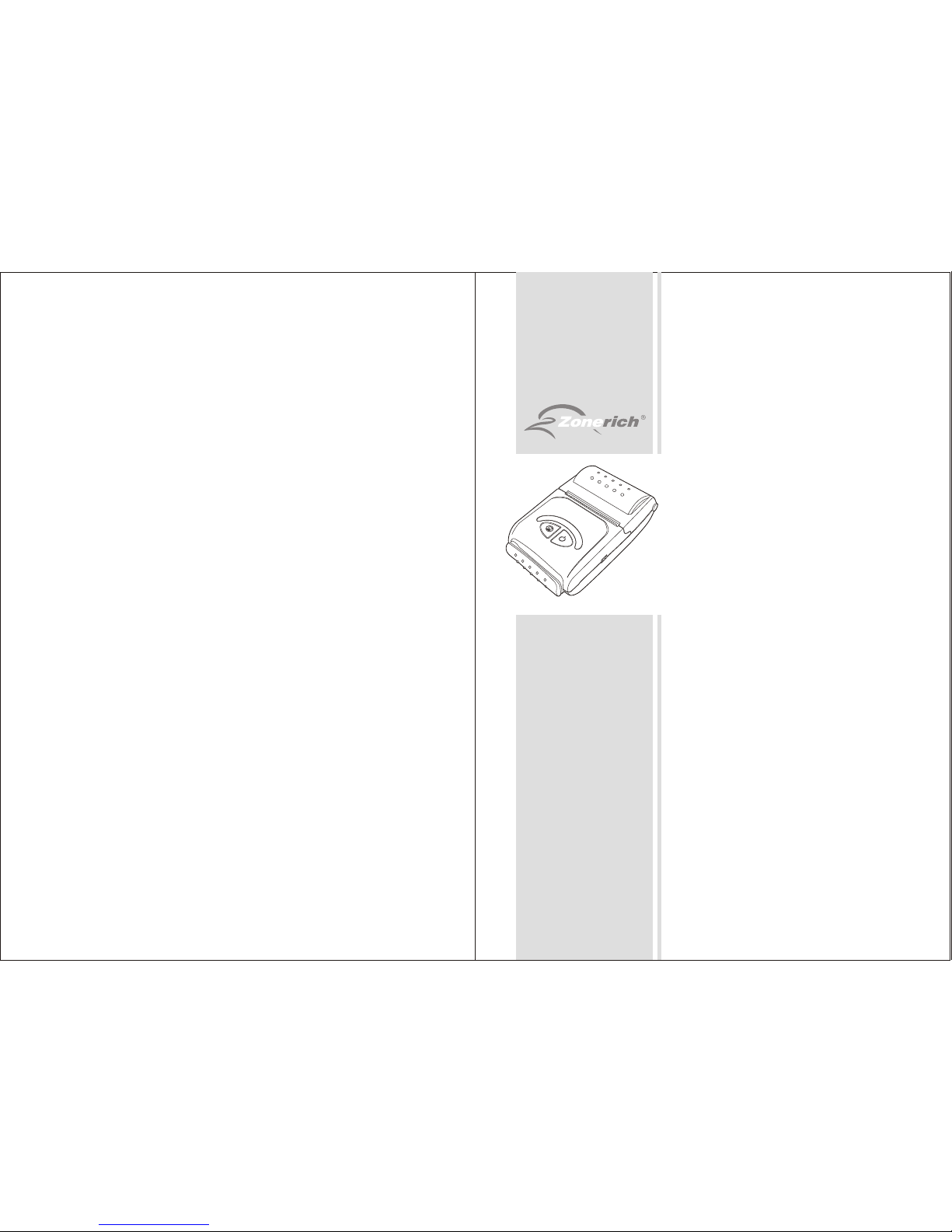
AB-320M/AB-330M is the mobile printer model with excellent performance.
It is integratedwith Serial, USBand Bluetooth interfaces.It can be easily
used for formsor receipts printingcooperated with portable equipments,
such as PDA, Laptop, Data Samplers etc.
The main features of the printer are as follows:
1. High speedprinting: 60mm persecond max.
2. Low noisethermal printing.
3. RS-232, USB, Bluetooth interfaces integrated.
4. The databuffer allows theunit to receiveprint data even during printing.
5. Bar codeprinting is possibleby using abar code command.
Please do readthe instructions inthis manual carefullybefore
using your newAB-320M/AB-330M
Table of Contents........................................................................
Chapter 1 ...................................................................
Chapter 2 ...............................................
2-1. ............................................................................
2-2. ...................................................................
Chapter 3 ..............................
3-1. I ..............................................................................
Chapter 4 R ..............................................
.....................................
Chapter 5 ....................................................
Chapter 6 .....................................................................
Chapter 7 .......................................................
..............................................................................
Chapter 8 ..........................................
....................................
..........................................................
...............................................................
.......................................................................
................................................................
Overview
Setting up the Printer
Unpacking
Using the Printer
oll paper installing
Chapter 9
Chapter 10 Specifications
Chapter 11
11-1. Command List
11-2. Control Commands
Interfaces and cable connection
nterfaces
3-2. Connect thecables................................................................
4-1. Installing orReplacing the RollPaper
4-2. Cleaning thePrint Head.........................................................
Battery installation
Self test
Basic operations
7-1. Power on/off...........................................................................
7-2. Feed paper.............................................................................
7-3. Tear paper
Alarming to lack of paper
Using and recharging battery
Commands
01
02
03
03
04
07
07
09
10
10
11
12
13
14
14
14
14
15
16
17
18
18
19