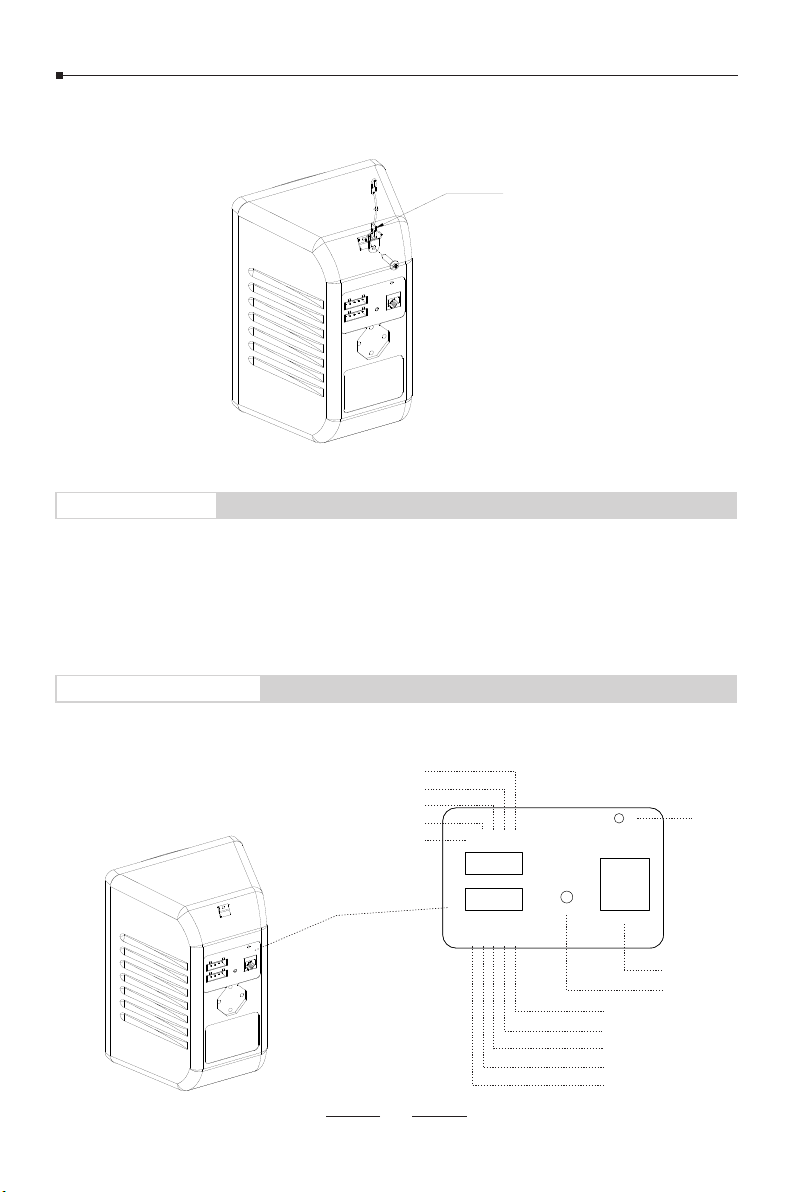
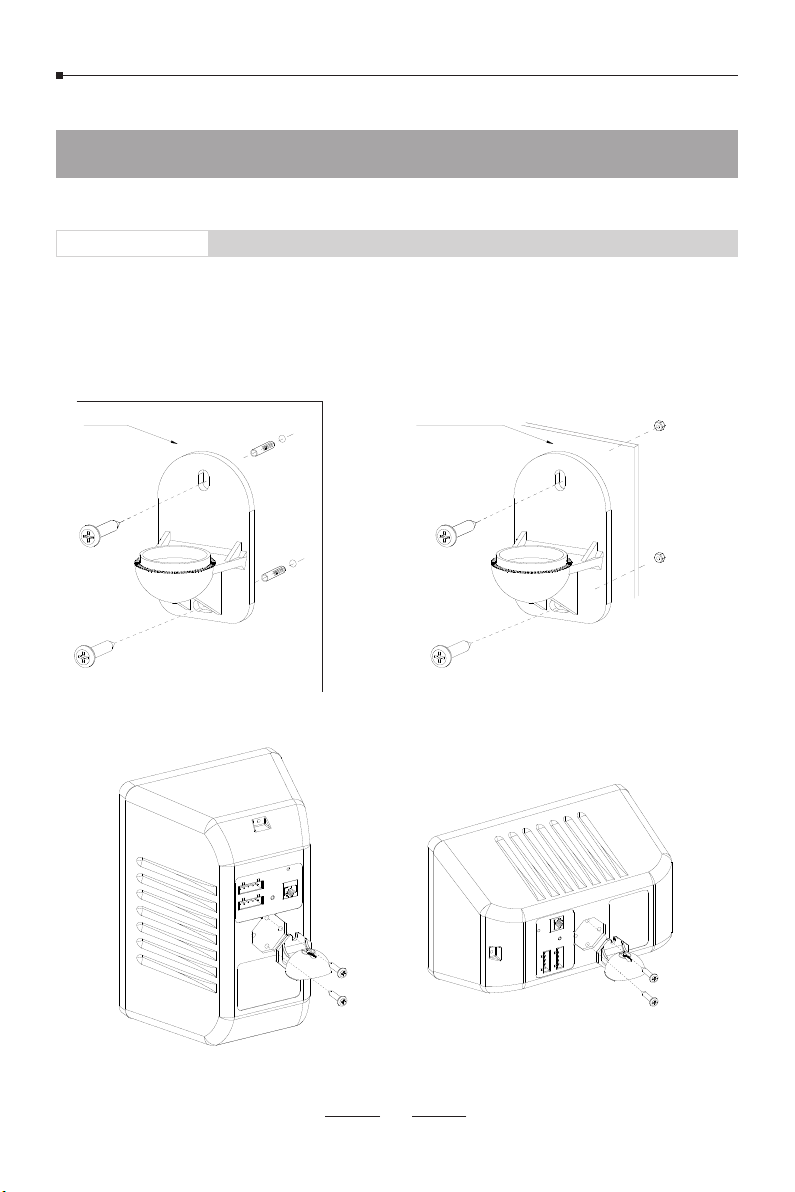
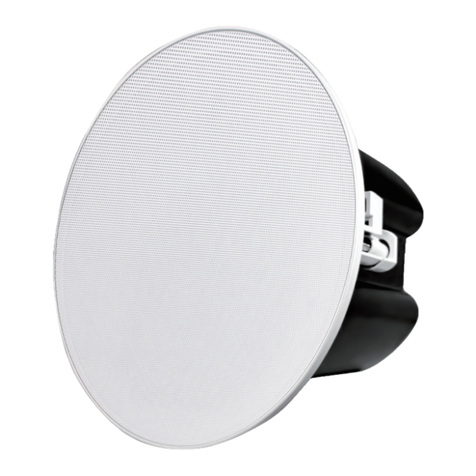
7.If safety strap is required to be installed, please use the KA4*15 screw to fix it to the speaker as shown below.
Safety Strap
Web Login
1.Connect network cable and power supply (if PoE is not enabled on the network cable).
2.Wait for 30 seconds then press and hold the RST button for 5 seconds and release, it will announce the IP address
obtained from the DHCP server. If there’s no DHCP server or DHCP fails, it will use default IP 192.168.1.101. In the
browser address bar input the IP address you hear to open its web management interface. Default username and
password admin/admin.
Interfaces and Instructions
To reset factory defaults, press and hold the RST button for 10 seconds (5 seconds for IP address announcements)
and release, now you should hear voice prompts “Resetting factory defaults, rebooting…”, it means the speaker will
now reset.
System LED indicator
07
RST
SYS
ETH0
NC
COM
NO
DC24V-
MIC+
VOL-
BTN DC24V+
MIC-
VOL+
NC
COM
NO
DC24V-
DC24V+
RST
ETH0
SYS
MIC+
VOL-
BTN
MIC-
VOL+
Negative terminal of 24V DC input
NO output of dry contact relay
COM input of dry contact relay
NC output of dry contact relay
Audio In+
Audio In-
Volume Control-
Volume Control+
Press To Talk Button
Ethernet interface
Reset button
Positive terminal of 24V DC input