manuals.online logo
Brands
  1. Home
  2. •
  3. Brands
  4. •
  5. 3DFitBud
  6. •
  7. Cash Counter
  8. •
  9. 3DFitBud A420S User manual

3DFitBud A420S User manual

Popular Cash Counter manuals by other brands

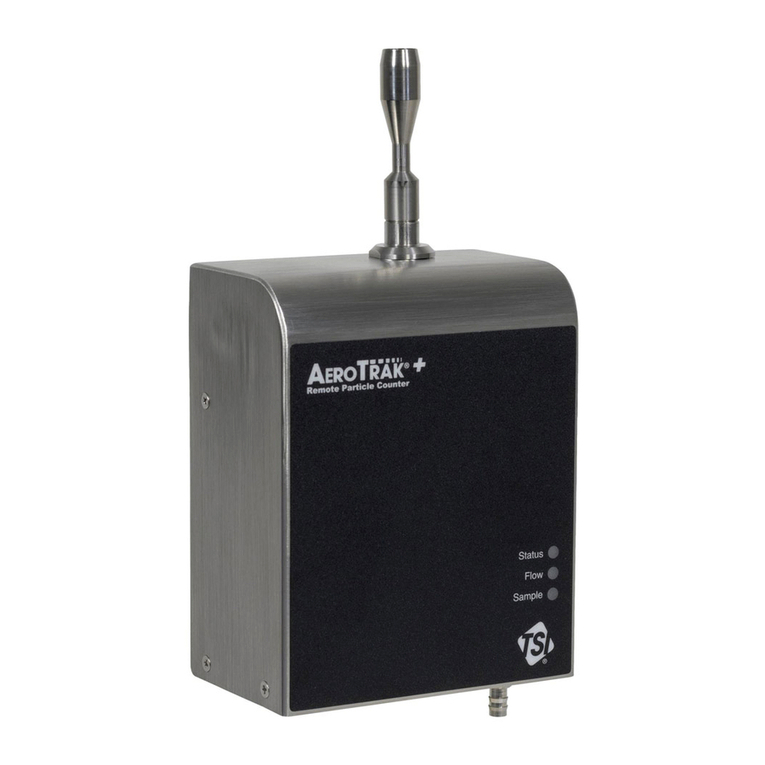
Measurement Computing USB-4301 user guide

Measurement Computing

Measurement Computing USB-4301 user guide

Polar Electro U Series instruction manual

Polar Electro

Polar Electro U Series instruction manual

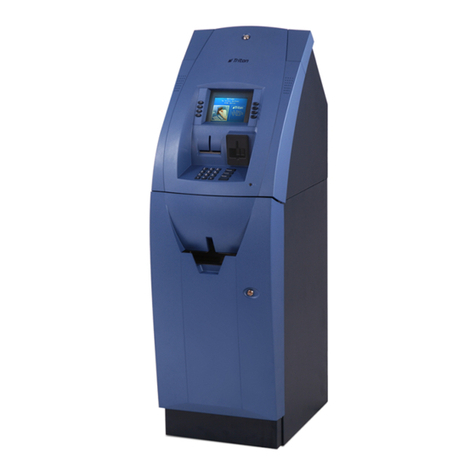
Tranax Mini-Bank 1500 Operator's manual

Tranax

Tranax Mini-Bank 1500 Operator's manual

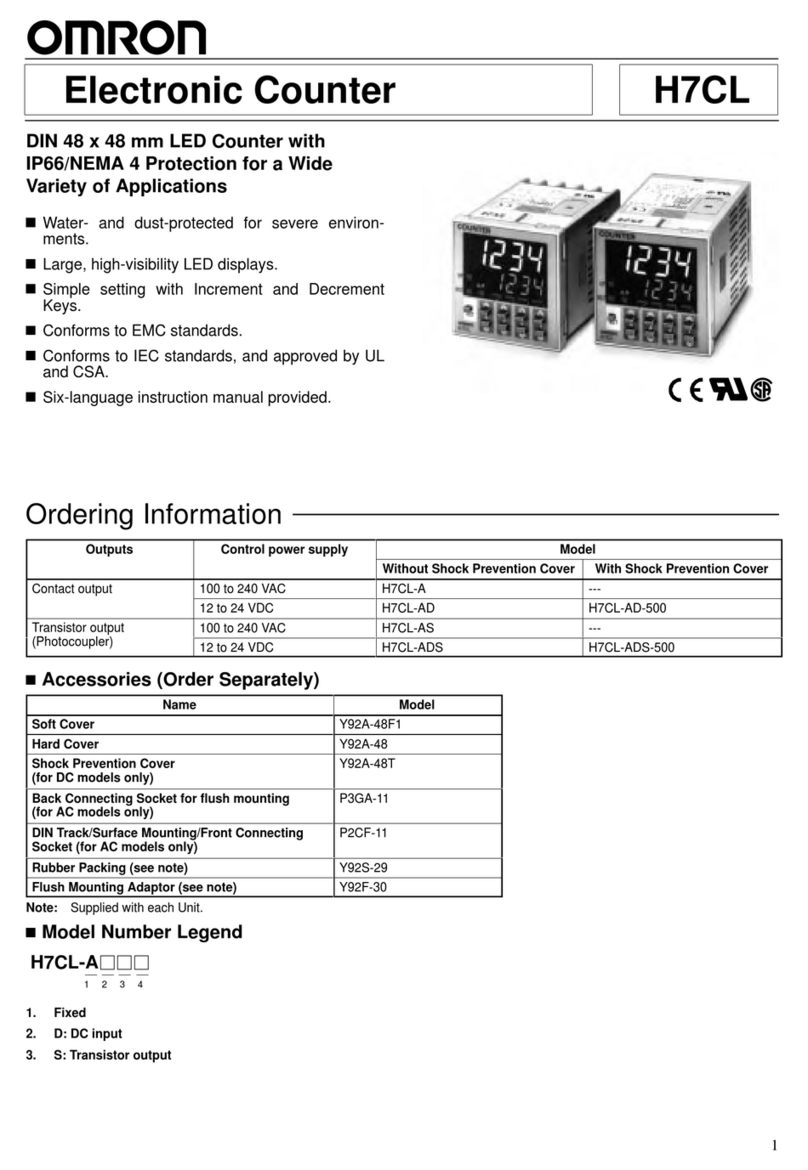
Omron H7CL Series manual

Omron

Omron H7CL Series manual

Olympia NC-350A Series user guide

Olympia

Olympia NC-350A Series user guide

XIA UltraLo-1800 user manual

XIA

XIA UltraLo-1800 user manual

Cashmaster Sigma 105 quick start guide

Cashmaster

Cashmaster Sigma 105 quick start guide

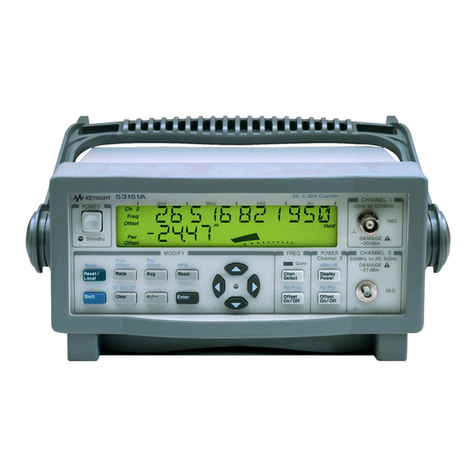
Agilent Technologies 53151A operating guide

Agilent Technologies

Agilent Technologies 53151A operating guide

Cashmaster Sigma 105 user manual

Cashmaster

Cashmaster Sigma 105 user manual

HYOSUNG MX-4000W Operator's manual

HYOSUNG

HYOSUNG MX-4000W Operator's manual

Cashmaster Sigma 105 user manual

Cashmaster

Cashmaster Sigma 105 user manual

HP 53150A Series Programming guide

HP

HP 53150A Series Programming guide

HYOSUNG 1800CE owner's manual

HYOSUNG

HYOSUNG 1800CE owner's manual

FAAC XTR B manual

FAAC

FAAC XTR B manual

MZ electronic EV-040 Instructions for use

MZ electronic

MZ electronic EV-040 Instructions for use

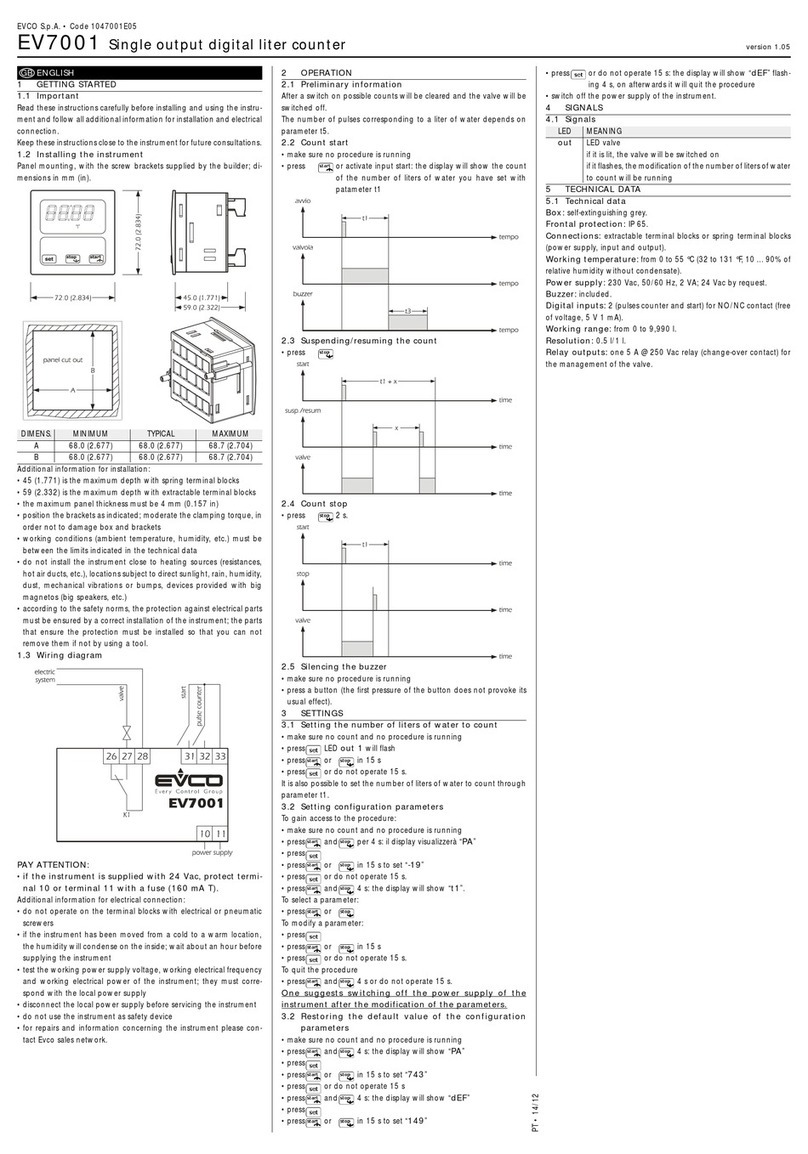
Evco EV7001 manual

Evco

Evco EV7001 manual

Delfield Shelleysteel SCFM-50 Specifications

Delfield

Delfield Shelleysteel SCFM-50 Specifications

Record FlowControl user manual

Record

Record FlowControl user manual

manuals.online logo
manuals.online logoBrands
  • About & Mission
  • Contact us
  • Privacy Policy
  • Terms and Conditions

Copyright 2025 Manuals.Online. All Rights Reserved.

USER’S MANUAL
MODEL: A420S
Additional Resources:
Large Print PDF Instructions:
www.3dactivepro.com
Watch Setup and How to Operate Videos:
www.3dactivepro.com
Bonus eBook Download Link:
www.3dactivepro.com/walkt
FitBud
Simple Step Counter
1
LAYOUT
LCD Display RESET
Button
Battery
Cover
Lanyard Hole
2
HOW TO ATTACH THE LANYARD/STRAP
10 STEP ERROR PREVENTION FEATURE
• Remove the front demonstration sticker from the display screen.
• Pull and remove the battery insulation tab from the back of your
3DFitBud Simple Step Counter and you are set to go.

BATTERY REPLACEMENT
3
Need Support? Please reply to the email we sent you when you
purchased your 3DFitBud Simple Step Counter or visit
www.3dactivepro.com