Page 2 of 16
Table of Contents
1GENERAL.................................................................................................................... 3
2PRODUCT DESCRIPTION ....................................................................................... 3
2.1 PRODUCT OVERVIEW............................................................................................... 3
2.2 TYPE DESIGNATION ................................................................................................. 4
3INSTALLATION......................................................................................................... 4
3.1 STATUS LED........................................................................................................... 5
4TROUBLE SHOOTING ............................................................................................. 5
4.1 RESET PORT ............................................................................................................ 5
4.1.1 PREPARING FOR RESET............................................................................. 5
4.1.2 Soft reset......................................................................................................... 5
4.1.3 Factory reset .................................................................................................. 5
5TECHNICAL DATA ................................................................................................... 6
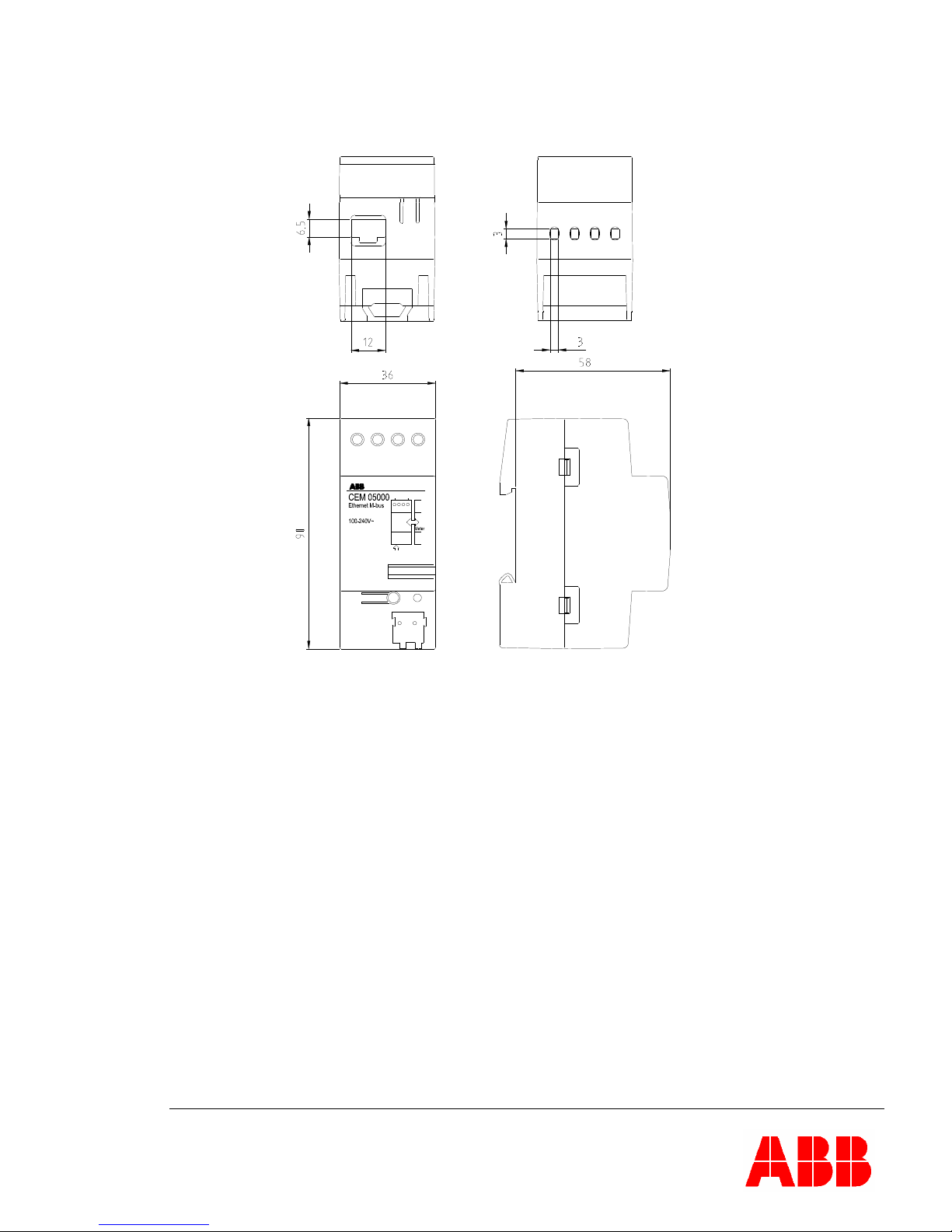
5.1 DIMENSIONS ........................................................................................................... 7
6AUTOMATIC METER READING........................................................................... 7
7THE WEB SERVER.................................................................................................... 7
7.1 ACCESSING THE WEB SERVER.................................................................................. 8
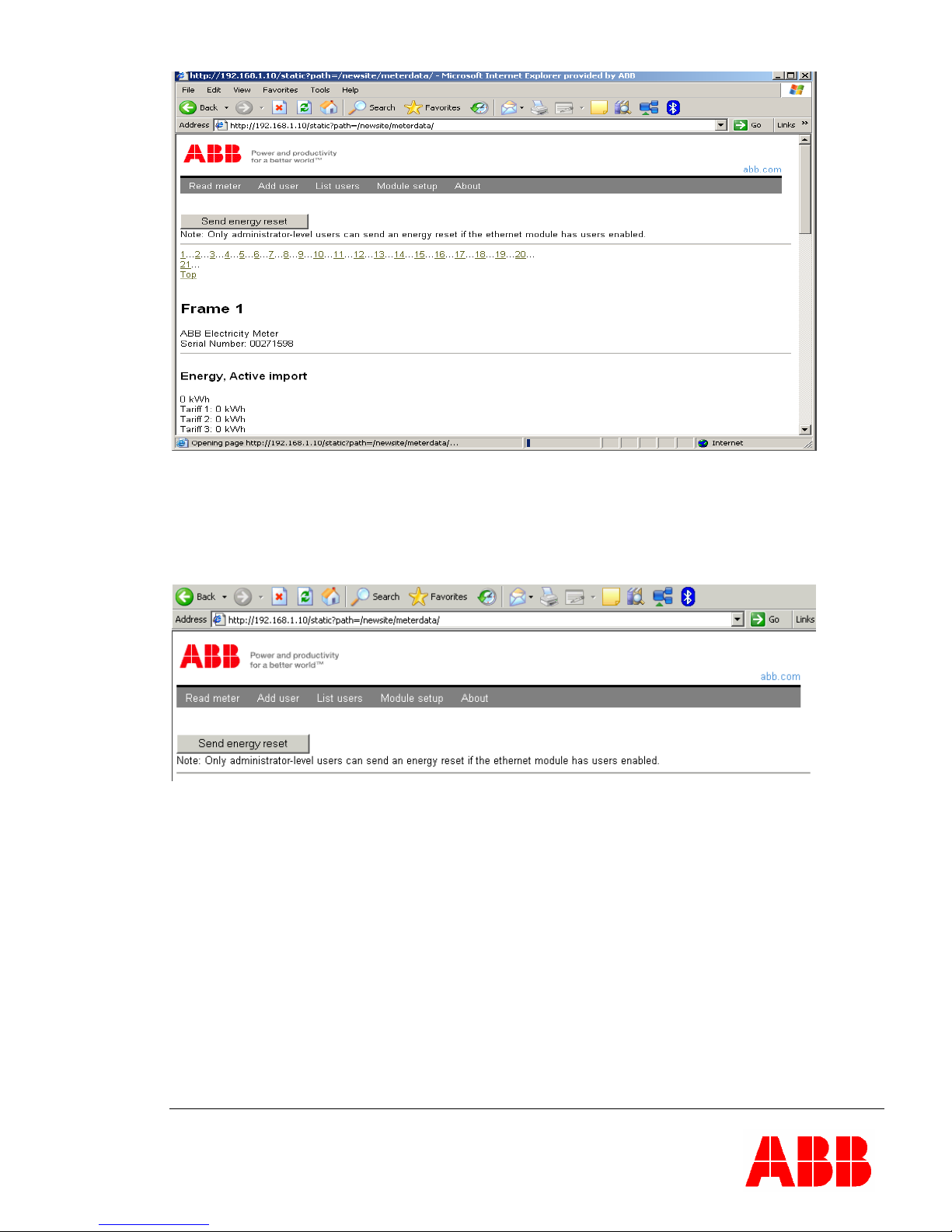
7.2 ODINSINGLE ENERGY RESET .................................................................................. 9
7.3 USER AND SECURITY MANAGEMENT....................................................................... 9
7.3.1 security......................................................................................................... 10
7.3.2 user adding and logging in .......................................................................... 10
7.3.3 guest without Login user-type...................................................................... 11
7.3.4 Removing users ............................................................................................ 11
7.4 CONFIGURING ADAPTER SETTINGS ....................................................................... 12
7.4.1 Assigning IP-address statically.................................................................... 12
7.4.2 Assigning IP-address through DHCP-server. ............................................. 13
7.4.3 Timeout Configuration................................................................................. 14
8 ABBREVIATIONS AND ACRONYMS.................................................................. 15
9CONTACT INFORMATION................................................................................... 15
10 INDEX..................................................................................................................... 16
© 2006-2009 by ABB AB. All rights reserved.
Trademarks
Microsoft, Internet Explorer, Windows, and Windows NT are registered trademarks of Microsoft Corporation.
Other brand and product names are registered trademarks or trademarks of their respective holders.