
ABB iPAQ User manual

ABB SACE ABB SACE SD-Pocket 1SDH000503R0002 L3104 EN
SD-Pocket User Manual

ABB SACE ABB SACE SD-Pocket 1SDH000503R0002 L3104 1/25
Index PAG.
1. INTRODUCTION................................................................................................................................................................ 4
1.1 SYSTEM REQUIREMENTS...................................................................................................................................................... 4
1.1.1 Hardware................................................................................................................................................................... 4
1.1.2 Software..................................................................................................................................................................... 4
1.1.3 PDA models .............................................................................................................................................................. 4
2. INSTALLATION AND UNINSTALLATION................................................................................................................... 5
2.1 INSTALLATION ....................................................................................................................................................................... 5
2.2 UNINSTALLATION .................................................................................................................................................................. 6
3. PROGRAM START-UP.................................................................................................................................................... 7
4. LOG-IN PROCEDURE...................................................................................................................................................... 9
5. HOME PAGE.................................................................................................................................................................... 10
5.1 FUNCTIONS MENÙ............................................................................................................................................................... 12
5.1.1 User management.................................................................................................................................................. 12
5.1.2 Password management......................................................................................................................................... 15
5.1.3 Help.......................................................................................................................................................................... 15
6. SELECT DEVICE ............................................................................................................................................................ 18
7. CONNECTION................................................................................................................................................................. 20
7.1 DISCONNECTION................................................................................................................................................................. 20
8. BROWSING THE DEVICE............................................................................................................................................. 21
8.1 ARCHITECTURE OF PAGES ................................................................................................................................................. 21
8.2 WRITE ACCESS PASSWORD................................................................................................................................................ 23
9. SD-DATA VIEWER ......................................................................................................................................................... 24
9.1 SOFTWARE REQUIREMENTS............................................................................................................................................... 24
9.2 INSTALLAZIONE................................................................................................................................................................... 24
9.3 UNINSTALLATION ................................................................................................................................................................ 24
9.4 PROGRAM USE.................................................................................................................................................................... 24

ABB SACE ABB SACE SD-Pocket 1SDH000503R0002 L3104 2/25
Index of figures Pag.
FIGURE 1. SELECTION OF THE PROGRAM TO BE INSTALLED.............................................................................................................. 5
FIGURE 2. LANGUAGE SELECTION...................................................................................................................................................... 5
FIGURE 3. PDA UNINSTALLATION ...................................................................................................................................................... 6
FIGURE 4. PROGRAM START-UP......................................................................................................................................................... 7
FIGURE 5. SD-POCKET ICON IN THE “PROGRAM”PAGE.................................................................................................................... 7
FIGURE 6. SPLASH SCREEN................................................................................................................................................................ 8
FIGURE 7. LOG-IN PAGE ..................................................................................................................................................................... 8
FIGURE 8. HOME PAGE..................................................................................................................................................................... 10
FIGURE 9. “FUNCTIONS”MENÙ......................................................................................................................................................... 10
FIGURE 10. “HELP”MENÙ................................................................................................................................................................. 11
FIGURE 11. "USER MANAGER"PAGE................................................................................................................................................ 12
FIGURE 12. “USER SETTINGS”PAGE................................................................................................................................................ 13
FIGURE 13. "ENABLE DEVICES"PAGE.............................................................................................................................................. 14
FIGURE 14. “PASSWORD MANAGEMENT”PAGE ............................................................................................................................... 15
FIGURE 15. “HELP”ICON.................................................................................................................................................................. 15
FIGURE 16. “CURRENT USER”WINDOW ........................................................................................................................................... 16
FIGURE 17. “HELP ON LINE”PAGE.................................................................................................................................................... 16
FIGURE 18. “ABOUT SD-POCKET”WINDOW .................................................................................................................................... 17
FIGURE 19. CONNECTED DEVICE..................................................................................................................................................... 17
FIGURE 20. "DEVICE LIST"PAGE...................................................................................................................................................... 18
FIGURE 21. LIST OF FOUND DEVICES............................................................................................................................................... 18
FIGURE 22. DEVICE DESCRIPTION.................................................................................................................................................... 20
FIGURE 23. ARCHITECTURE OF PAGES............................................................................................................................................ 21
FIGURE 24. “ALARMS”MENÙ............................................................................................................................................................ 22
FIGURE 25. “MEASURE”PAGE AND RELATED SECONDARY PAGES.................................................................................................. 22
FIGURE 26: WRITE-ENABLE PASSWORD .......................................................................................................................................... 23
FIGURE 27. SELECTION OF THE PROGRAM TO BE INSTALLED –SD-DATAVIEWER......................................................................... 24

ABB SACE ABB SACE SD-Pocket 1SDH000503R0002 L3104 3/25
Index of tables Pag.
TABLE 1. SUPPORTED DEVICES.......................................................................................................................................................... 4
TABLE 2. USER PROFILES................................................................................................................................................................... 9
TABLE 3. ALARM/TRIP SIGNALLING .................................................................................................................................................. 21
TABLE 4. WRITE PASSWORD ............................................................................................................................................................ 23

ABB SACE ABB SACE SD-Pocket 1SDH000503R0002 L3104 4/25
1. Introduction
SD-Pocket permits wireless connection to the ABB SACE SpA trip units supplied with the Bluetooth communication
module. Two versions of this module are available:
•internal module (PR120/D-BT WL)
•external module (BT030) connected to the trip unit to the front test socket
SD-Pocket can communicate with the following trip units:
Trip unit PR120/D-BT WL BT030
PR121/P NO YES
PR122/P YES YES (*)
PR123/P YES YES (*)
PR222DS/P NO YES
PR222DS/PD NO YES
PR223EF NO YES
PR223DS NO YES
PR232/P NO YES
PR331/P NO YES
PR332/P NO YES
PR333/P NO YES
Table 1. Supported devices
(*) without PR120/D-BT
1.1 System requirements
This software is available for installation on pocket PCs (PDA: Personal Digital Assistant).
1.1.1 Hardware
•Integrated Bluetooth module with a minimum range of 10 meters (see the PDA technical characteristics)
•RAM: 64 MB
•ROM: 32 MB
•30 MB free space
•PDA screen size: 240 x 320 pixels
1.1.2 Software
•Windows Mobile 2003 or Windows Mobile 5.0.
•Verify on the producer’s website if firmware updates are available.
•Bluetooth Widcomm driver (see the PDA instruction manual)
For the installation software:
•PC operated by Windows 2000 e Windows XP
•Active Sync 3.8 and following (supplied with the PDA)
1.1.3 PDA models
This software has been tested on the following PDA devices:
1. iPAQ Compaq 5550
2. iPAQ Compaq 3970
3. iPAQ Compaq 5450
4. iPAQ Compaq 2110

ABB SACE ABB SACE SD-Pocket 1SDH000503R0002 L3104 5/25
2. Installation and uninstallation
2.1 Installation
Insert USB memory device and execute SDInstaller.exe file.
The following screen is showed: select SD-Pocket.
Figure 1. Selection of the program to be installed
WARNING! The PC must be connected to PDA through the serial / USB port.
The installation file is executed on the PC having the requirements as per paragraph: the user is asked to select the
language of the application.
Figure 2. Language selection
Once the procedure is ended, the program is transferred to the PDA through serial / USB connection. Verify that the
program has been properly installed on the PDA.
If replacement of an existing file is requested, choose the most recent between the ones proposed.

ABB SACE ABB SACE SD-Pocket 1SDH000503R0002 L3104 6/25
2.2 Uninstallation
WARNING! The PC must be connected to the PDA through the serial / USB port.
In the PDA version, the following window will appear.
Figure 3. PDA uninstallation
•Select ABB SD-Pocket
•Click on “Remove”

ABB SACE ABB SACE SD-Pocket 1SDH000503R0002 L3104 7/25
3. Program start-up
From the “Start” menu of Windows Mobile 2003 select “Programs”.
Figure 4. Program start-up
Click the “SD-Pocket” icon.
Figure 5. SD-Pocket icon in the “Program” page
The program starts up and the following splash screen will appear for few seconds, necessary for the program
loading.

ABB SACE ABB SACE SD-Pocket 1SDH000503R0002 L3104 8/25
Figure 6. Splash screen
After the program has been loaded, the “Log-in” page appears.
Figure 7. Log-in page

ABB SACE ABB SACE SD-Pocket 1SDH000503R0002 L3104 9/25
4. Log-in procedure
To enter the program it is necessary to insert the user name and the password.
Two types of user are defined:
User type User name Password Description
Administrator Administrator
0002
•He is the user with the highest rights
•He can access all functionalities.
•He can modify the rights of the users.
•He can modify his password.
•He cannot modify his user name.
User1
User2
User User3 0001
•He can access all the functionalities permitted by the Administrator
•He can modify his user name and password.
•His standard access is in read-mode.
Table 2. User profiles
A maximum number of three errors (user name or password) is permitted during log in: after the third error the
program is shut down.
This manual suits for next models
3
Table of contents
Other ABB Network Hardware manuals
ABB
ABB M1M 10 User manual
ABB
ABB RobotWare 6.02 Instructions for use
ABB
ABB MicroSCADA Pro SYS 600 Parts list manual

ABB
ABB M4M 30 User manual
ABB
ABB i-bus KNX IPR/S 3.5.1 User manual
ABB
ABB RELION REF615R User manual
ABB
ABB J2013001 User manual
ABB
ABB PDCOM User manual
ABB
ABB ABILITY SSC600 User manual
ABB
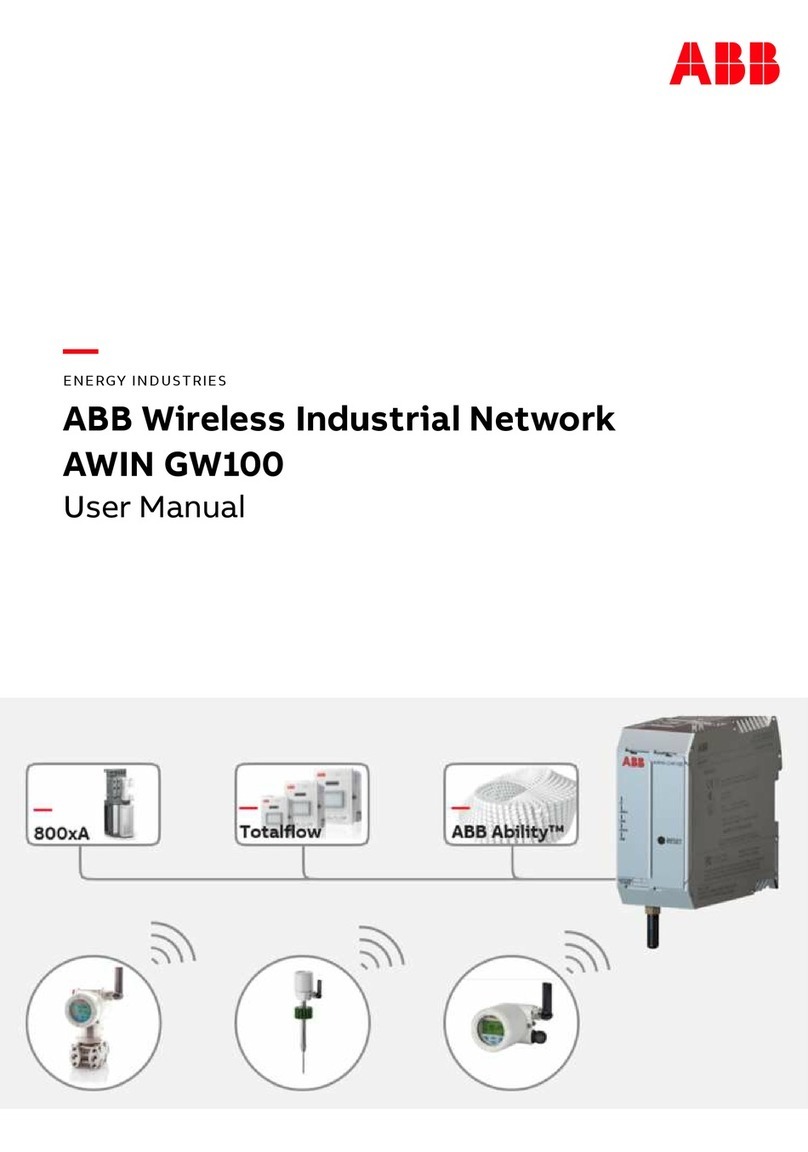
ABB AWIN GW100 User manual
Popular Network Hardware manuals by other brands

Matrix Switch Corporation
Matrix Switch Corporation MSC-HD161DEL product manual

B&B Electronics
B&B Electronics ZXT9-IO-222R2 product manual

Yudor
Yudor YDS-16 user manual

D-Link
D-Link ShareCenter DNS-320L datasheet

Samsung
Samsung ES1642dc Hardware user manual

Honeywell Home
Honeywell Home LTEM-PV Installation and setup guide











