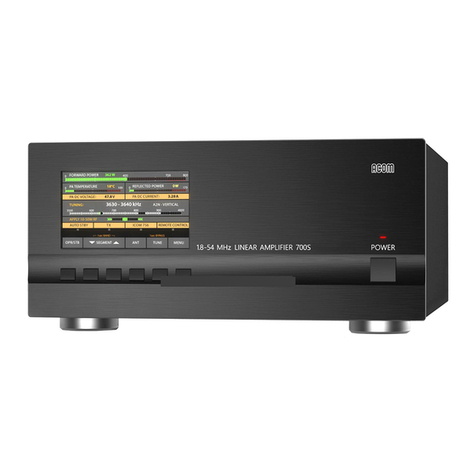
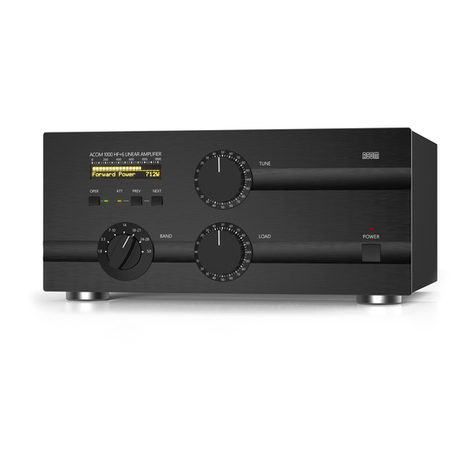
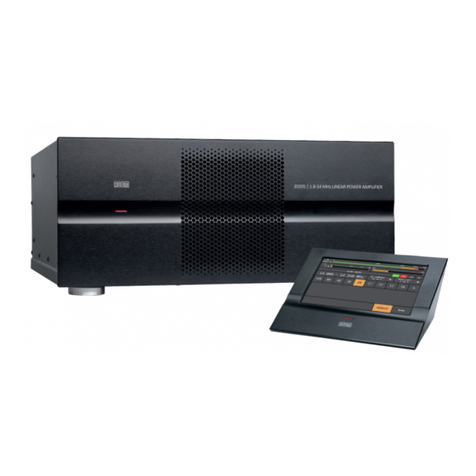
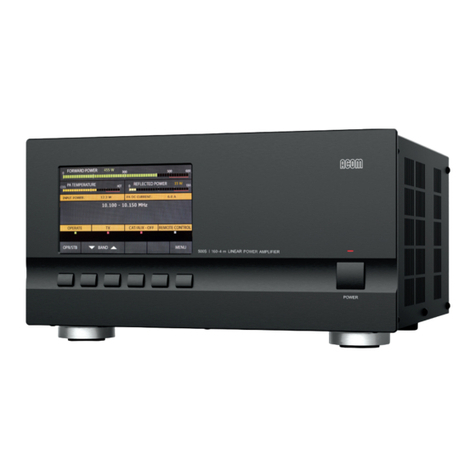
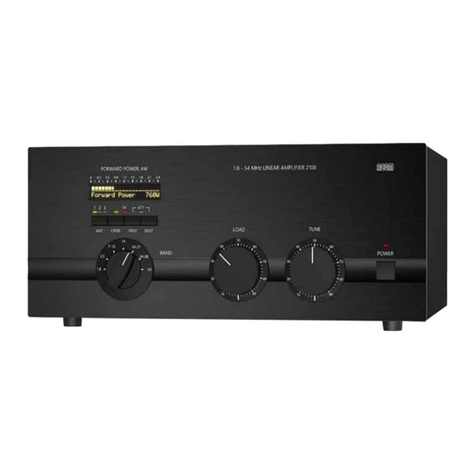
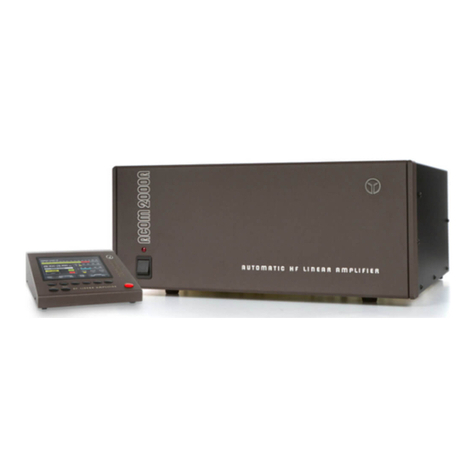
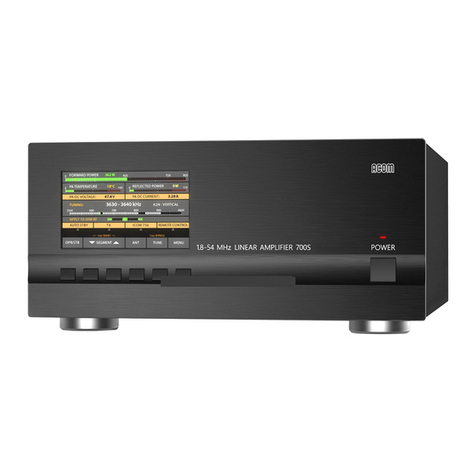
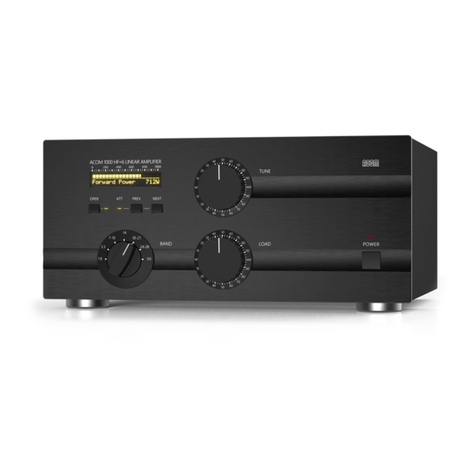
Acom 2000A User manual

AUTOMATIC HF LINEAR AMPLIFIER

ACOM OOD
Blvd. Nikola Mushanov 151
1330 Soa, Bulgaria
phone: +359 2 920 96 55
fax: +359 2 920 96 56
e-mail: [email protected]
www.acom-bg.com

1
Table of Contents
1. GENERAL INFORMATION ..................................3
1-1. Introduction and Description.................................3
1-2. Owner Assistance.........................................3
1-3. Equipment Supplied and Options.............................3
1-4. Features ................................................3
1-5. Safety Considerations, Explicit Denitions ......................4
2. INSTALLATION............................................6
2-1. Unpacking and Initial Inspection..............................6
2-2. Line Voltage Selection .....................................6
2-3. Transformer Installation ....................................7
2-4. Connections .............................................8
2-5. Installation of Optional Fan.................................12
3. POWER ON, RCU CONTROLS, INDICATORS AND MENUS .......12
4. AUTO MODE .............................................15
4-1. MAIN MENU............................................15
4-2. AUTO TUNE procedure ...................................19
4-3. Erasing USER segments (return to DEFAULT- tunings) ..........22
5. MANUAL MODES .........................................23
5-1. MANUAL TUNE .........................................23
5-2. MEASURE function ......................................24
5-3. SERVICE procedure......................................26
5-4. CAT SETTINGS .........................................26
5-5. MORE SETTINGS .......................................27
5-6. HELP .................................................29
6. OFF MENU ..............................................29
6-1. CALL SIGN ............................................29
6-2. AUTO ANTENNA CHANGE ................................30
6-3. AUTO OPERATE ........................................30
6-4. SELF ADDRESS ........................................30

2
6-5. CLEAR THE USER TUNINGS ..............................30
6-6. CLEAR THE MEMORY ...................................31
7. CAT OPERATION AND CONNECTIONS .......................31
8. MAINTENANCE ..........................................35
8-1. Cleaning ...............................................35
8-2. Backup Battery Replacement ..............................35
8-3. Fuse Replacement ......................................35
8-4. Tube Replacement .......................................36
8-5. The ACOM2000A Simplied Schematic Diagram................36
8-6. Troubleshooting .........................................37
9 SPECIFICATIONS .........................................39
9-1. Parameters.............................................39
9-2. Functions ..............................................40
9-3. Storage and Shipment ....................................41
10. BRIEF MENU GUIDE .....................................42

3
1. GENERAL INFORMATION
1-1. Introduction and Description
This manual explains the installation, operation and maintenance of the ACOM2000A automatic
HF linear amplier.
The ACOM2000A is a complete and self-contained linear amplier that covers all amateur bands
from 1.8 through 30MHz, has automatic self-tune capability, and provides up to 1500W output
power with less than 60W exciter drive. The amplier can tolerate loads up to 3:1 VSWR (2:1
on 160 meters) and the process of matching the antenna impedance to the optimum load of the
tubes is automated. It features a Remote Control Unit (RCU), contains nonvolatile memory for
settings on up to ten different antennas per frequency segment, and offers command capability
for use with an external automatic antenna selector and/or automatic antenna tuner. Transmit
/ receive switching is capable of full break-in operation (QSK) via an internal vacuum relay.
All indicators and controls (except the primary mains switch and indicator) are available via the
Remote Control Unit - RCU. All command input to the RCU is menu-driven.
1-2. Owner Assistance
If assistance is needed, you should contact your local dealer. If necessary, your dealer will
contact ACOM for additional guidance. If you still have an issue you need to discuss with one
of ACOM's specialists, the contact information is as follows: fax: + 359 2 920 96 56, e-mail:
Soa, Bulgaria.
1-3. Equipment Supplied and Options
The ACOM 2000A amplier is shipped in two cardboard cartons. One carton contains the power
transformer; the second carton contains the amplier. The remote control unit (RCU) is shipped
inside the amplier in the area where the power transformer will be mounted.
There are several individual purchase options available.
They are:
1) An auxiliary EXTERNAL FAN for continuous modes of operation (rear panel mount)
2) CAT CABLES for connection to the supported transceivers
3) The TECHNICAL SUPPLEMENT to this manual, containing electrical diagrams, technical
details on operation and maintenance, as well as a list of command set and local network rules
for RS232 operation.
The Automatic antenna selector ACOM 2000S and Remote antenna switch ACOM 2000SW
are especially designed to complete your ACOM system.
1-4. Features
• Automated matching of the antenna impedance to the optimum load of the tubes during initial
preparation of user tunings.
• Easy to operate. No operator intervention is required when changing antennas or frequency.
Thus the risk of inadvertent errors, such as incorrect antenna selection or failure to change
band switch, is eliminated.

4
• TFT color display. All amplier status indicators and comments are presented on the Remote
Control Unit (RCU) display. The HELP sub-menu gives on-board technical assistance and
troubleshooting suggestions, power-on elapsed time hours etc. Two color strips display peak
forward and reected power. Indicators are provided for OPERATE/STANDBY and for fault
conditions.
• Easy maintenance. Information on the amplier’s internal status is stored in an "INFO BOX"
for the 12 most recent protection faults. This information can be read directly from RCU display
by the operator.
• Less QRM, improved Electro Magnetic Compatibility during tuning. Retuning can be achieved
in three ways: manually via the RCU, by the transceiver’s CAT system, or with a very short
transmission - a single word on SSB or a dot (even at 40 wpm) on the new frequency is enough
to change bands or segments automatically in a second. Also, the initial process of user tuning
settings preparation is done in less than three seconds at a quarter of nominal output power.
• Saves space on the operating table. Since the amplier is controlled by the RCU, the main
unit can be located up to 20 meters (65 feet) from the operating position. The supplied 3 meter
(10 ft) cable may be easily extended to the needed length.
• Operates automatically without special signals from the transceiver - “ground on TX” (PTT)
and 60W RF drive power are sufcient to control and operate the amplier.
• CAT connection to most transceiver models.
• Broadband input matching circuit resulting in very good load to the transceiver over the entire
short wave spectrum.
• Uses two 4CX800A (GU74B / ГУ74Б) Svetlana (Светлана) high performance ceramic-metal
tetrodes with plate dissipation of 800W each (forced air cooling, grid-driven).
• ACOM maintains strict adherence to the tube manufacturer’s specications for cooling and for
the sequence of applying and removing the different tube voltages. Starting lament current is
limited, and there is constant monitoring and protection of all supply voltages and currents. The
Bias Optimizer decreases the heat dissipated from the tubes, and there is automatic protection
against overheating or insufcient air ow.
• A novel and innovative output RF Arc protection is employed. It safeguards the amplier,
antenna, antenna selector and tuner against severe damage in case of possible break down.
• High voltage power supply inrush current protection which eliminates the danger of affecting
sensitive devices, connected to the same mains circuit. The amplier can be congured for 5
nominal line voltages: 100, 120, 200, 220 and 240VAC (50 or 60Hz). Other nominal values
possible on request.
• Continuous measuring and/or monitoring of 20 most important parameters of the amplier,
exciter and antennas via RCU and computer as described in the TECHNICAL SUPPLEMENT.
• All functions are accessible from a computer via RS232 serial port connection. Also, local
networking capability exists for more than one set of amplier / antenna units working in a system.
1-5. Safety Considerations, Explicit Denitions
The ACOM2000A Automatic HF Linear Amplier is a Safety Class I unit, i.e. the third grounding
lead of its mains cord (which is colored yellow with two green stripes) and the ground stud on
the rear panel of the amplier, marked GND, both must be connected to the station's grounding

5
system for safe operation. The amplier is designed to meet international safety standards
and complies with CE safety and electromagnetic compatibility requirements, as well as FCC
regulations.
This operating manual contains information, precautions, indications for cautions and warnings
which must be followed by the user to ensure safe operation and to keep the ACOM2000A in
safe operating condition.
PRECAUTIONS:
The EXPLICIT DEFINITIONS described below apply to this operating manual:
W A R N I N G notes call attention to a procedure which, if not correctly performed,
could result in personal injury, re hazard or electric shock.
C A U T I O N notes call attention to a procedure which, if not correctly performed, could
result in equipment damage, not only in the amplier.
N O T E notes call attention to a procedure which, if not correctly performed, could
result in inconvenience.
W A R N I N G HIGH VOLTAGE!
The amplier works with high voltages up to 3000V, which are LETHAL!
Also, for your safety, pull the amplier power plug out of the mains wall
outlet and WAIT AT LEAST 30 minutes EACH TIME BEFORE you remove
the cover of the amplier. Do not touch any part inside while the amplier
is open because some residual voltages may still be present.
W A R N I N G HIGH VOLTAGE!
Never allow anyone, ESPECIALLY CHILDREN, to push anything into
holes in the case - this will cause electric shock. NEVER TOUCH AN
ANTENNA during transmission - this may result in an electric shock or
burn. NEVER EXPOSE the amplier to rain, snow or any liquids. AVOID
placing the amplier in excessively dusty environments or in direct
sunlight. DO NOT OBSTRUCT AIR INTAKE (rear panel) and EXHAUST
(top cover) areas of the amplier. Keep a minimum distance of 10cm (4
inches) to the intake and 50cm (20 inches) to the exhaust.
W A R N I N G
Do not undertake on your own repairs or changes in hardware or software
of the amplier in order not to endanger your or other’s health and life
and not to damage the amplier and the equipment connected with it,
not covered by warranty. The manufacturer is not liable for another’s
actions and responsibility shall be assumed by the doer.
C A U T I O N
To avoid damage (not covered under warranty) read the Installation - Section 2
of this operating manual carefully. If you have any doubts about the installation,
operation or safety of the amplier, please consult your dealer.

6
2. INSTALLATION
2-1. Unpacking and Initial Inspection
N O T E
Before you start any action on installing the amplier, thoroughly read through
this manual. First, carefully inspect both cardboard cartons and their contents
for physical damage. If damage is apparent, notify your dealer immediately.
Delay may infringe carrier's warranty conditions. Keep all packing for possible
future transportation!
In order to take the RCU out of the amplier, remove the cover by removing all screws except
the eight located in the tube exhaust areas. Remove the plastic tubes holders but keep them
for possible future transportation. Do not remove the silicone rubber chimneys!
W A R N I N G HIGH VOLTAGE!
Check the HV Crowbar (Fig. 2-1) - it must reliably short the HV lead to
the chassis when the cover is removed.
Take the RCU out and free the compartment for installing the transformer. Carefully inspect the
RCU and the amplier main components for any possible shipping damage.
N O T E
Check carefully the serial numbers of amplier and tubes with the Table of
Individual Data (Table 2-1). If you nd any discrepancies, notify your dealer
immediately to have your warranty information corrected.
AMP s/n
Front tube s/n
Rear tube s/n
Voltage Selector Position
Optional Fan Output Voltage
Table 2-1. ACOM2000A Individual Data
2-2. Line Voltage Selection
C A U T I O N
To avoid damage (not covered under warranty), verify that the voltage for
which the amplier is set corresponds to your mains nominal voltage. Most
120V and especially 100V domestic mains installations may not withstand the
current consumption and you will have to reduce the output power to about
1000W PEP. In USA, 240V is strongly recommended.

7
Normally the amplier is supplied with Voltage Selector set for a nominal mains voltage of
240V. There might be exceptions in cases of special delivery and then the voltage set is noted
in the Table of Individual Data (Table 2-1). If your mains has a different nominal voltage, it will
be necessary for you to contact your dealer or see the TECHNICAL SUPPLEMENT for details.
2-3. Transformer Installation
C A U T I O N
After installing the transformer, the weight of the unit is about 35kg (78 lbs),
which should preferably be handled by two persons. An assistant may be
needed to hold the amplier steady during transformer installation.
Position the amplier, with the transformer not yet installed, at on a table near the place where
it will be used. During the process described below, when the amplier cover is removed, take
care not to torque or twist the chassis nor let the amplier stand on edge. Do not lift the unit by
only one corner.
Orient the amplier on the table so that the transformer compartment is in front of you (Fig.2-1)
....
Fig.2-1 Transformer Installation
Take the transformer out of the carton and remove the shipping board but do not discard the
shipping board or the bolts. For transformer mounting, four shorter bolts (M8x16mm) are
provided in a polyethylene envelope inside the same carton. Use the polyethylene envelope to
store the longer shipping bolts. Keep the board together with the four long bolts and all packing
for possible future transportation of the transformer.
Mains Connector
HV PCB HV Crowbar AC Power Console
HV Connector Motor Voltage Connector SG Voltage Connector

8
Move the transformer, using its rope sling handle, into the compartment. Take care not to
damage the wiring or components and position the transformer so that the captive nuts are
aligned with the corresponding chassis holes. Make sure that the transformer is centered. The
transformer bolts must be installed NOW for safe operation.
Holding its two sides (front and back) simultaneously, pull the amplier towards you just far
enough that the two outside transformer captive nuts appear off the table edge. Support the
amplier until your assistant loosely screws in the two outside transformer-mounting bolts. Pull
the amplier a further 12-13cm (about 5 inches) until the other two captive nuts appear off
the table edge. Keep supporting the amplier until your assistant loosely screws them in. After
checking that the transformer is centered, tighten all 4 bolts. Now move the amplier back over
the table.
The transformer's Mains Connector plugs into the AC power console (Fig.2-1). The other three
connectors (HV, Motors Voltage & Screen Grid Voltage) plug into the HIGH VOLTAGE PCB,
clearly seen on top.
Replace the cover and carefully reinstall all screws.
2-4. Connections
The amplier is now ready to be connected to your station. Connection must be accomplished
in the order described below, before you apply mains voltage to the amplier.
W A R N I N G
Have in mind that the grounding system may have to withstand currents
over 20A with insignicant voltage drop on it. Therefore it may be
necessary to improve it considerably (to become lower-resistive, i.e.
with heavier leads and lower-resistive ground path). The grounding leads
should be at least 8mm2 (AWG 8 or SWG 10).
Fig. 2-2 Amplier Main Unit Connections
Table of contents
Other Acom Amplifier manuals