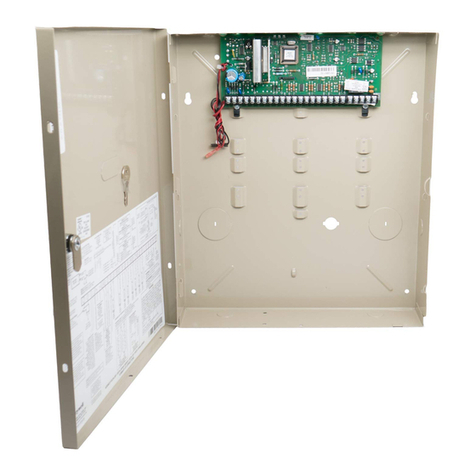
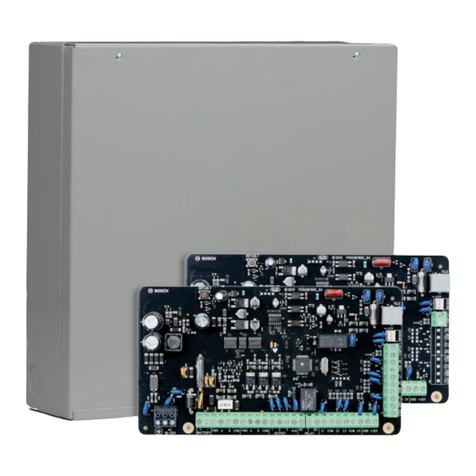
Ademco Vista 20 Quick Guide
https://alpha.adt.com/help/156[11/13/2018 7:41:51 PM]
For more information on this topic please visit the complete Ademco Vista 20 manual.
Battery
The Ademco Vista 20 operates on a Battery Replacement Page.
Bypass Protected Areas
Bypassing a zone allows you to arm your system with certain protected areas intentionally
unarmed or to access a protected area when the system is armed.
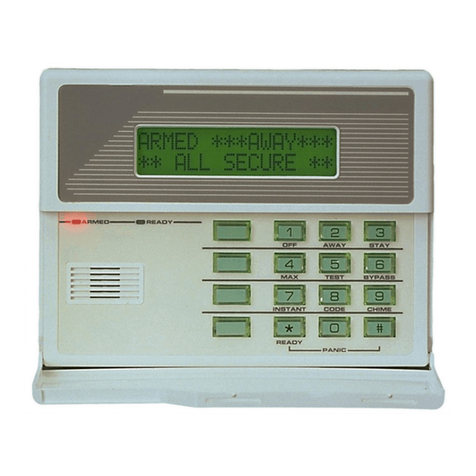
To bypass a zone, enter your [security code] + [BYPASS] + [2-digit zone number].
To unbypass a zone, enter your [security code] + [OFF].
For more information on this topic please visit the complete Ademco Vista 20 manual.
Chimes and Beeps
When your system is in chime mode, a chime alert will sound three tones whenever a
protected door/window is opened.
To turn the door chime function on and off, enter your [security code] + [9].
For more information on this topic please visit the complete Ademco Vista 20 manual.
Reset
To clear the display after an alarm event, enter your [security code] + [OFF] to clear the alarm
event history.
Security Codes
Your system allows for 14 additional security codes for use by other users, however only the
Master user can assign user codes to users.
To add a user code, enter your [Master code] + [8] + [new user number] + [ 4-digit new
user’s code].
To delete a user code, enter your [Master code] + [8] + [user number]. Wait approximately
three seconds for the keypad to verify.
For more information on user codes, please view the Ademco Vista 20 manual.
Trouble Conditions